11th March 2024
12 March 2024
Pressing Return now submits items on the Add Items pull-out without clicking Add. eForm document templates can be edited directly from an eForm, and form field variables now appear in the Variables Search screen to help match fields to eForm questions.
NEW
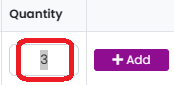
Press Return After Entering a Number on the Add Items Pull-Out – This adds the item without having to click on the ‘Add’ button.
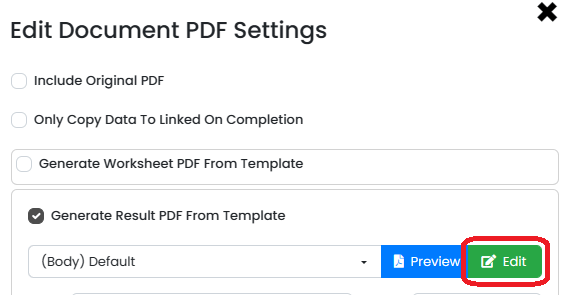
Edit eForms Document Template Directly from an eForm – Edit the document without having to open another screen and see your changes straight after saving them.
eForm Variables/Questions Populated in Variables Search Screen – This makes it easier to see what form field corresponds to what eForm questions.
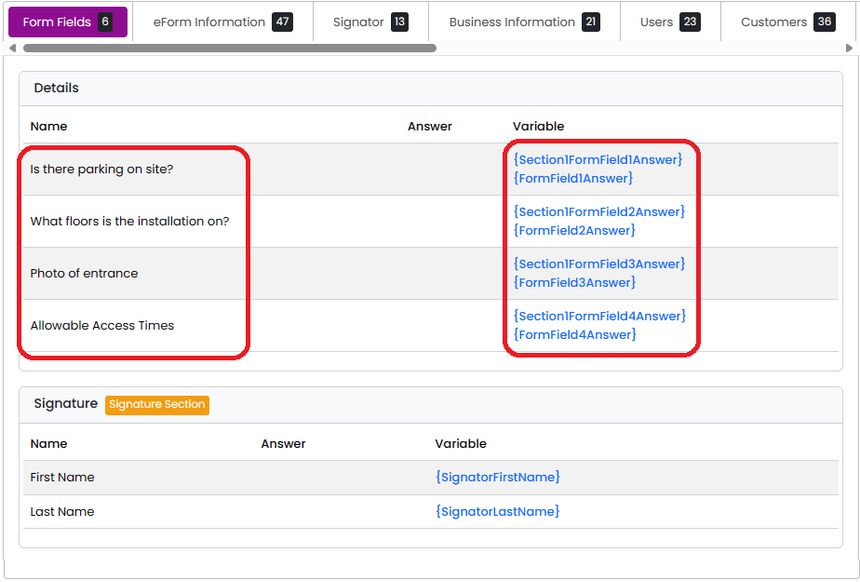
To do this:
-Edit the eForm
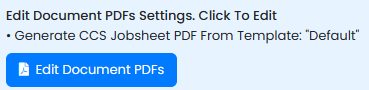
-Click on Edit Document PDFs
-Click on Edit for the desired document
-Click on Search Variables
-Click on the Variable on the right to copy it to the clipboard