v26.06.1613.12
Create artwork approval from the PO quicker
We've made it quicker to send artwork from your supplier to your customer.
Click on the mail icon on the PO when you have received the artwork by email from your supplier:

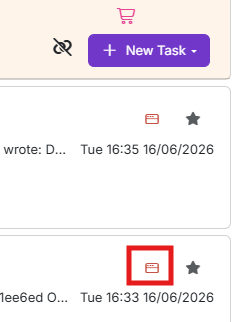
Click on the eForm icon on the email the artwork is attached to:
Select the correct eForm to use to send the artwork and the artwork itself:
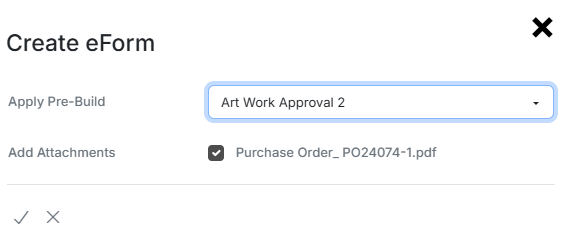
Click on the tick button to create the eForm and send it to the customer.
We recommend setting up an automation that when the eForm is approved, the PO is as well and the supplier is automatically notified the order is good to go.