Deliver work
Assign a quotation, job/sales order, etc., to a project
The short answer
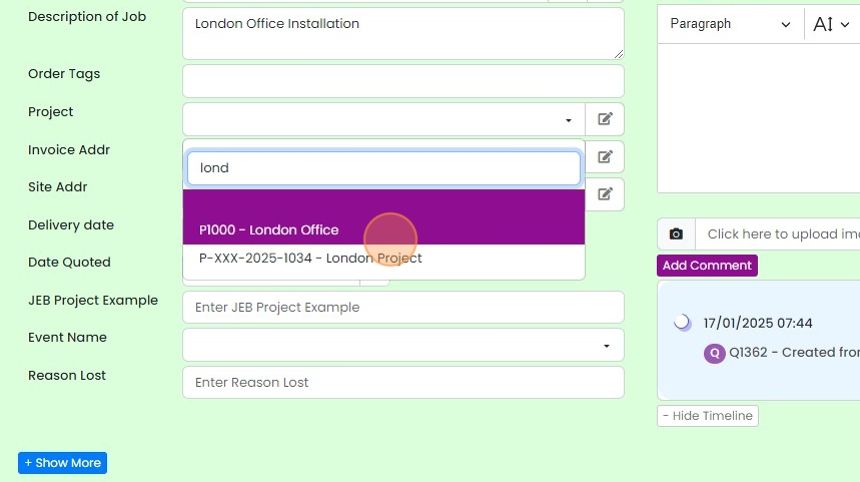
To assign a quotation or job/sales order to a project, use its Project field. If the field is not visible, click Screen Options and switch on Project. Then click to assign it, and find and select the project. If the project is open on another screen, refresh that screen (F5) so it has the latest data.
Steps
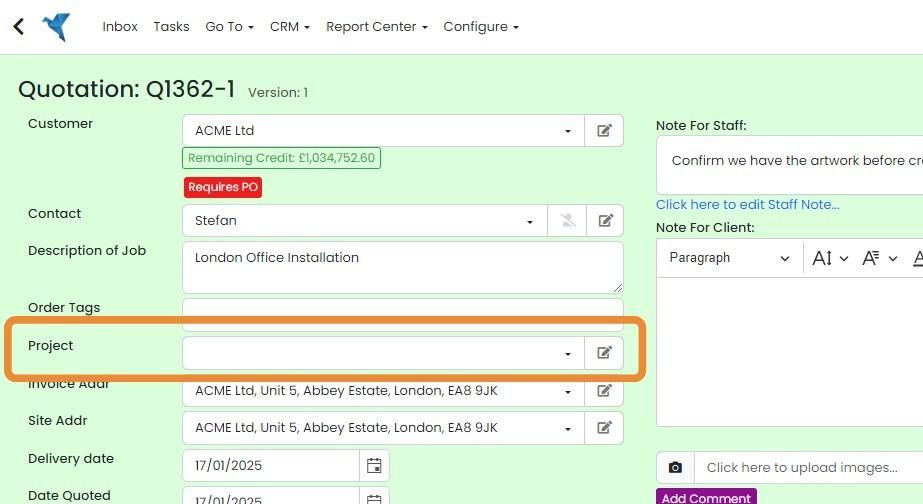
To assign a quotation, job/sales order to a project. this field needs to be visible
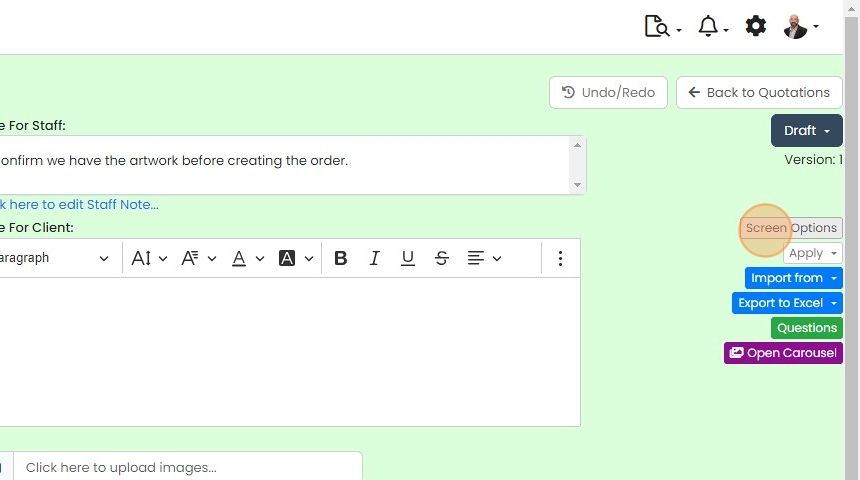
If it is not, click on "Screen Options"
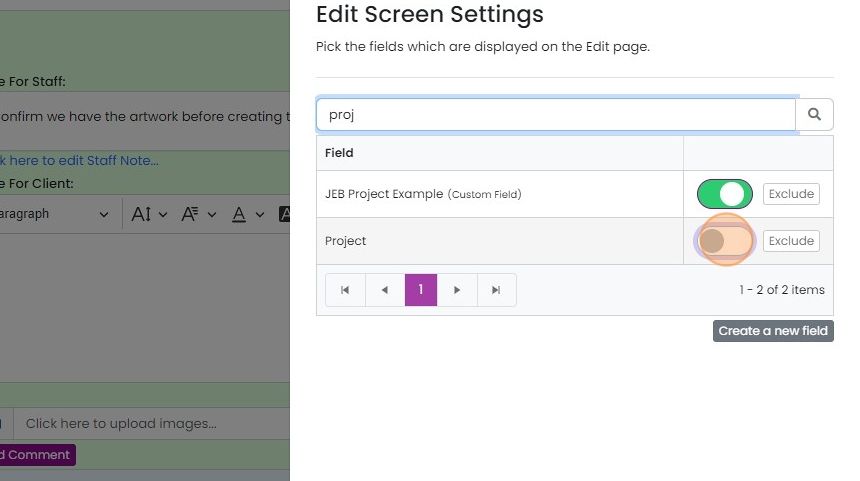
Click on the switch to make the "Project" field visible
To assign it to the project, click here
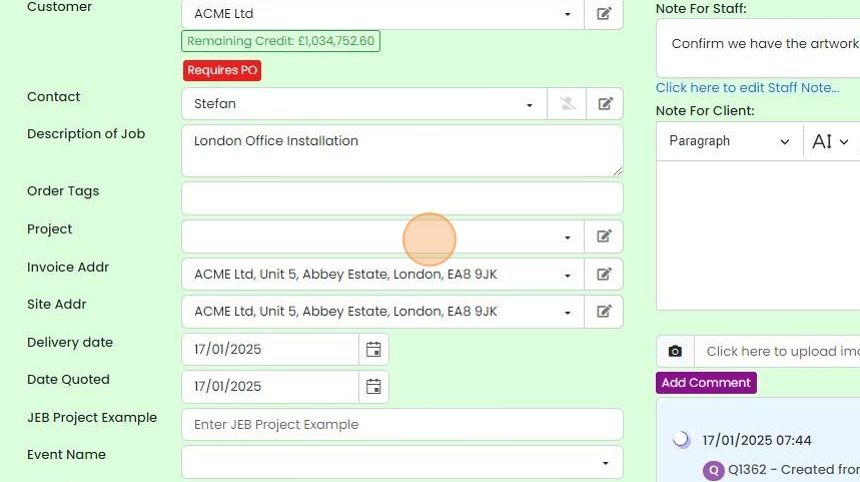
Find and select the desired project
If you have the project open in another screen when making this change, refresh that screen (F5) so it has...
If you have the project open in another screen when making this change, refresh that screen (F5) so it has the latest data.
Learn more: project tracking in Zigaflow


Unlike other links, which can be managed from the links tab on a quotation. job/sales order. etc., this needs to be set using the Project field.
Frequently asked questions
Next step
Go and Momentum plansWas this helpful?