Deliver work
Create an invoice from a job/sales order for the full amount
The short answer
Open the job/sales order in Zigaflow, click 'Create Invoice', select the invoice pre-build you need, and click 'Create'. This makes an invoice for 100% of the job/sales order's value. A link at the top of the screen takes you back to the job/sales order, which shows how much has been invoiced.
Steps
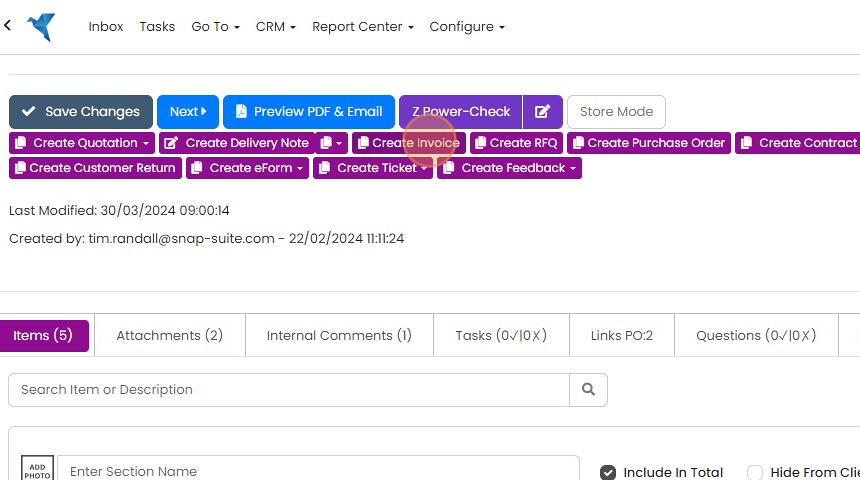
Open the Job/Sales Order and click 'Create Invoice'
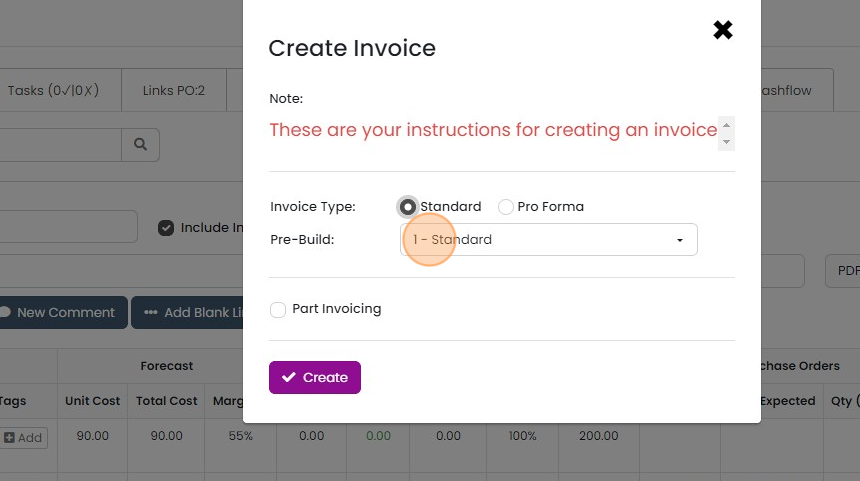
Select the required invoice pre-build
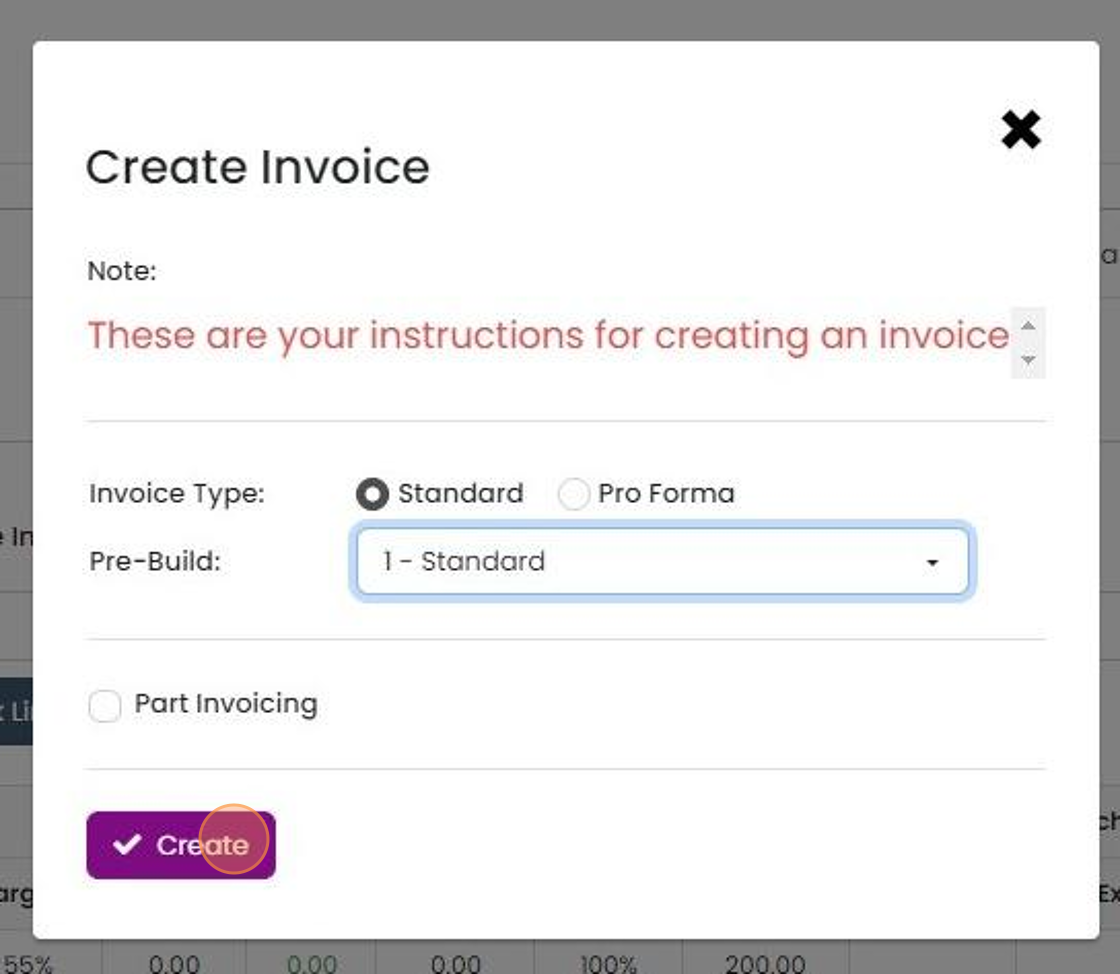
Click "Create"
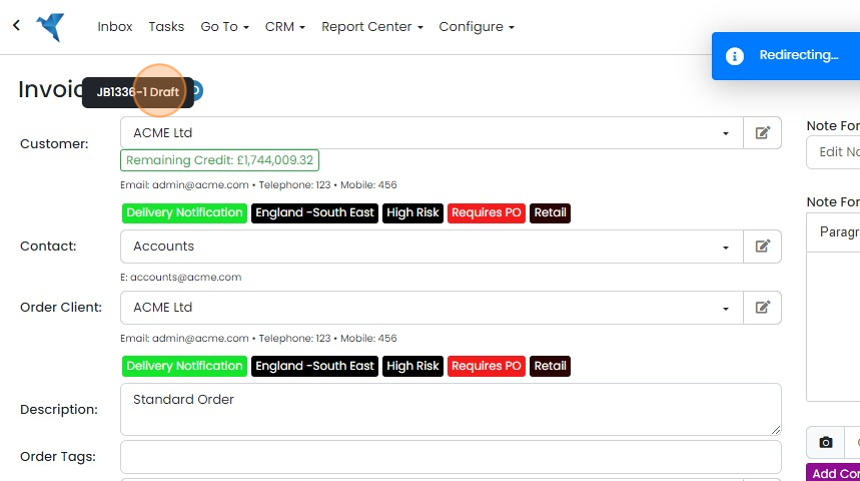
The invoice is created and you see and use the link back to the Job/Sales Order at the top of the screen
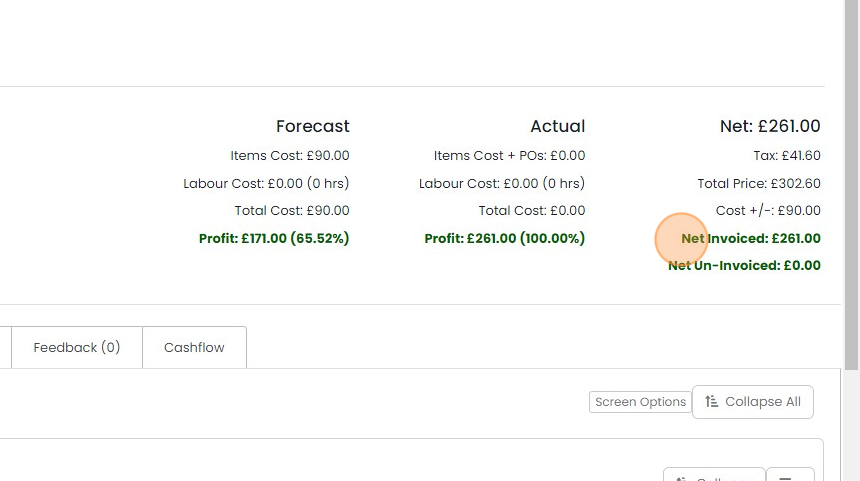
On the Job/Sales Order you can easily see how much has been invoiced
Learn more: invoices in Zigaflow


Frequently asked questions
Next step
Essentials, Go and Momentum plansWas this helpful?