Creating an eForm pre-build
The short answer
To create an eForm pre-build in Zigaflow, go to eForms, click New, and open an existing eForm. Delete what is not relevant, add fields and a signature section, then click Preview eForm Page and Review Link to test it. If it looks right, click Create Pre-Build.
Steps
Click "Go To"
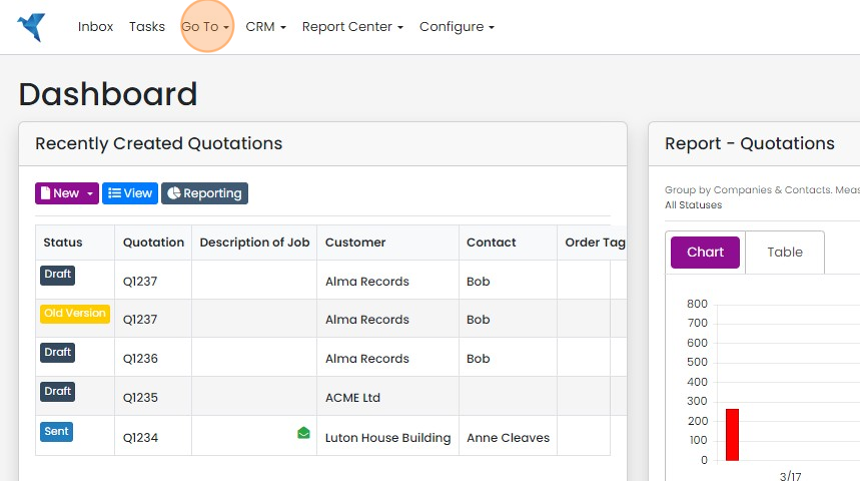
Click "eForms"
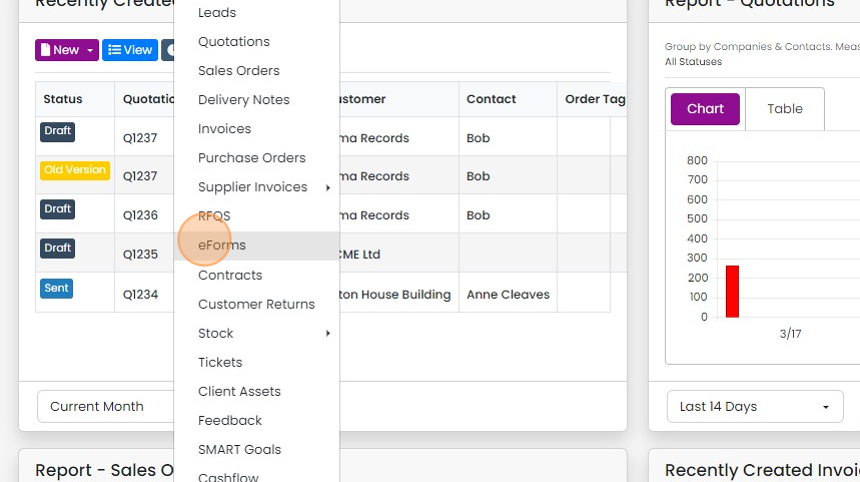
Click "New"

Click on any existing eForms
Edit the form fields
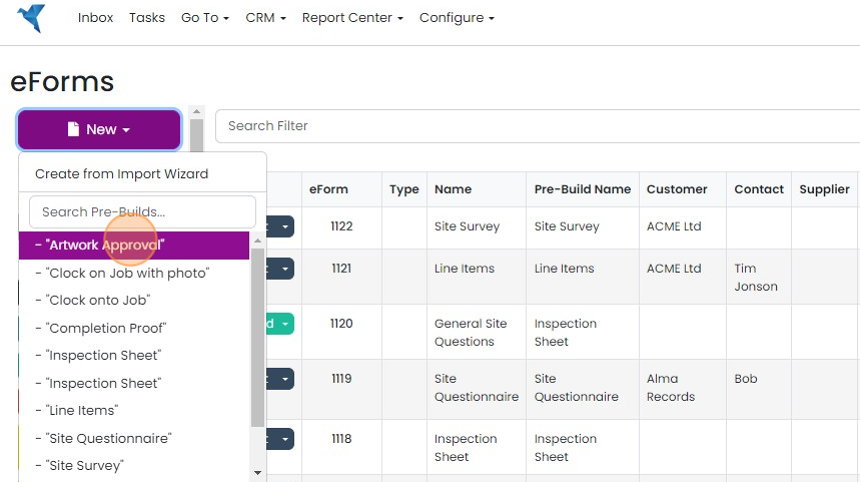
Delete information and names not relevant to this eForm

Delete questions that are not relevant

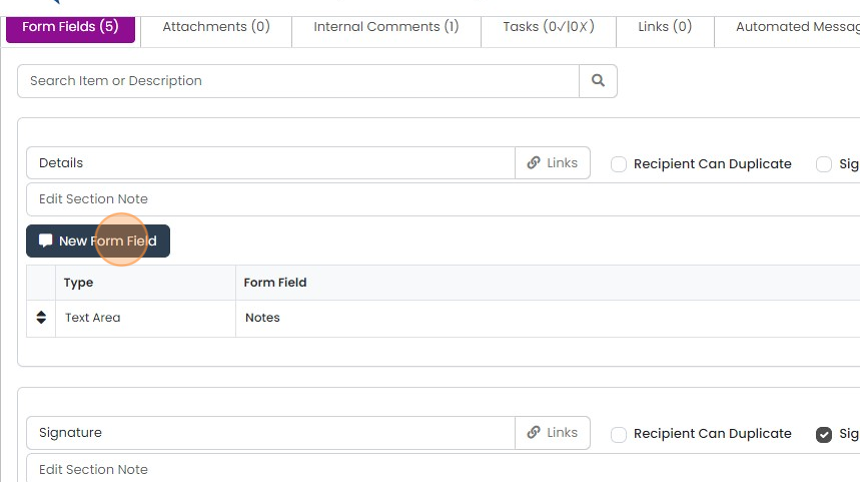
To add a new question, click "New Form Field"
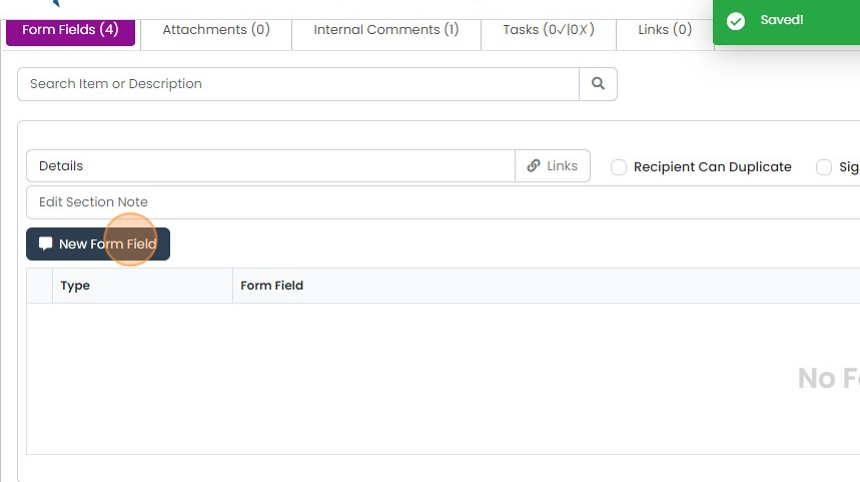
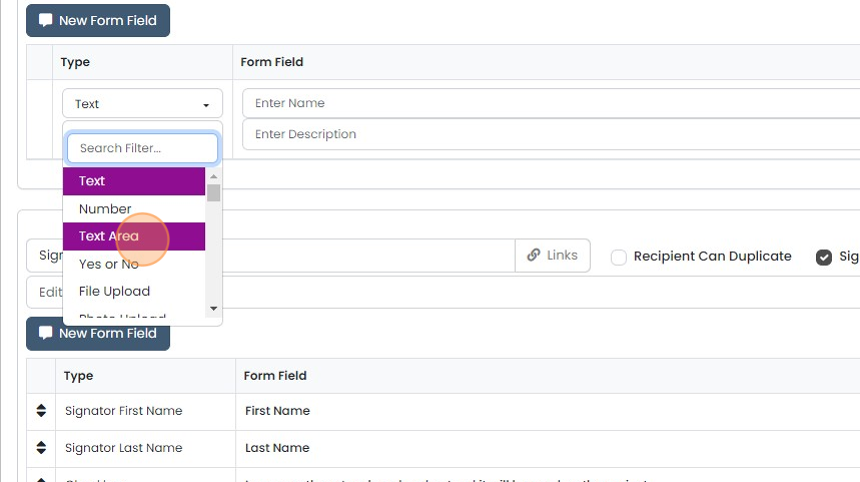
Select the field type, which can range from text, text area, number, dropdowns and more
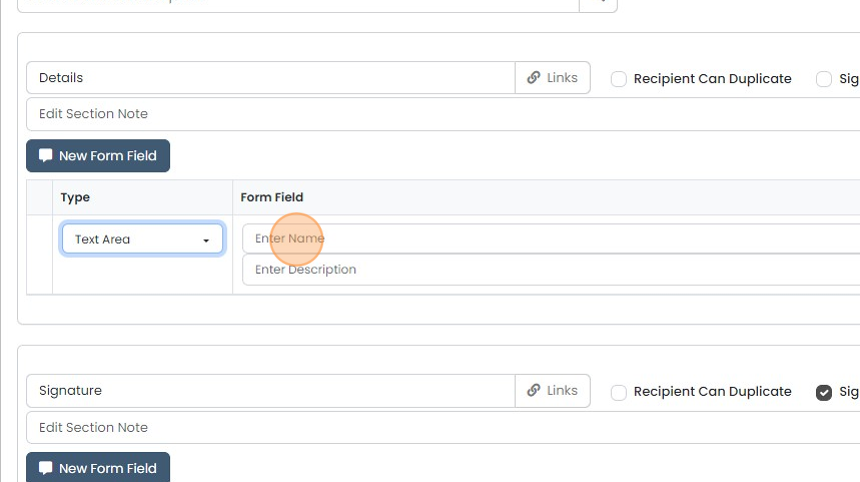
Click the "Enter Name" field
Click here to save the field

Add in as many fields as required
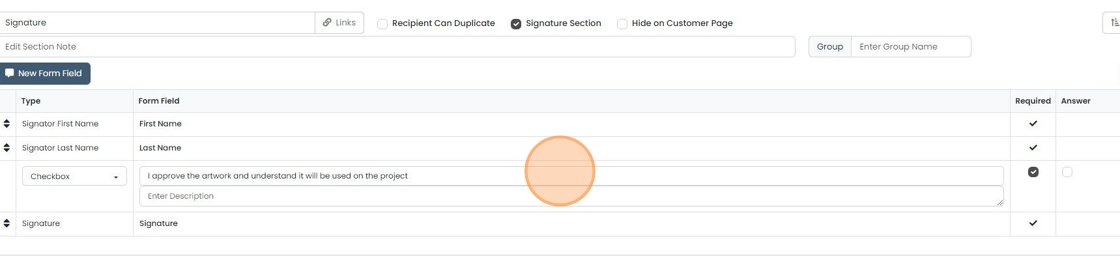
Change the signature section to reflect how you want it to be signed off
Change the signature section to reflect how you want it to be signed off. This can also be deleted - there doesn't need to be a signature section.
Test and save the pre-build
When you are ready to test the form, click "Preview eForm Page"
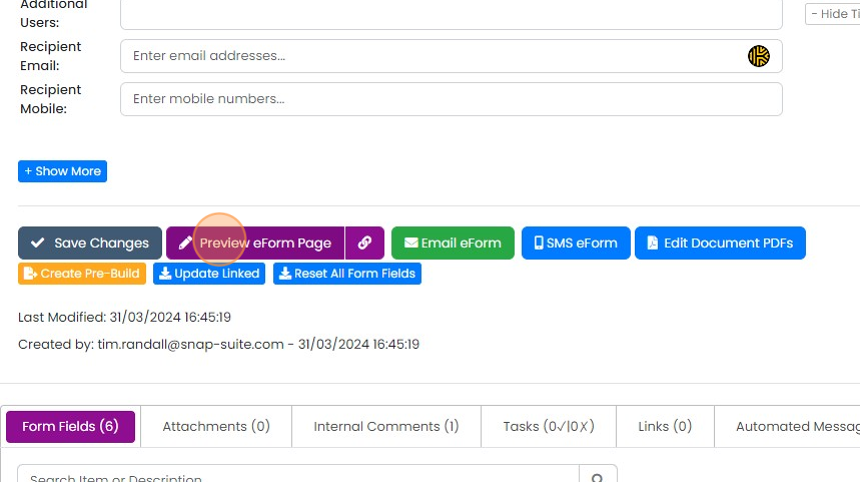
Click "Review Link"

Check that the form looks correct
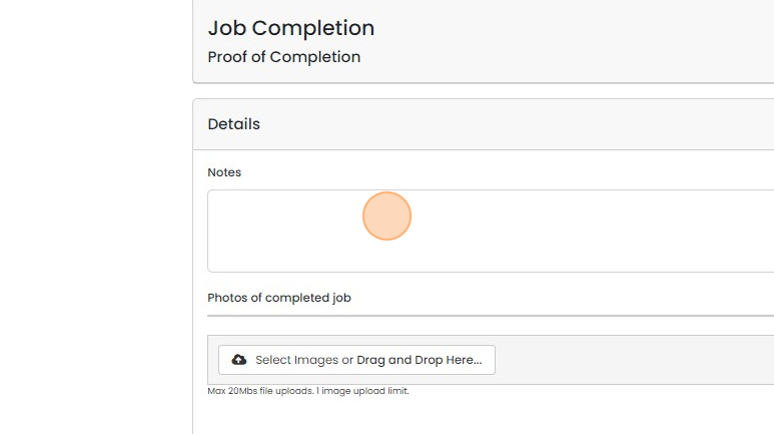
If you are happy with the eForm, click "Create Pre-Build"

The pre-build is created and shown
Create an eForm from a job

You can now create the eForm from any module that allows this
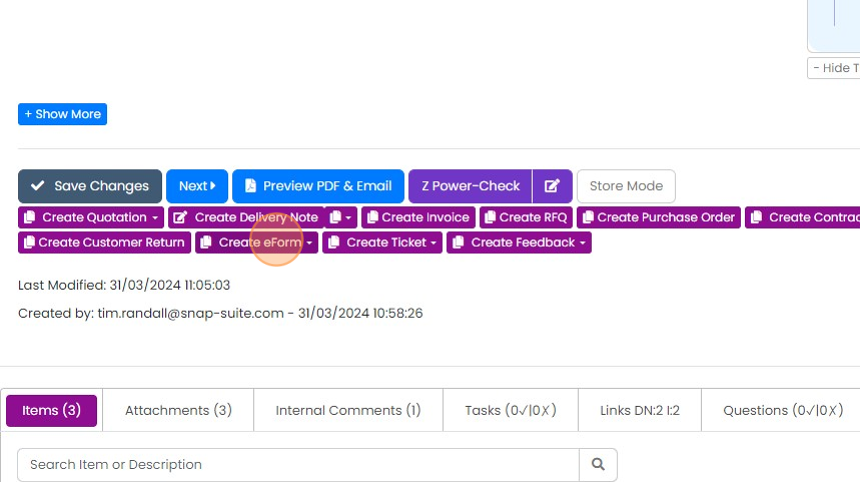
You can now create the eForm from any module that allows this. For example on a Job/Sales Order, click "Create eForm"
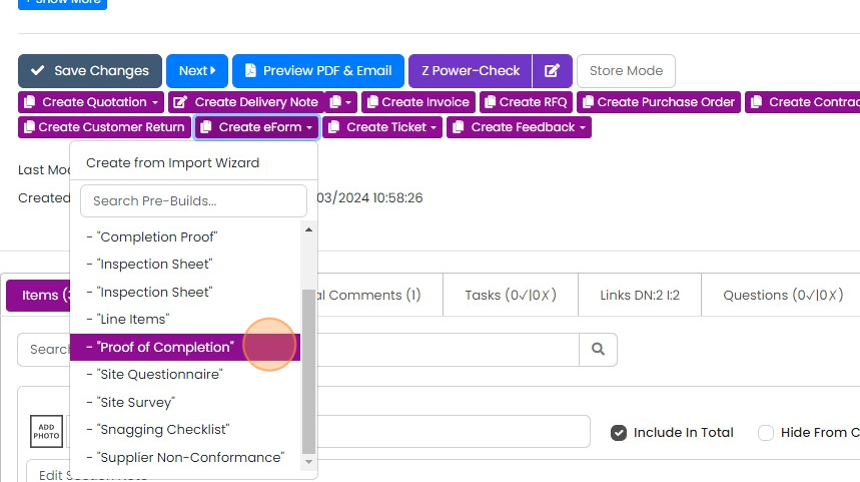
Select the name of the eForm pre-build you have created
Select the name of the eForm pre-build you have created. The eForm is created and is automatically populated with information from the Job/Sales Order and is ready to send to your customer or sub-contractor.
Learn more: eForms in Zigaflow


eForms pre-builds work slightly differently from other modules' pre-builds, so the recommended approach is to create and modify an eForm from any eForm pre-build, modify and test it and then create the new pre-build from that.
Other articles cover how to generate documents from eforms.
Start from an existing eForm
Frequently asked questions
Next step
Momentum planWas this helpful?