Deliver work
Push an item from a PO to a job/sales order
The short answer
To push an item from a purchase order to a job/sales order, click the menu for that item on the PO, click Add to Job, pick the linked job, and insert the item into the appropriate section. The job must already be linked to the PO, or this will not work.
Steps
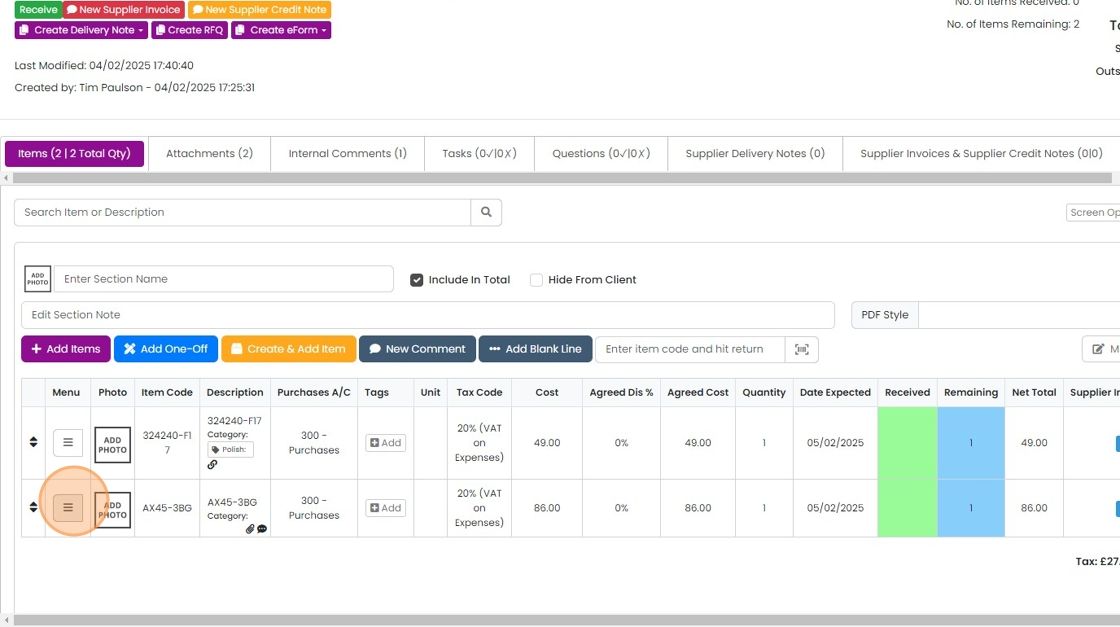
Click on the menu for that item
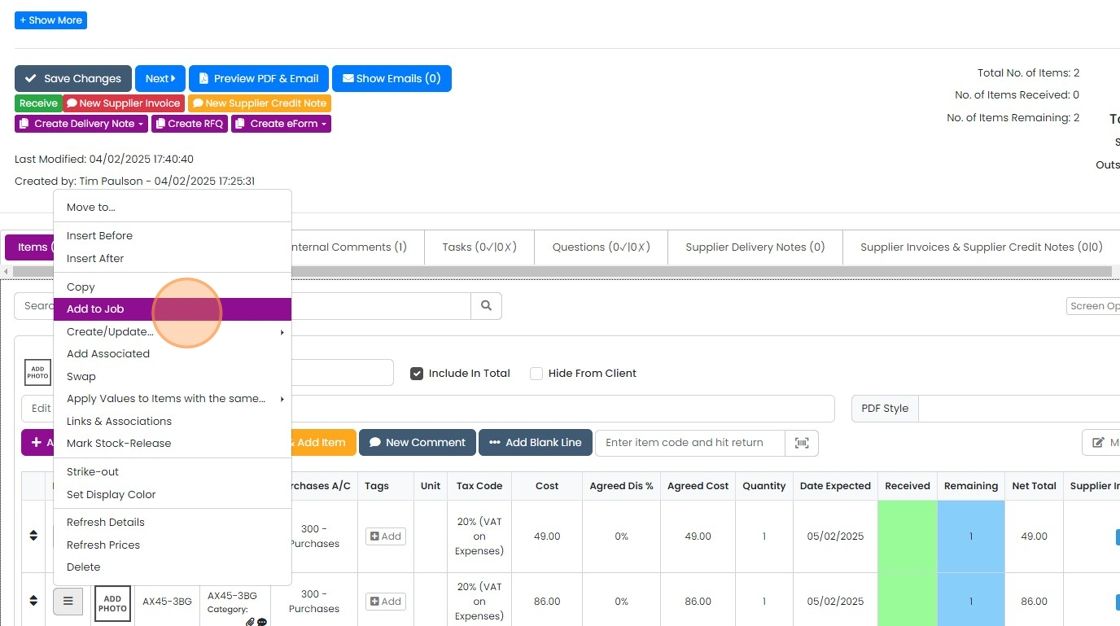
Click "Add to Job"
This lists the job(s) that are linked to the PO
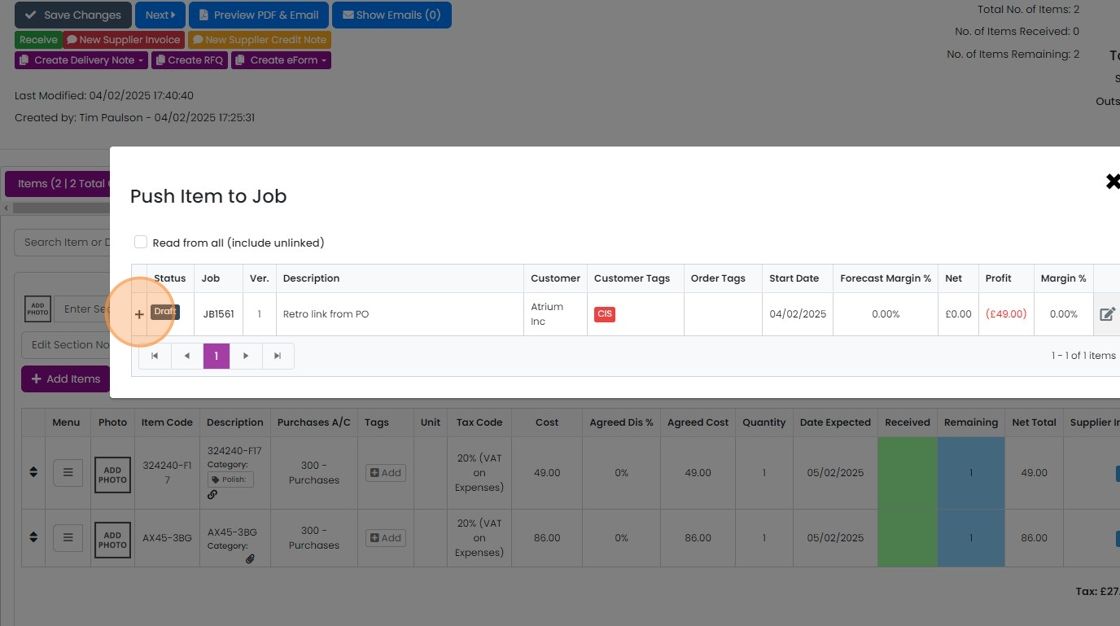
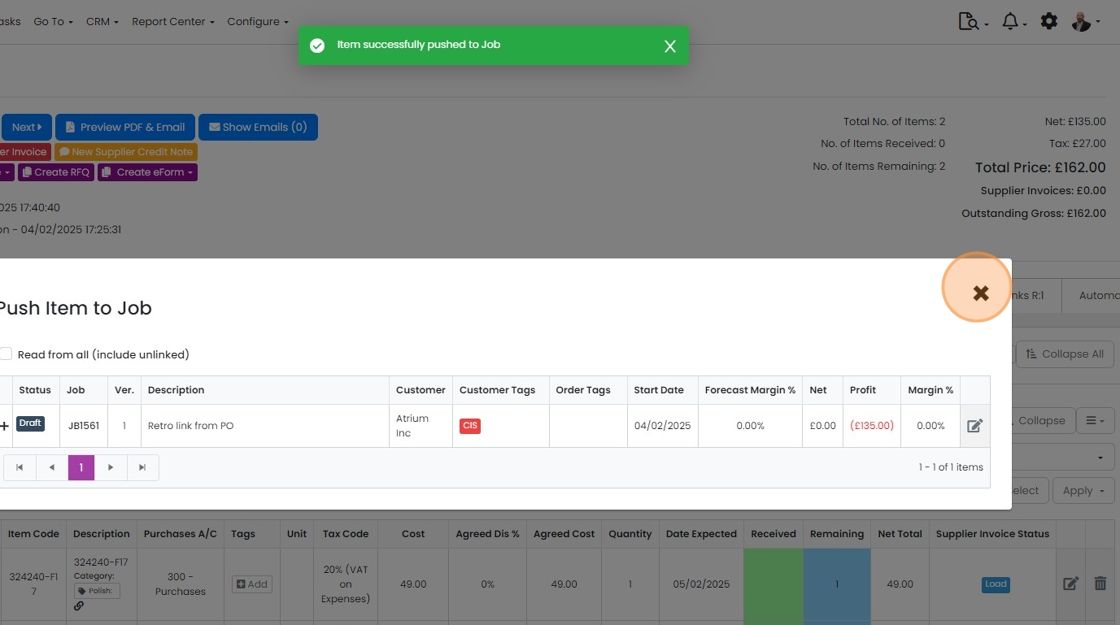
Insert the item into the appropriate section

Click "×"
Link the PO to a job
Click on the Links tab
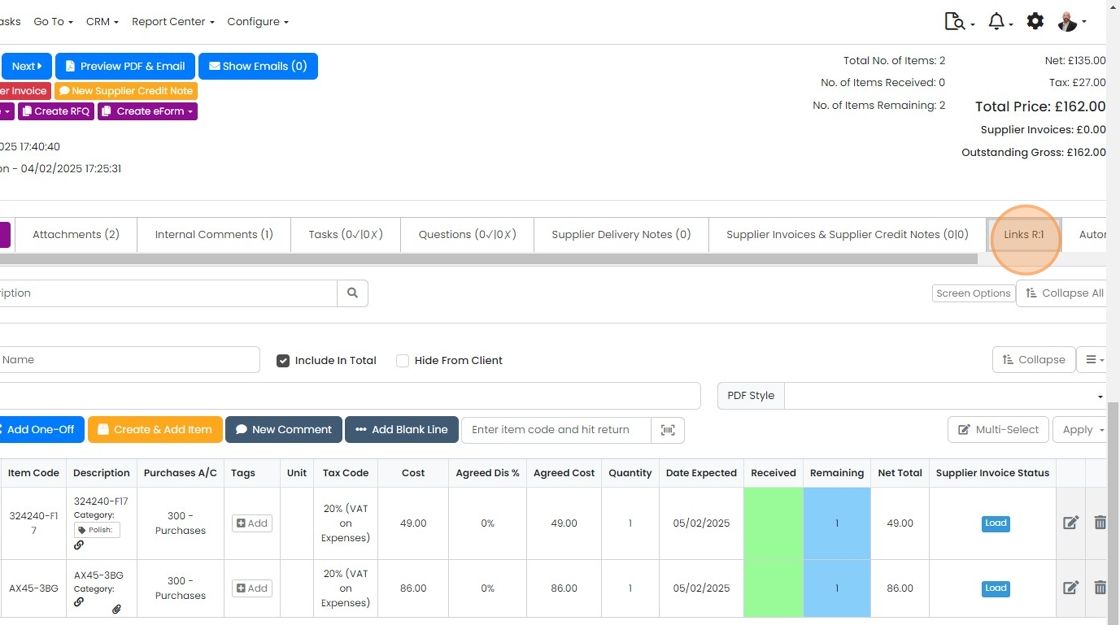
If the job is not linked, click "Link To..."
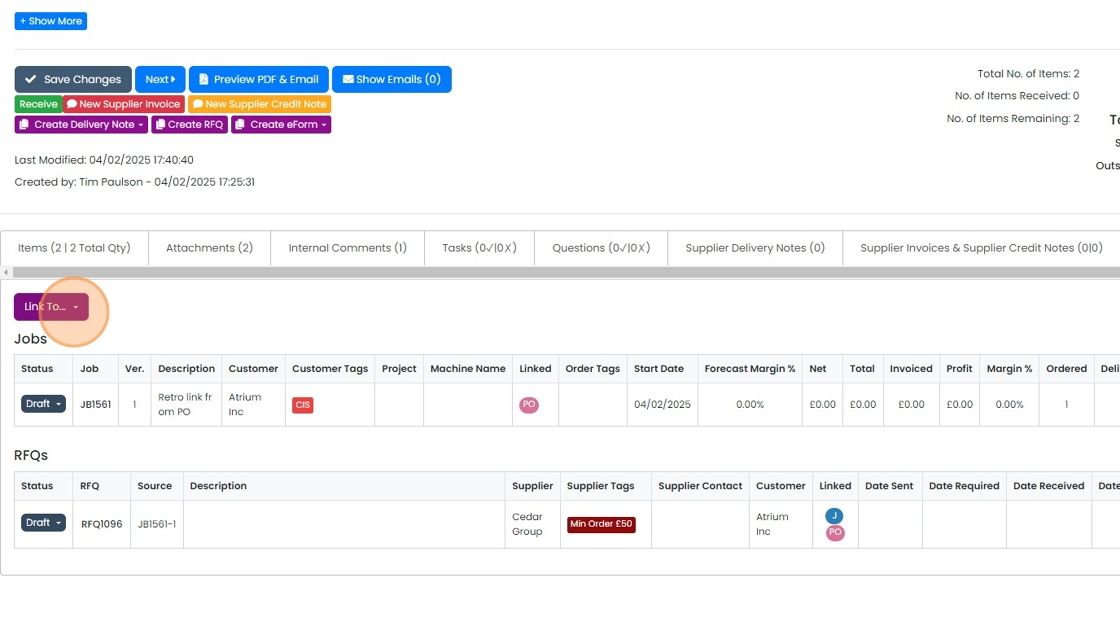
Click "Jobs"
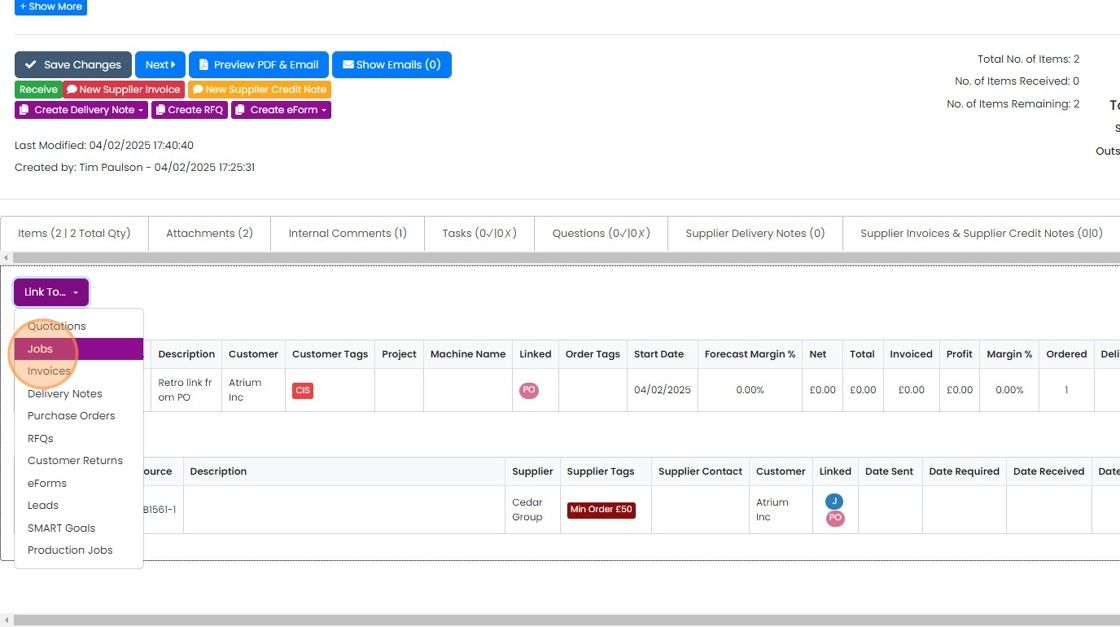
Click on the job to link to

Click "×"
Learn more: purchase orders in Zigaflow
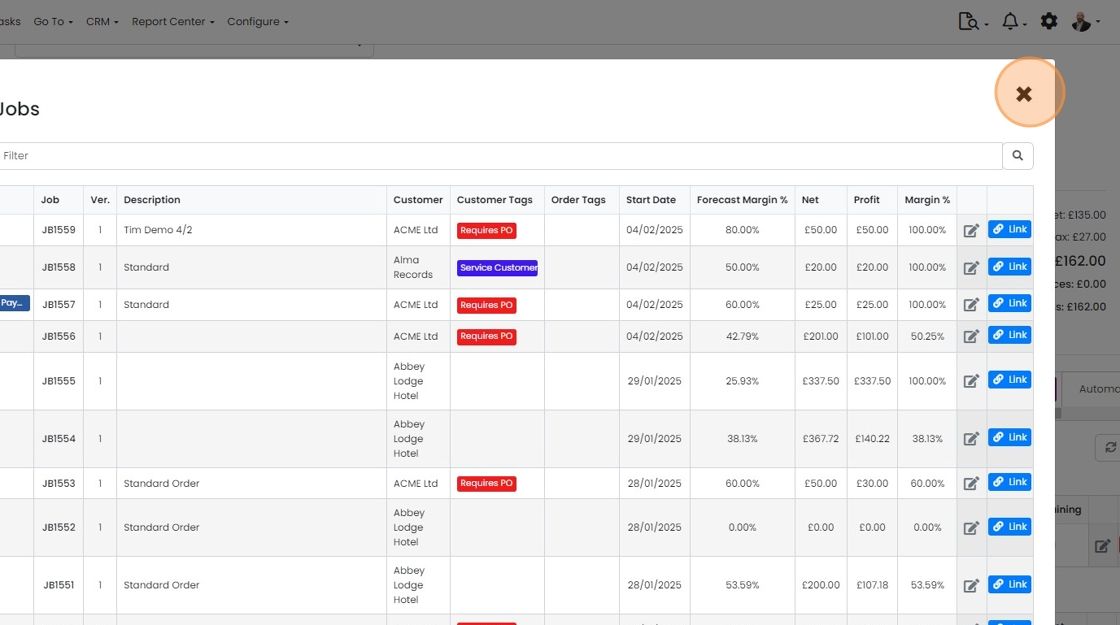


If the job/sales order is not already linked, this will not work. See point 7 on how to link it then come back to point 1.
Add the item to the job
Frequently asked questions
Next step
Essentials, Go and Momentum plansWas this helpful?