Receive a supplier delivery on a purchase order
The short answer
To receive a supplier delivery on a purchase order, click "Receive" on the PO, enter the supplier's delivery note number, adjust any quantities that differ from the PO, and deselect items not received. Click "Set Items to be Received", then "Receive/Book in Stock" to book in the items.
Steps
To receive part or full delivery of the items on a PO, click on the "Receive" button

Enter the supplier's delivery note number here

Change the quantity if it differs from the PO's

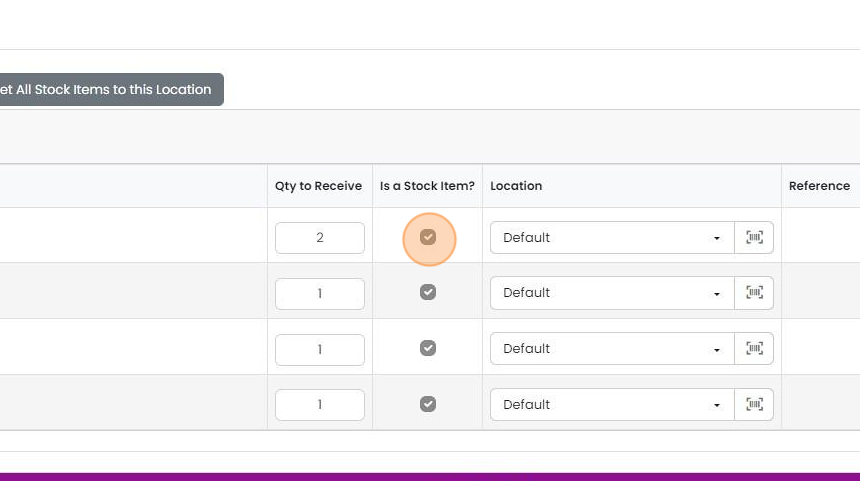
Zigaflow will know if the item is a stock item, but if it is a one-off, you can set it to be a stock item...
Zigaflow will know if the item is a stock item, but if it is a one-off, you can set it to be a stock item by clicking here
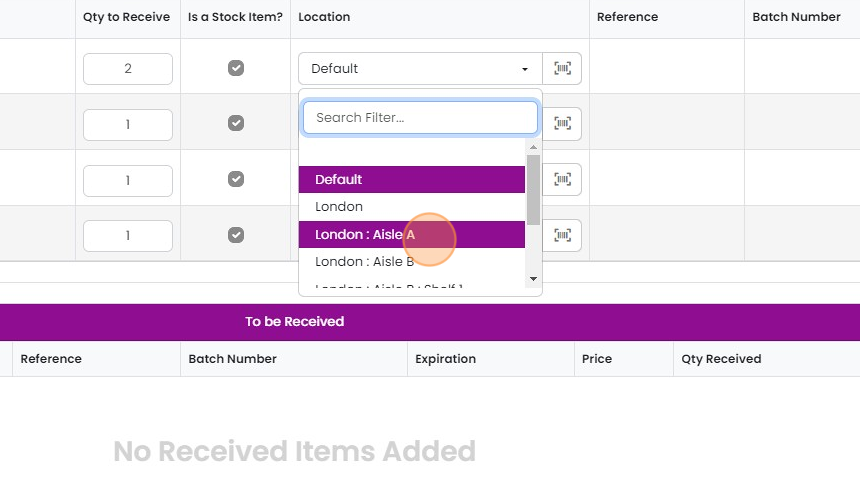
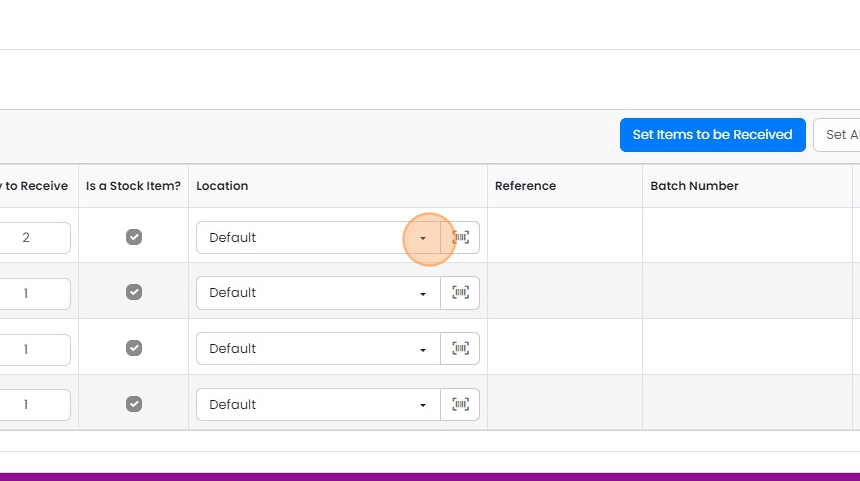
Change the stock location if required
6.
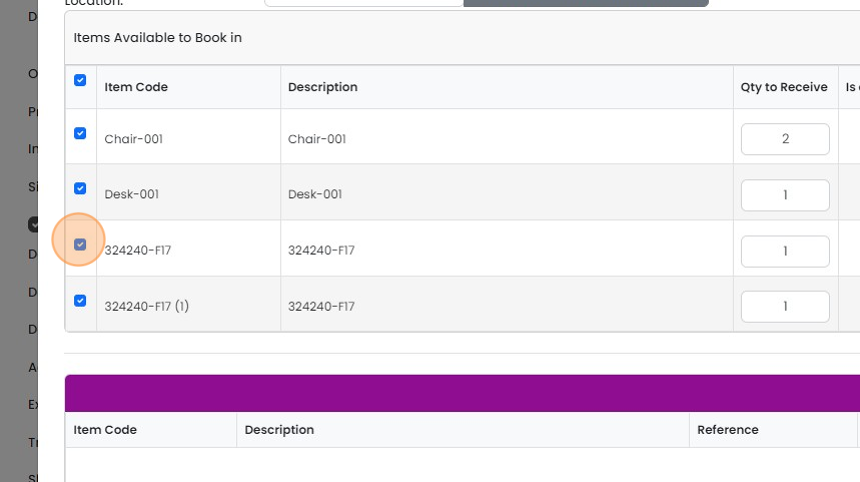
7. Deselect items that are to be not being received
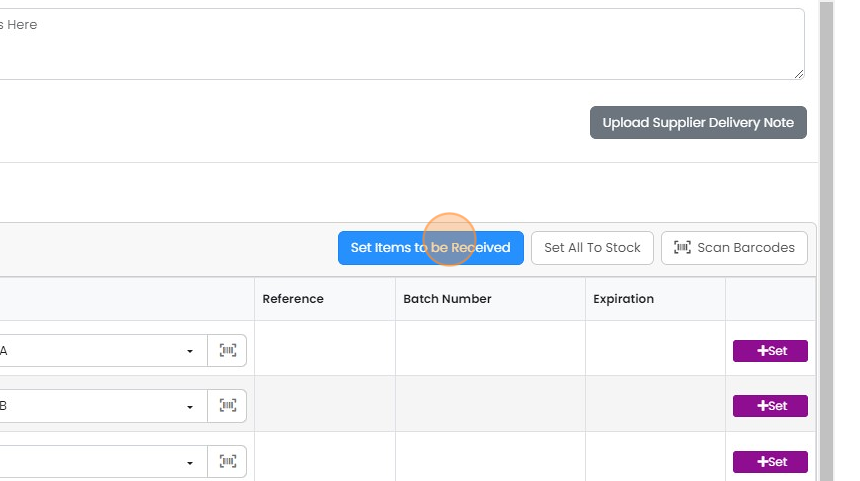
8. Click "Set Items to be Received". They are added to the bottom grid ready for receipt
9. Click "Receive/Book in Stock" - this books in only those in the bottom grid
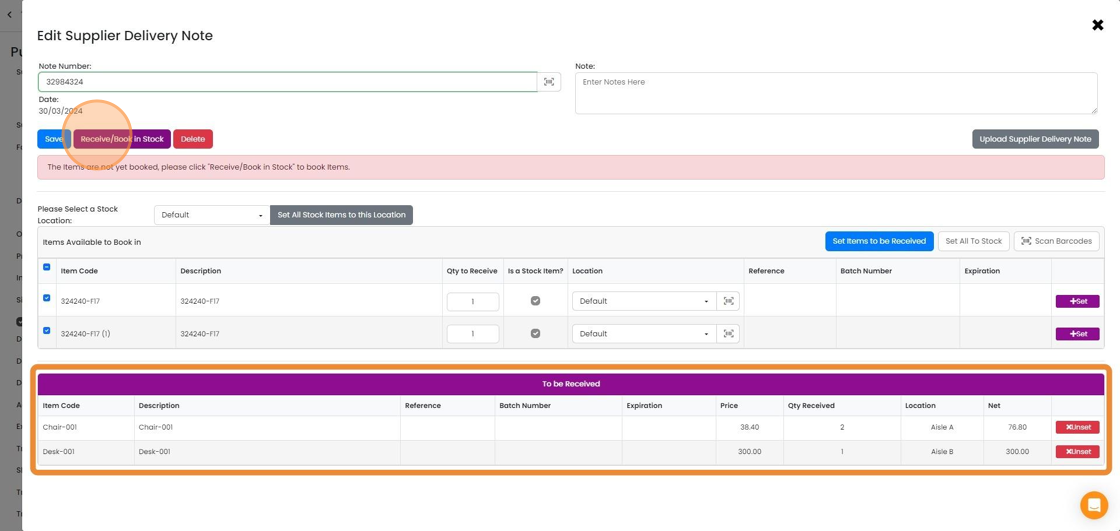
10. Click "×" to close the form
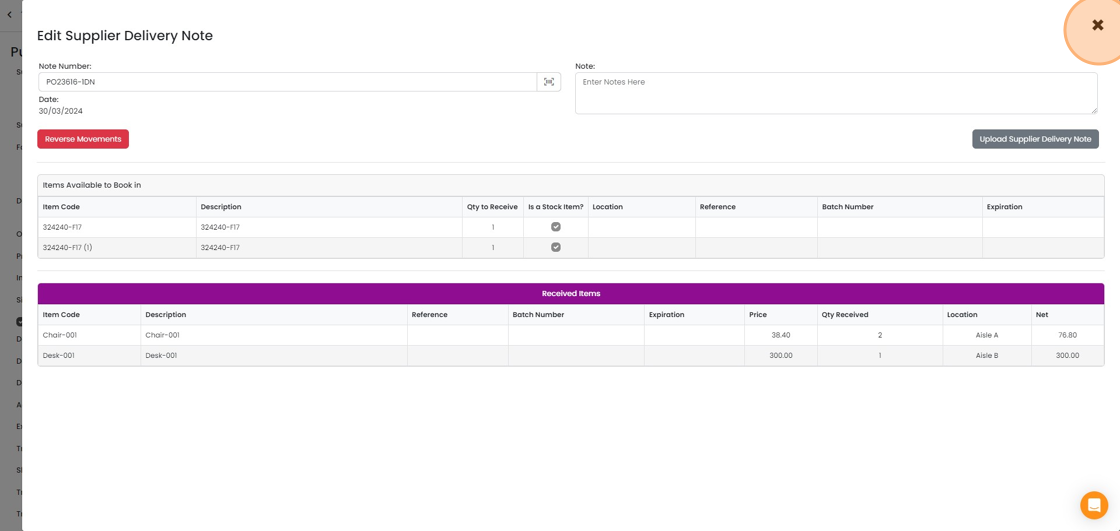
11. What has been received can be seen in this column. If it is not visible, click on the "Screen Options" button.

Learn more: purchase orders in Zigaflow


Frequently asked questions
Next step
Essentials, Go and Momentum plansWas this helpful?