Deliver work
Set an item as a stock item (and optionally use serial numbers)
The short answer
To set an item as a stock item, click Go To, then Items, open the item, and click the Is Stock Item field. The item then appears in stock. To track each unit by serial number, also click Store with unique reference. This can't be reversed.
Steps
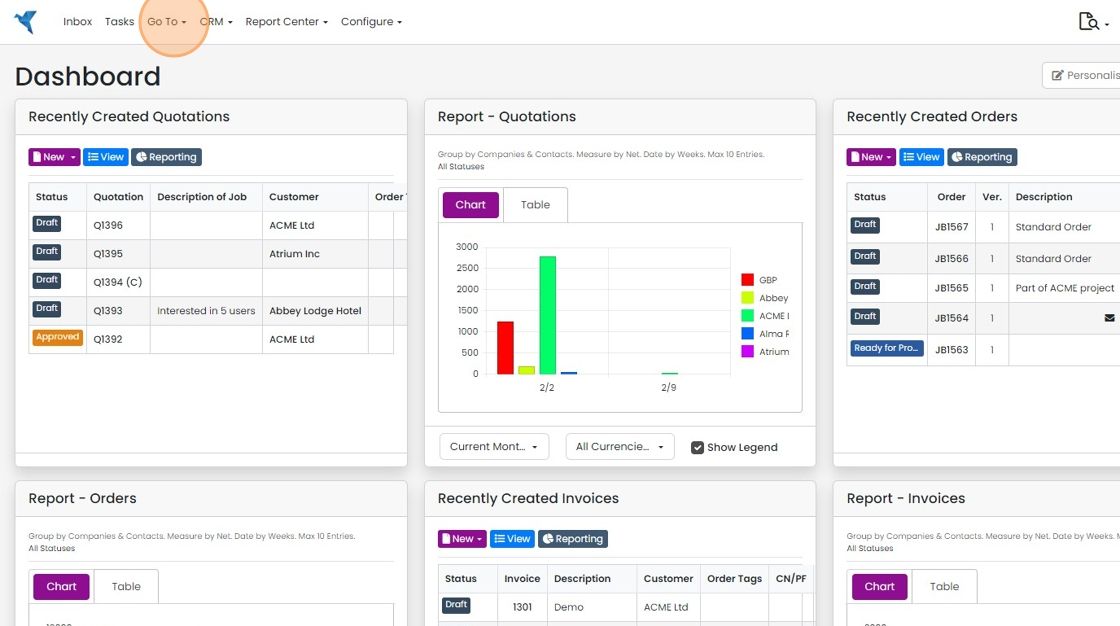
Click "Go To"
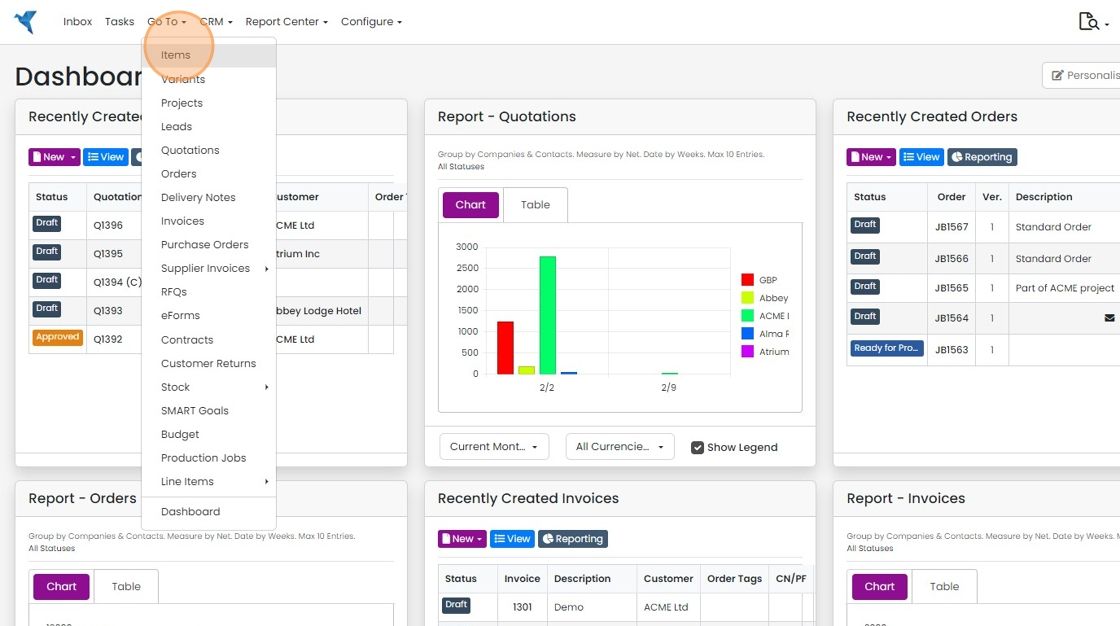
Click "Items"
Open an item

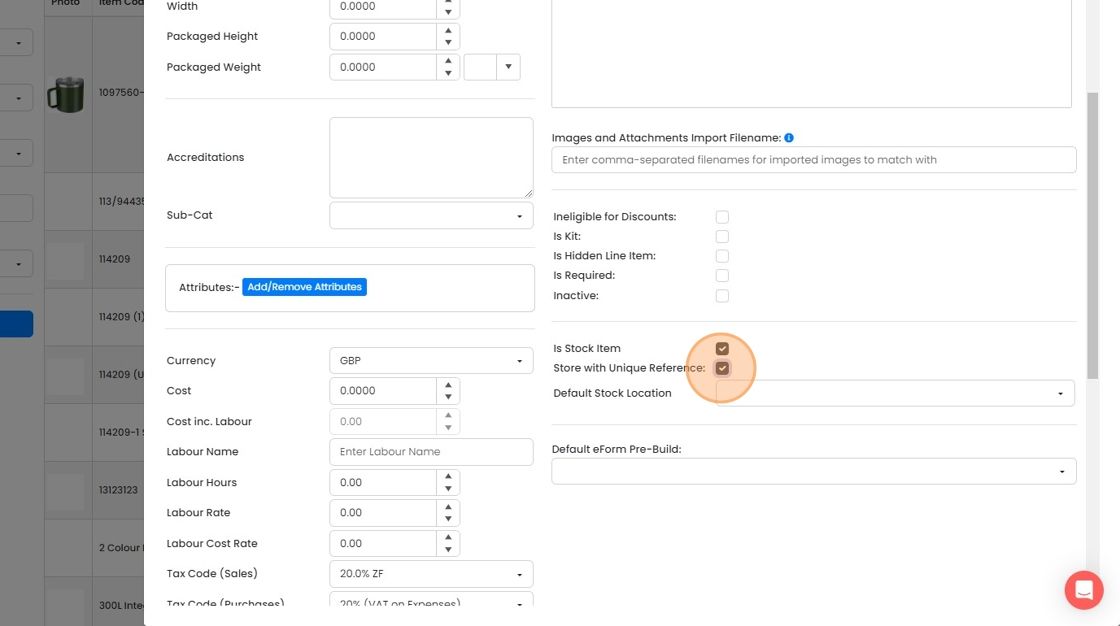
Click the "Is Stock Item" field

To allow the item to use serial numbers, click on the 'Store with unique reference'
To allow the item to use serial numbers, click on the 'Store with unique reference' . This can't be reversed, and also means that each instance of an item is show separately in the locations screen. So, 5 of one item will have 5 separate lines.
Learn more: stock management in Zigaflow


Frequently asked questions
Next step
Momentum planWas this helpful?