Get paid
Set default tax codes and account/nominal codes
The short answer
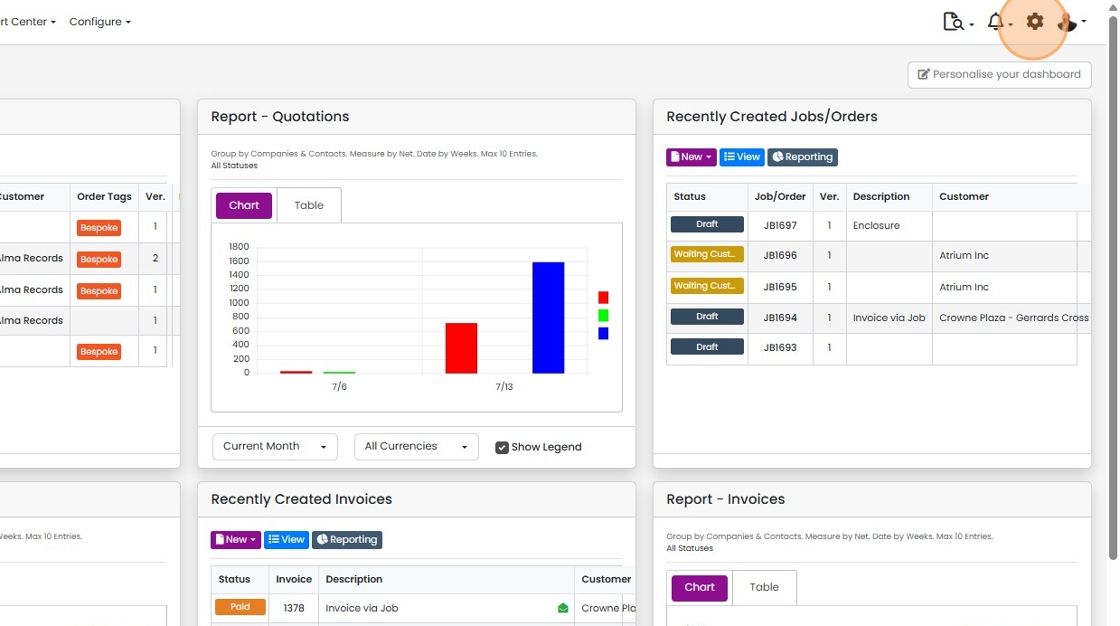
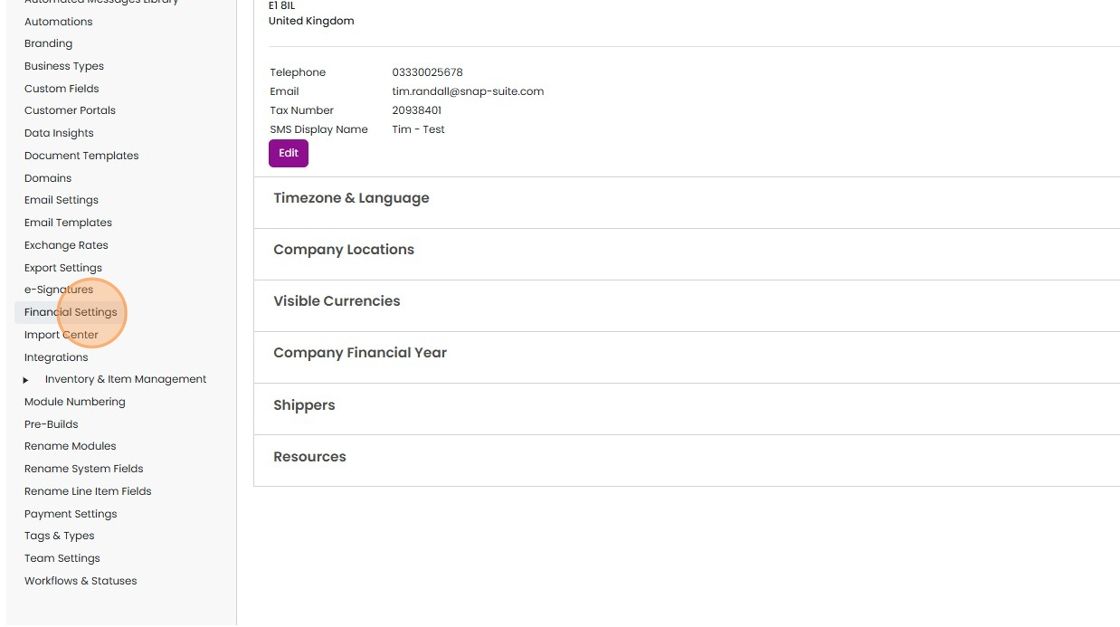
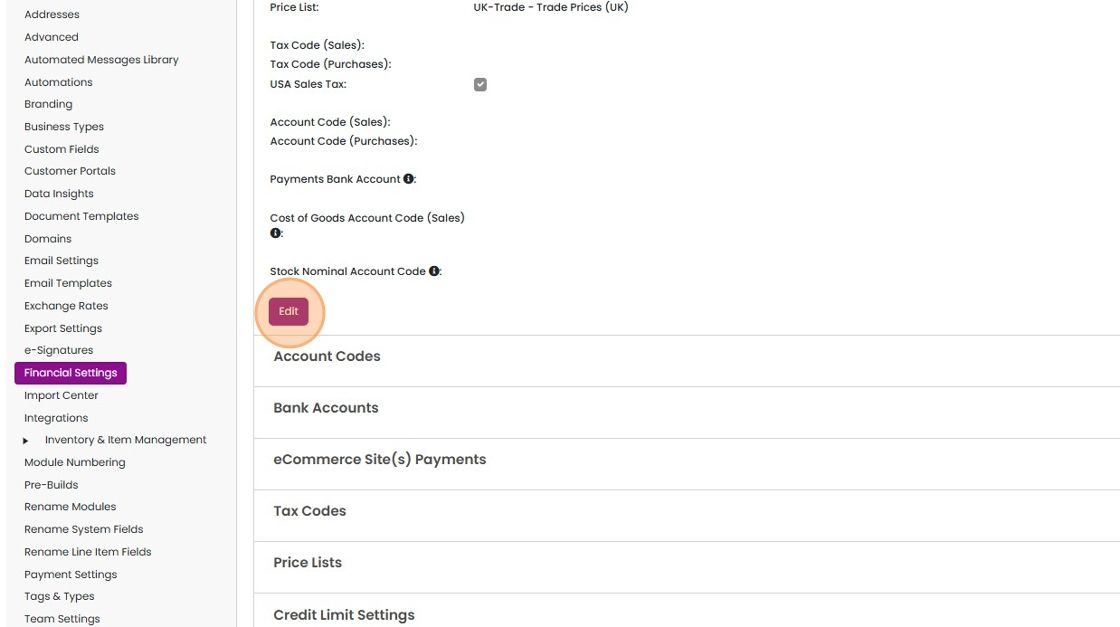
Set default tax codes and account (nominal) codes in Zigaflow by clicking the Cog, then Financial Settings, then Edit. Choose each tax and account code, then click Save Changes. Items added without a tax or account code, for example from an edit or import, then fill in with the preset codes.
Steps
Click on the Cog
Click "Financial Settings"
Click "Edit"
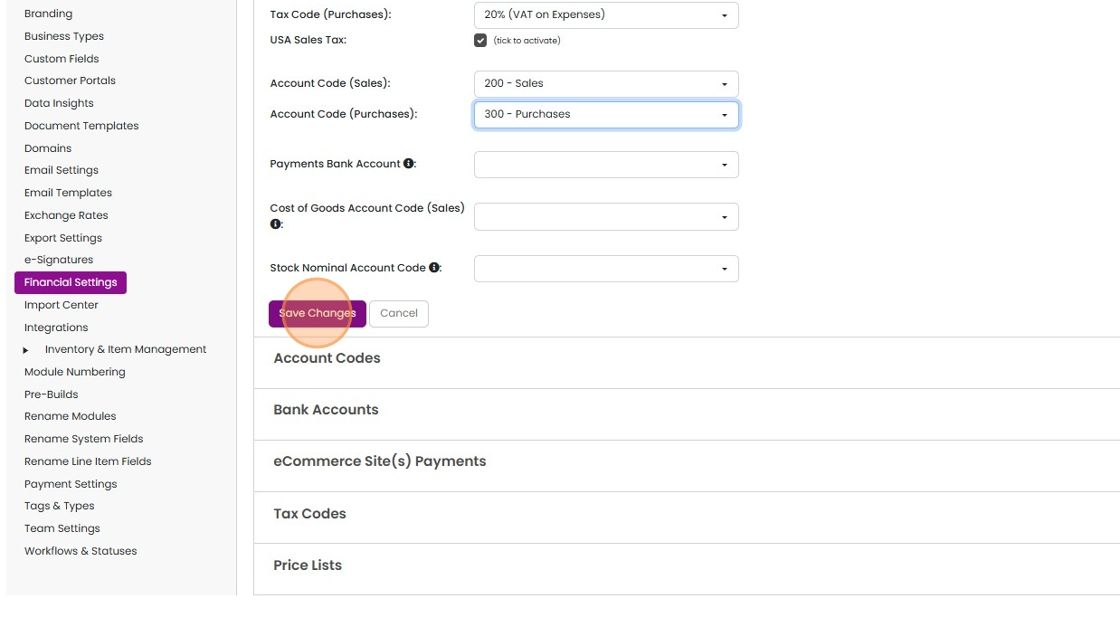
Set each of the tax and account codes
Set each of the tax and account codes. If these dropdowns are empty, make sure you have connected to the accounts system and imported the codes

Click "Save Changes"
Learn more: the Xero integration


This assumes you have already connected to Xero or QuickBooks and imported the codes, or manually added them.
Frequently asked questions
Was this helpful?