Deliver work
Auto-move the parent job/sales order
The short answer
Create an automation on Works Orders that moves the linked job/sales order only when all its works orders share the same status. Click the Cog, then Automations, then Works Order, then New Automation. Add a condition using "Status of Siblings from Job", then choose the action "Change Related Job's Status".
Steps
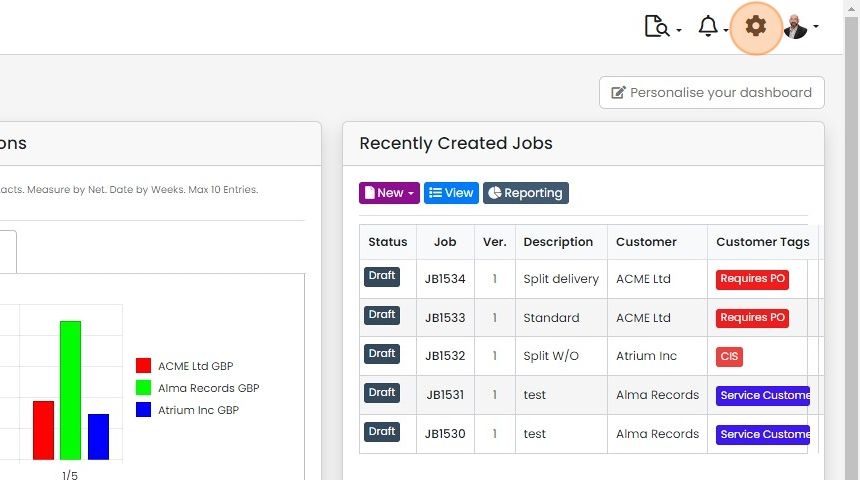
Click on the Cog
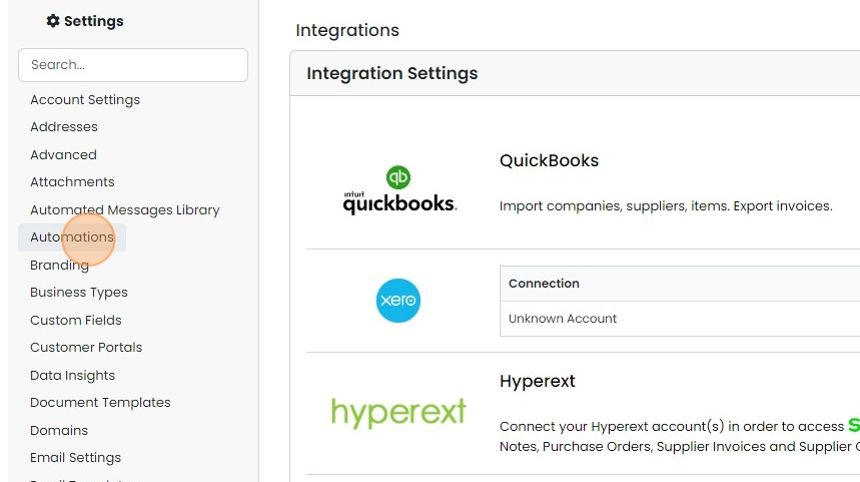
Click "Automations"
Click "Works Order"

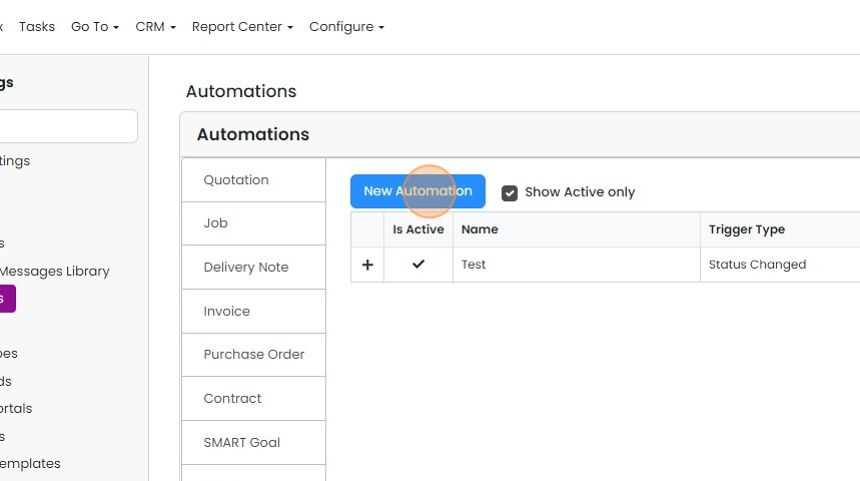
Click "New Automation"
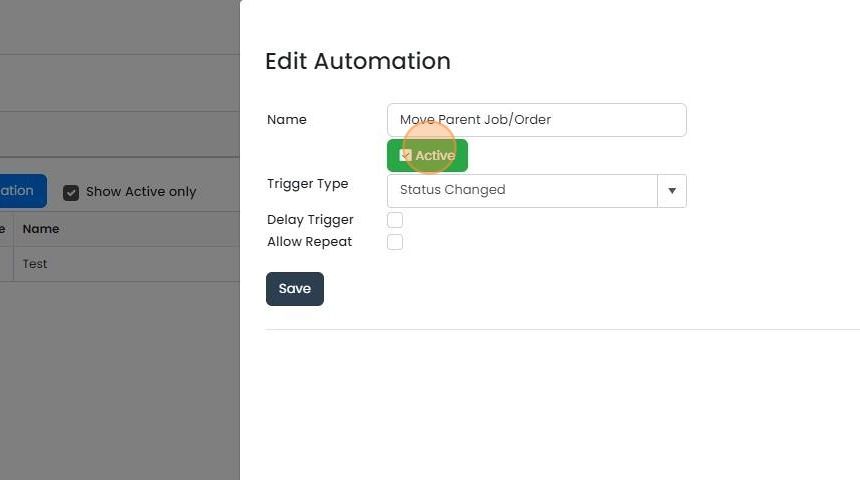
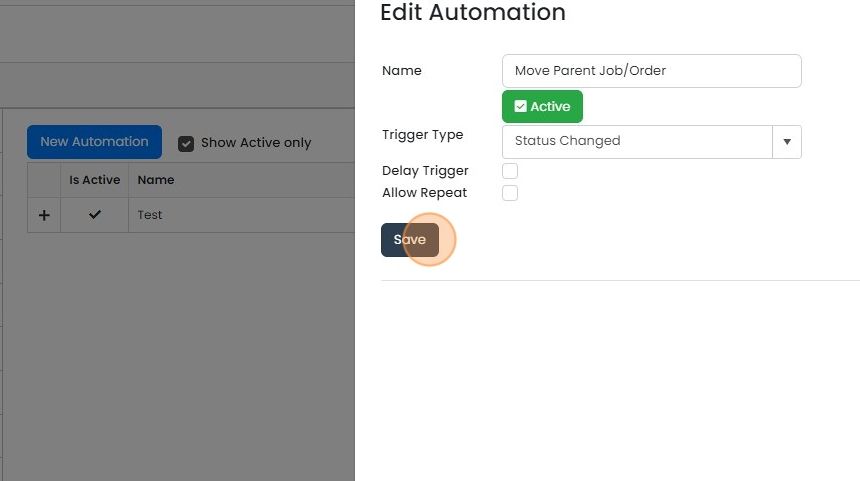
Give the automation a name and make it active
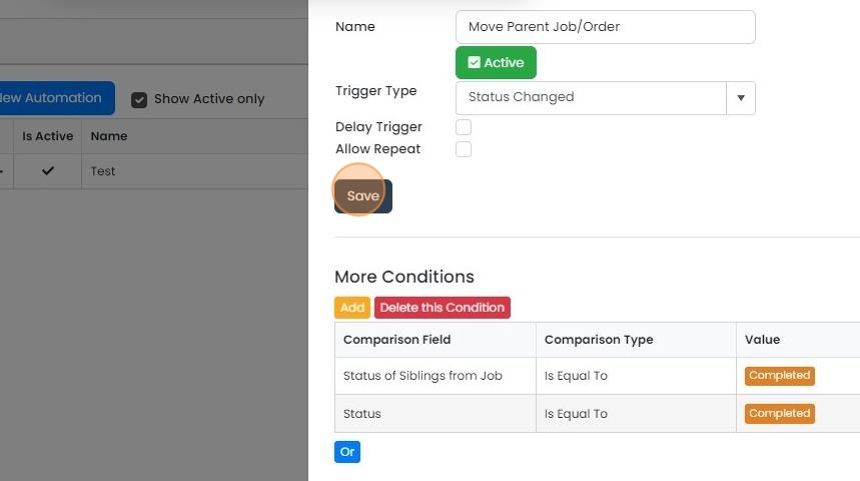
Click "Save"
Set the conditions
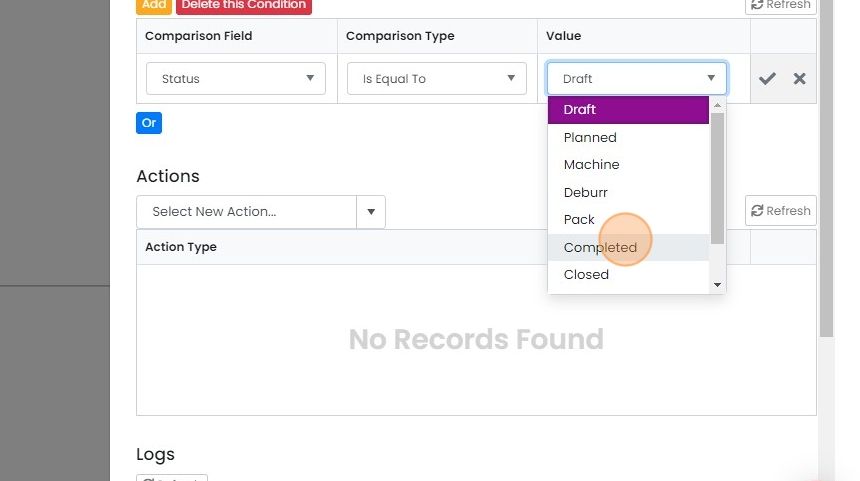
Update the comparison the required status (i.e. "Completed")
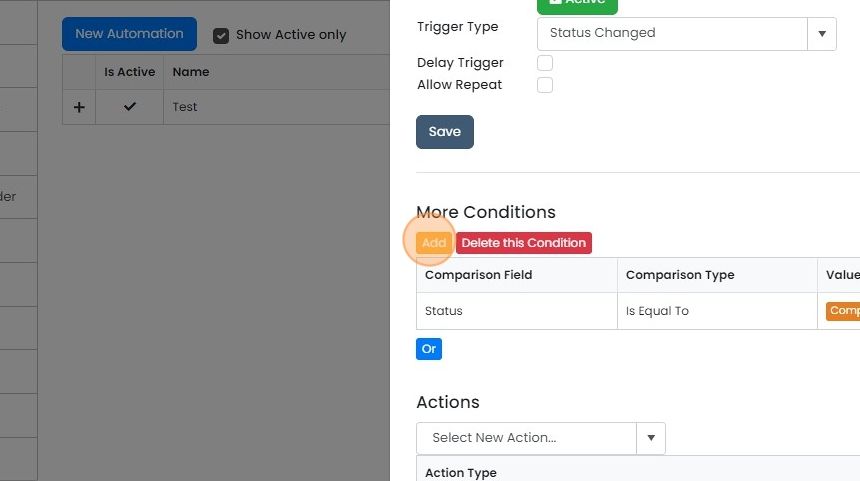
Click "Add"
Click here
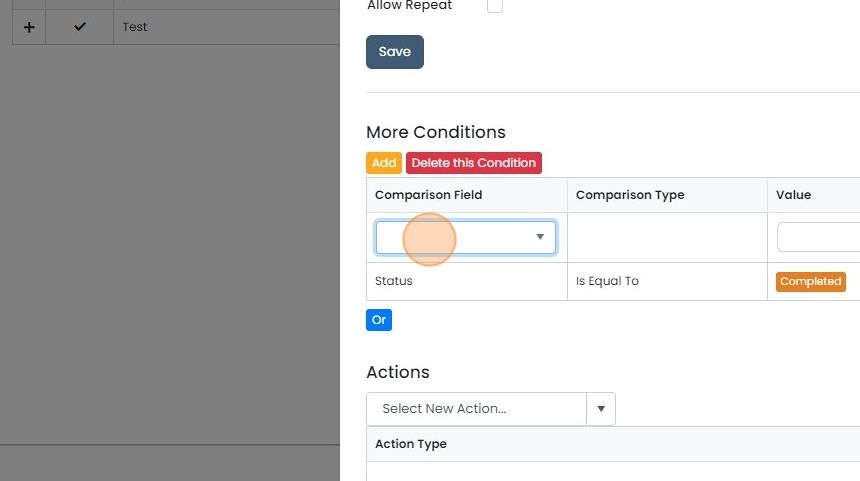
Click "Status of Siblings from Job"
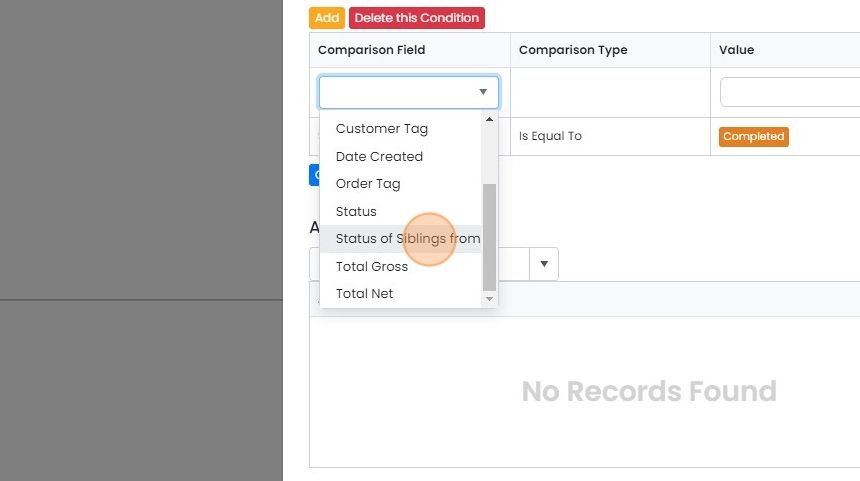
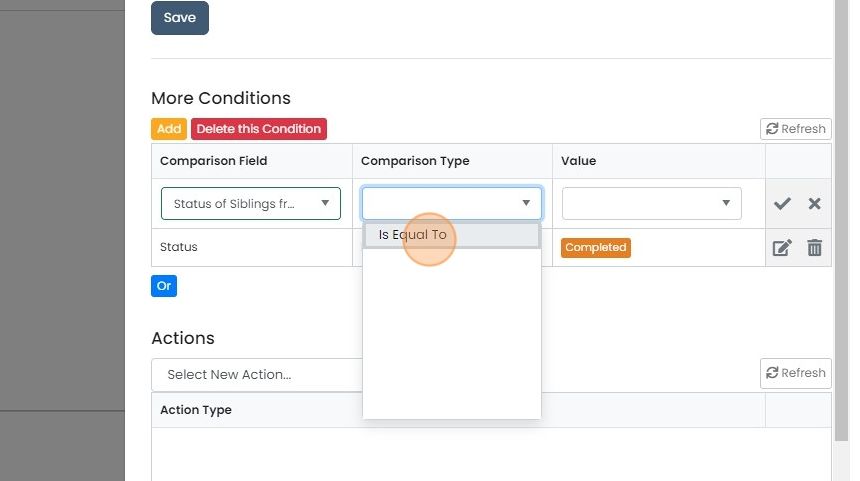
Click "Is Equal To"
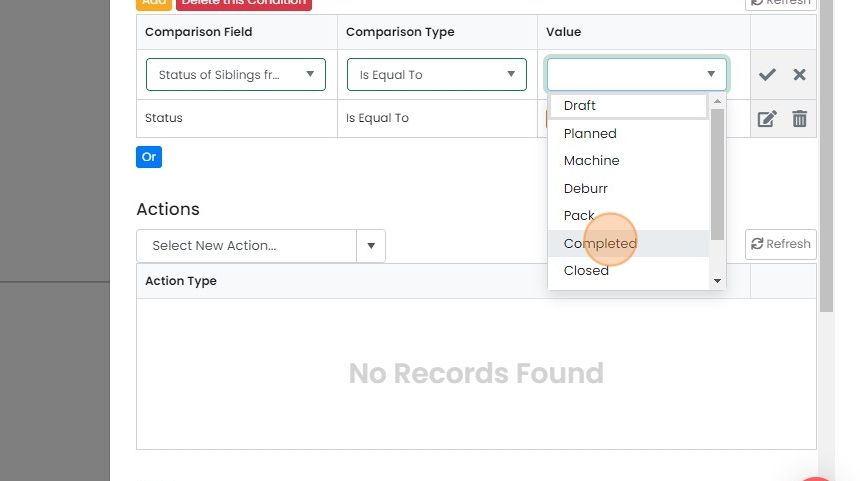
Select the status all the works orders must be in to allow the automation to fire
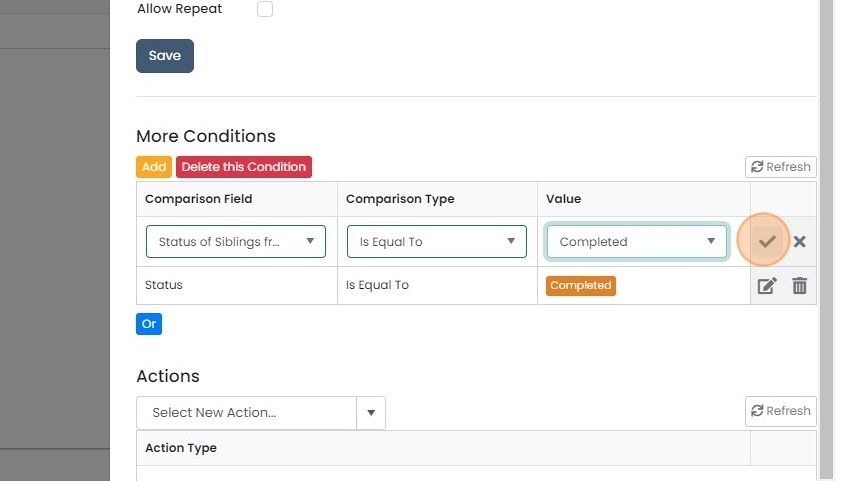
Tick to complete the edit
Choose the action
Select the action to fire
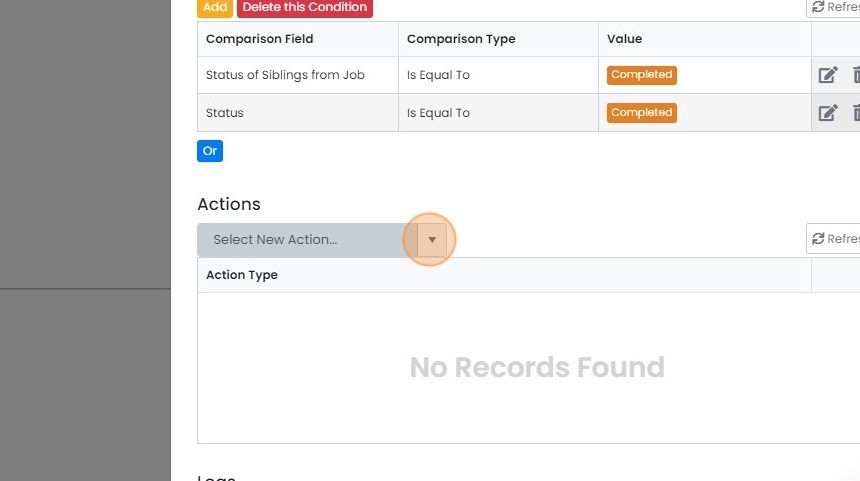
In this example, click "Change Related Job's Status"
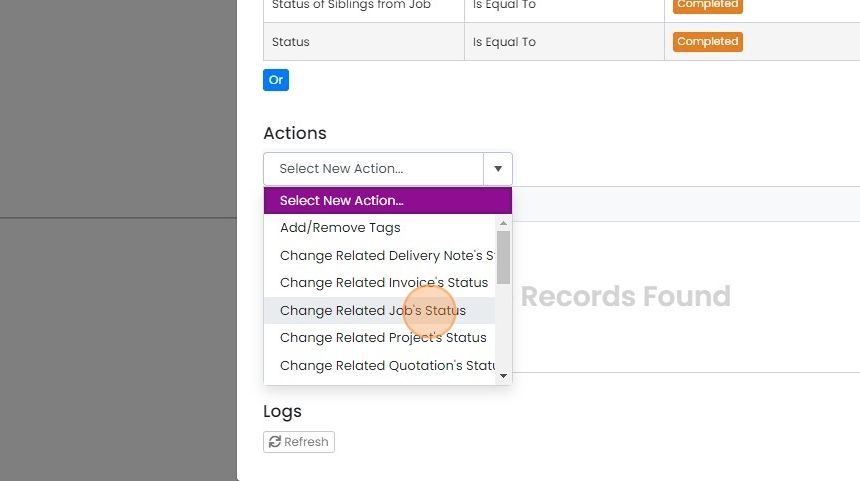
Select the parent job/sales order's status to move to
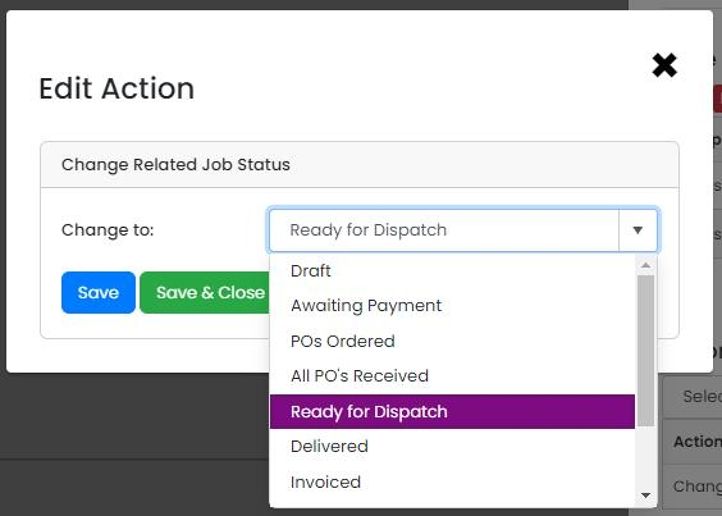
Click "Save & Close"
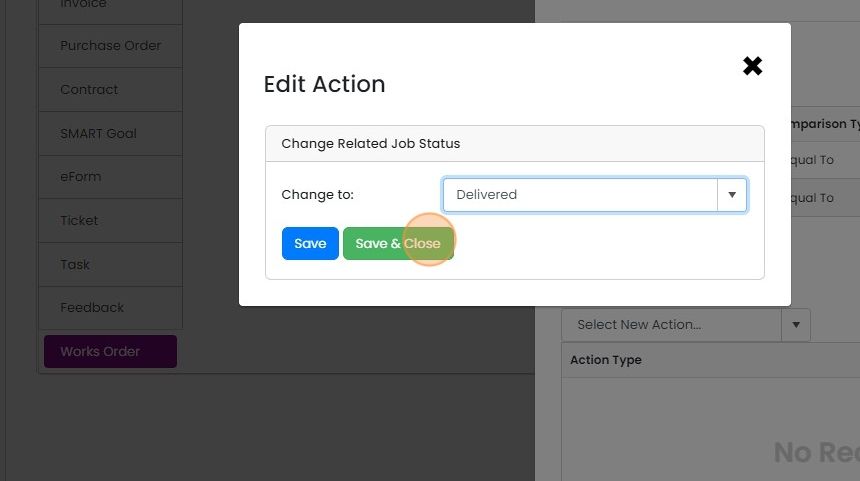
Click "Save"
Learn more: automations in Zigaflow


This explains how to set up an automation that will work when more than one Works Order (W/O) is linked with a Job/Sales Order, and therefore, you only want to move the job/sales order when all the W/Os are in the same status.
Create the automation
Frequently asked questions
Next step
Essentials, Go and Momentum plansWas this helpful?