Deliver work
Auto-move the parent job/sales order on receipt
The short answer
Create a Purchase Order automation in Zigaflow. Go to the cog, then Automations, then Purchase Order, then New Automation. Set the trigger so the PO status is Received and the status of siblings from the Job or Sales Order is Received. Then add the action Change Related Job's Status.
Steps
Click on the Cog
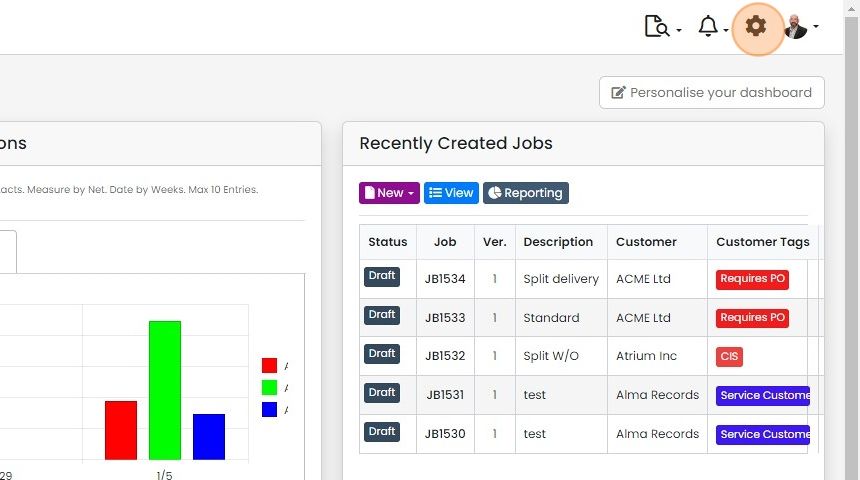
Click "Automations"

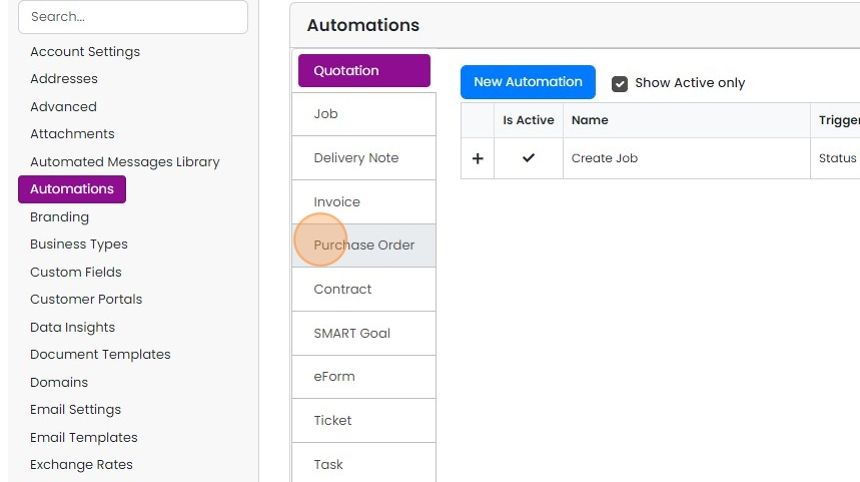
Click "Purchase Order"
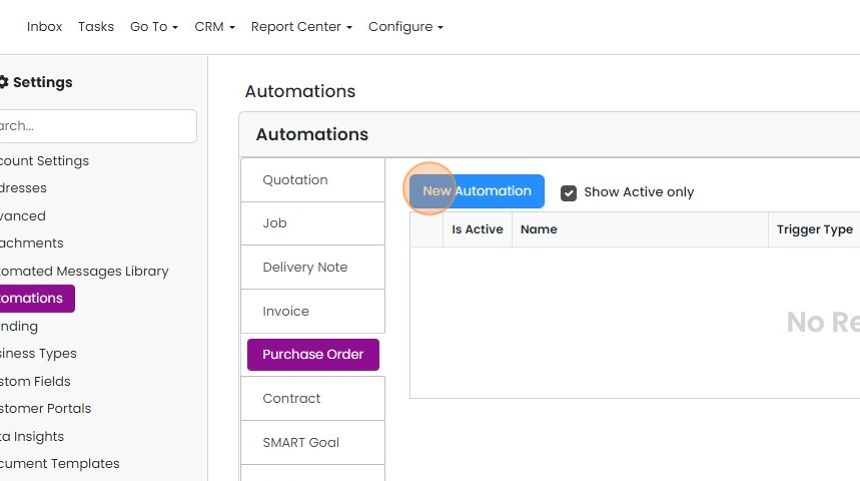
Click "New Automation"
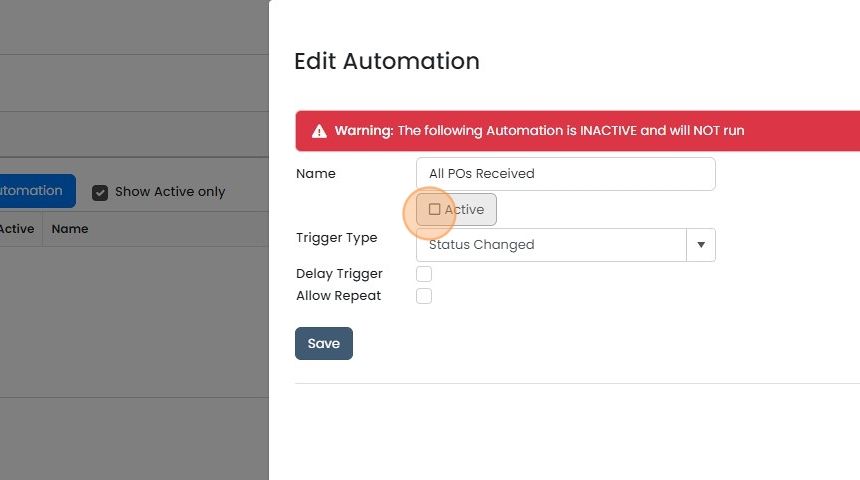
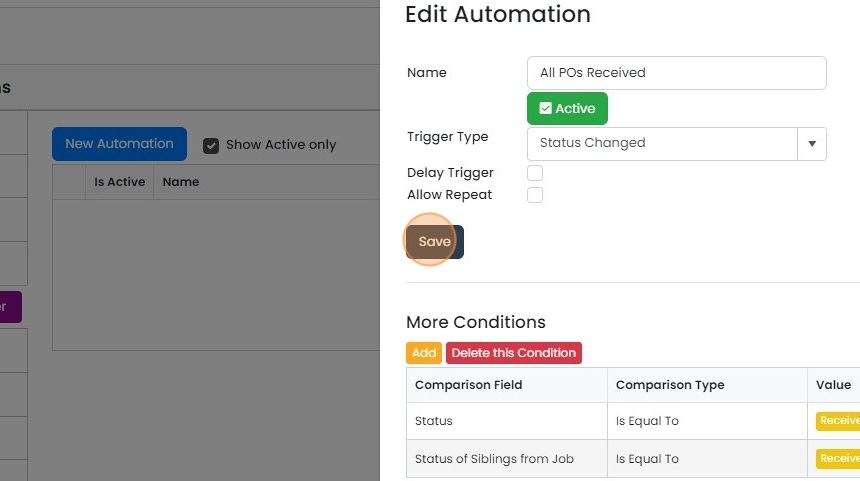
Give the automation a name and make it active
Click "Save"
Set the trigger conditions
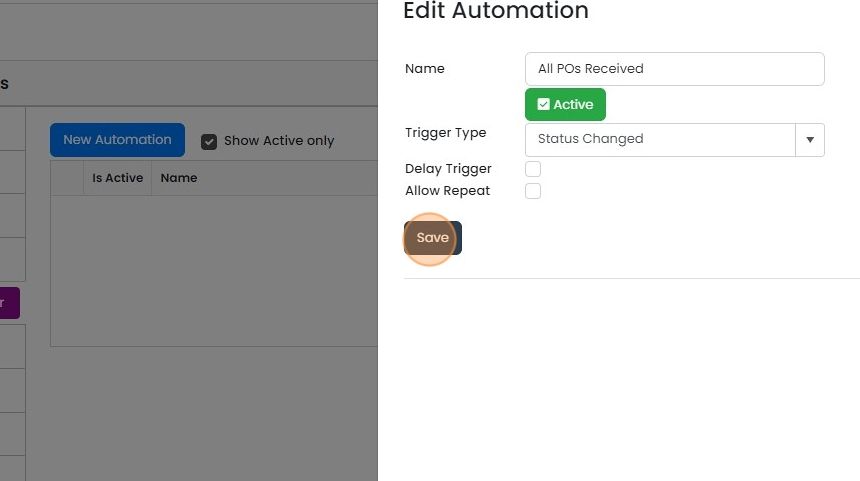
Edit the first condition so the automation is triggered when the PO's status is your 'Received' status
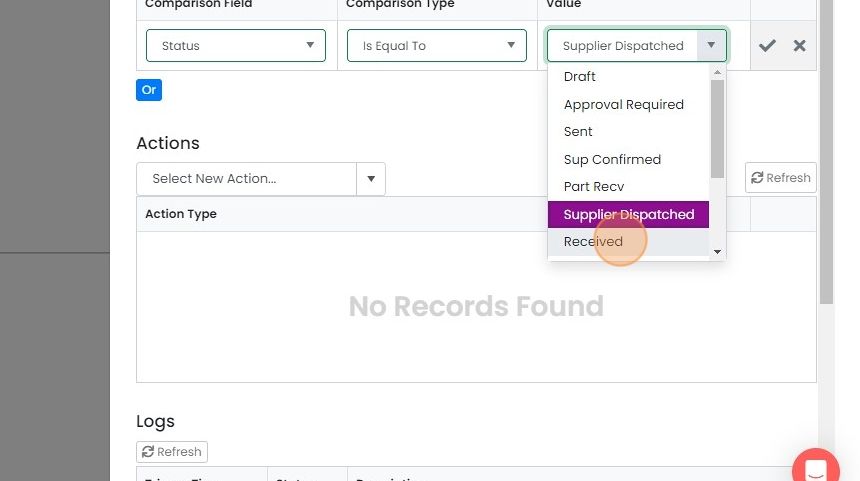
Tick to approve the edit
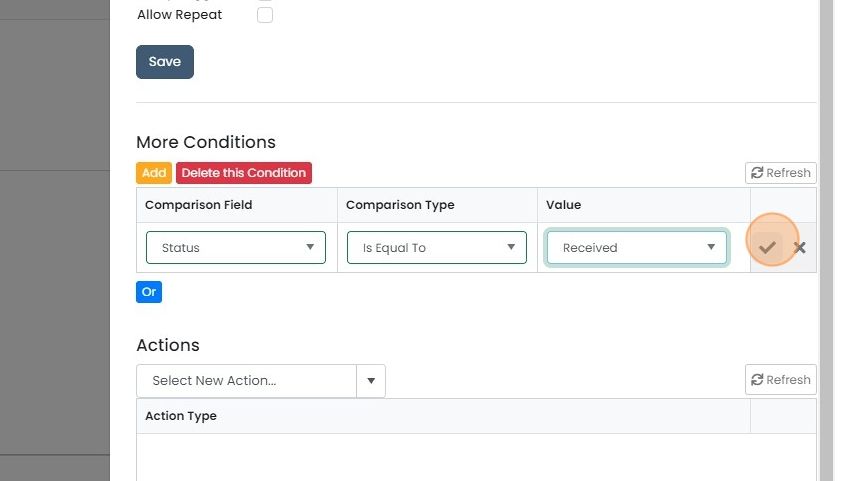
Click "Add"

Click here
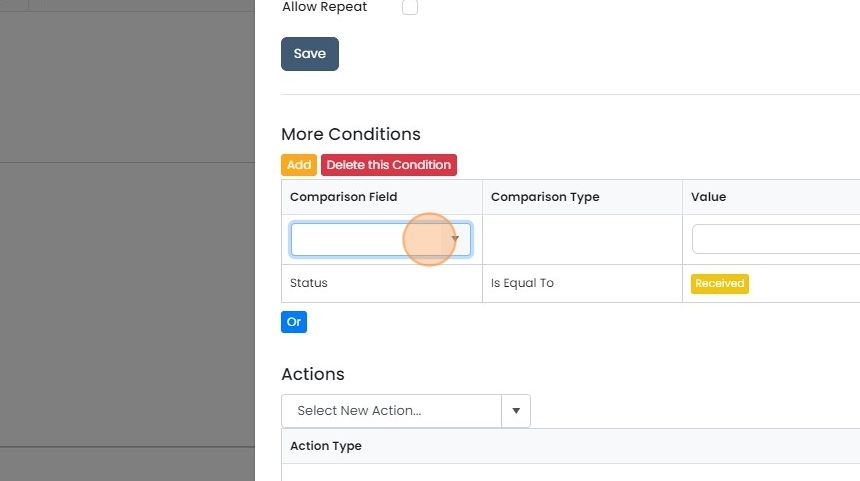
Click "Status of Siblings from Job" (or from "Sales Order", etc.)

Set to "Is Equal To"
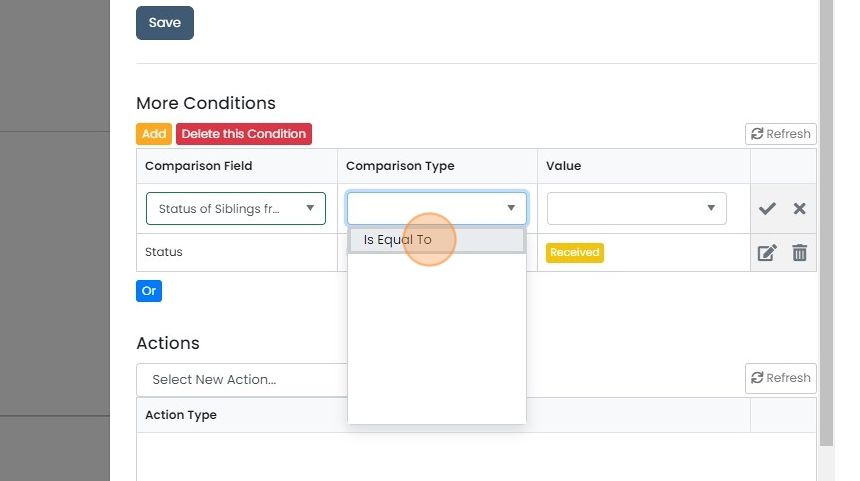
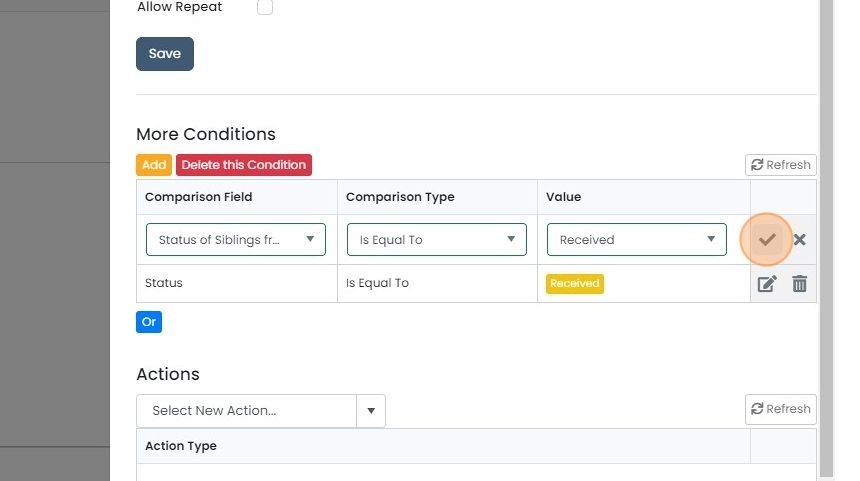
Select "Received"

Tick to confirm the edit
Add the status change action
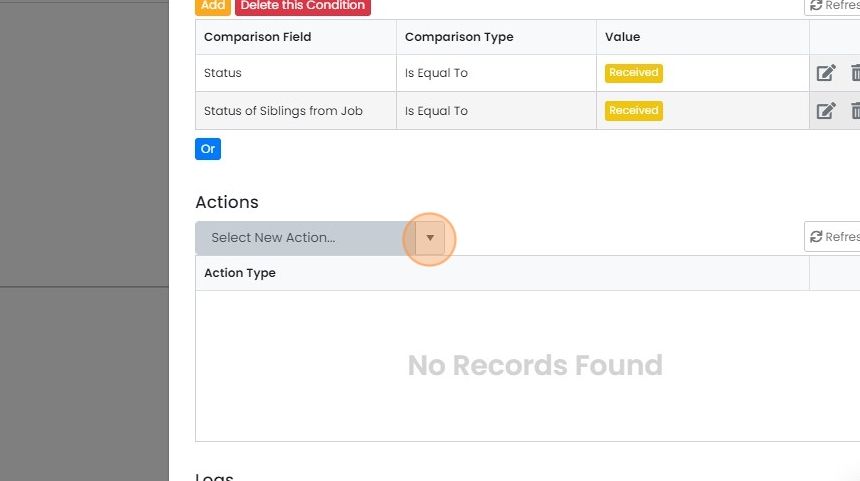
Select the action to fire when these conditions have been satisfied
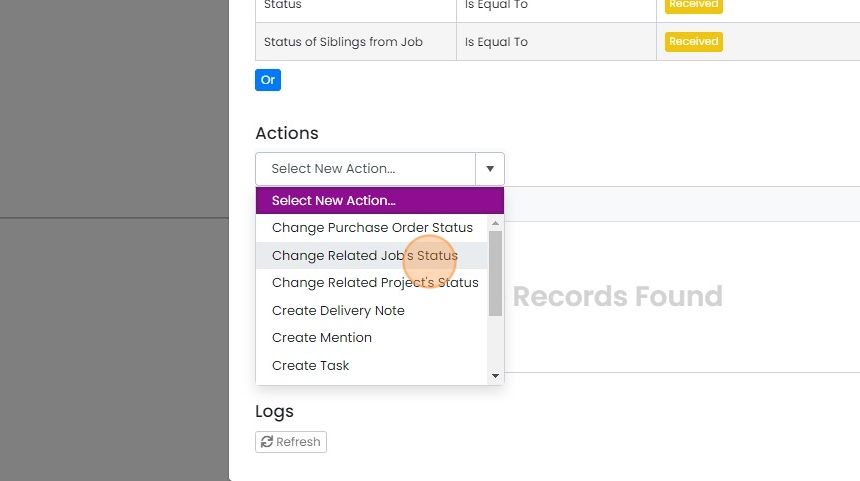
Click "Change Related Job's Status"
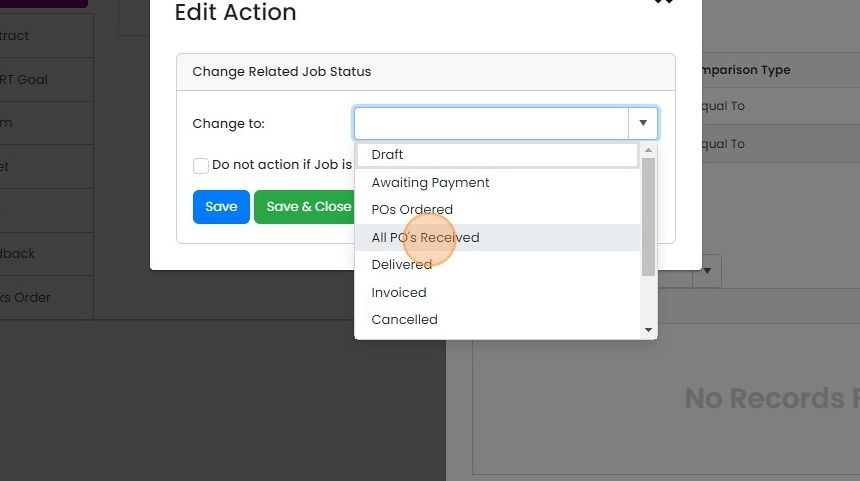
Select the appropriate status for your business
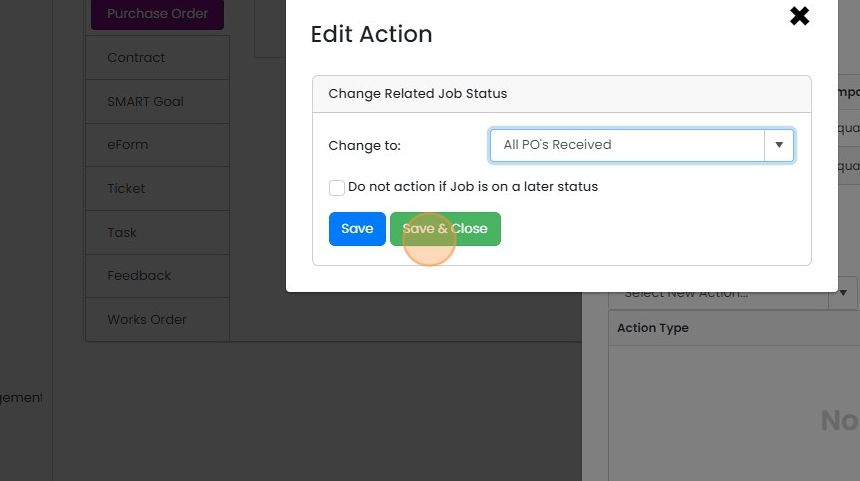
Click "Save & Close"
Click "Save"
Learn more: automations in Zigaflow


This explains how to set up an automation that will work when more than one PO is linked with a Job/Sales Order, and therefore, you only want to move the sales order after all the POs have been received.
Create the automation
Frequently asked questions
Next step
Essentials, Go and Momentum plansWas this helpful?