Make it yours
Connecting to a supplier product and price feed
The short answer
To connect a supplier product and price feed, ask your supplier for credentials, then click the Cog, click Integrations, click Supplier APIs, and click Connect next to the supplier. Connection details vary between suppliers. Once connected, products, prices and stock figures, if provided, appear in the Supplier Feeds tab.
Steps
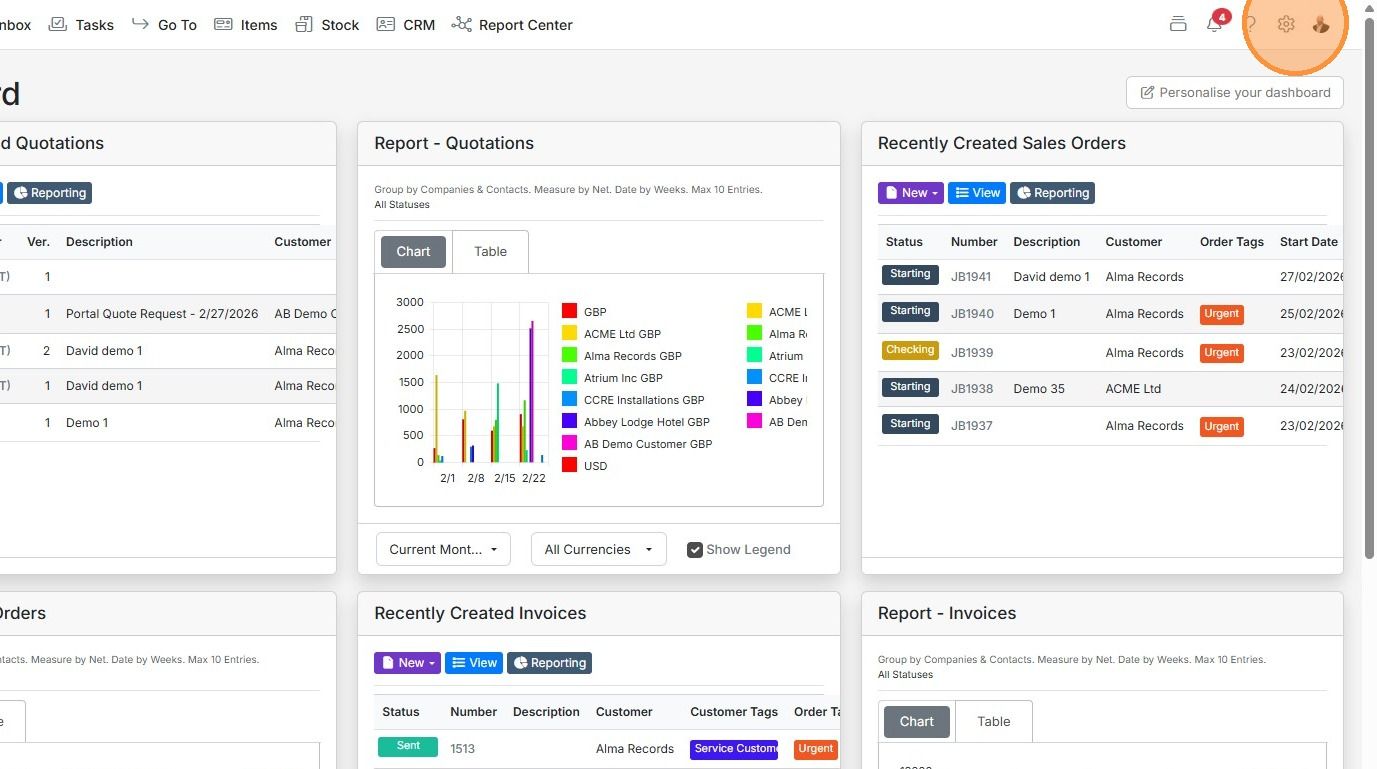
Click on the Cog
Click "Integrations"

Click "Supplier APIs"
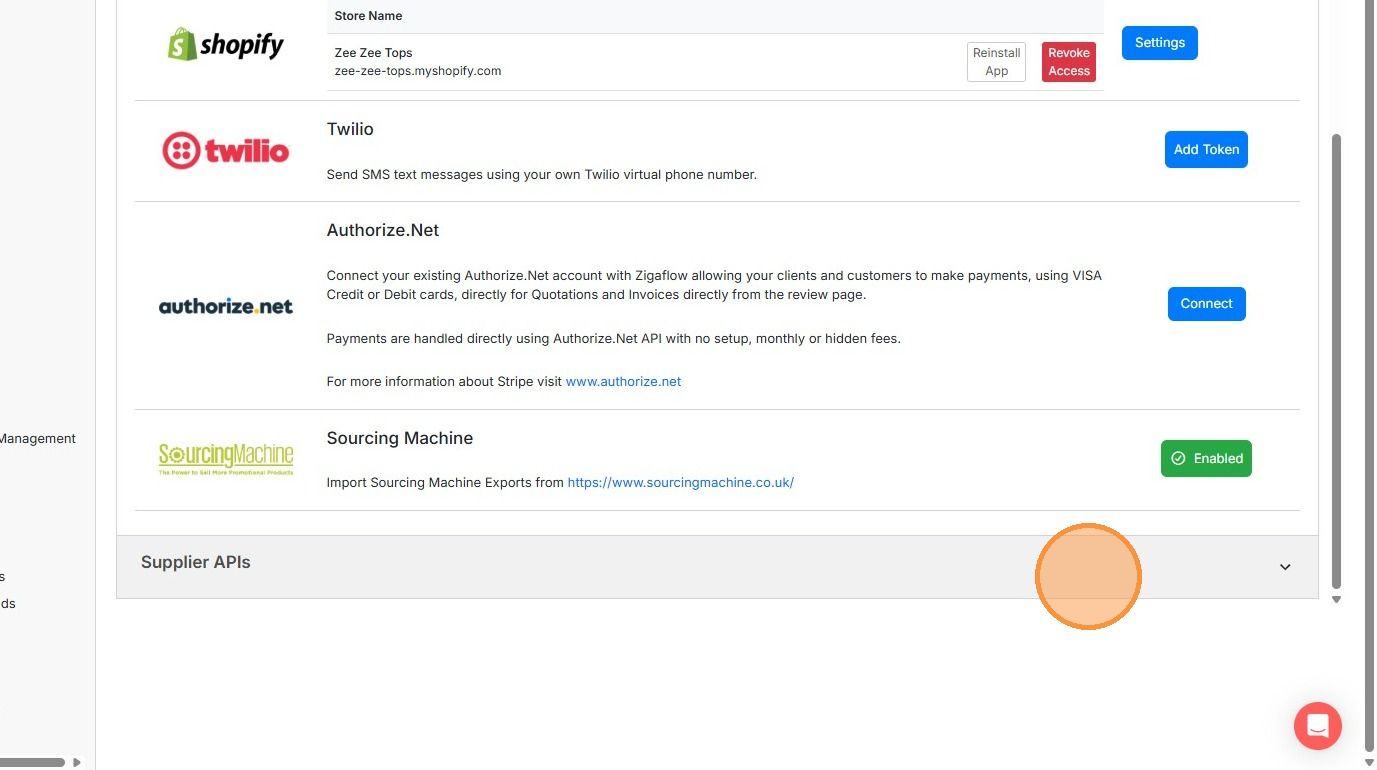
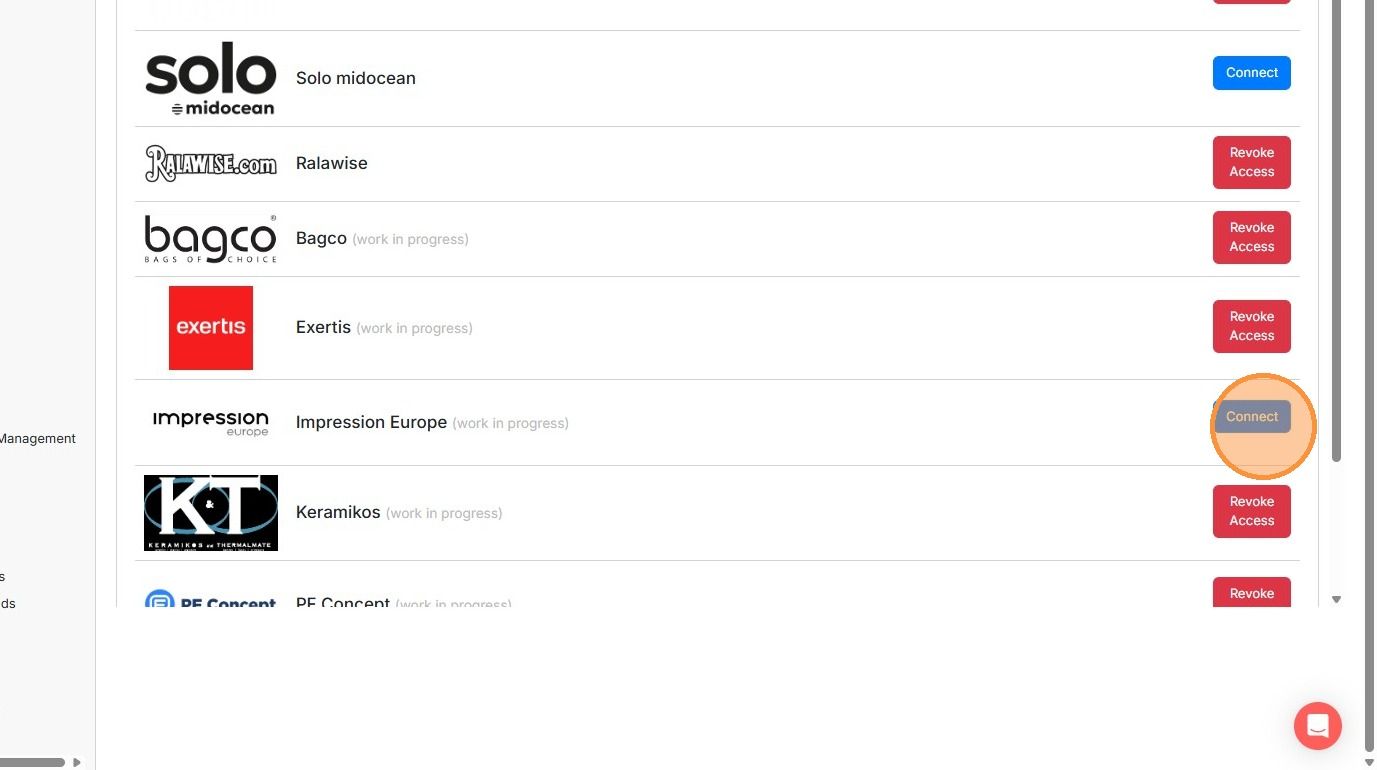
For the supplier to connect to, click "Connect". Note the connection details will vary between suppliers
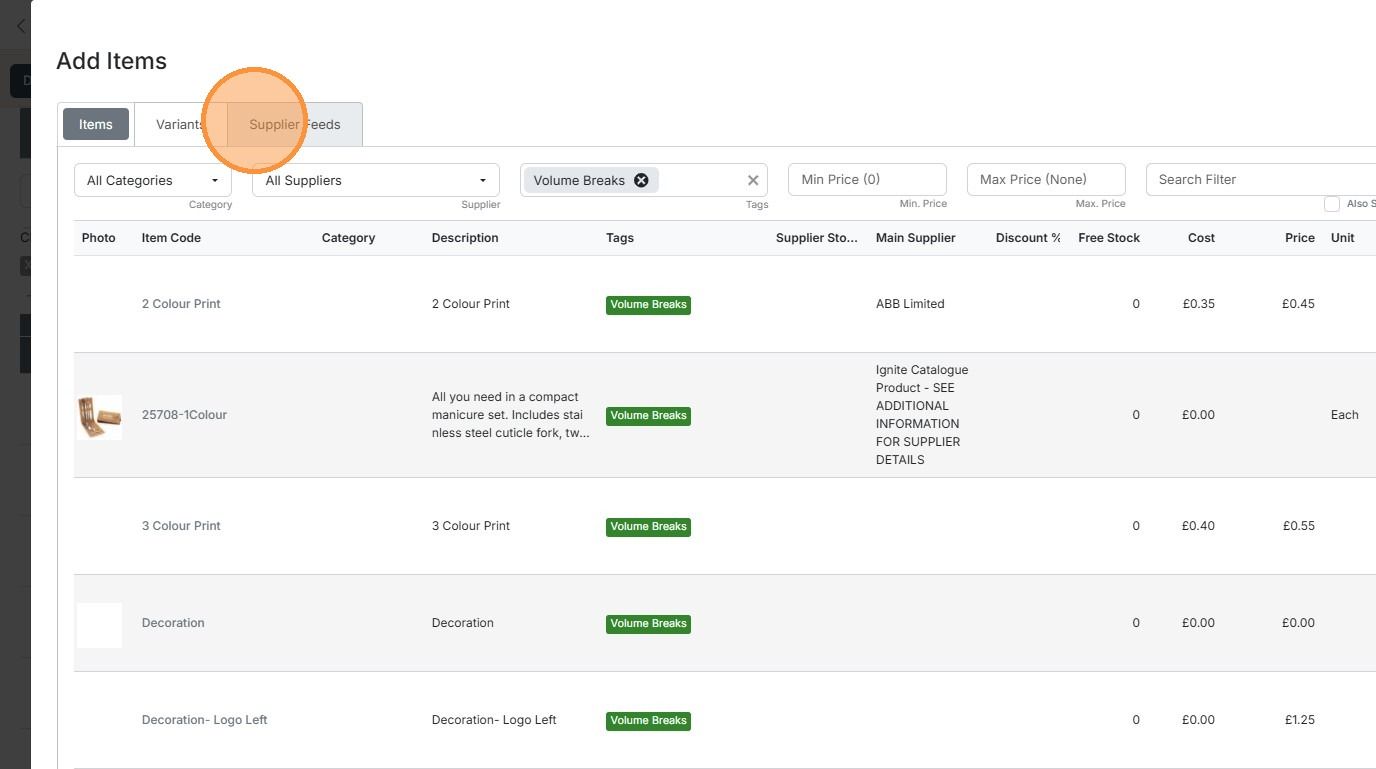
Once you have connected a supplier, on a quotation or job/sales order's add item panel click on "Supplier...
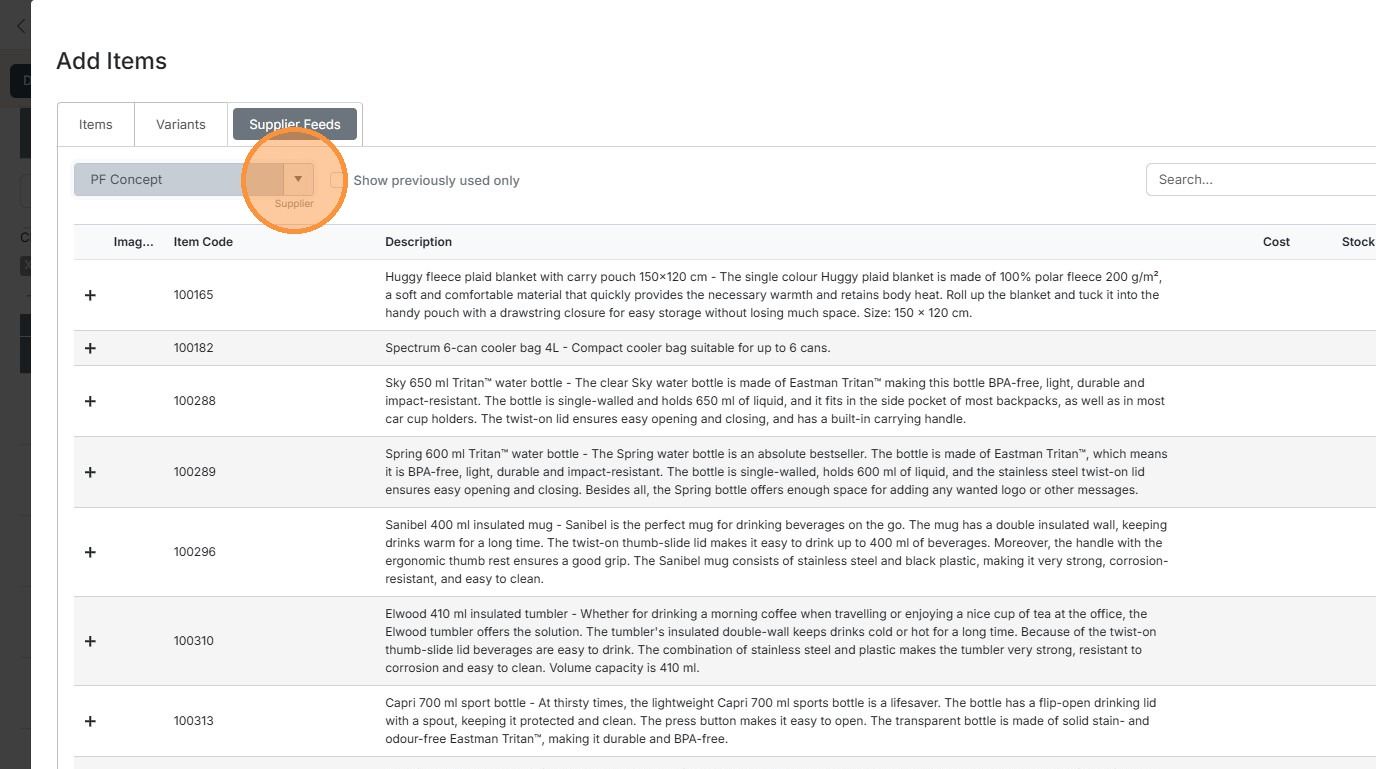
Once you have connected a supplier, on a quotation or job/sales order's add item panel click on "Supplier Feeds" tab
And select the supplier from the dropdown list

Products from the supplier, including stock positions (if provided) will be displayed
Learn more: quotes in Zigaflow


Ask your supplier for credentials to connect to their feeds. Use these to connect Zigaflow.
Note: For Ralawise, please contact us for additional set-up when you have your credentials.
Set-up
Frequently asked questions
Was this helpful?