Get set up
Create an automation to export invoices to Xero
The short answer
To export invoices to Xero automatically, create an invoice automation in Zigaflow. Open Automations, choose Invoice, and click New Automation. Name it, set the Trigger Type to Status Changed, and set the condition to a status such as Sent. Then add the Export To Xero action and click Save & Close.
Steps
Click here
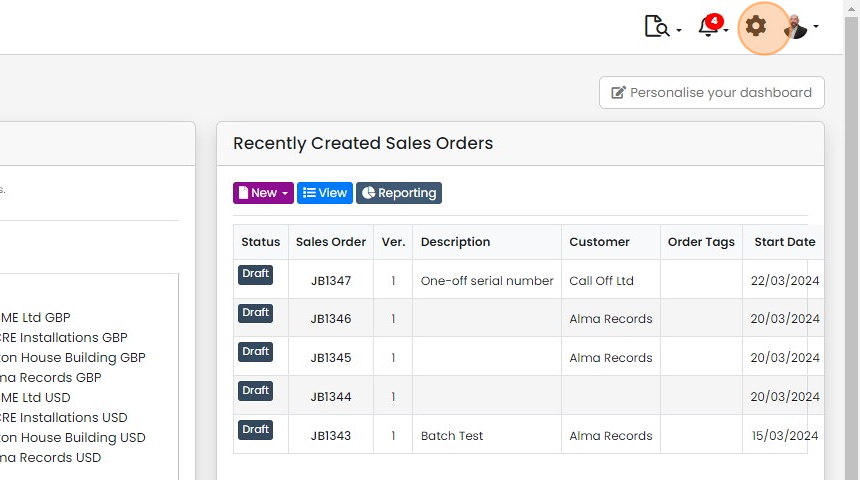
Click "Automations"

Click "Invoice"
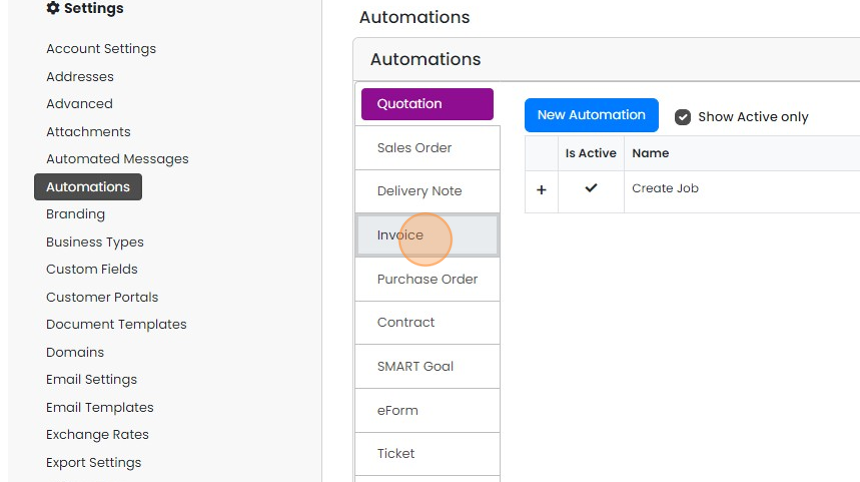
Click "New Automation"

Enter a name for the automation
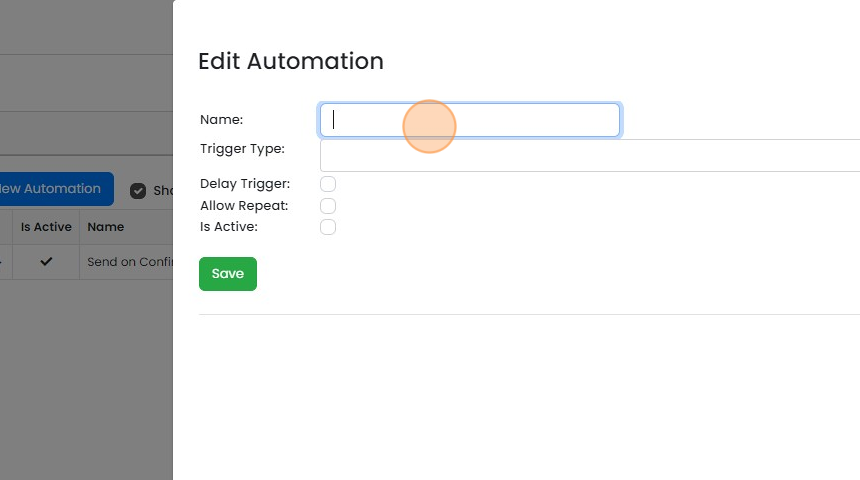
Set the "Trigger Type" to "Status Changed"
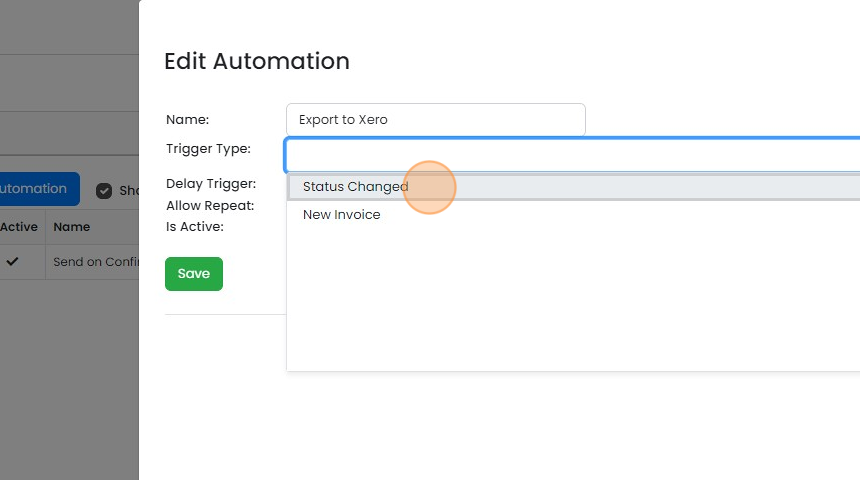
Click the "Is Active:" field
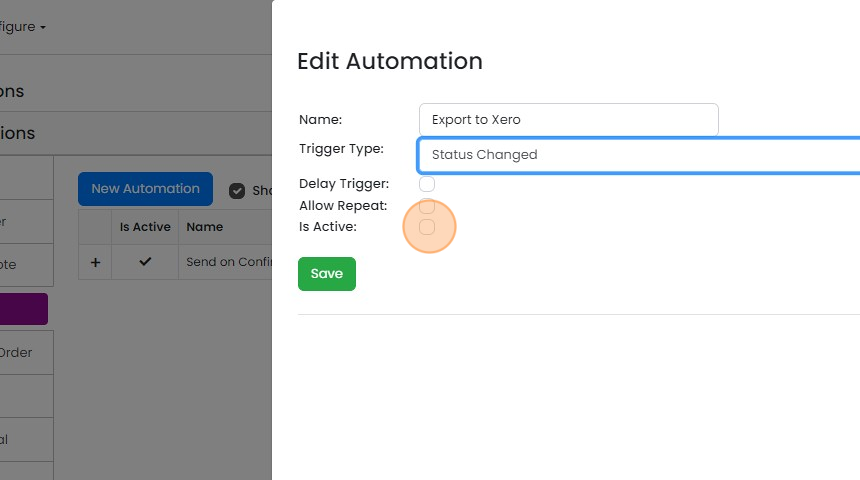
Click "Save"
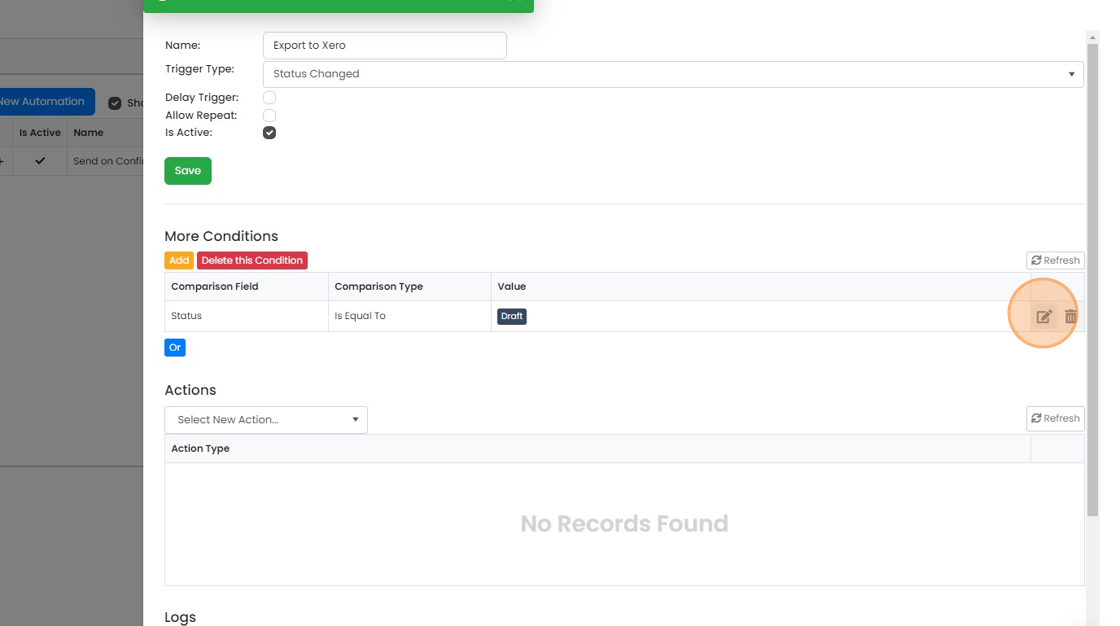
Set the status condition
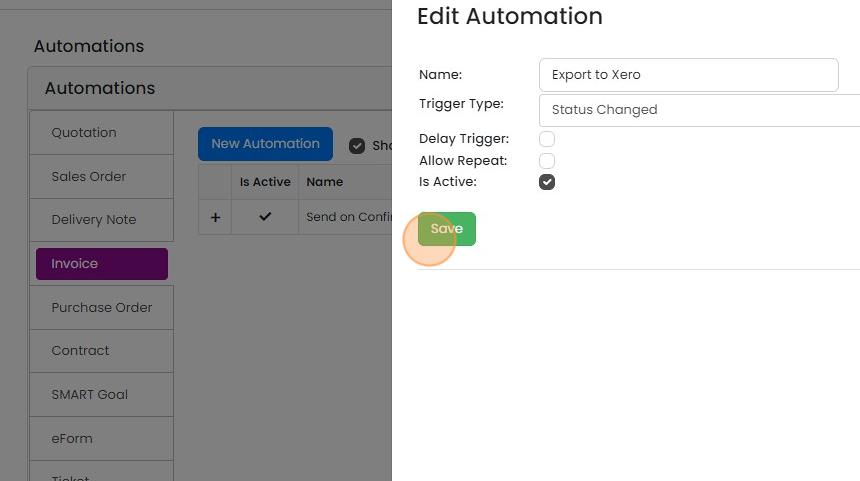
Edit the default condition
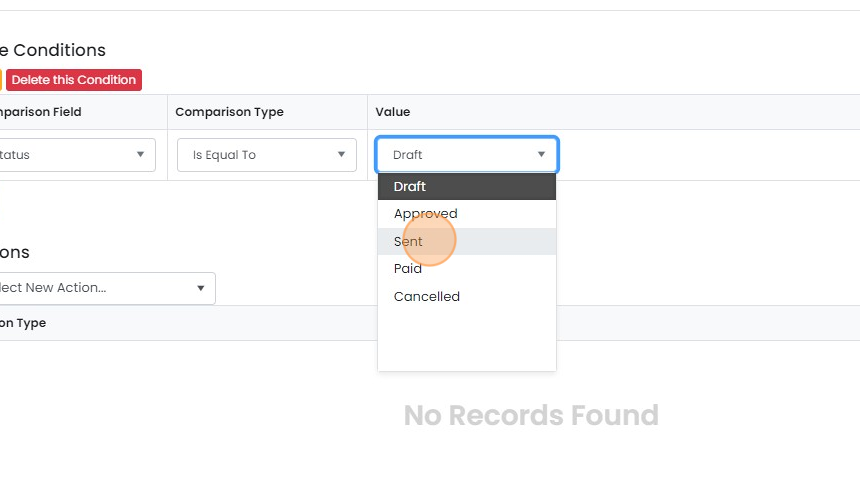
Set it to the status you want the invoice to be export to Xero in, for example "Sent"
Click to save
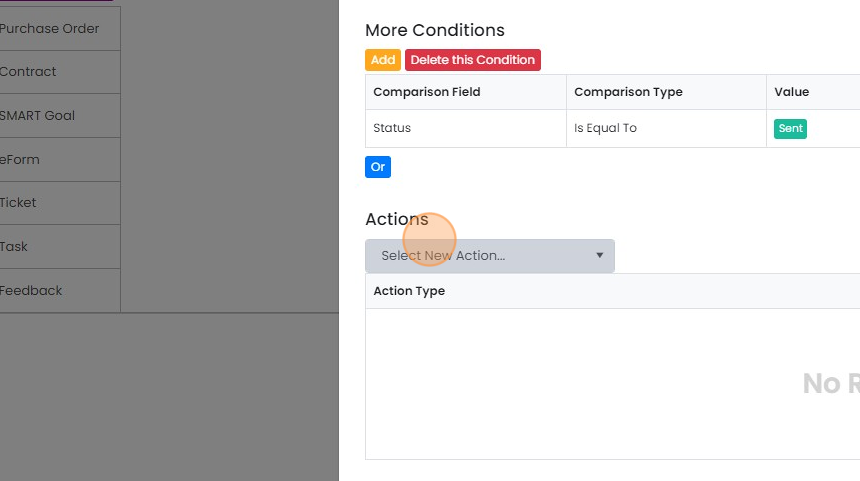
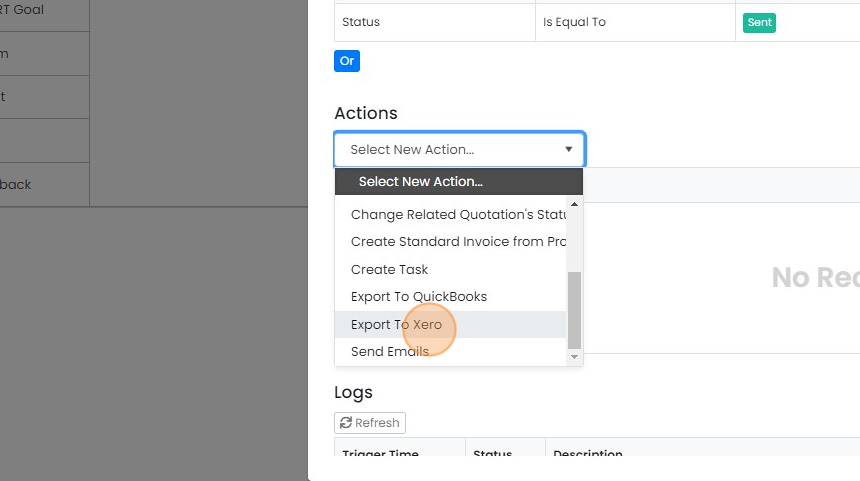
Add the Xero export action
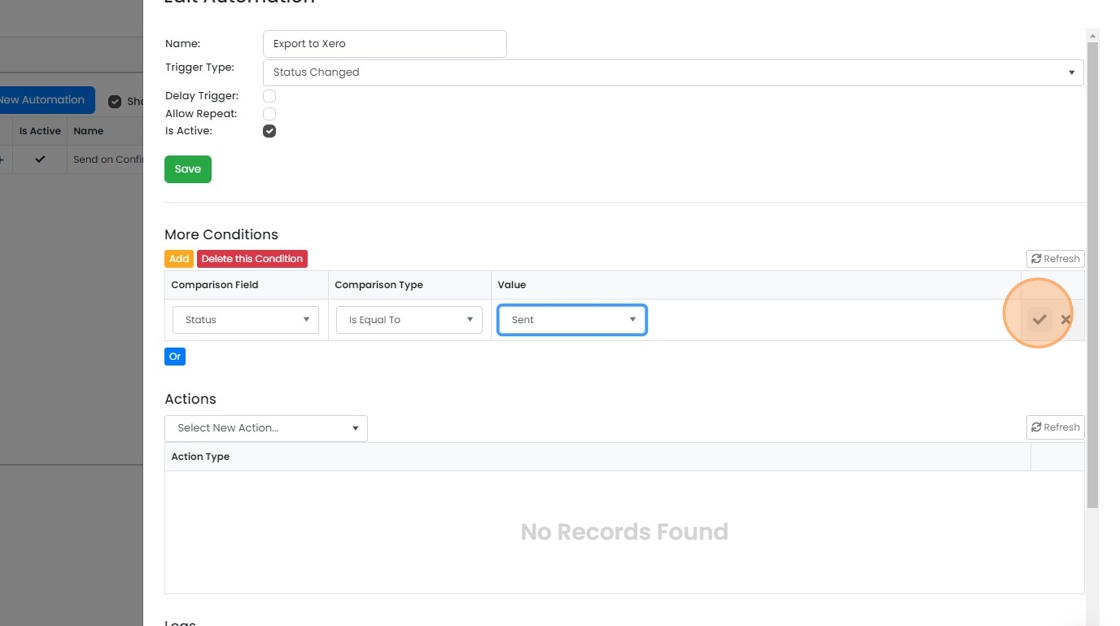
Click "Select New Action..."
Click "Export To Xero"
Click "Save & Close"
Learn more: the Xero integration


Create the invoice automation
Frequently asked questions
Was this helpful?