Get set up
Giving users access to a module
The short answer
To give a user access to a module in Zigaflow, click the Cog, then Team Settings, then Manage Team Members, then Assign Modules. Click the module, pick the user from the dropdown, and click Add User. The user must log out and back in to see the module.
Steps
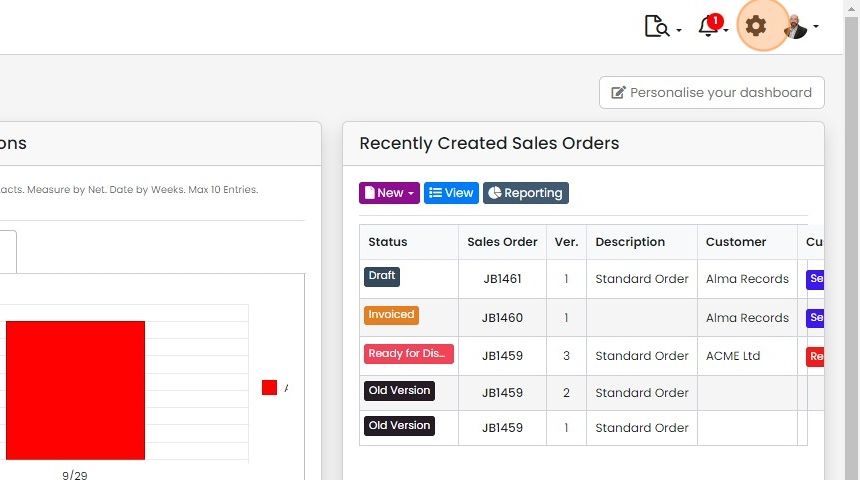
Click on the Cog
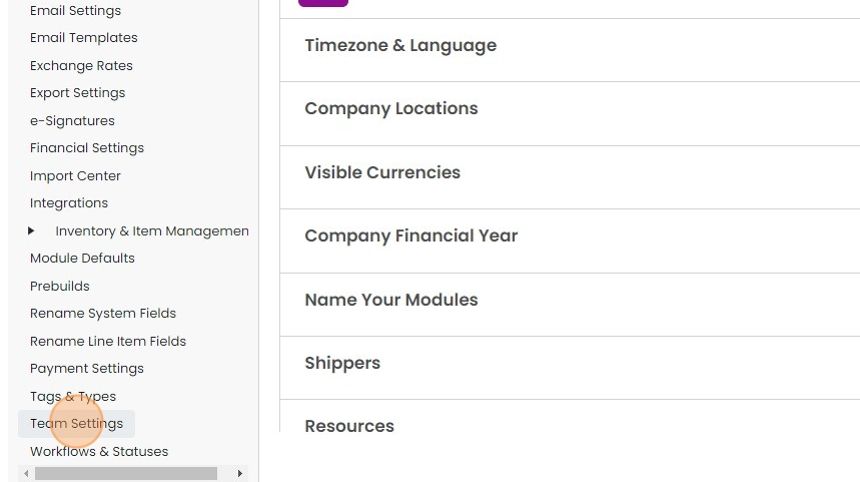
Click "Team Settings"
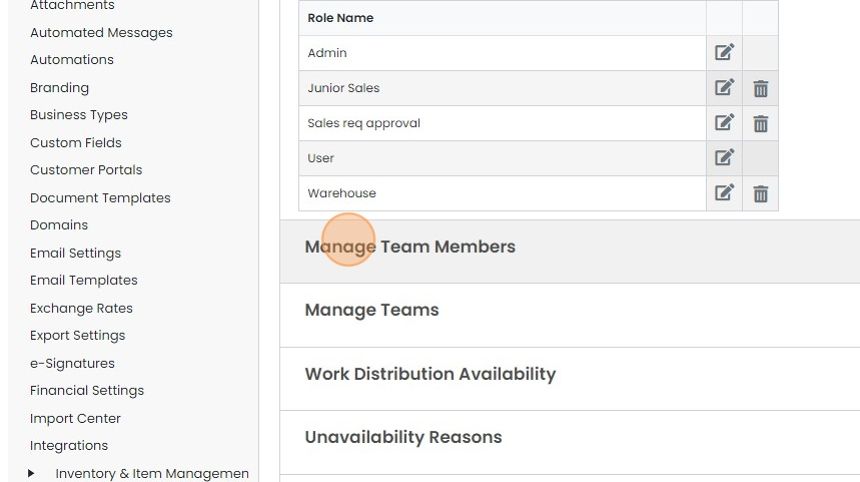
Click "Manage Team Members"
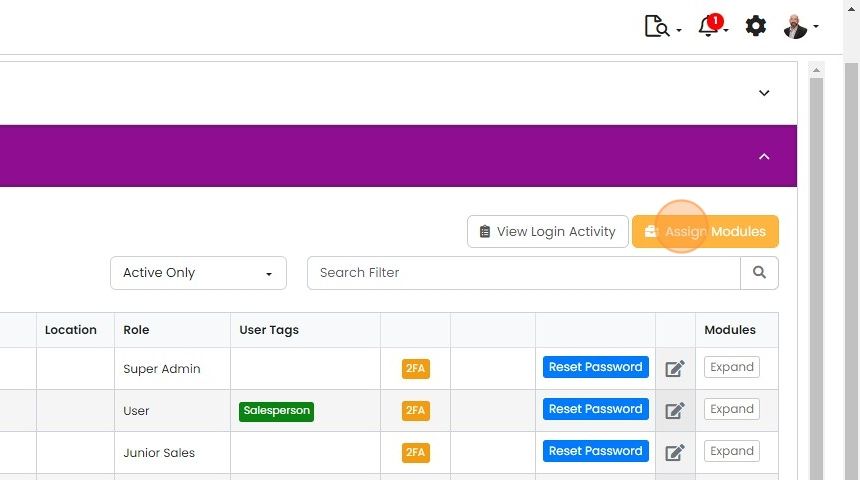
Click "Assign Modules"
Add users to the module
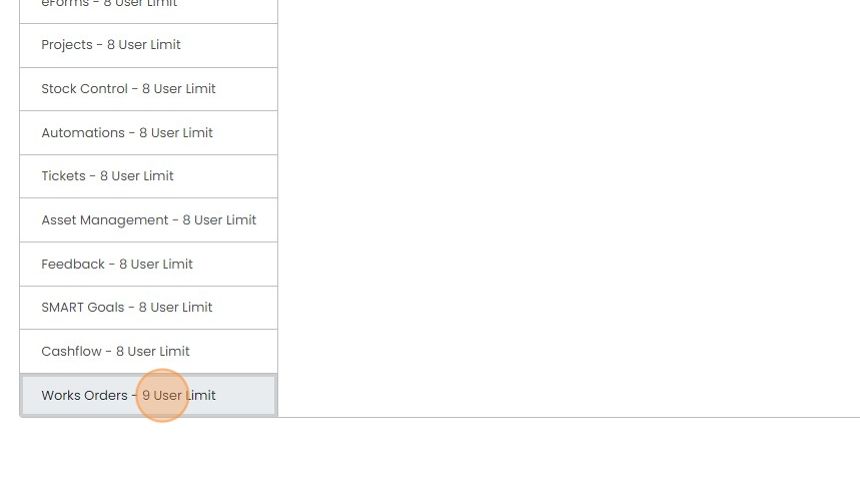
Click on the module to give user(s) access to
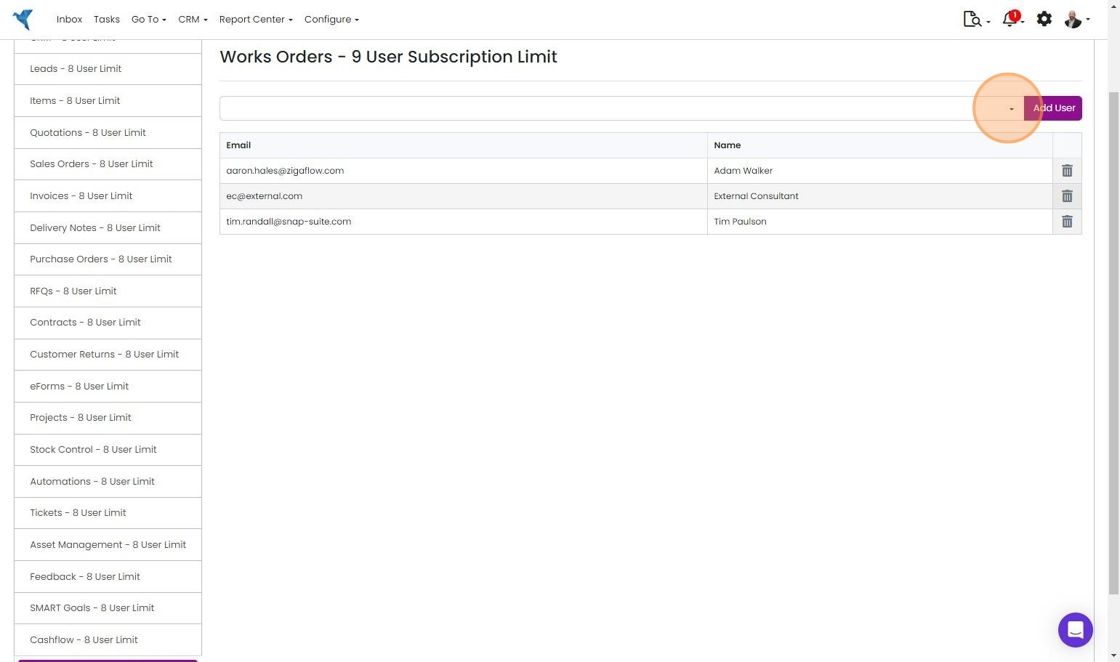
Click on the dropdown
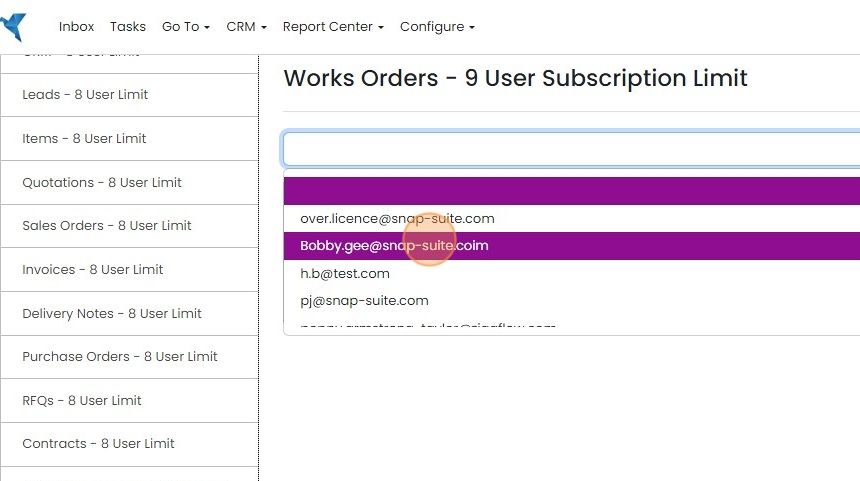
Click on the user to add
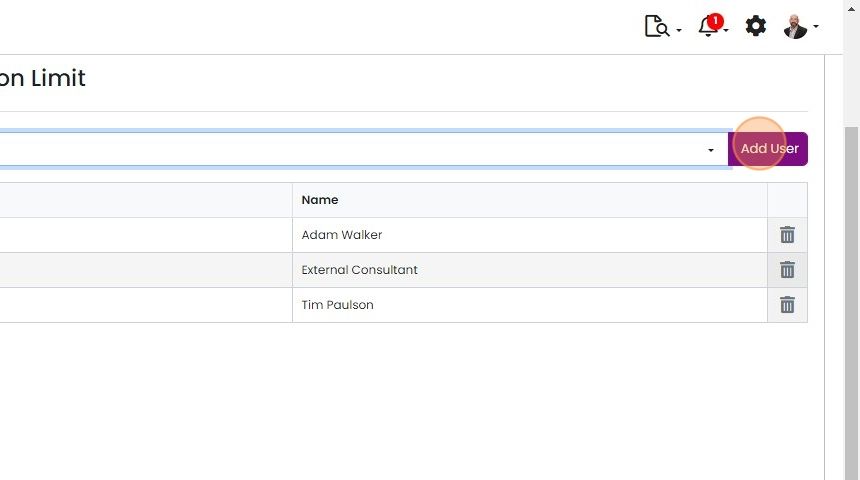
Click "Add User"
Confirm access and permissions
The user will need to log out and back in gain access to the newly added module
You can control access to delete and other functionality for this module using roles
Learn more: user permissions in Zigaflow


If the user cannot access the module after being assigned and logging out and back in, check that they have access to the module through the roles:
Creating and editing user roles
Open module assignments
Frequently asked questions
Was this helpful?