How to rename, remove or add a status
The short answer
To rename, remove or add a status in Zigaflow, click the Cog, choose Workflows & Statuses, pick the module, and click Edit. Change the status description, set whether it is visible, optionally make data editable, then click Save Changes. To change the order, drag and drop the status into place.
Steps
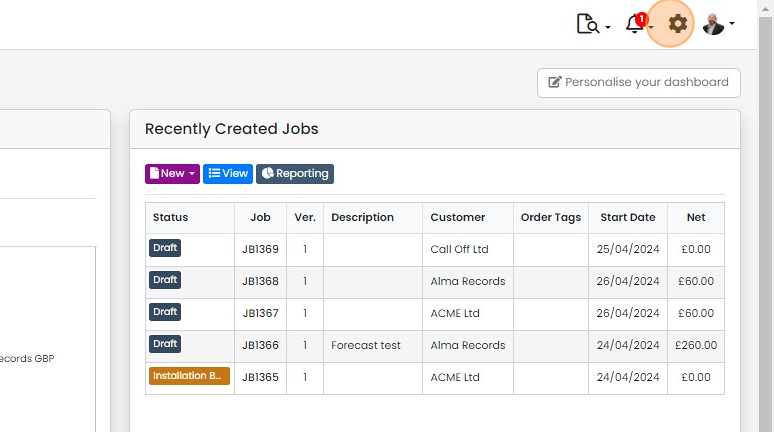
Click on the Cog
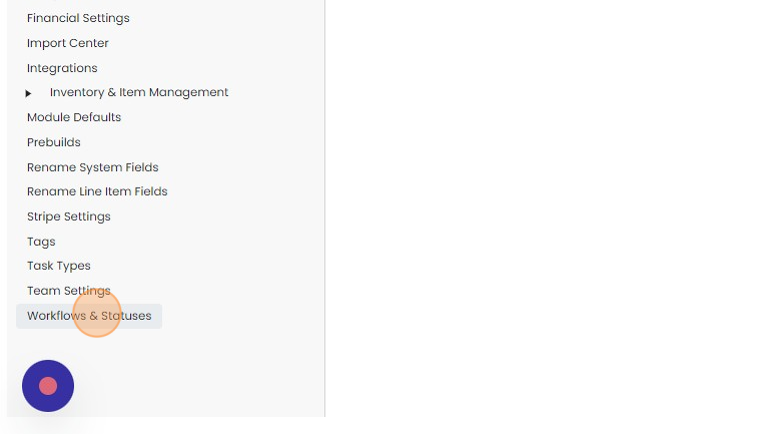
Click "Workflows & Statuses"
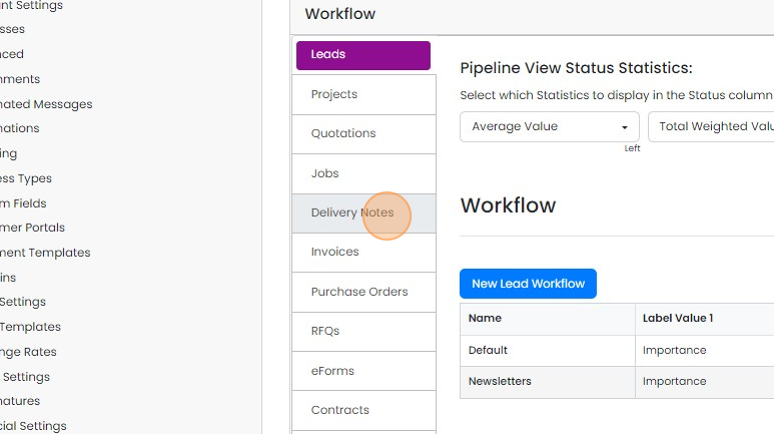
Click on the module to edit
Click "Edit"
Edit a status
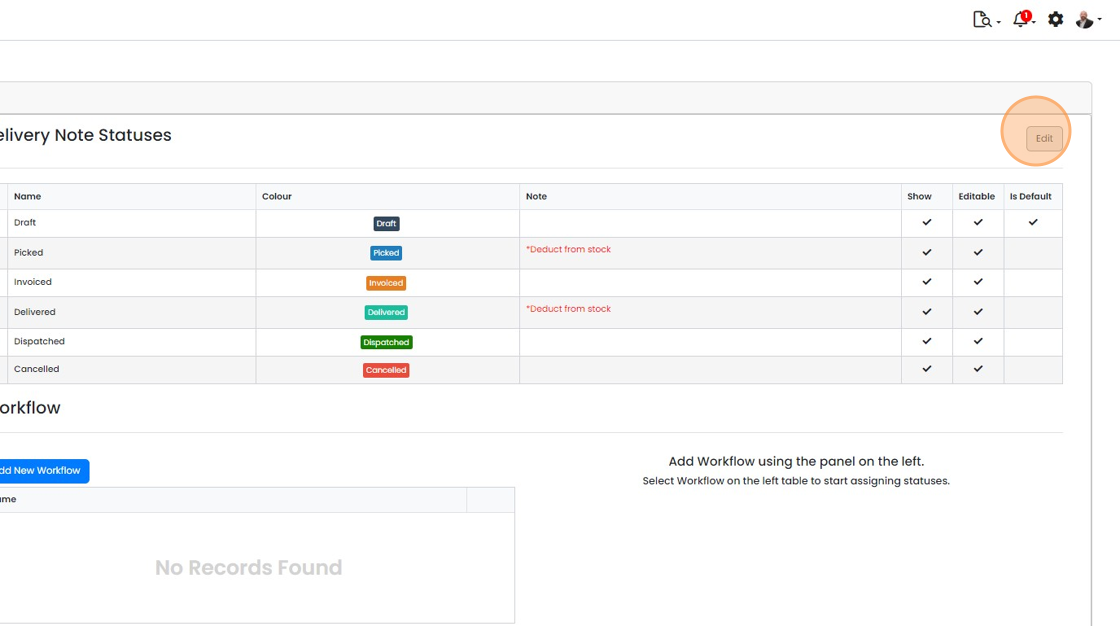
Change the description of a status

Make it visible (or not visible depending on your requirements
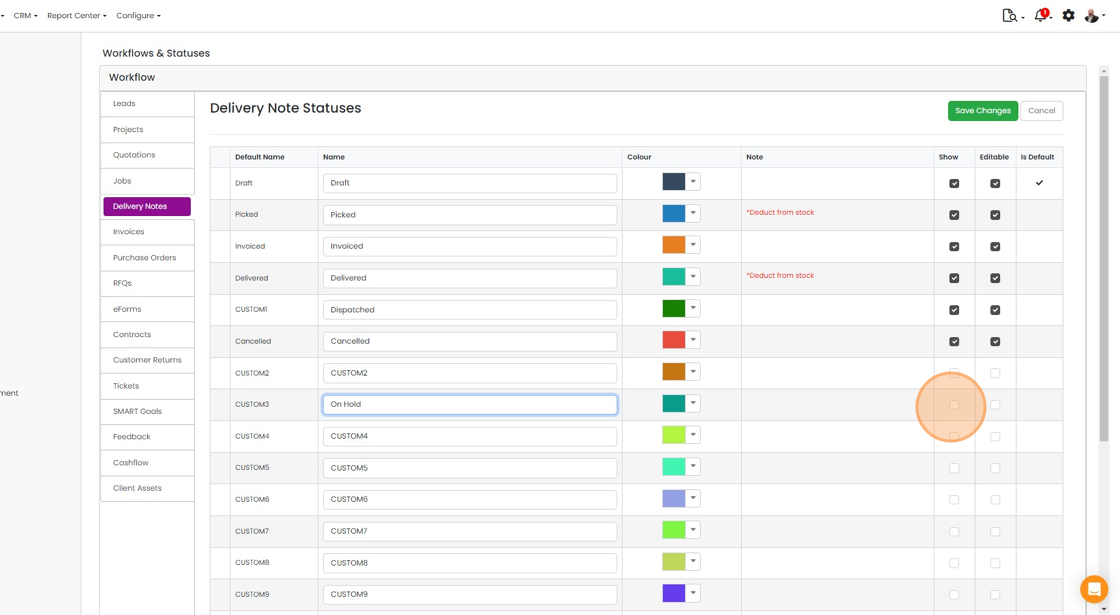
Optionally, make data editable in this status
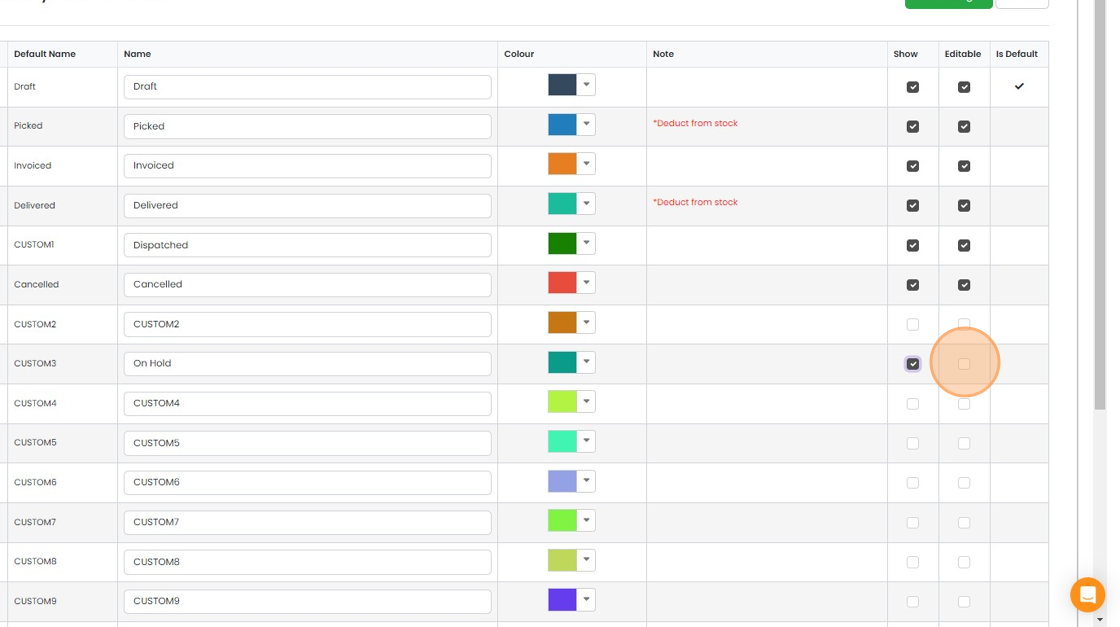
Click "Save Changes"
Change the status order
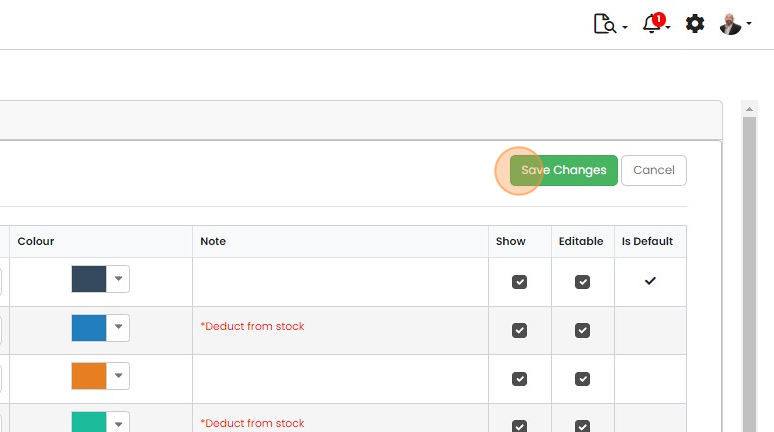
Drag-and-drop the status to the required place in the sequence
Learn more: workflows and automations in Zigaflow
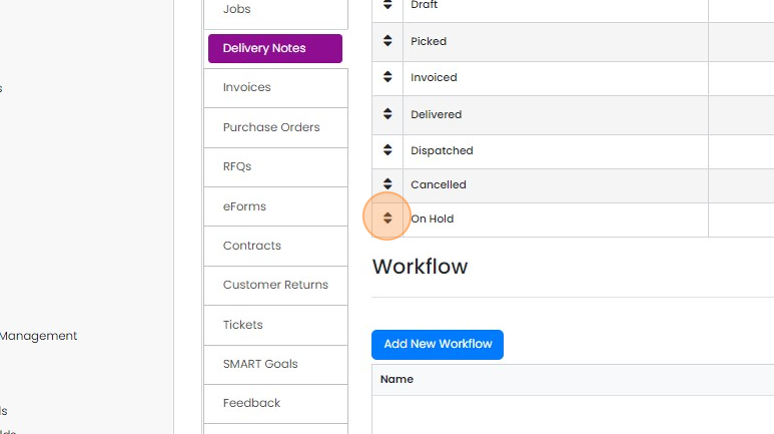


Each module in Zigaflow has a minimum of one workflow, which consists of multiple statuses, for example:

Zigaflow has plenty of 'spare' statuses in each module, which you can rename, set to a specific colour, allow the data to be editable, and move to any position in the workflow.
Note that creating a new Quotation, Job/Sales Order, etc., it will always start in the default status. You can use an automation to move it to a different one automatically.
The Leads module works in different way.
Open the workflow settings
Frequently asked questions
Was this helpful?