Get paid
How to connect to QuickBooks
The short answer
To connect Zigaflow to QuickBooks, click the cog, choose Integrations, then click Connect. Sign in with your QuickBooks email and password, and click Continue. You are then taken back to the Integrations page, where you click Settings and update the settings to your preferences.
Steps
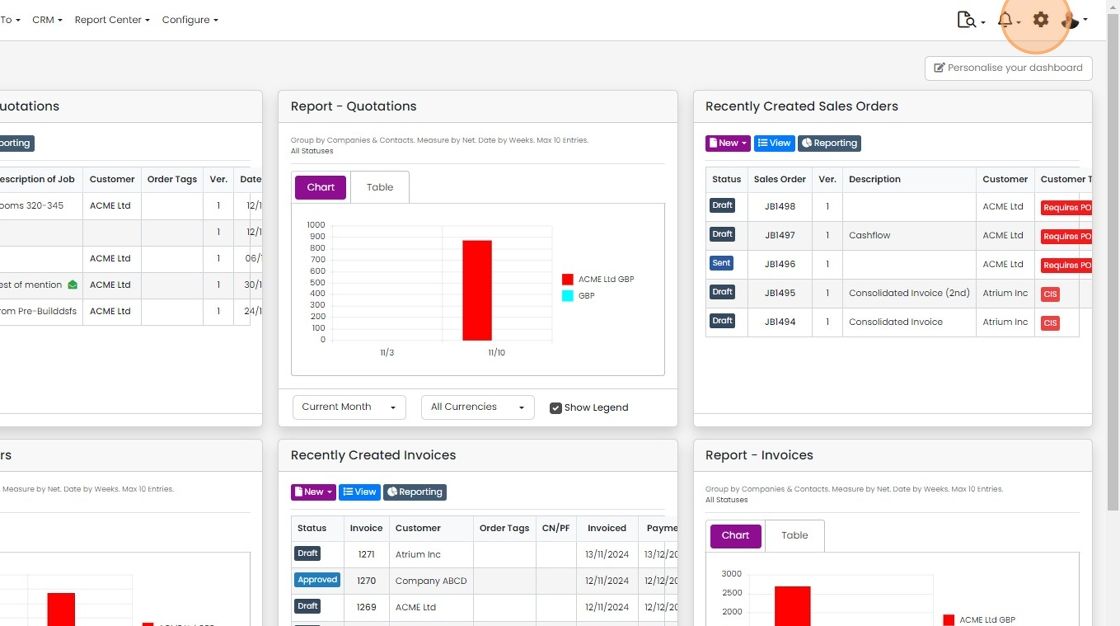
Click on the Cog
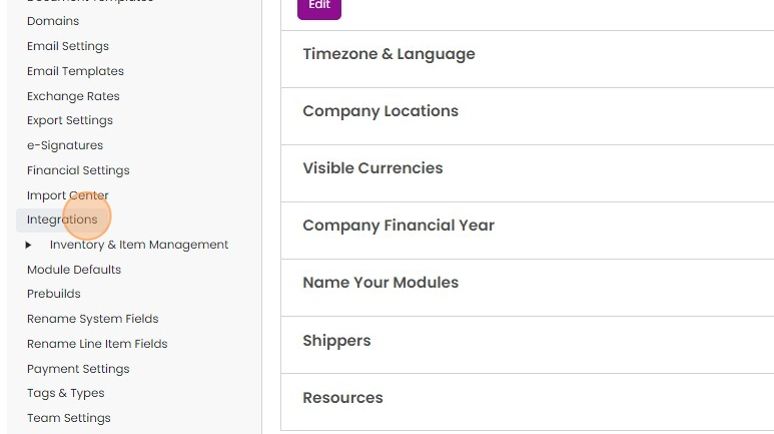
Click "Integrations"
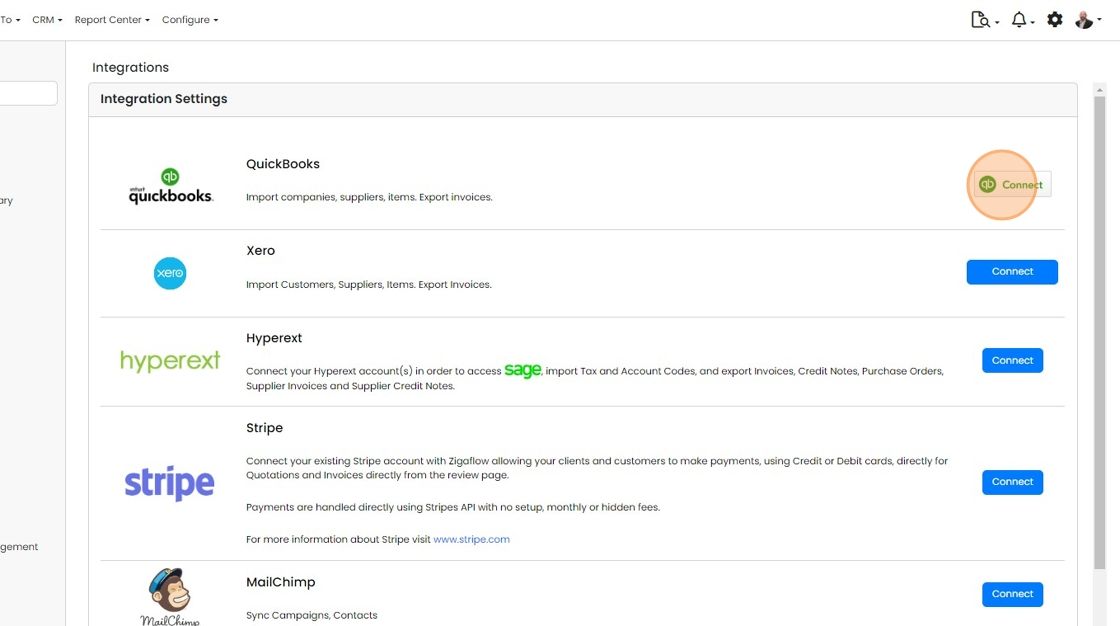
Click on the "Connect" button
Sign in to QuickBooks
Enter your email for QuickBooks
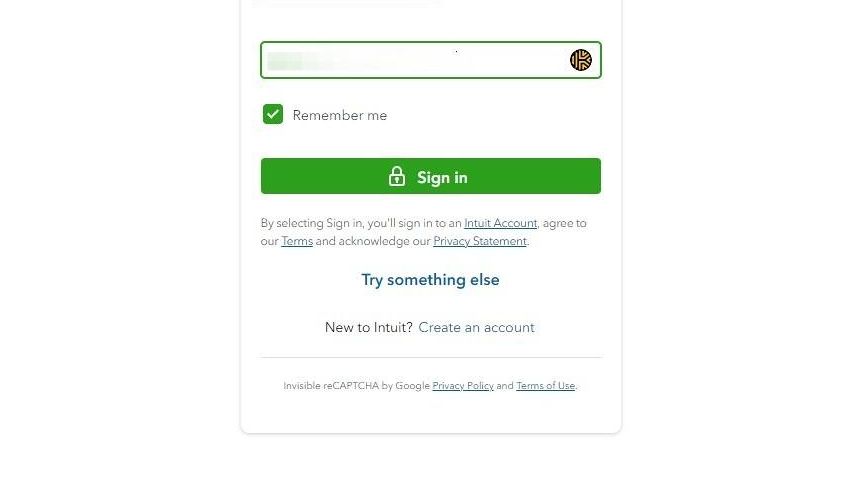
Click "Sign in"

Enter your password for QuickBooks
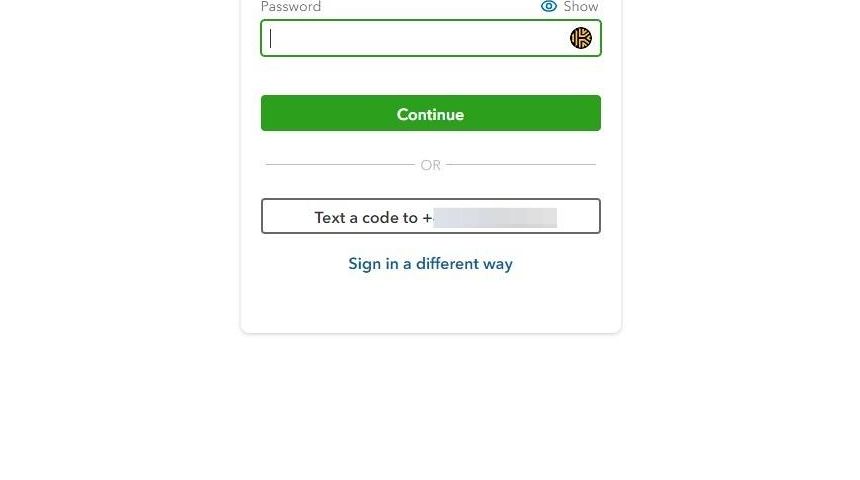
Click "Continue"
Choose your integration settings

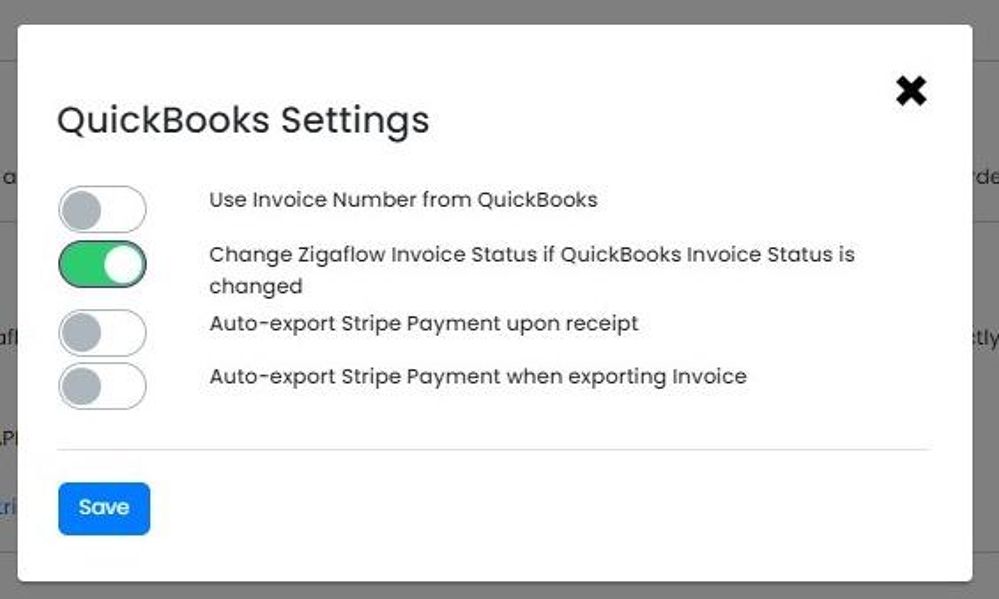
When you have connected, you are taken back to the Integrations page. Click "Settings"

Update the settings to your preferences
Learn more: the QuickBooks integration


Open the integrations page
Frequently asked questions
Was this helpful?