Import client assets
The short answer
To import client assets into Zigaflow, click the Cog, then Import Center, then Client Assets. Download the template if you need it, fill it in, drag the file onto the page and click Upload. The companies must already exist in Zigaflow, but the import adds any missing locations.
Steps
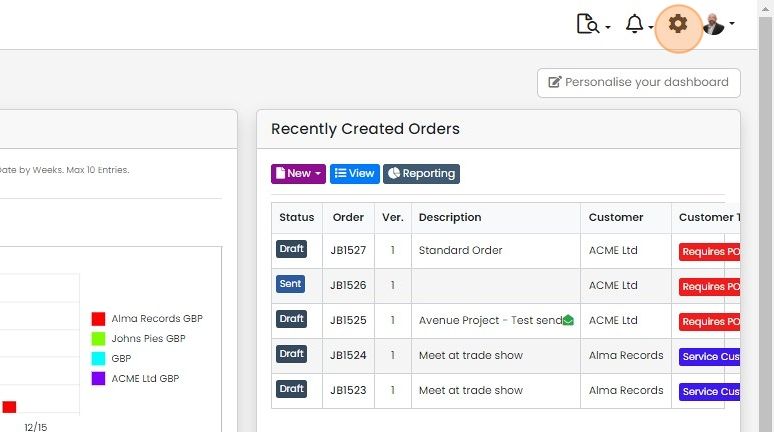
Click on the Cog
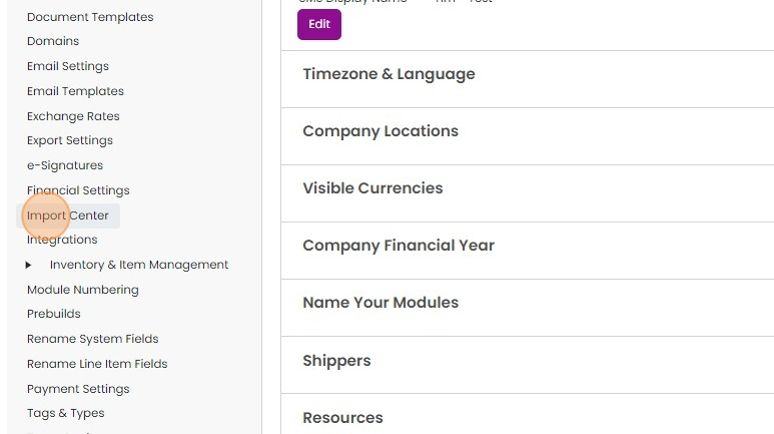
Click "Import Center"
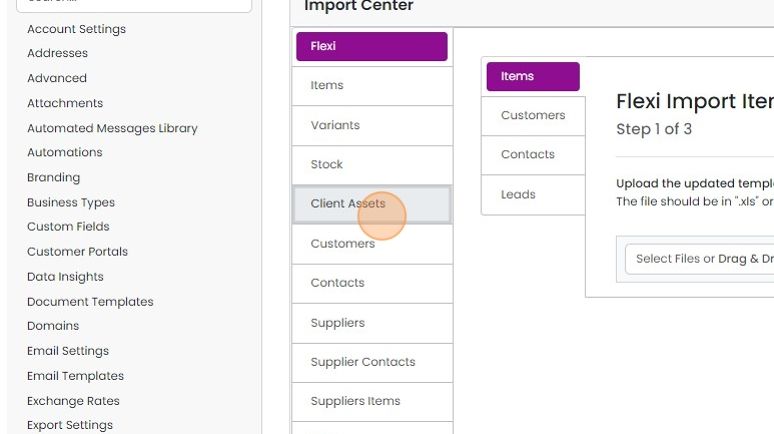
Click "Client Assets"
Prepare your import file
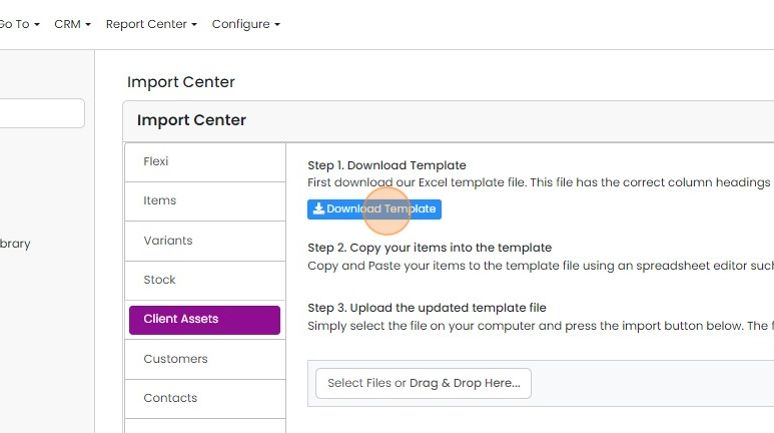
Click "Download Template" if you do not already have the correct import file
An example import is shown below
An example import is shown below. Note that the company must already exist in Zigaflow, but the location will be added by the import. An item does not need to be in Zigaflow, and will not be added to the items list by the import.
Upload the file

Drag and drop the file here
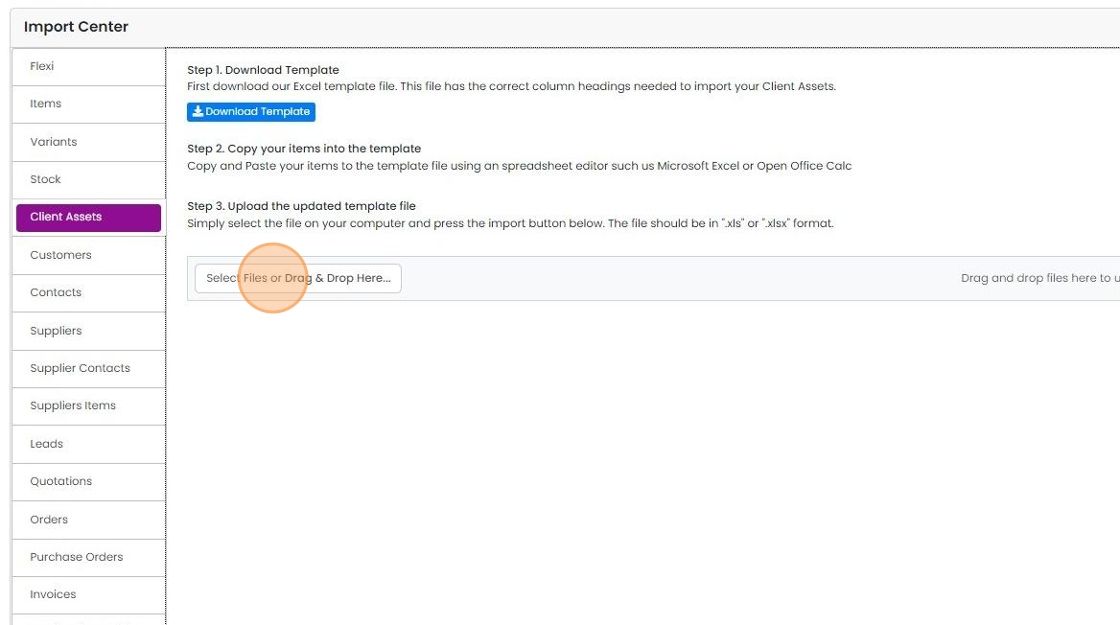
Click "Upload"
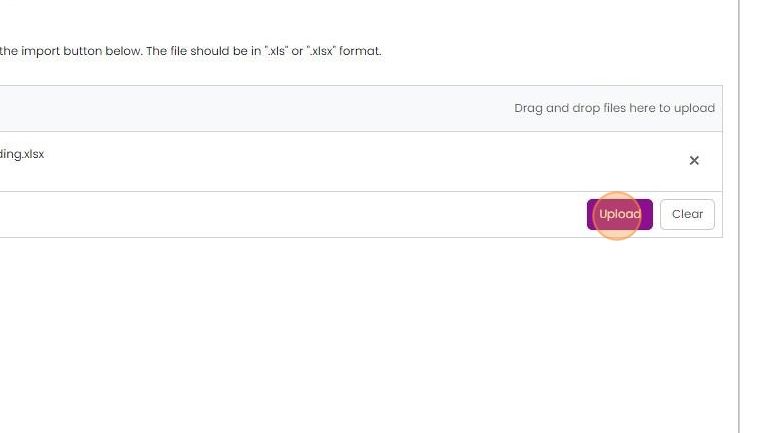
The success of the import is shown


Note that the companies must already exist in Zigaflow, but the import will add the locations if they do not exist. An item does not need to be in Zigaflow and will not be added to the items list by the importer.
Open the client assets importer
Frequently asked questions
Was this helpful?