Deliver work
One purchase order for more than one customer - avoiding supplier minimum orders
The short answer
First make sure the items on the jobs/sales orders have a supplier. Then open the line items screen view, filter by date, status and item supplier, click the bulk action icon and choose Create Purchase Order. Select the items, click the tick, click Create Purchase Orders and select the pre-build. The PO is then created.
Steps
On the Job/Sales Orders make sure the items have a supplier
Filter line items by supplier

Click on the line items screen view
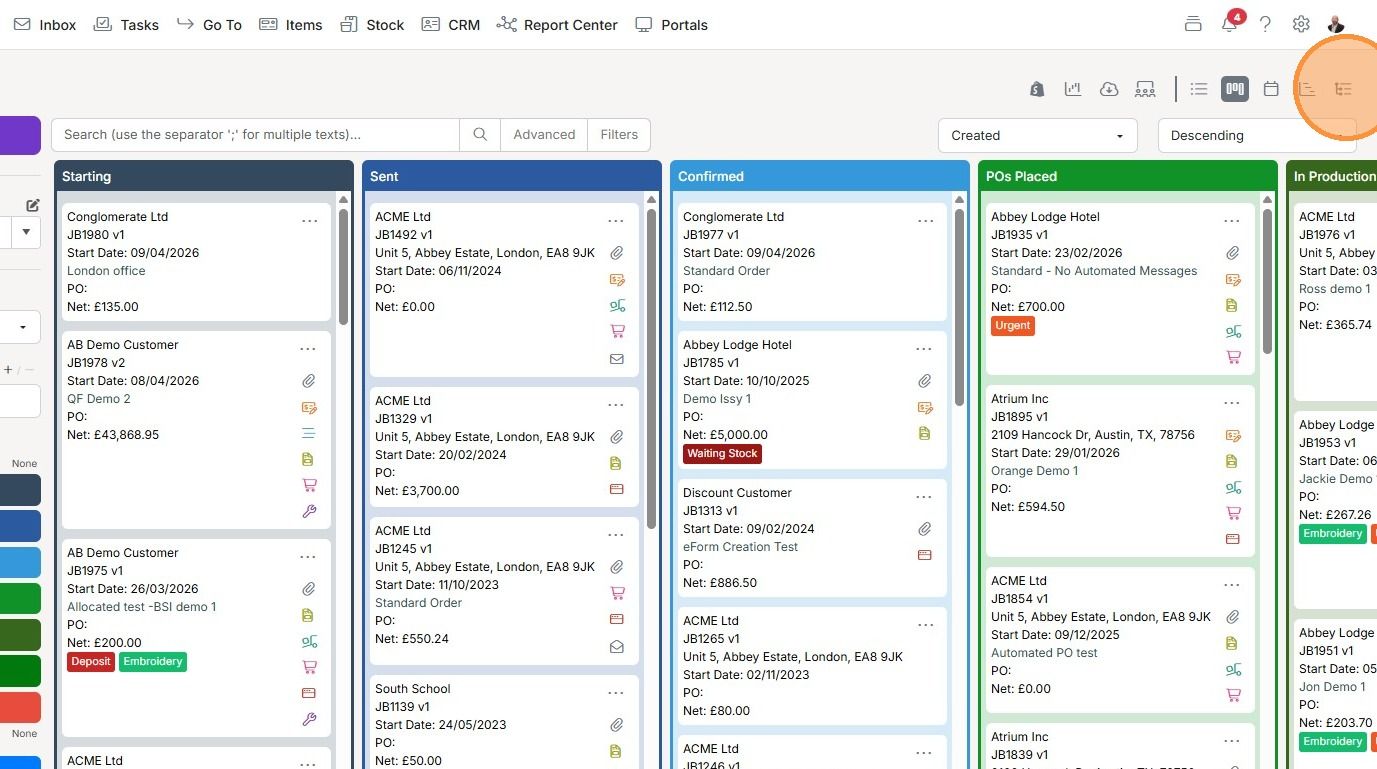
This shows line items from all the Jobs/Sales Orders
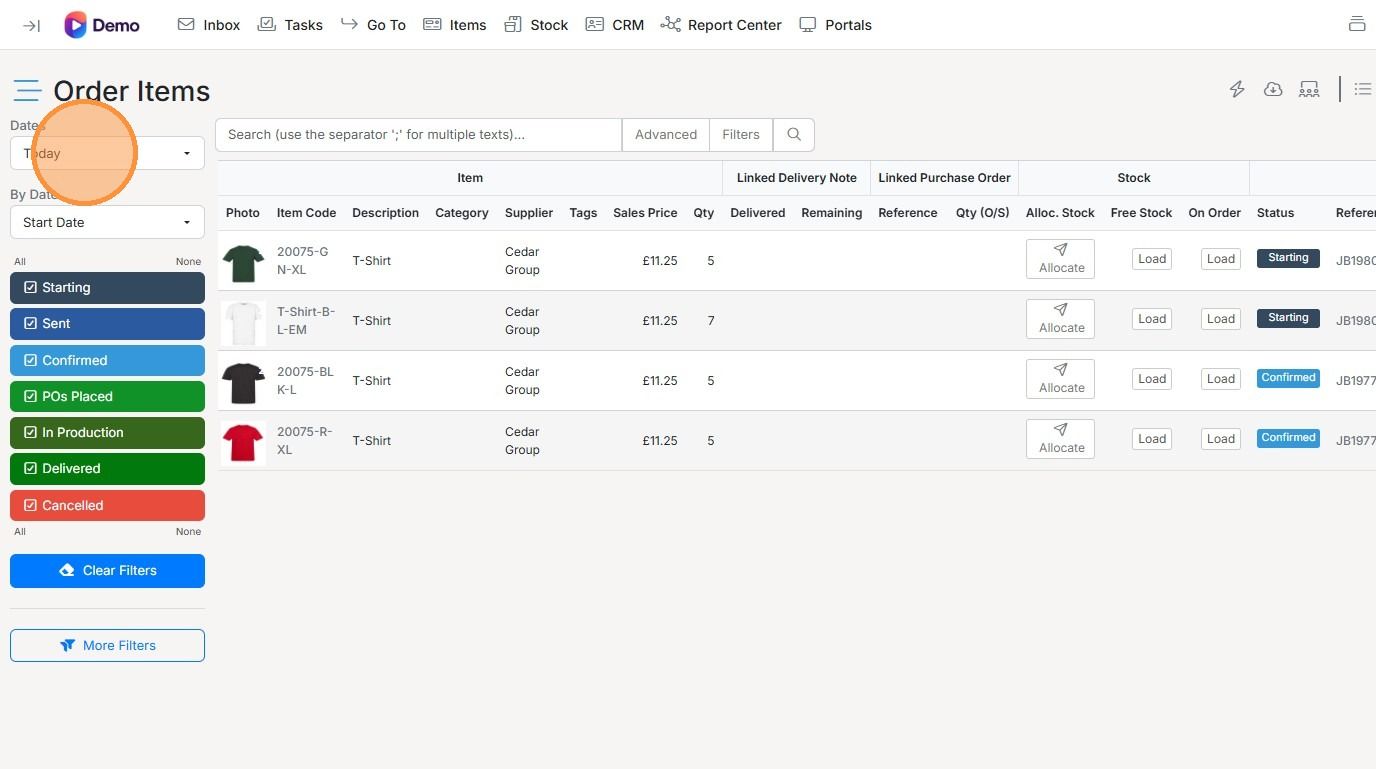
Select the date and status you want to filter by

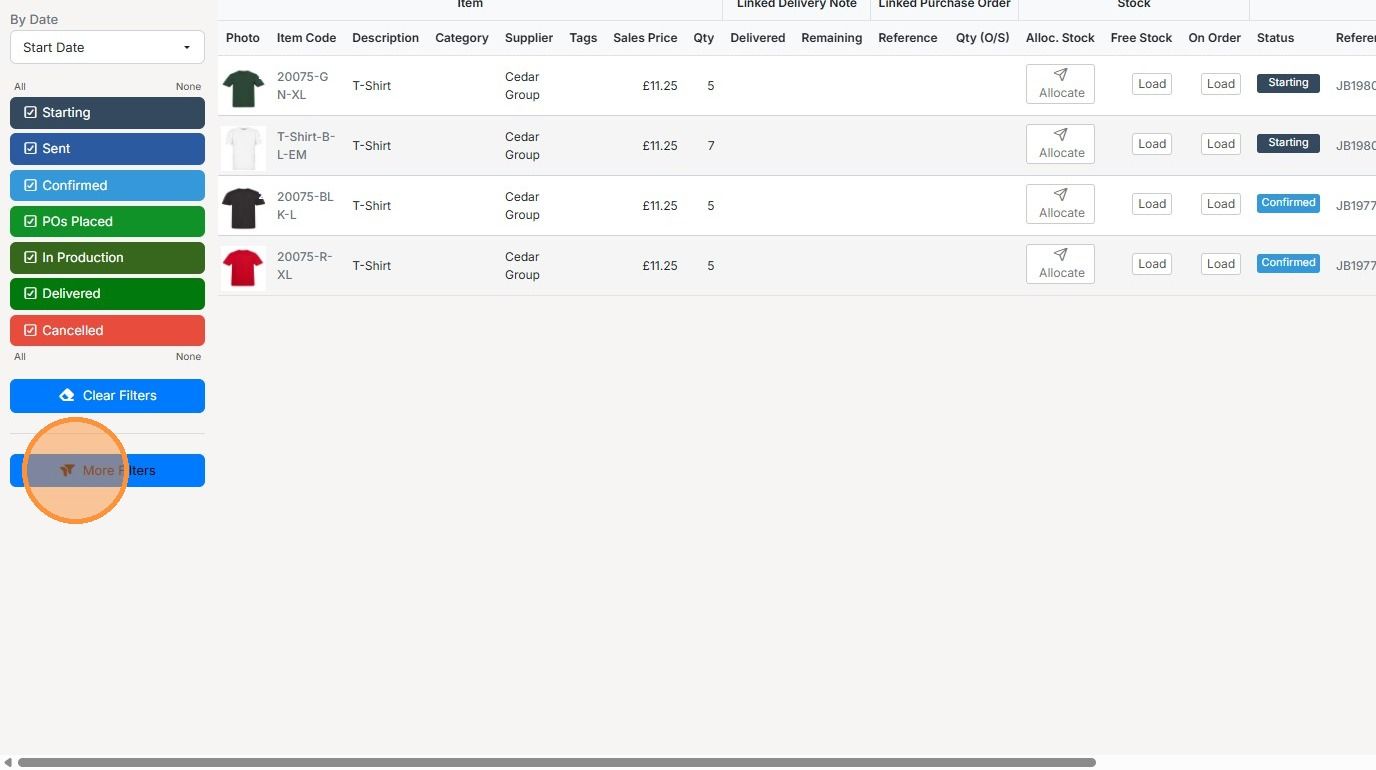
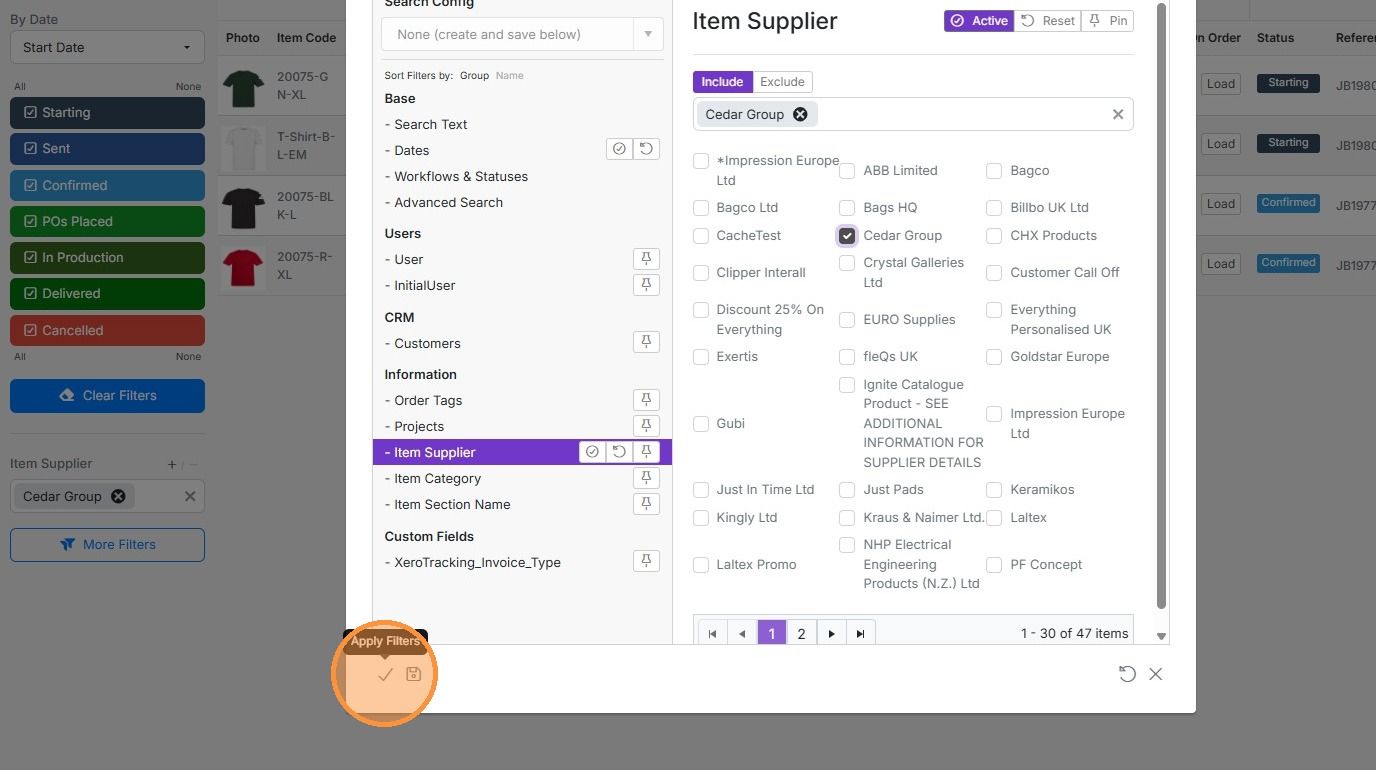
Click "More Filters" to select the supplier you want to create the PO
Click "- Item Supplier"
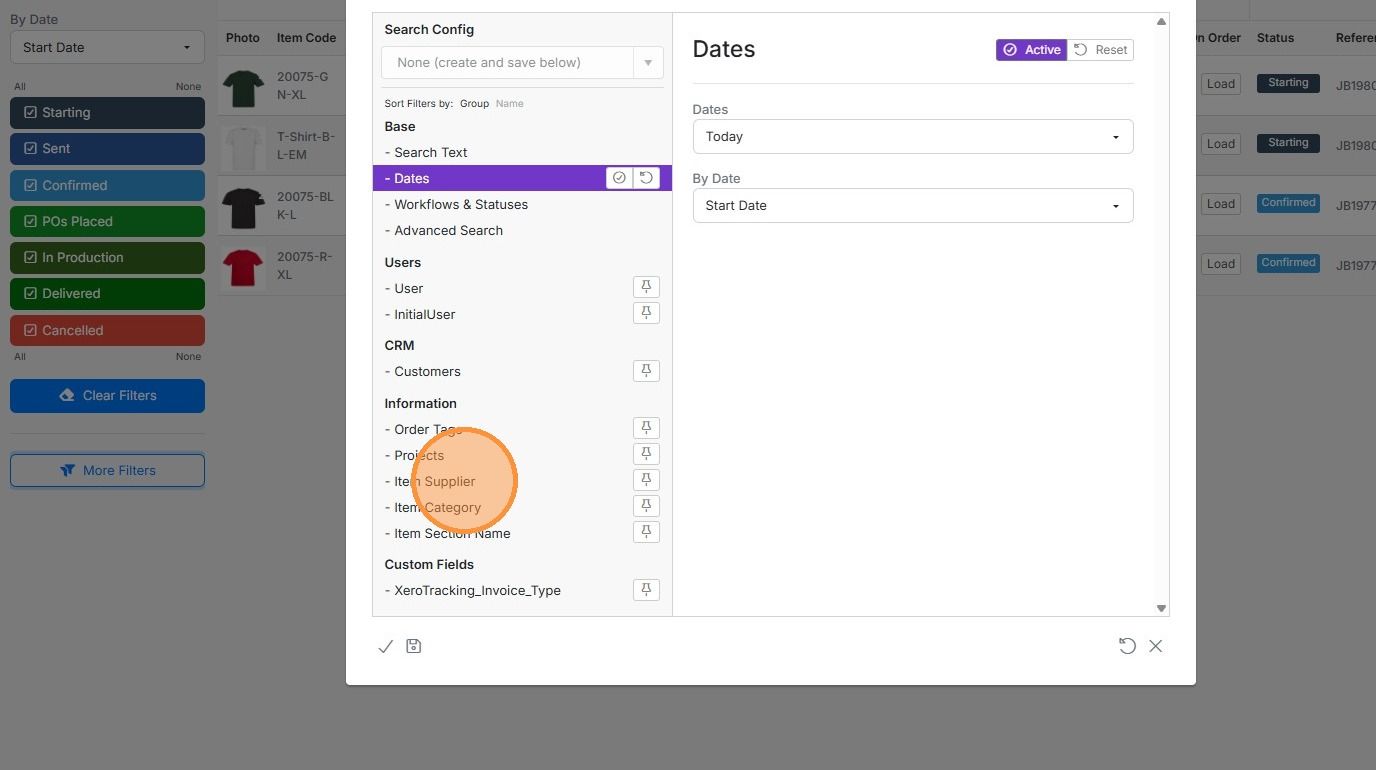
Select the supplier or suppliers
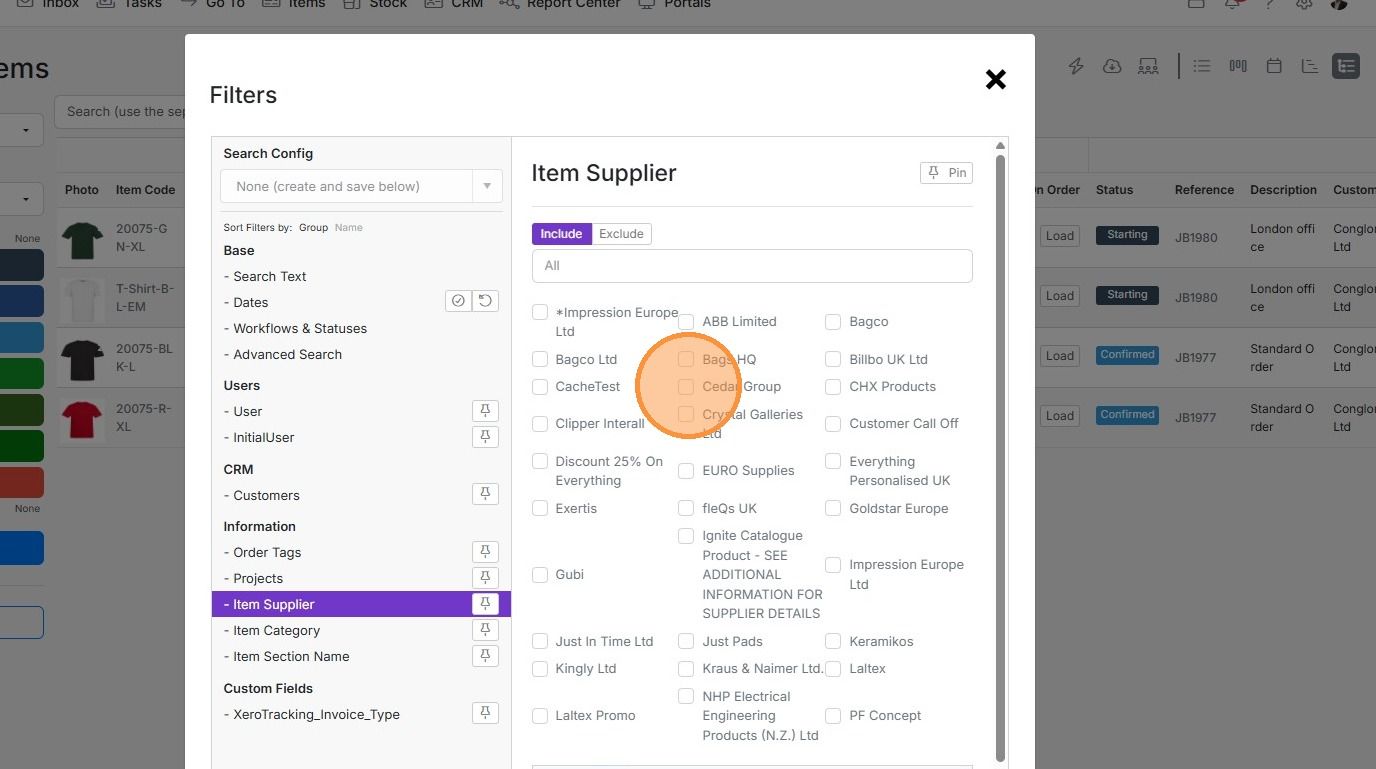
Click here
Create the purchase order
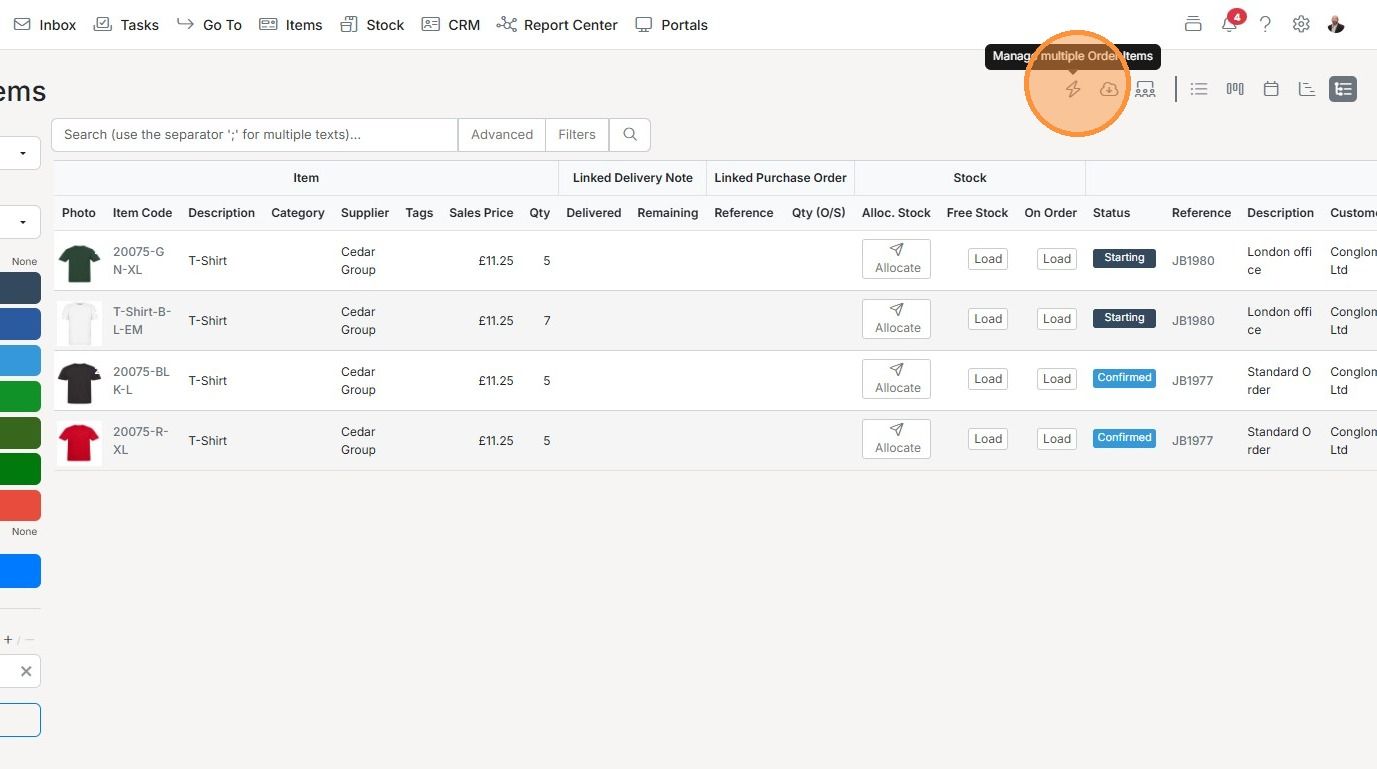
Click on the bulk action/lightening icon
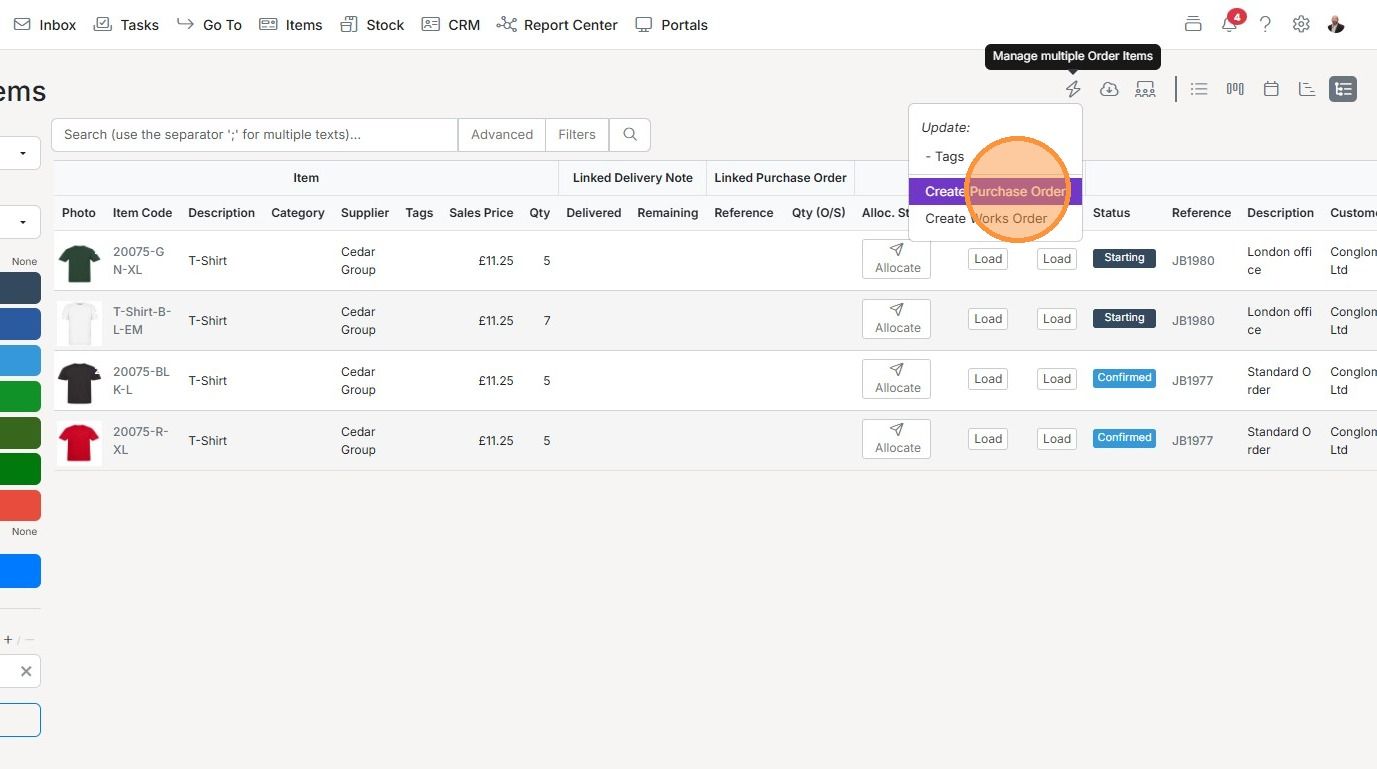
Click "Create Purchase Order"
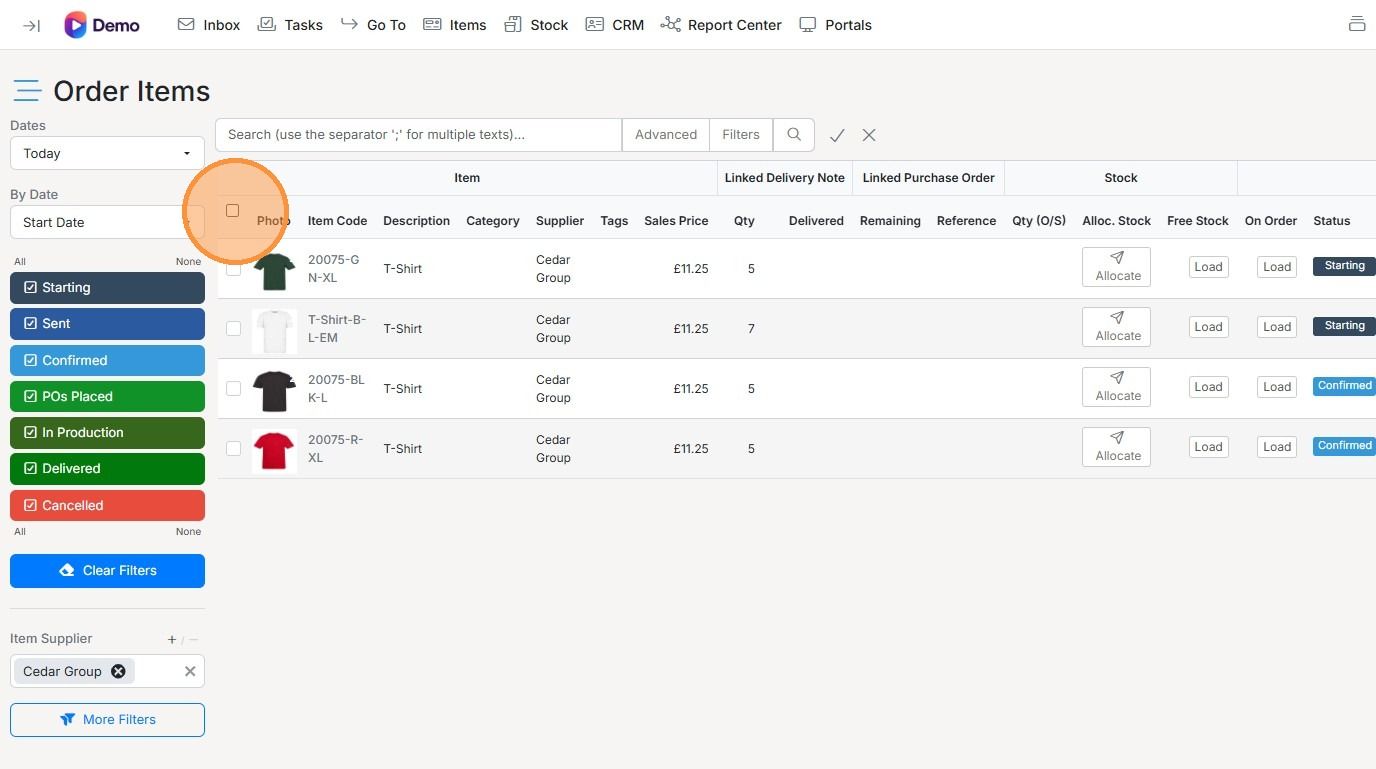
Select the items to add to this purchase order
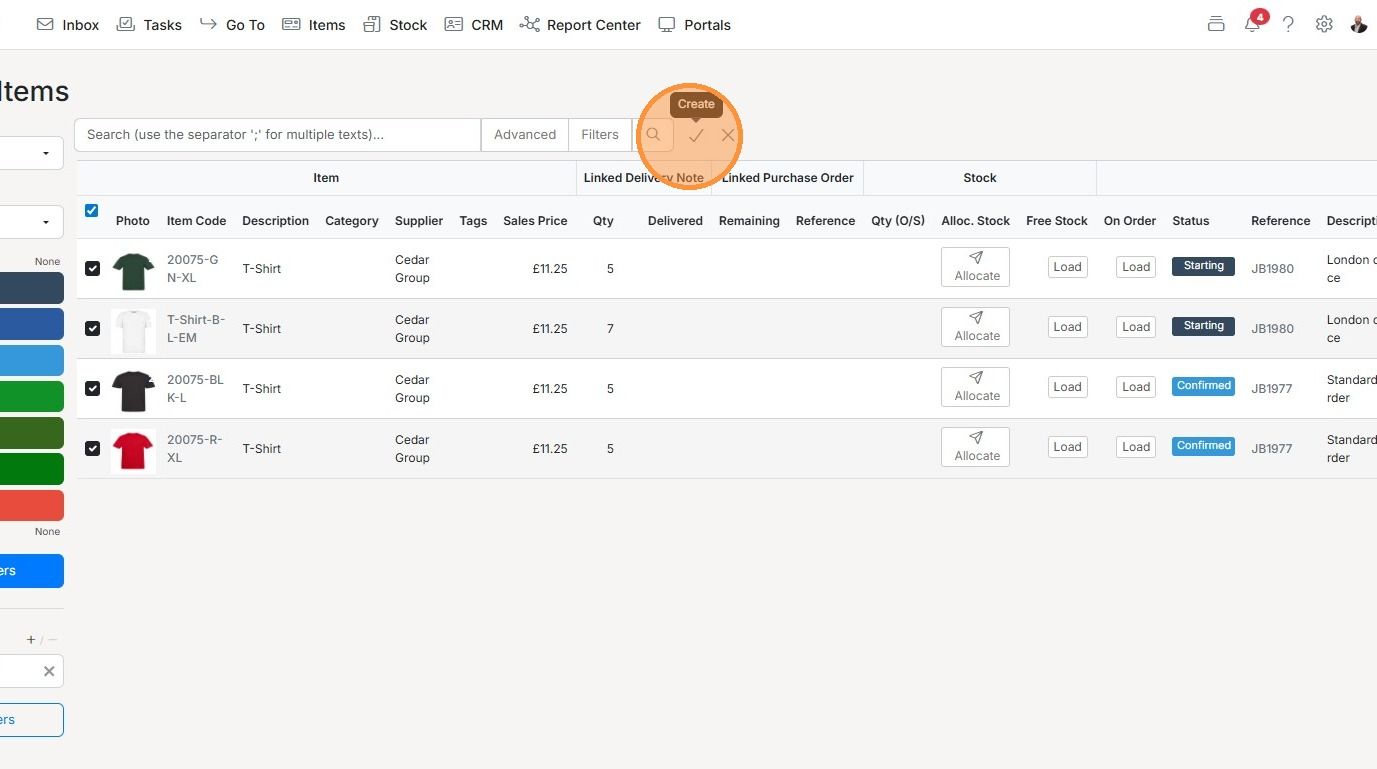
Click the tick
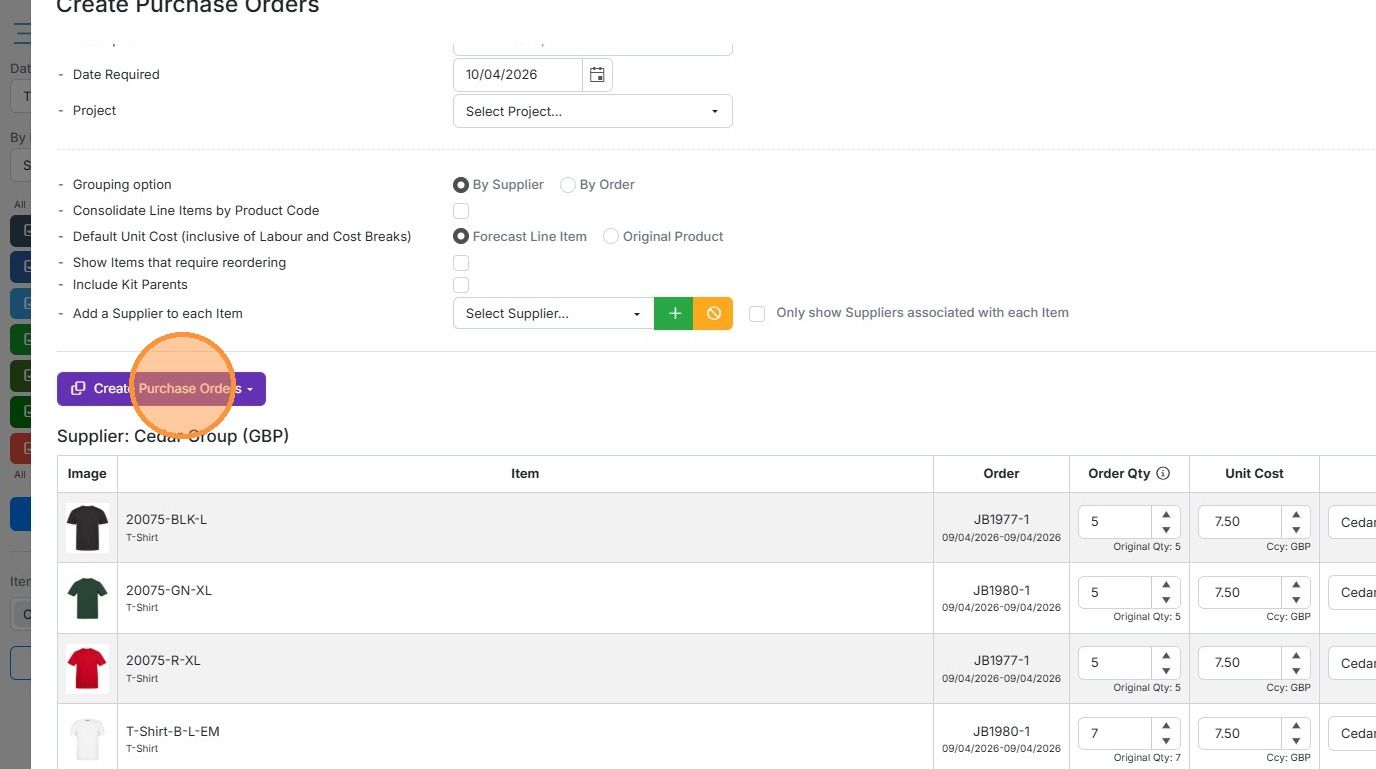
Click "Create Purchase Orders"
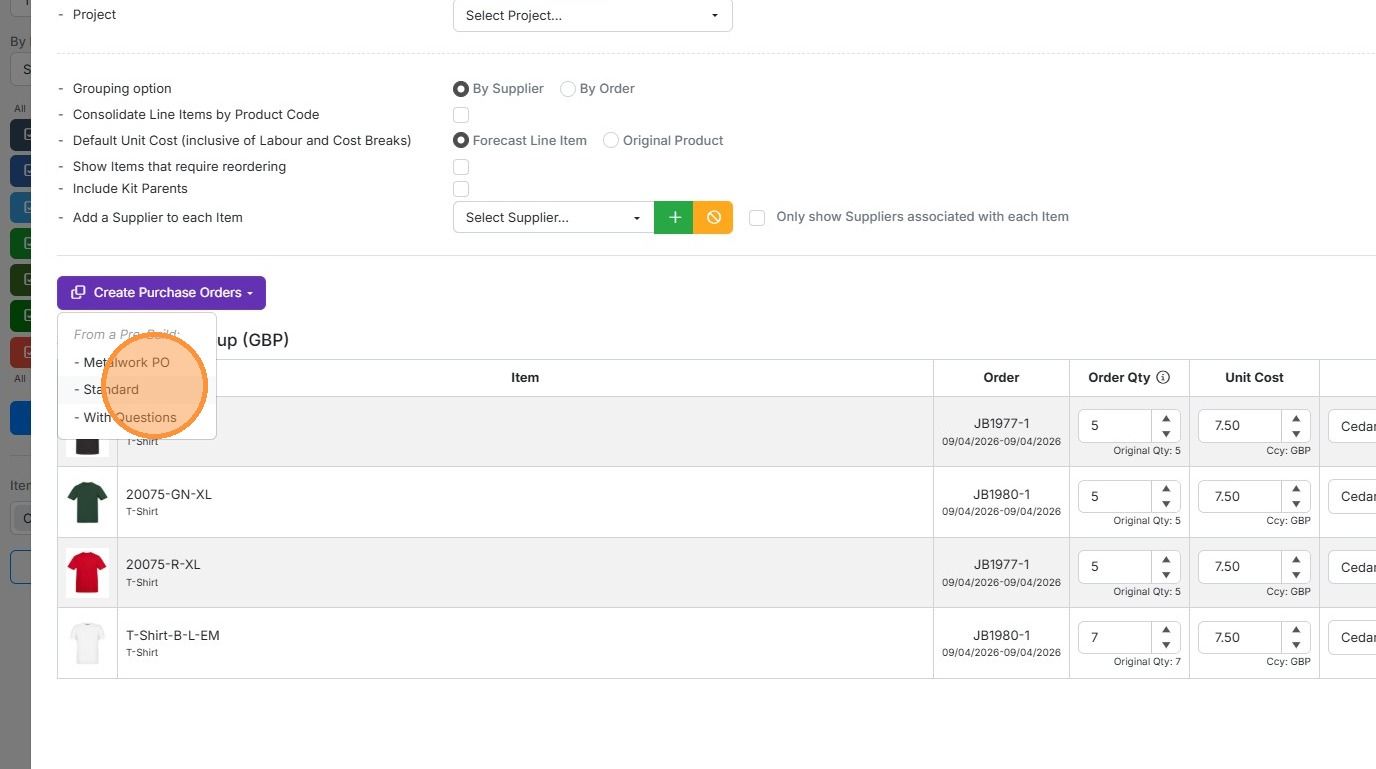
Select the pre-build and the PO will be created
Learn more: purchase orders in Zigaflow


Check items have a supplier
Frequently asked questions
Next step
Essentials, Go and Momentum plansWas this helpful?