Get set up
Rename form fields
The short answer
To rename form fields in Zigaflow, click the Cog, then "Rename System Fields", and select the module. Edit each label and click the tick to confirm. This only changes the screen, not the document variable name. For the item grid, click "Rename Line Item Fields" instead.
Steps
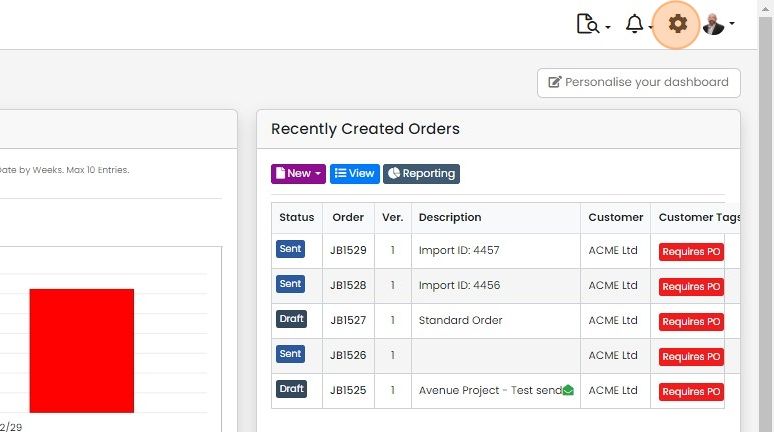
Click on the Cog
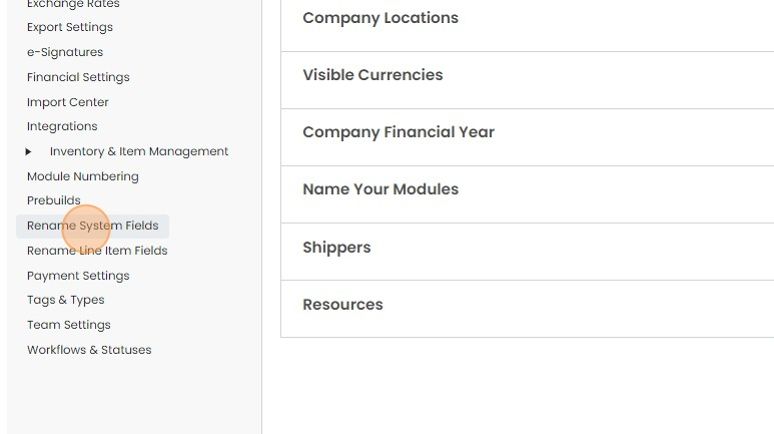
Click "Rename System Fields"
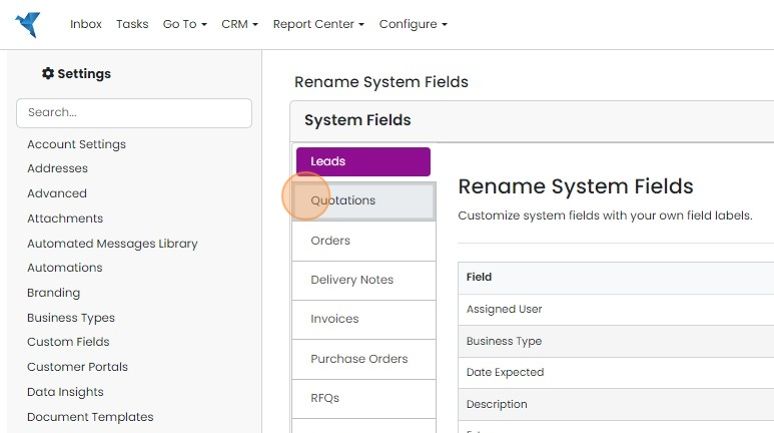
Select the module to work on
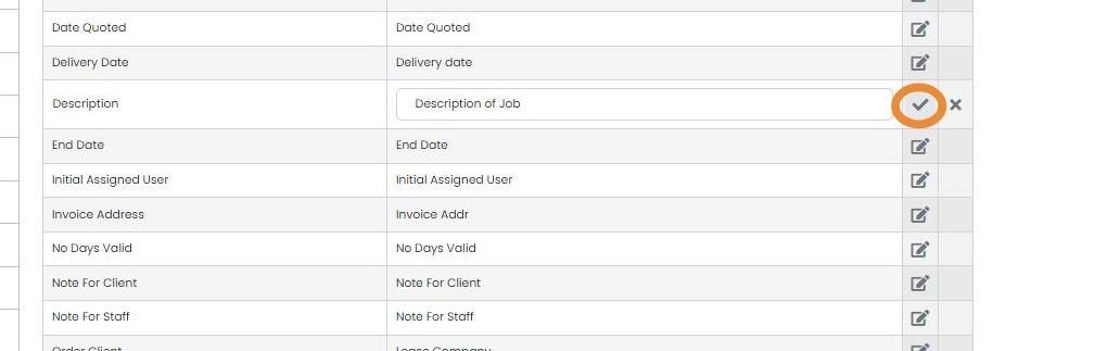
Each label can be edited here. This only affects the screen - it doesn't change the document variable name
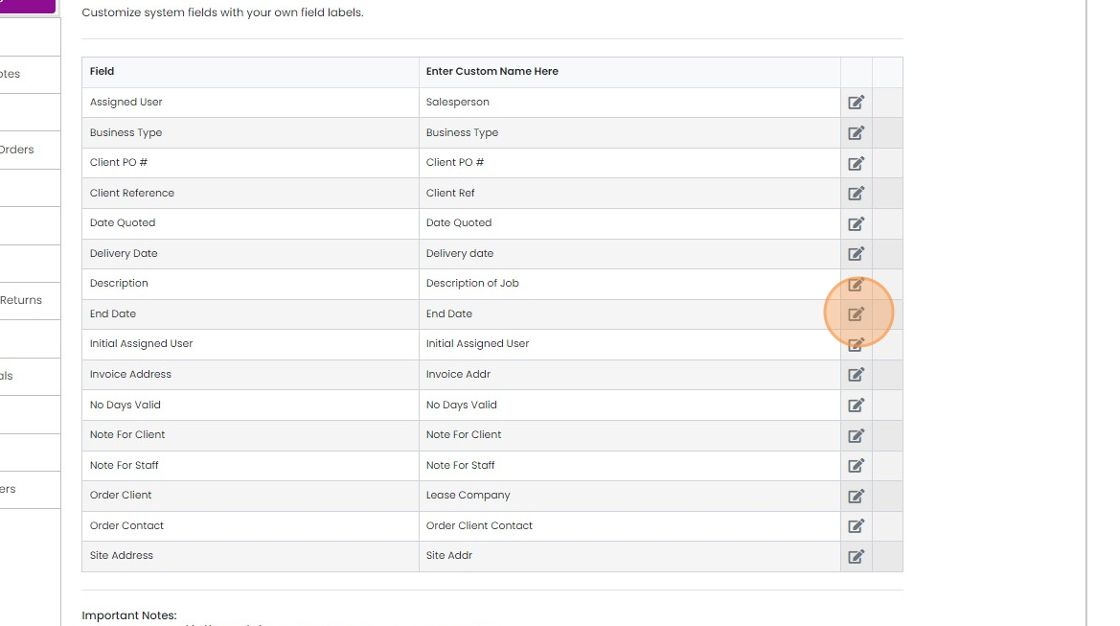
Click on the tick to confirm the edit
Rename line item fields
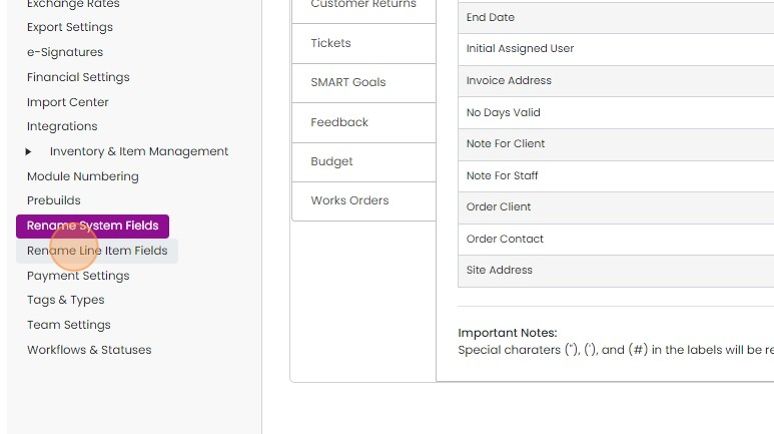
To change the names on the item grid, click "Rename Line Item Fields"
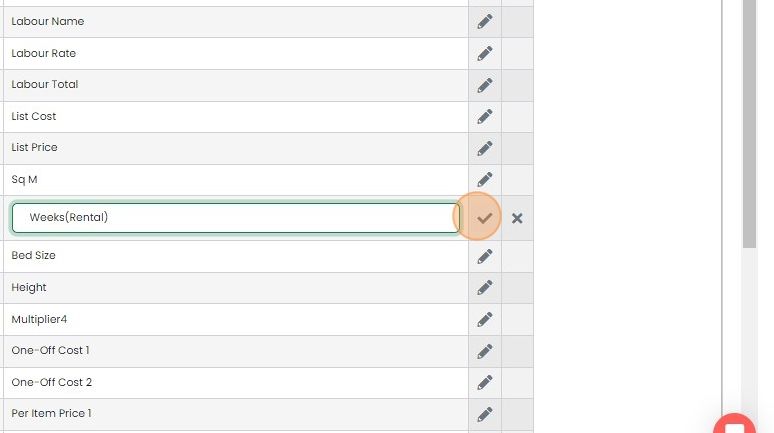
Each can be edit here

And click on the tick to confirm


Once you have a made the change, you may have to log out and back in again to see the update.
Rename system fields
Frequently asked questions
Was this helpful?