Make it yours
Set items for sale on Shopify stores
The short answer
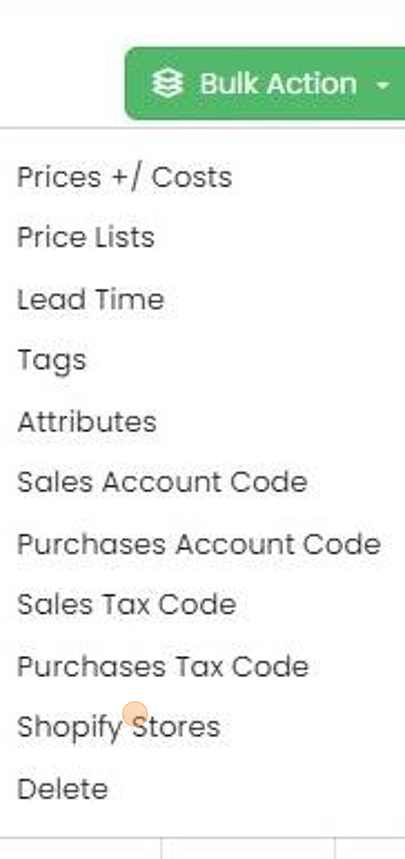
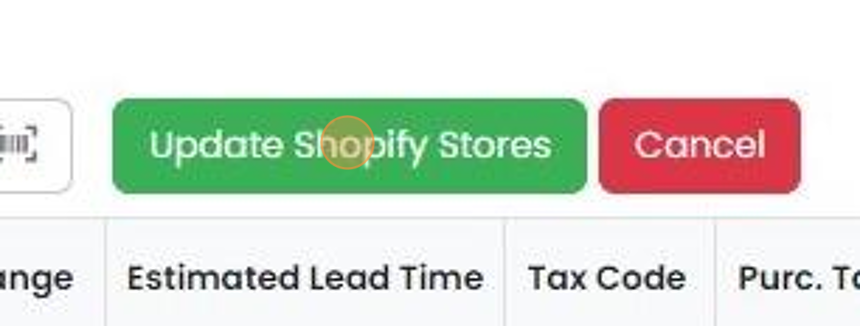
Choose which items are offered in each Shopify store in Zigaflow. You can set the stores for one item on its Item edit screen, or bulk update Shopify stores for several items at once. For a bulk update, click Shopify Stores, select the items, then click Update Shopify Stores.
Steps
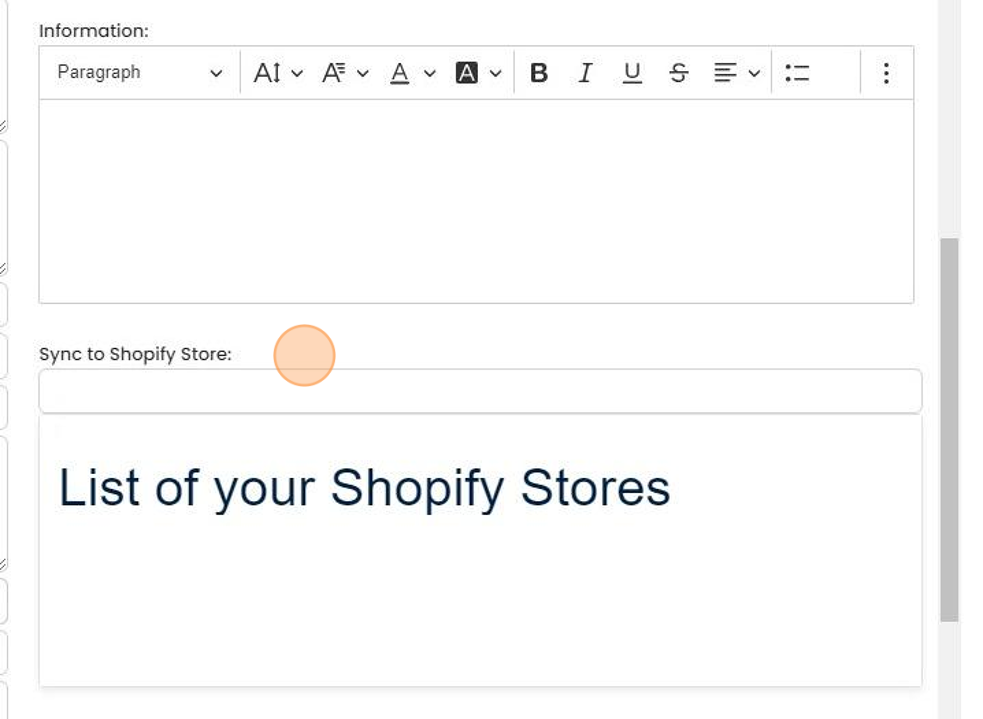
For each item that you want to offer in a Shopify store, you can either manually set their stores in the...
For each item that you want to offer in a Shopify store, you can either manually set their stores in the Item edit screen
Bulk update Shopify stores
Or you can do a bulk update

Click "Shopify Stores"
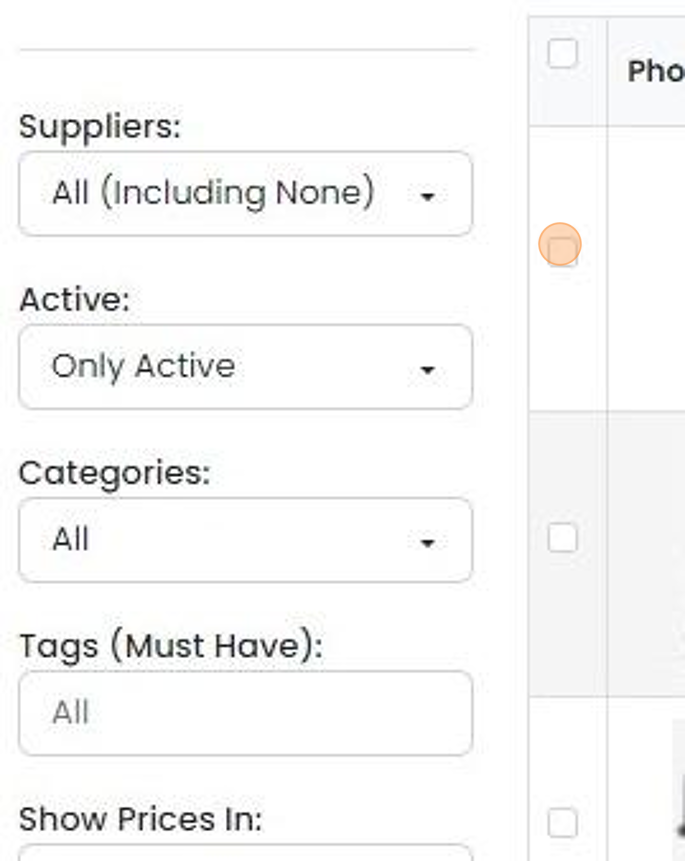
Select the items
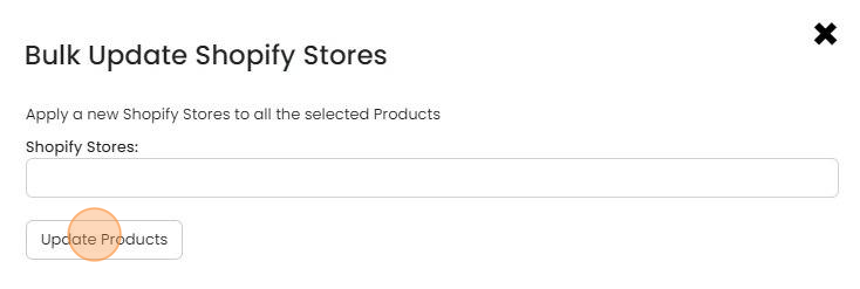
Click "Update Shopify Stores"
Click here
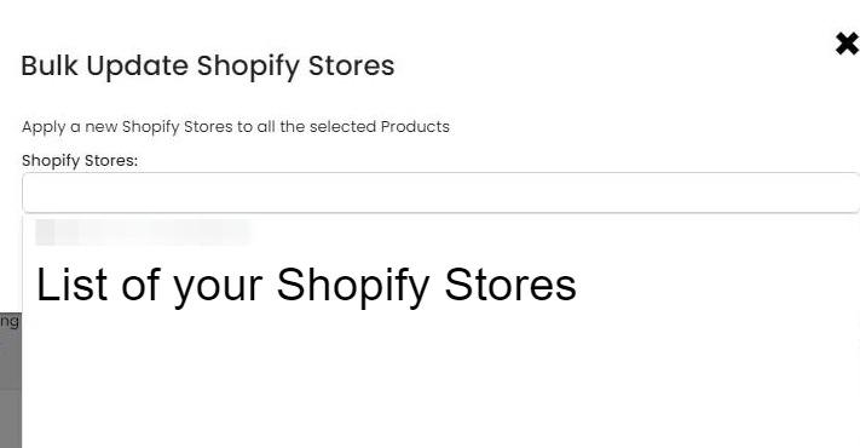
Click to update the items
Click "×"
Learn more: the Shopify integration


Set stores on a single item
Frequently asked questions
Was this helpful?