Get set up
Swapping items (alternative items)
The short answer
To swap an item, open the menu for that item on a quotation or job/sales order and click Swap. If the item you need is not in the list, click Search Items List and add it from the full item list. You can also set alternatives in advance on the item itself under Go To, Items.
Steps
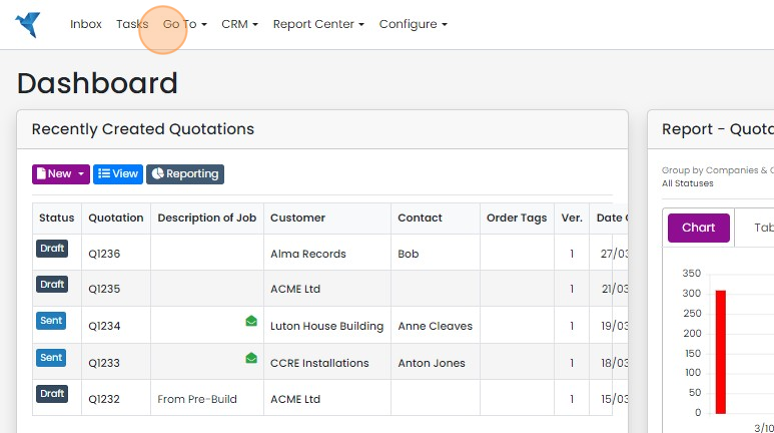
To set up an alternative in the item click "Go To"
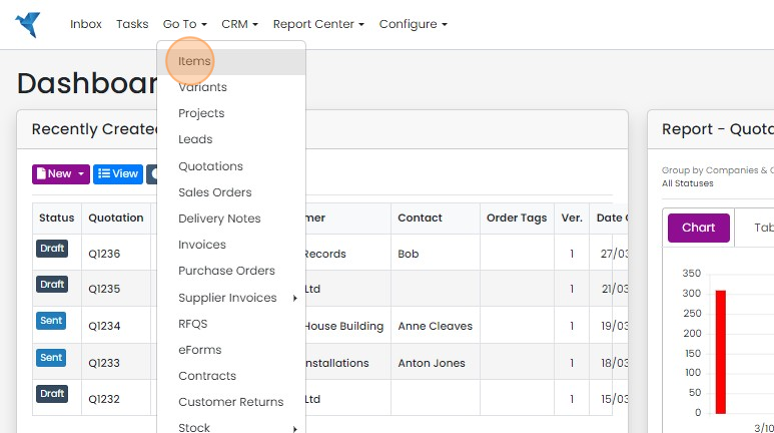
Click "Items"
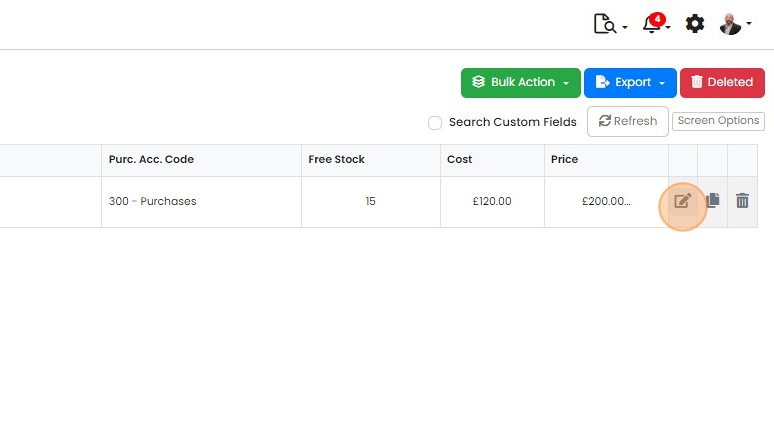
Edit the item to add alternatives
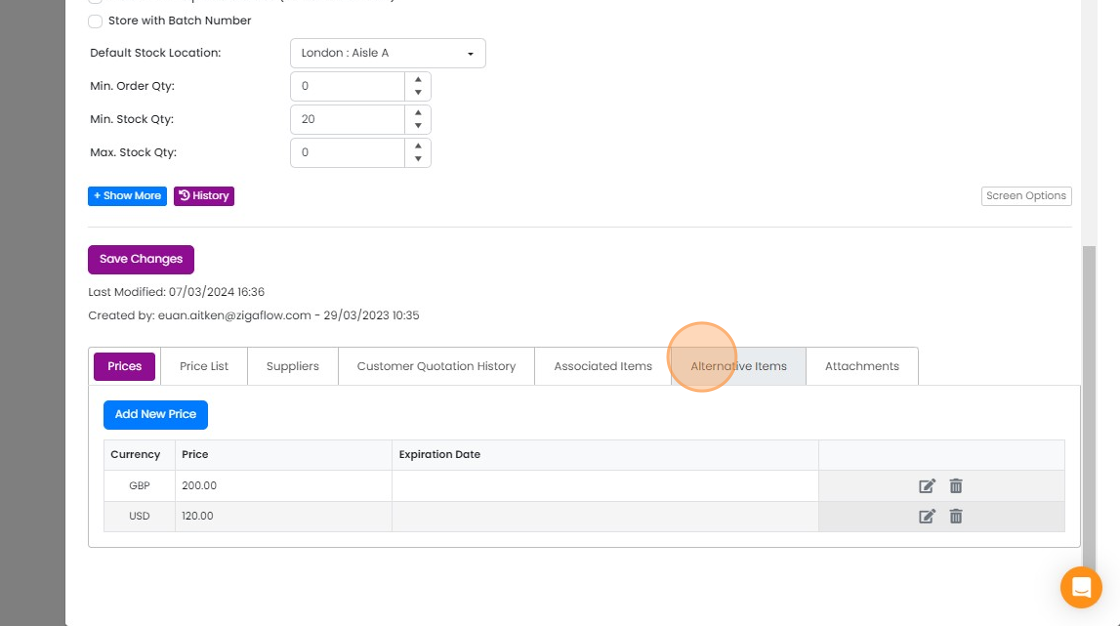
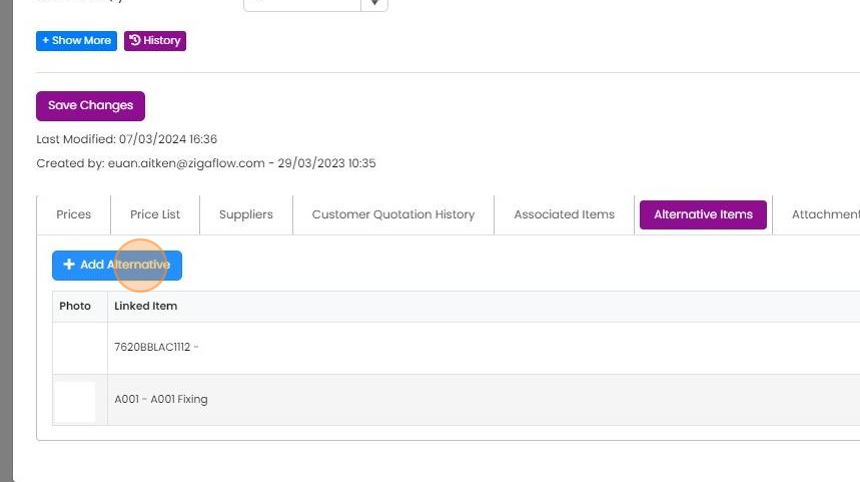
Click "Alternative Items"
Click "Add Alternative"
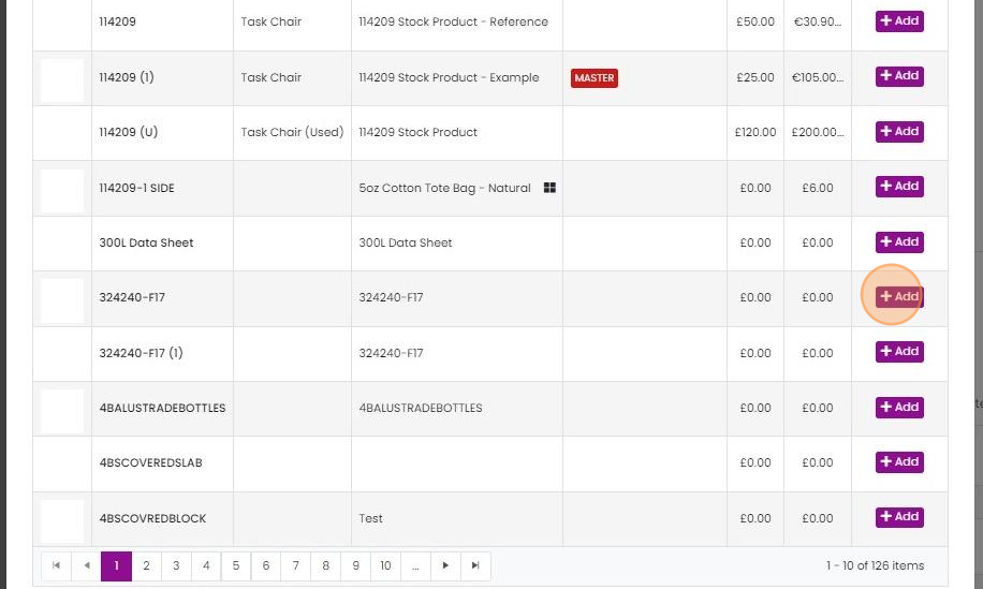
Click "Add" to each item to set as an alternative
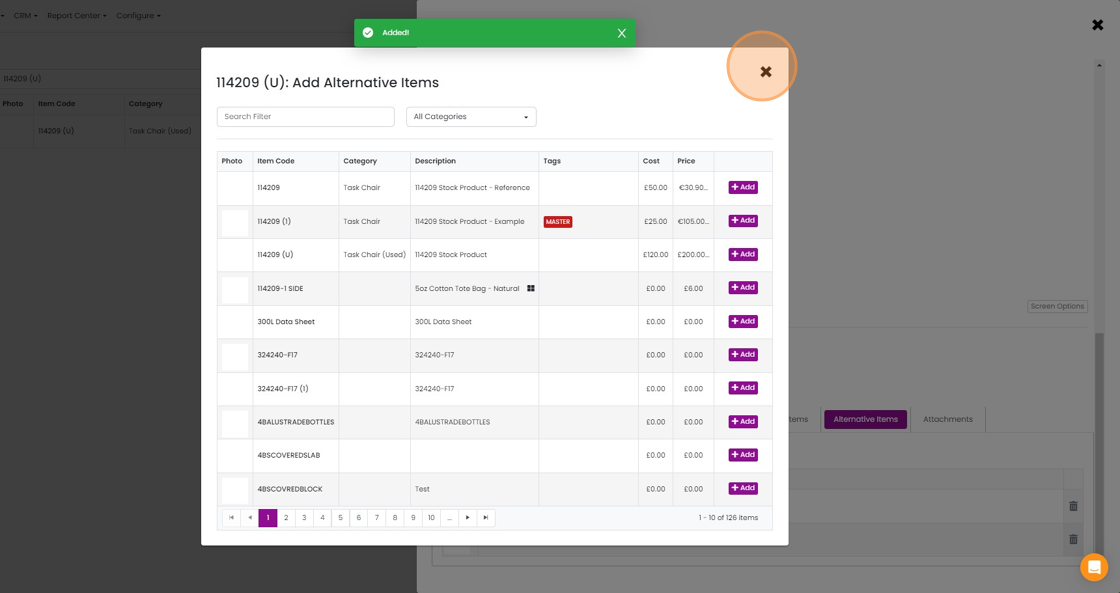
Close the form when done
Swap an item on a quotation or job
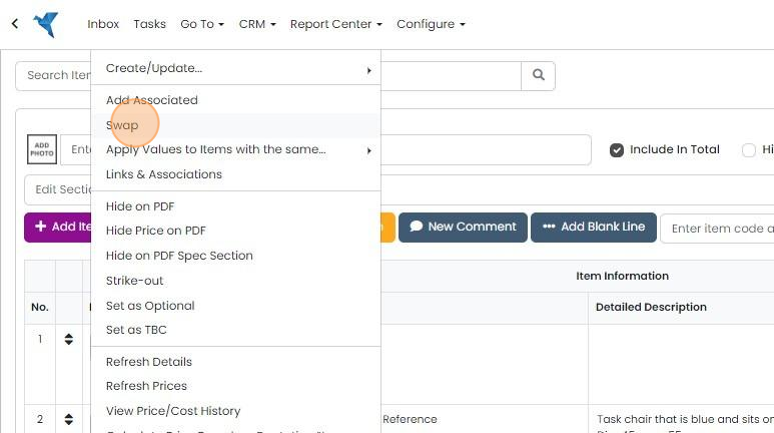
To Swap an item on a Quotation, Job/Sales Order, etc.. click on the menu for the item to swap
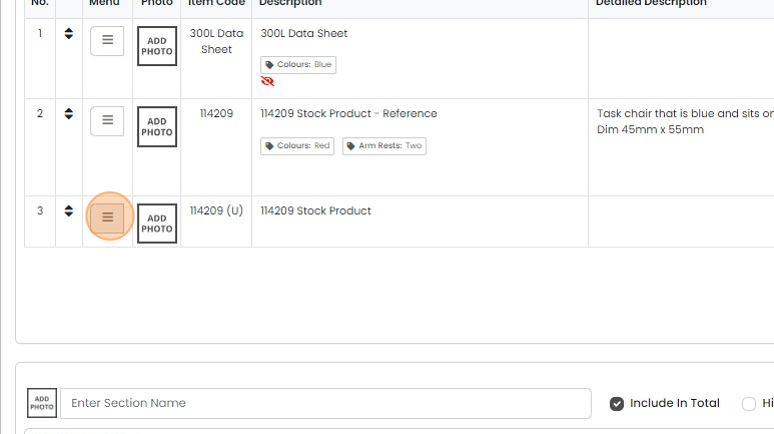
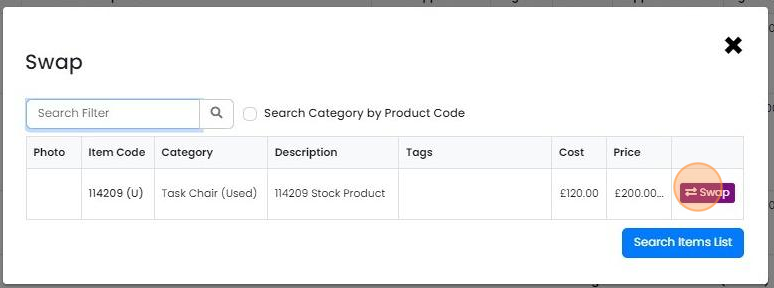
Click "Swap"
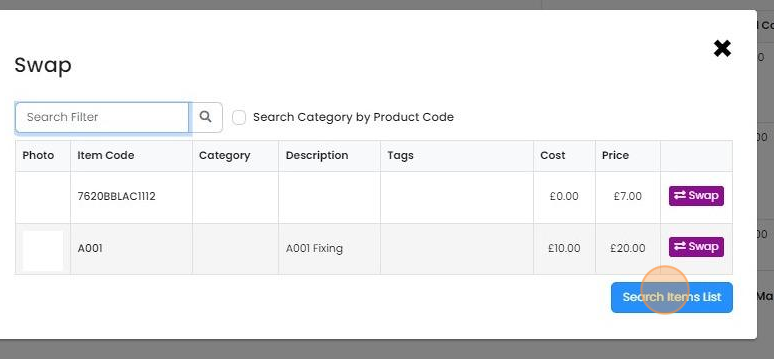
If an item is not available in the initial list, click on "Search Items List"
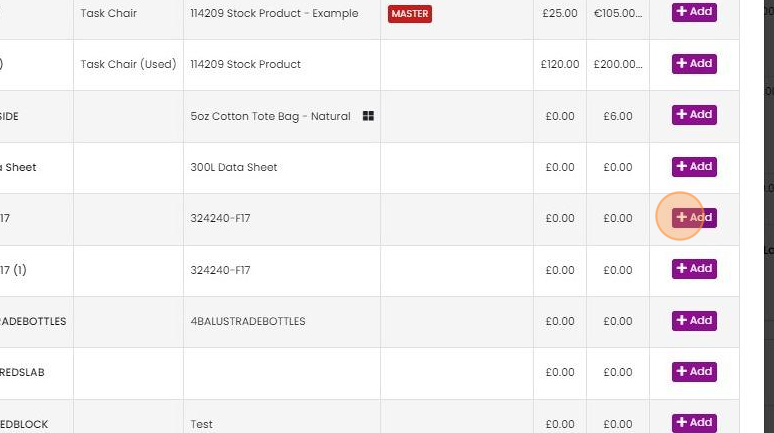
Add the required item from the full item list
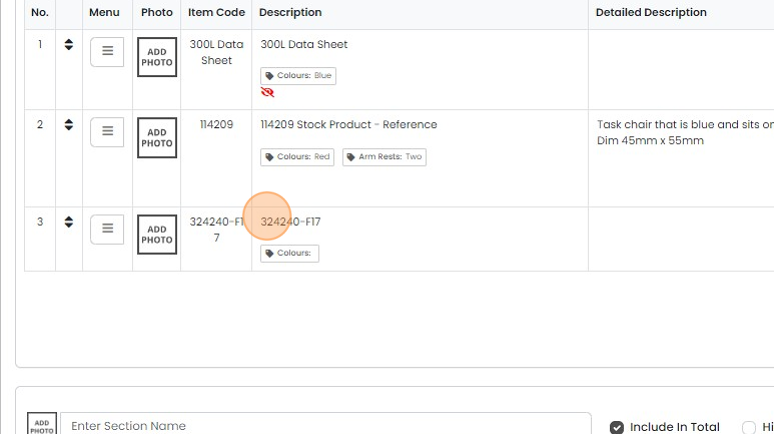
This item has been swapped into the place of the original one
When items are swapped, Zigaflow adds them to the alternatives list to make it quicker to swap from this...
When items are swapped, Zigaflow adds them to the alternatives list to make it quicker to swap from this screen
Learn more: quotes in Zigaflow


Alternative items (or swappable items) can be set up in the item edit screen, imported from Excel, or, more conveniently, swapped on a Quotation, Job/Sales Order, etc., and the system remembers what was previously swapped.
Set up alternative items
Frequently asked questions
Was this helpful?