Get set up
Temporarily remove multi-factor authentication (MFA)/2-factor authentication (2FA) for a u
The short answer
To temporarily remove MFA/2FA for a user who is struggling to log in, go to the Cog, then Team Settings, then Manage Team Members. Edit the user's profile, choose Disable Two Factor Authentication, and enter your own password. Only ADMIN users can do this.
Steps
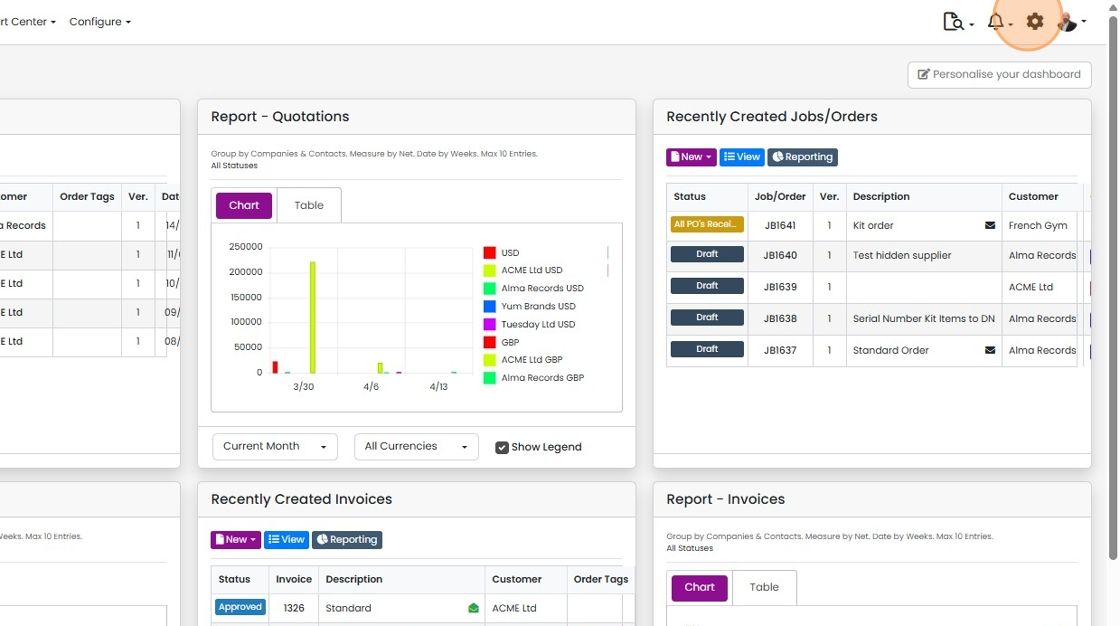
Click on the Cog
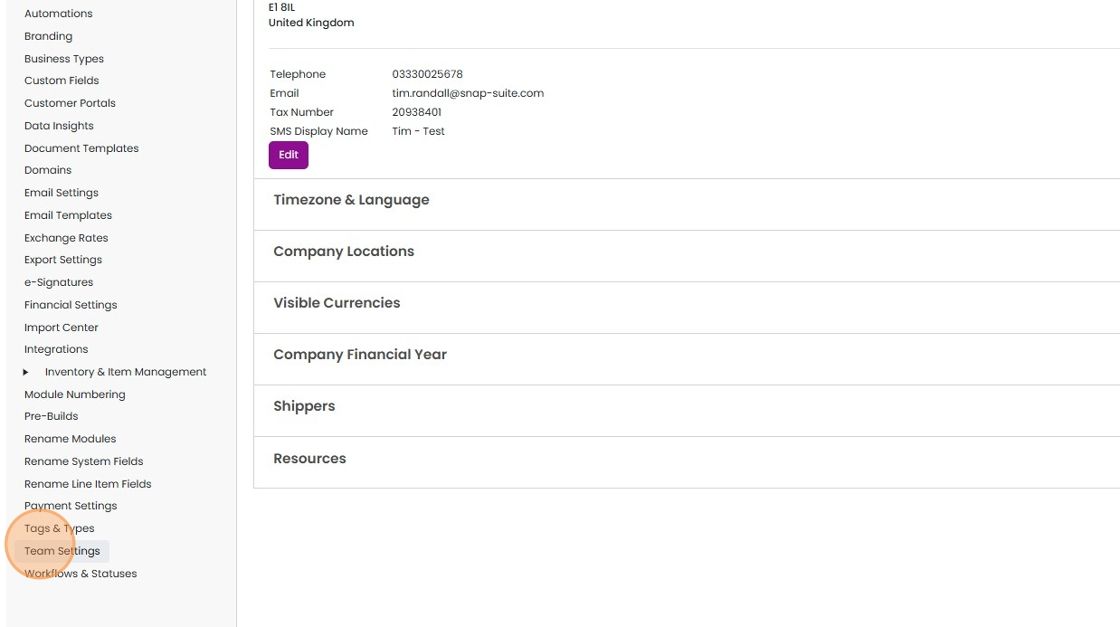
Click "Team Settings"
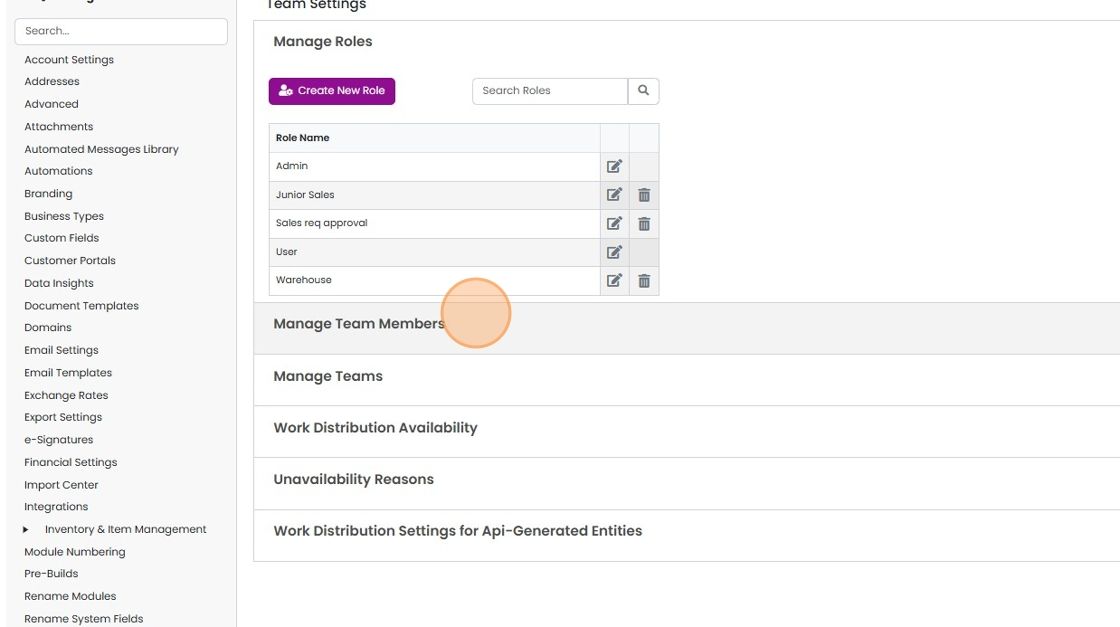
Click "Manage Team Members"
Edit the user's profile

Click this dropdown
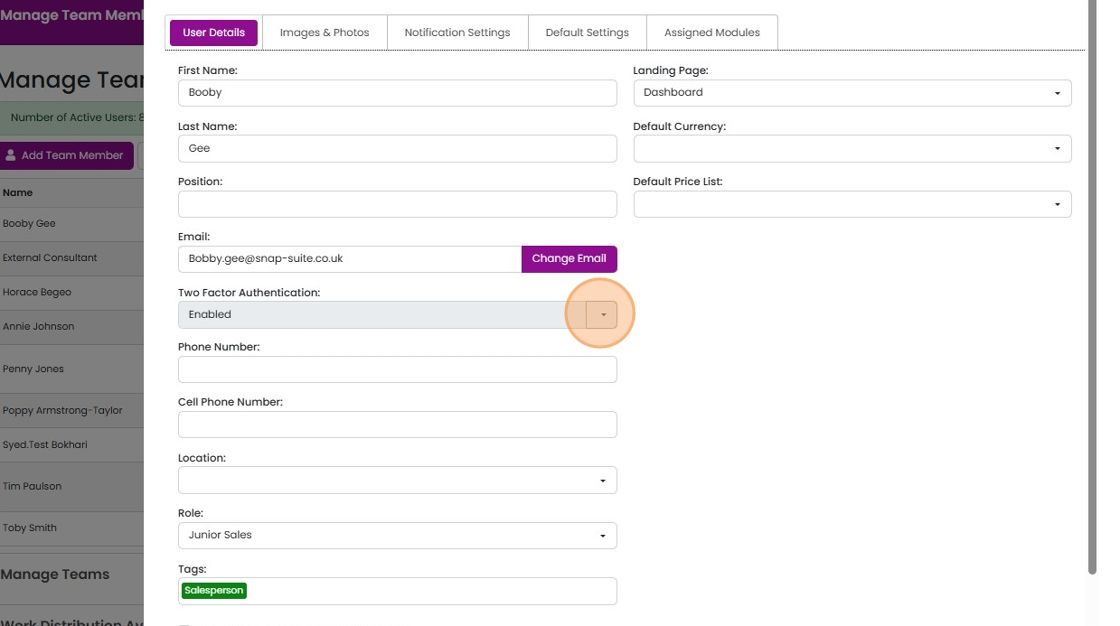
Click "Disable Two Factor Authentication"

Put in YOUR password and click the 'Disable...' button
The user can now log in without having to enter a code.
Learn more: user permissions and security


This is only available to ADMIN users.
Frequently asked questions
Was this helpful?