Make it yours

Undo and redo changes

In Zigaflow

The short answer

To undo changes in Zigaflow, click Expand header, then click Return to a previous point in time, then click Reset To Here on the line you want to go back to. Resetting a line down the list reverses all the actions above it. You can do this for changes to the top level and to items.

Steps

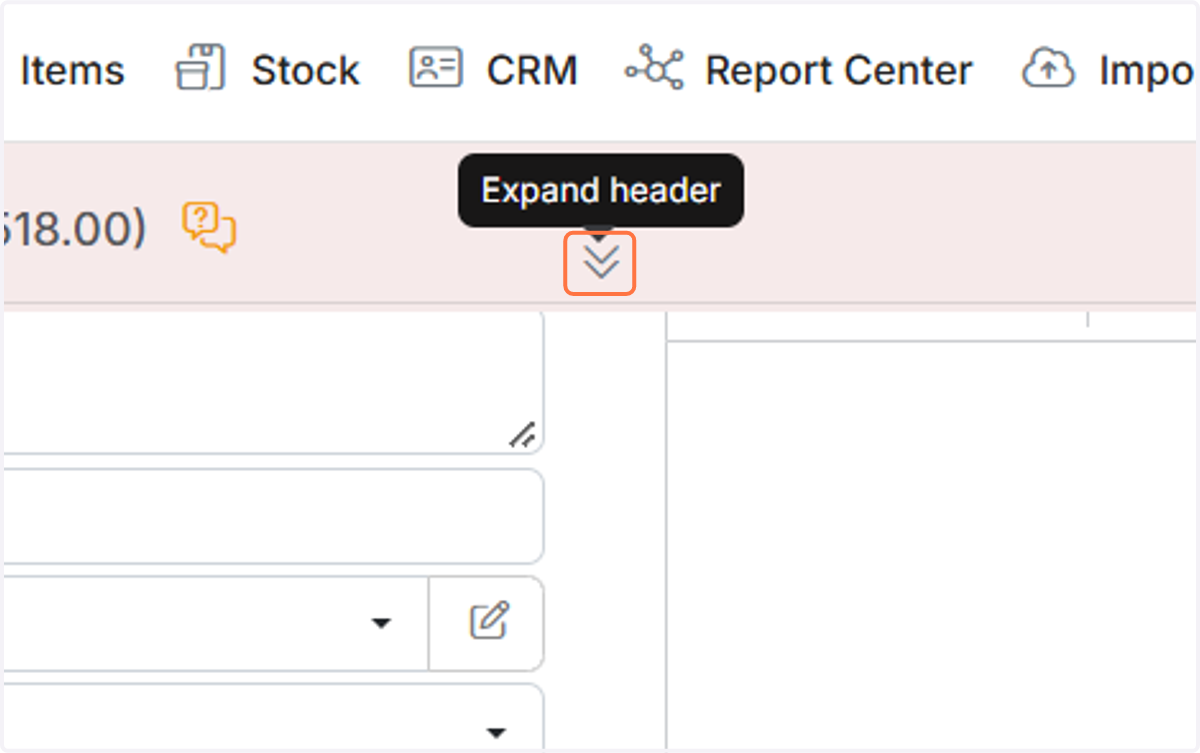
  1. Click on Expand header

    Click on Expand header
  2. Click on Return to a previous point in time
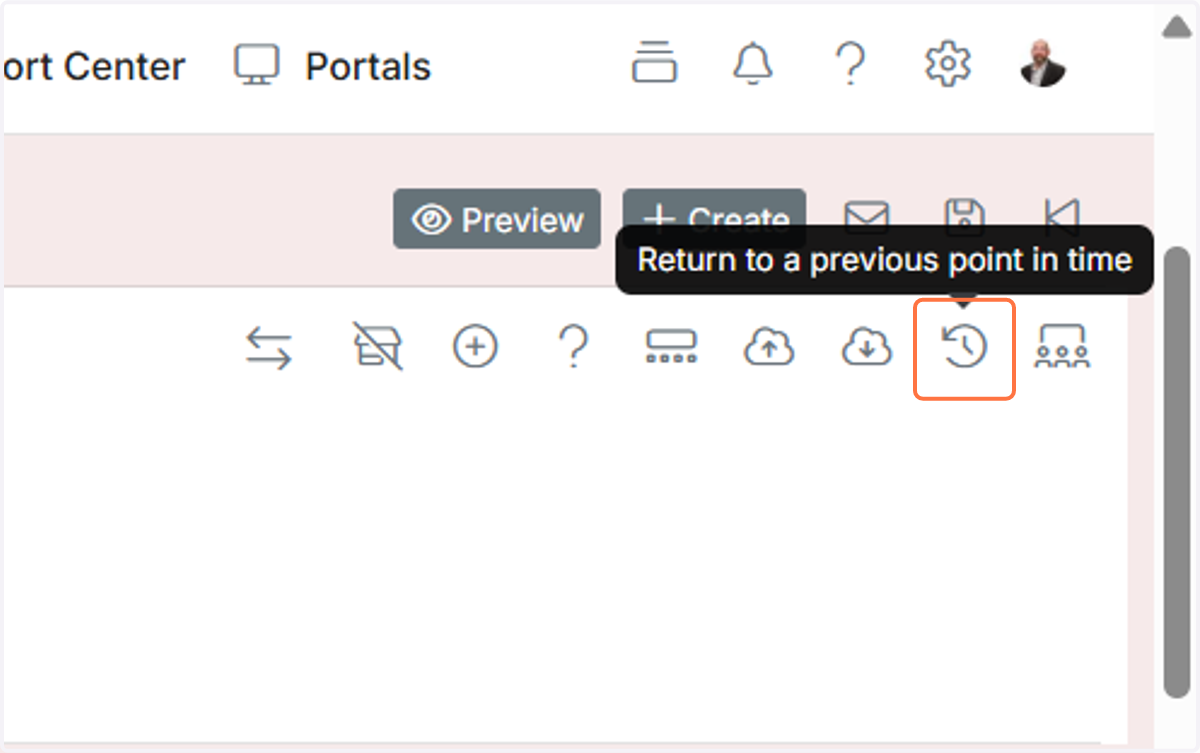
    Click on Return to a previous point in time
  3. Click on Reset To Here

    ​

    Resetting a line down the list will reverse all the actions above it.
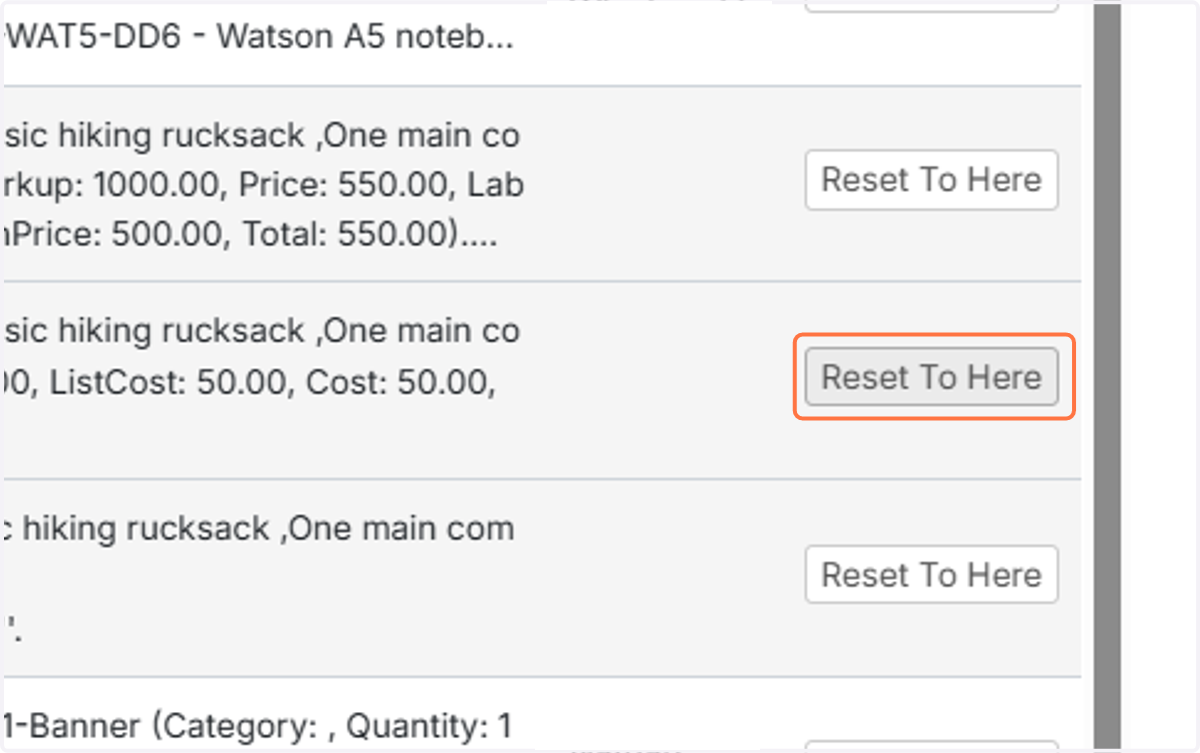
    Undo history list of line item changes with the Reset To Here button highlighted on the second hiking rucksack entry

Frequently asked questions

Next step

VersionsUse versions to handle customer revisions and changes on Quotations, Jobs/Sales Orders, Works Orders, and Purchase Orders. You can create a new version from the list view, from a pipeline card, or within the document. Zigaflow keeps a copy of the original with the status Old Version. A version cannot be reversed.

Was this helpful?

See Zigaflow on your own workflow

Book a demo and we will walk through quoting, jobs and purchasing the way your team runs them.

Or see how Zigaflow would fit your business, free