Get set up
Archive a user
The short answer
To archive a user in Zigaflow, click the Cog, then Team Settings, click the edit button for the user, click Archived account, and click Save Changes. Use this for leavers. Archiving removes them from your license count and stops them from accessing the system.
Steps
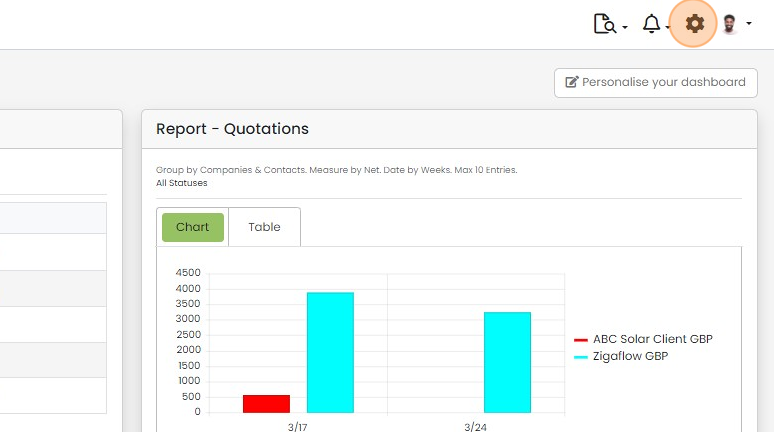
Click on the Cog
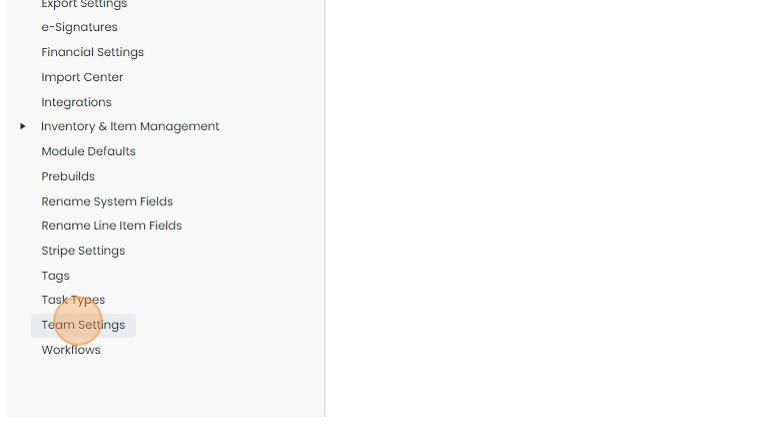
Click "Team Settings"
Set the account to archived
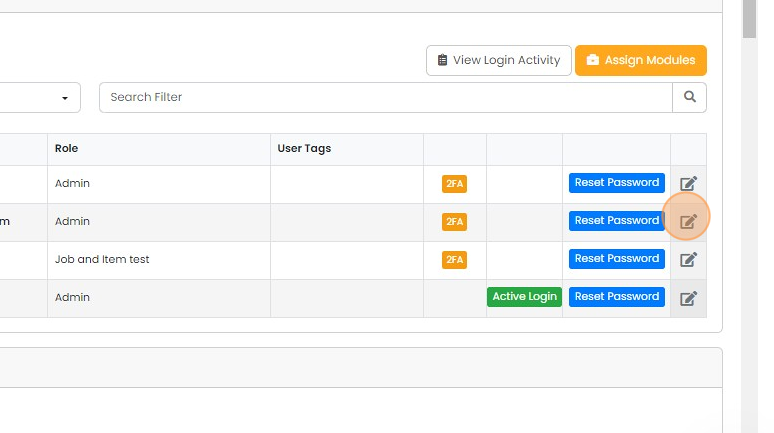
Click on the edit button for the user to archive
Click on 'Archived account'

Click "Save Changes"
Once this is done, you can tick this box so that the leaver still appears in the dropdowns for reporting purposes:
View archived users

Close the pull-out panel to see the users list again

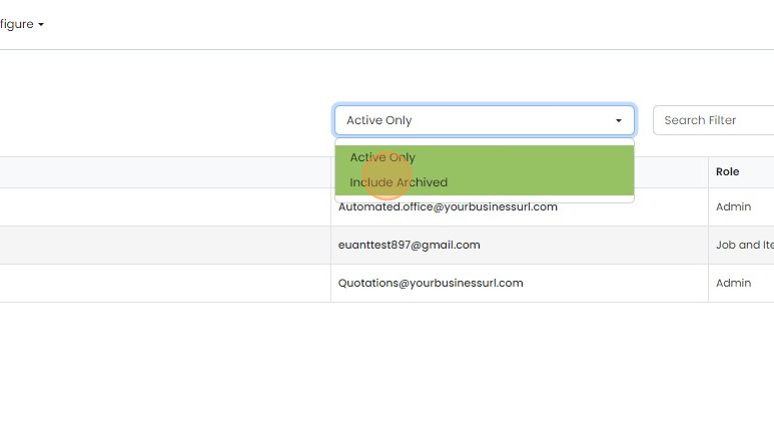
Click "Active Only"
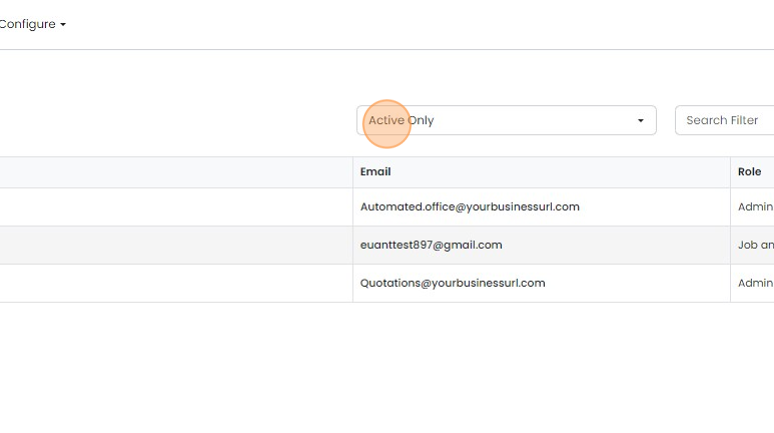
Click "Include Archived" to see all users
Learn more: user permissions in Zigaflow


Open team settings
Frequently asked questions
Was this helpful?