Get set up
Change the dropdown options in a custom field
The short answer
In Zigaflow, open Custom Fields, click the module, then edit the custom field and enter the new dropdown values. If the field is also in other modules, click Create/Update Across Modules to publish the changes to them. Existing data is not deleted, unless you remove an option from the dropdown.
Steps
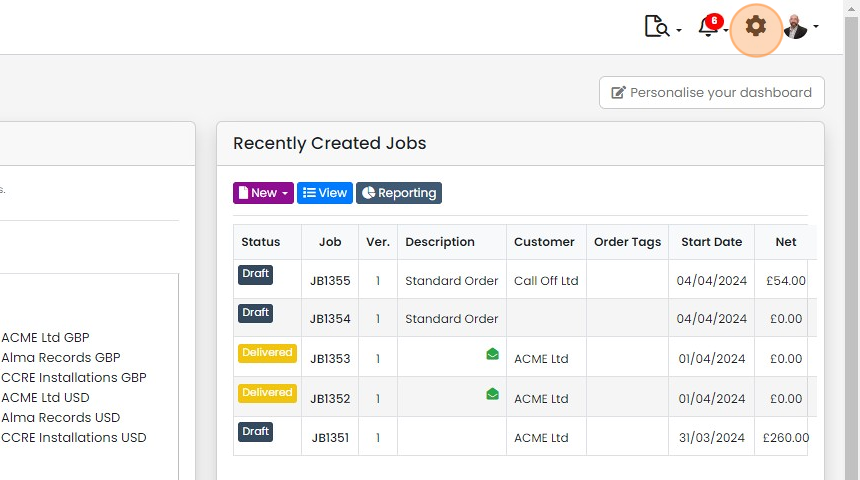
Click here
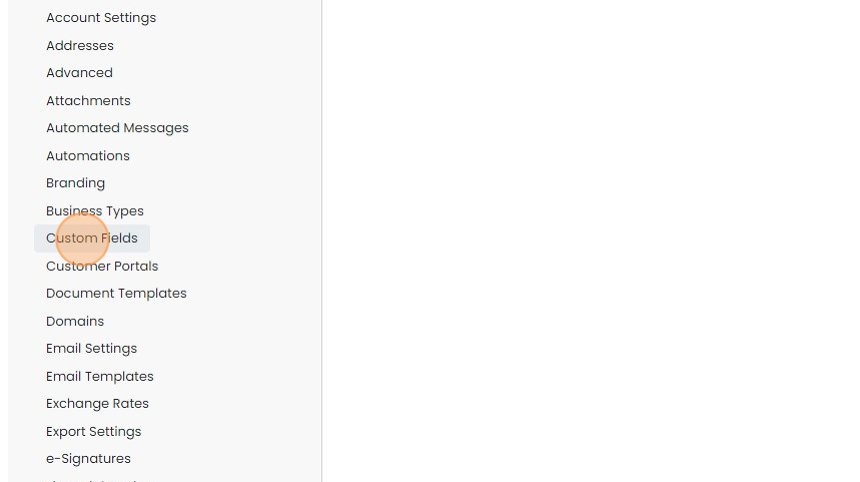
Click "Custom Fields"
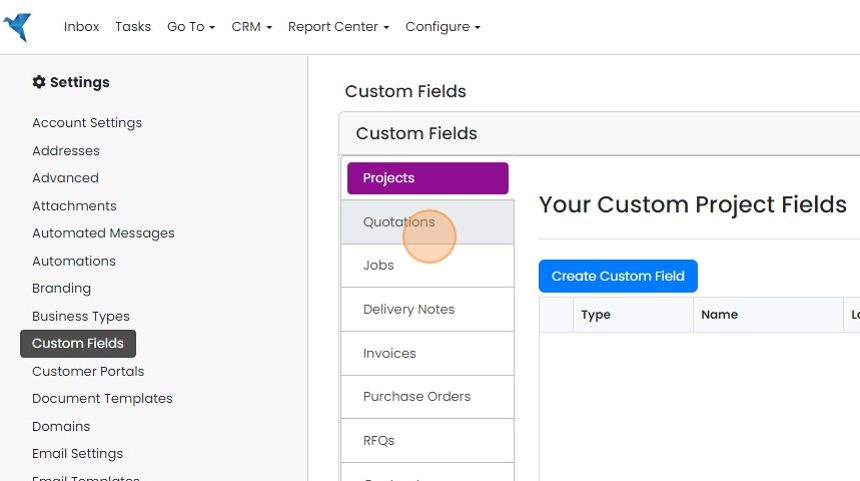
Click on the module
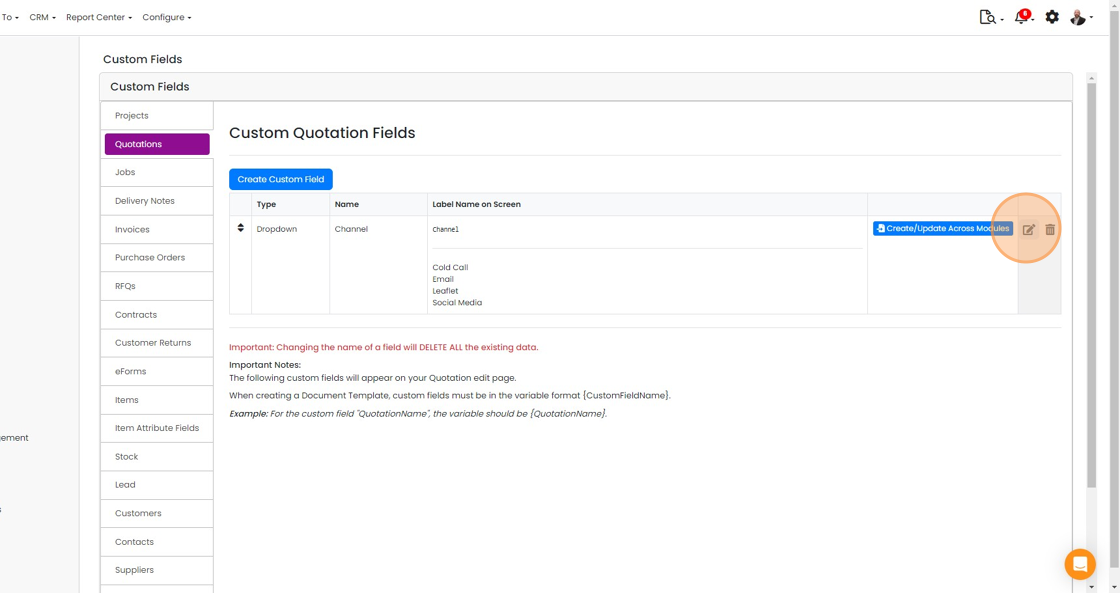
Click here to edit the custom field to change
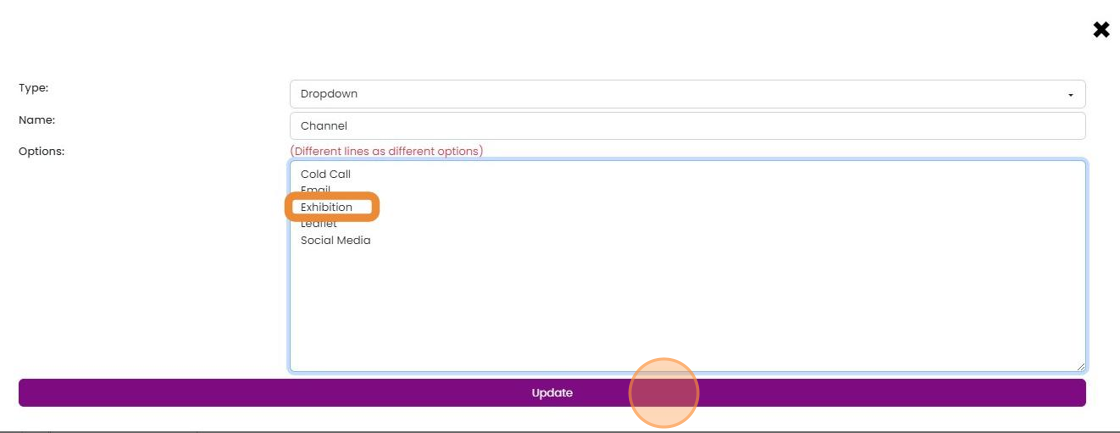
Enter the new value(s)
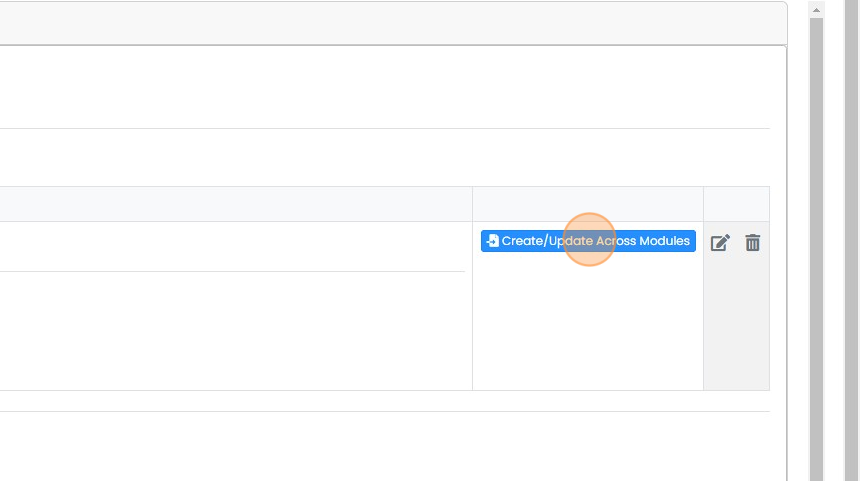
If this custom field is in other modules, click "Create/Update Across Modules" to publish the changes to them
If this custom field is in other modules, click "Create/Update Across Modules" to publish the changes to them. This does not delete existing data


This explains how you can change the available options in a custom field, and publish across to the other modules if required. Data will not be lost unless an option is removed from the dropdown.
Frequently asked questions
Was this helpful?