Get set up
Changing between kit pricing methods
The short answer
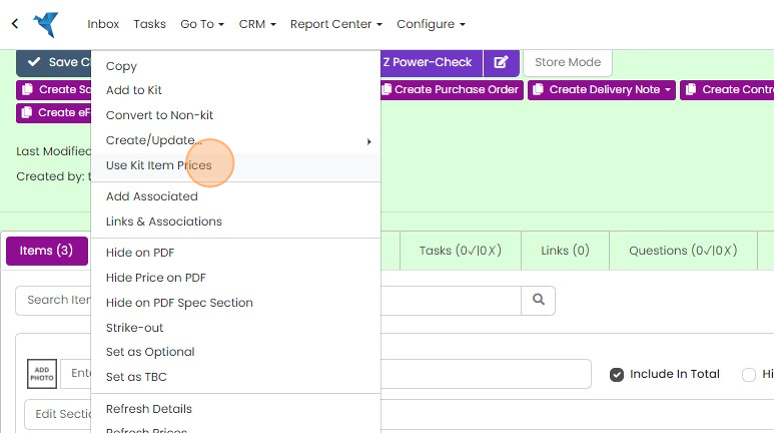
To change a kit's pricing method in Zigaflow, click the kit's menu. Choose "Use Kit Price & Calculate New Kit Price" to give the kit its own price, worked out from its kit items, which you can edit. Choose "Use Kit Item Prices" to switch back to pricing from the kit items.
Steps
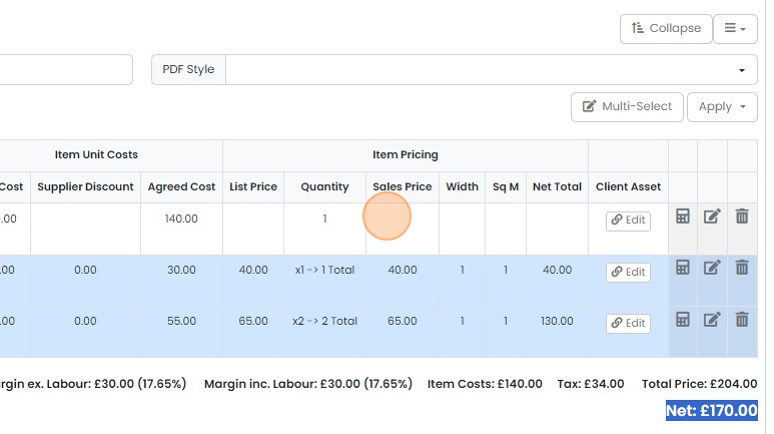
Where a kit is using the 'Kit Item Prices'
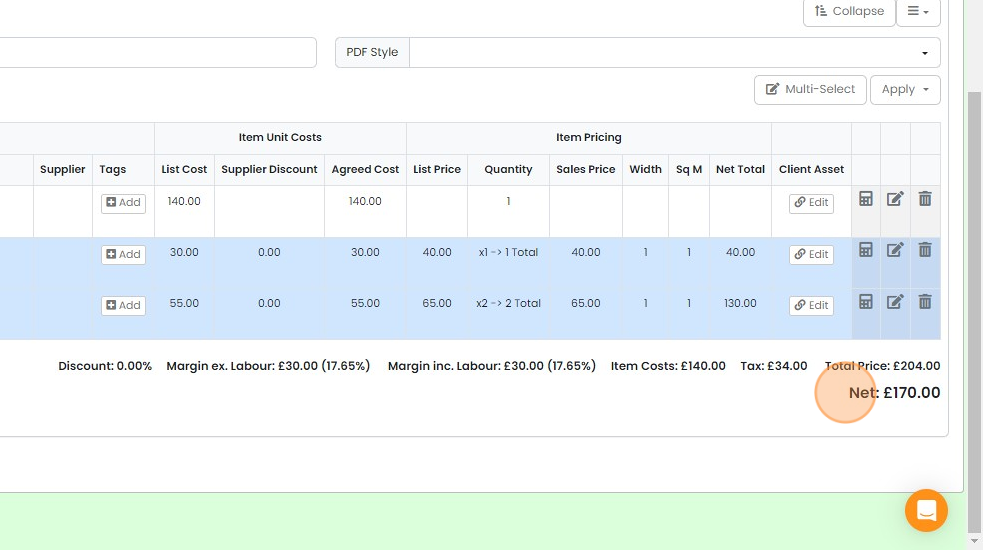
There is no price for the overall kit
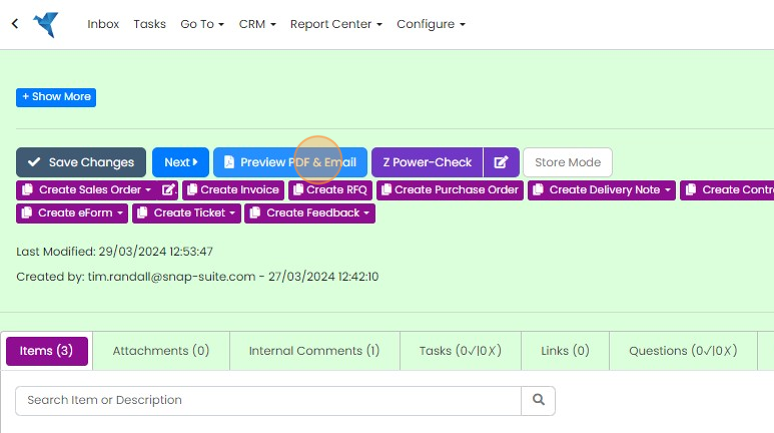
Click "Preview PDF & Email" to view this
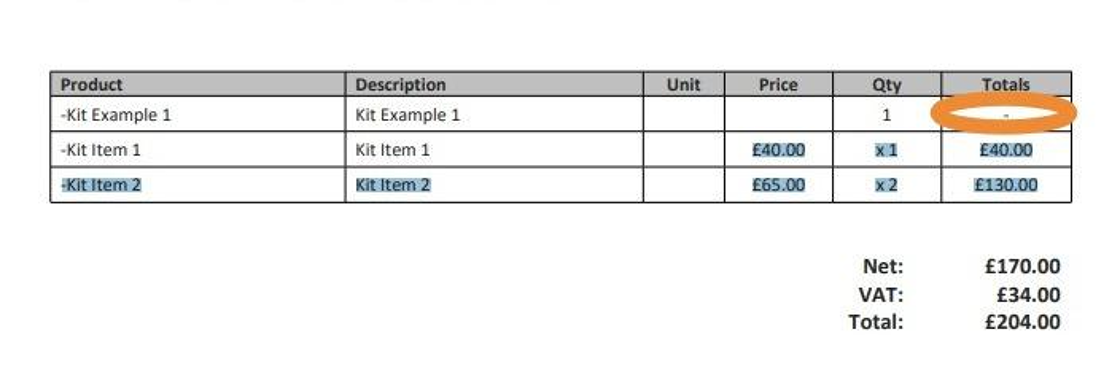
There is no kit price, but the kit items' prices are shown
Switch to the kit price
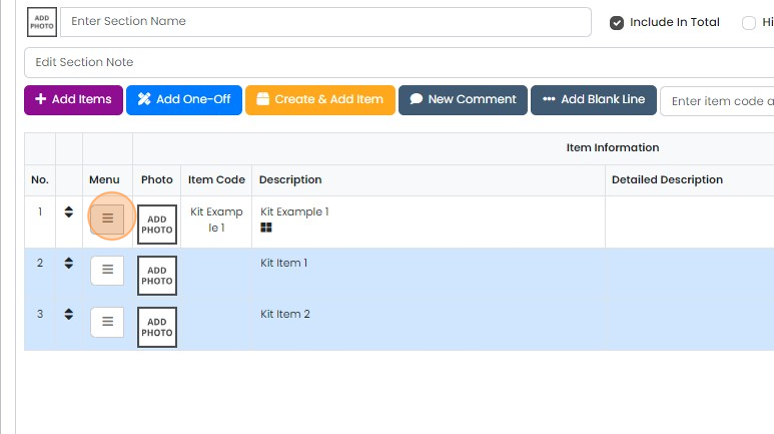
To convert to the kit price, click on the kit's menu

Click "Use Kit Price & Calculate New Kit Price"

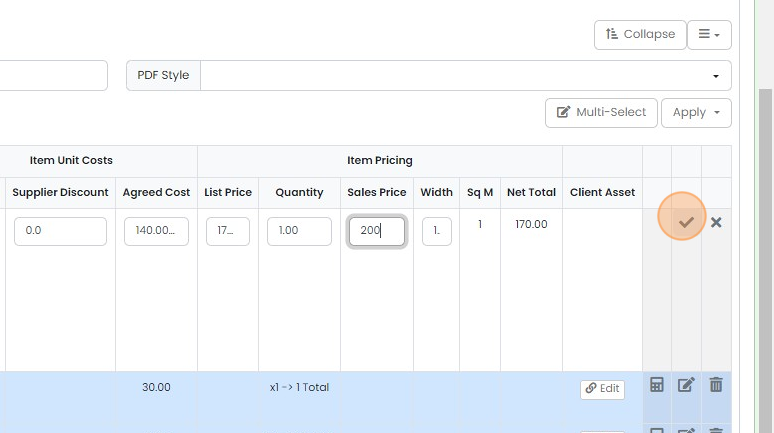
This calculates the new kit price based on the kit items, but you can edit this overall price
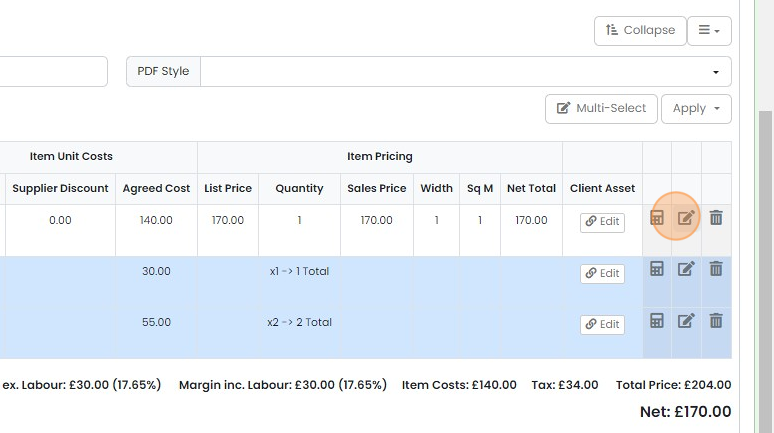
Click on the sales price field
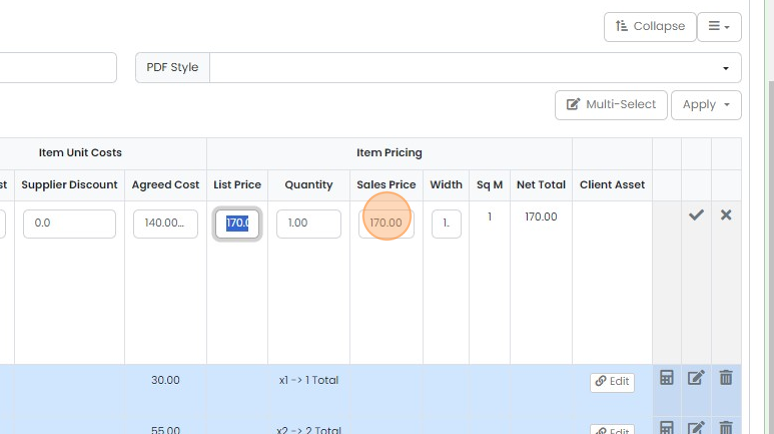
Click here
Click "Preview PDF & Email" to view the result
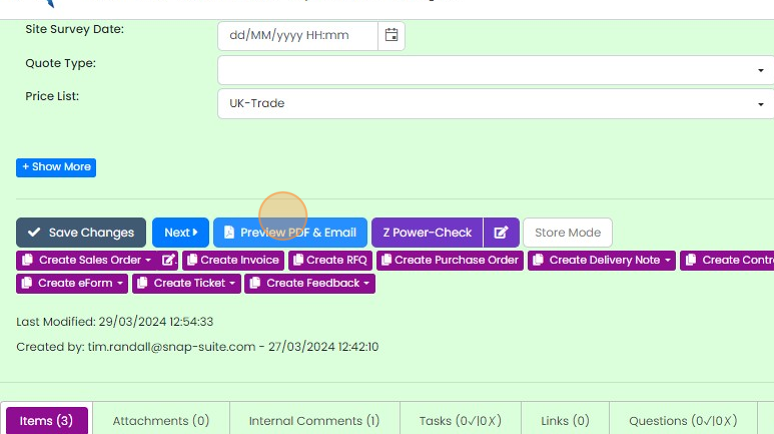
The kit has a price, but the items do not
Switch back to kit item prices

Swap back to kit items pricing by clicking on the kit's menu again
Click "Use Kit Item Prices"
Learn more: kits and variants in Zigaflow


Check the kit item prices
Frequently asked questions
Was this helpful?