Get set up
Creating a custom field during import
The short answer
To create a custom field during an import, click the Cog, open Import Center, and choose a Flexi import. Add your file, pick the matching master field, click the plus button, and select the custom type and its label. Then click Next to complete the import. It works for items, customers, contacts and leads.
Steps
Click on the Cog
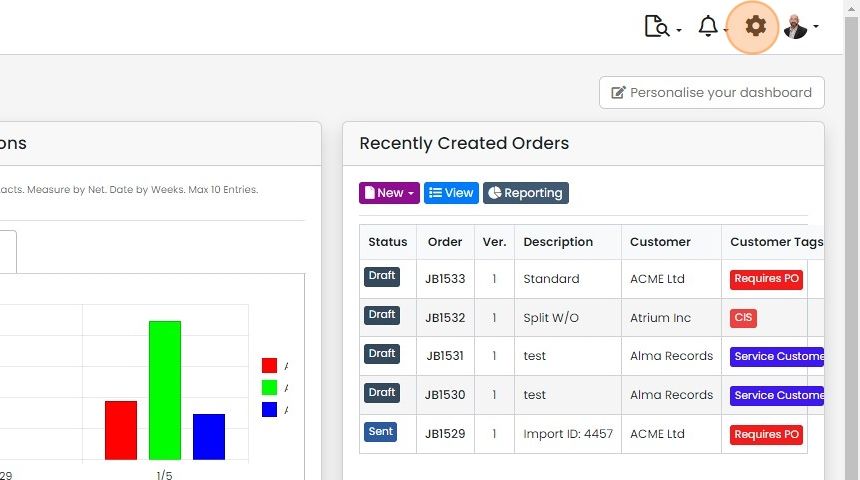
Click "Import Center"

Click on one of the Flexi imports
Create the custom field

Add the file and select the matching master field (e.g. the company name)

Click on the plus button
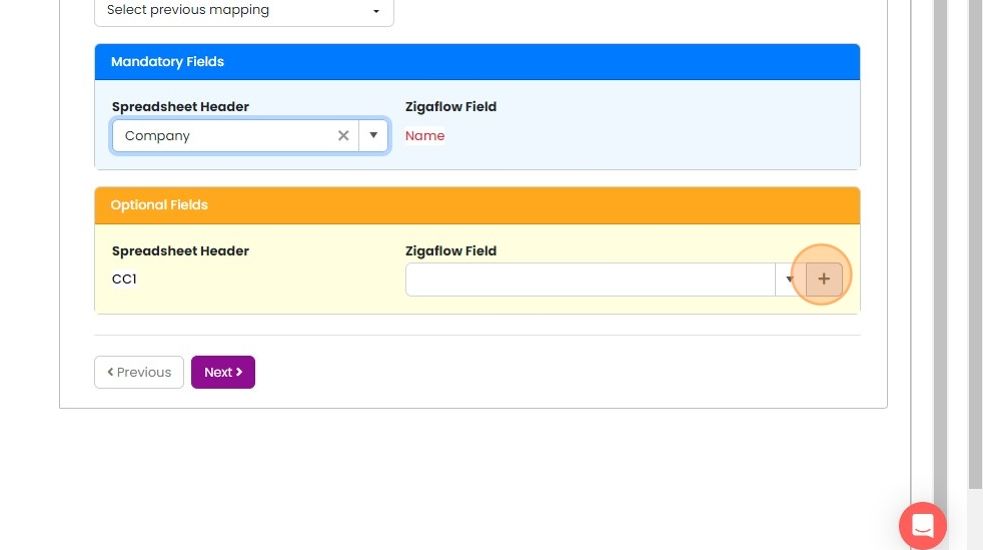
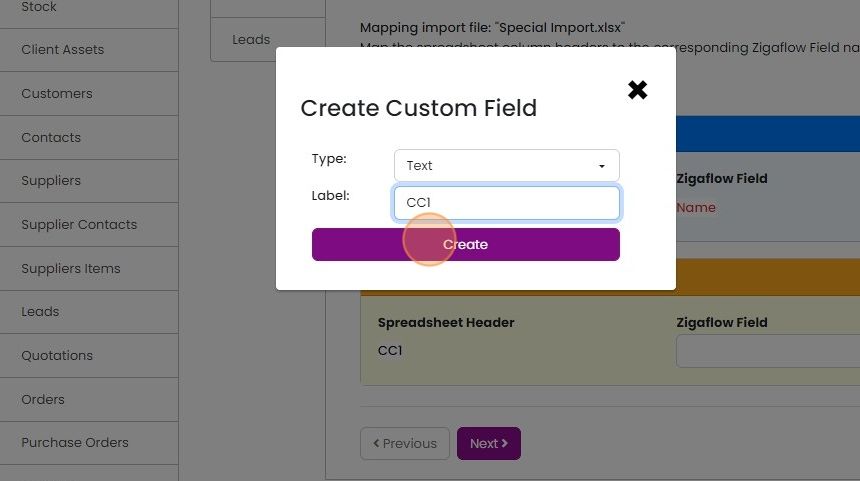
Select the custom type and its label

Click here
Complete the import
Click "Next" to complete the import
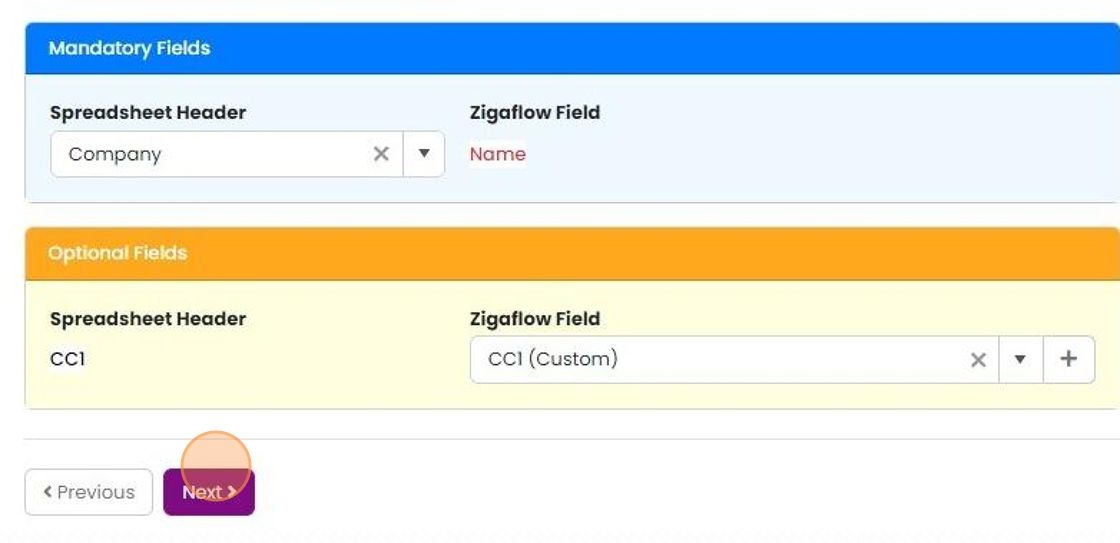
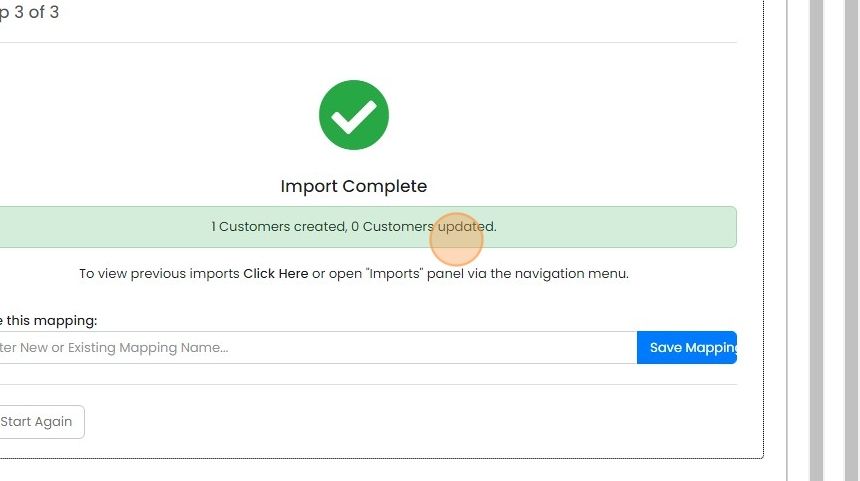
The import completes


This is available for these imports:
- Items
- Customers
- Contacts
- Leads
Open the import center
Frequently asked questions
Was this helpful?