Import custom fields from a spreadsheet
The short answer
Use the Flexi-import in Zigaflow. Prepare a spreadsheet with the item code in the first column and the custom field data in another, then go to Import Center, Flexi, Items. Upload the file, match the item column to the item code field, map the custom field, and click Next. The custom field must exist first.
Steps
Prepare the import file
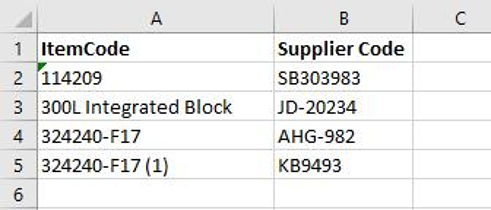
Prepare the import file. It does not have to map to an import file. All that is needed is the item code in the first column and, in this case, the custom field in another. If there are other columns, they can be ignored during the import process.
Open the Flexi-import
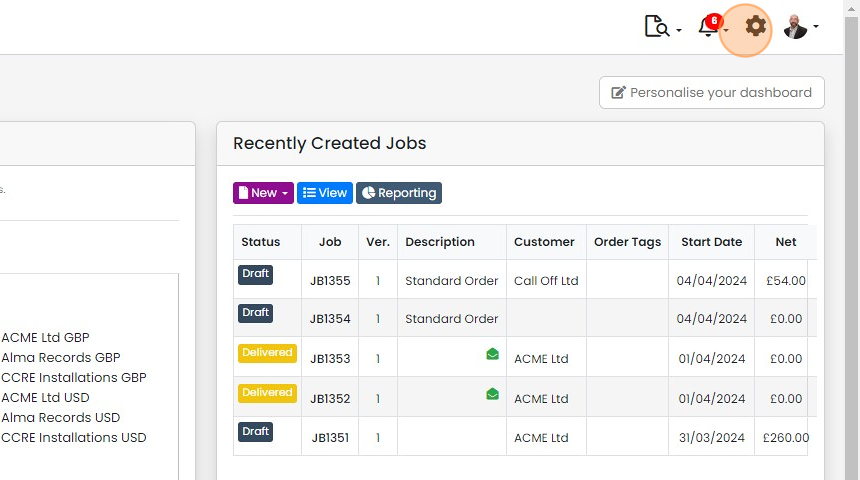
To start the import, click here
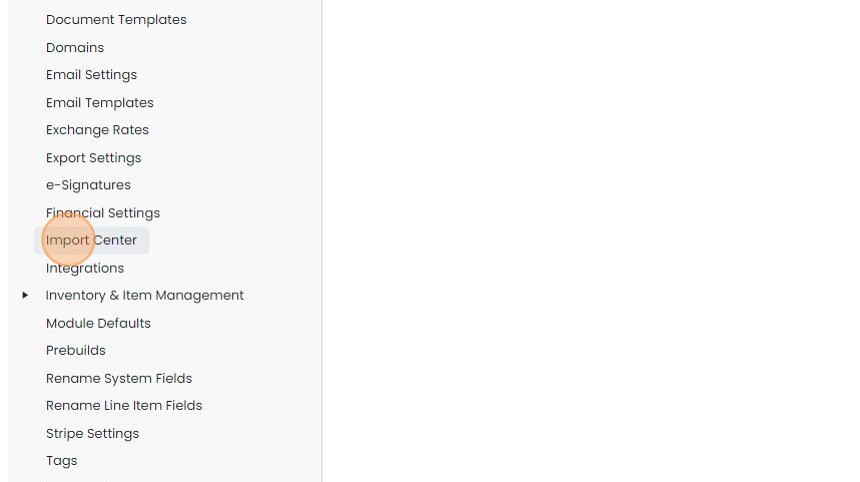
Click "Import Center"
Click "Flexi"
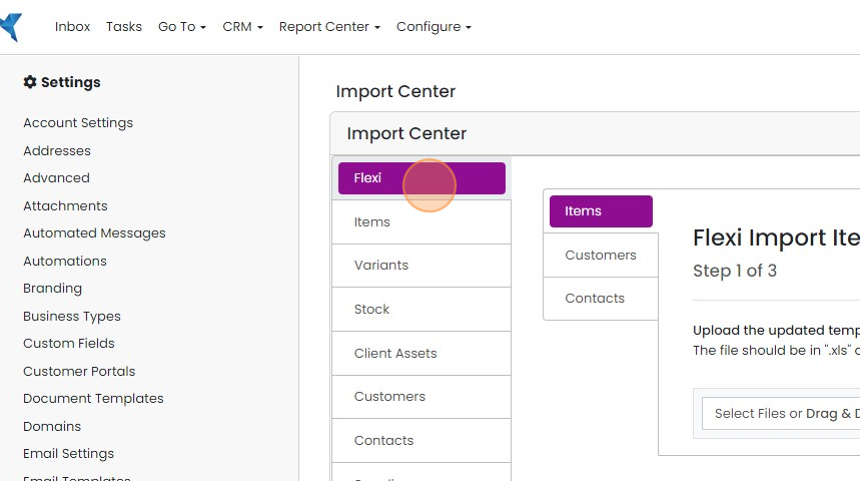
Click "Items"
Upload and map the file
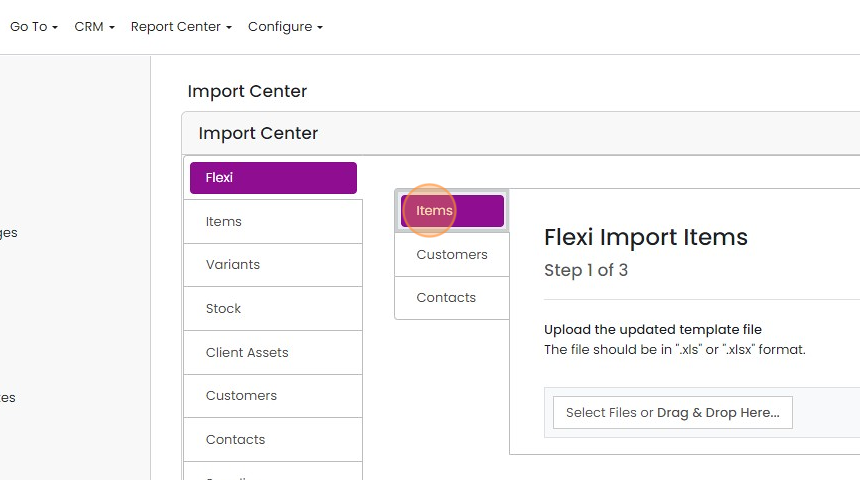
Upload the file

Match the spreadsheet item column to the Zigaflow item code field

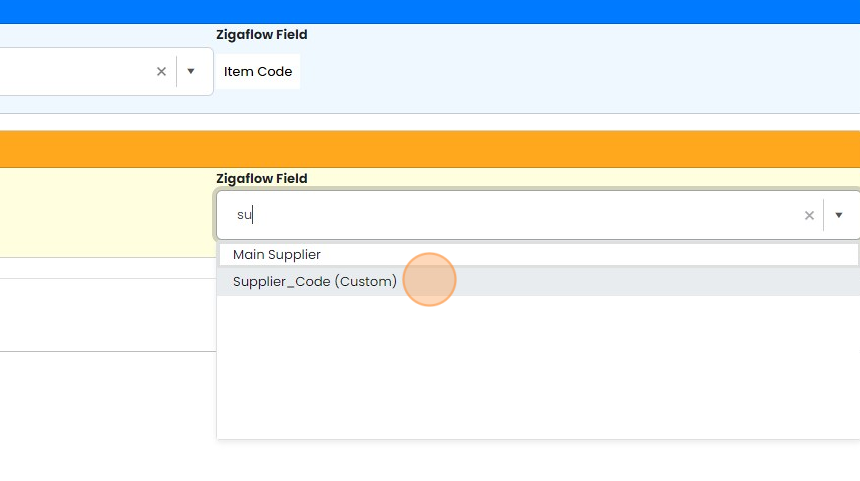
Map the custom field
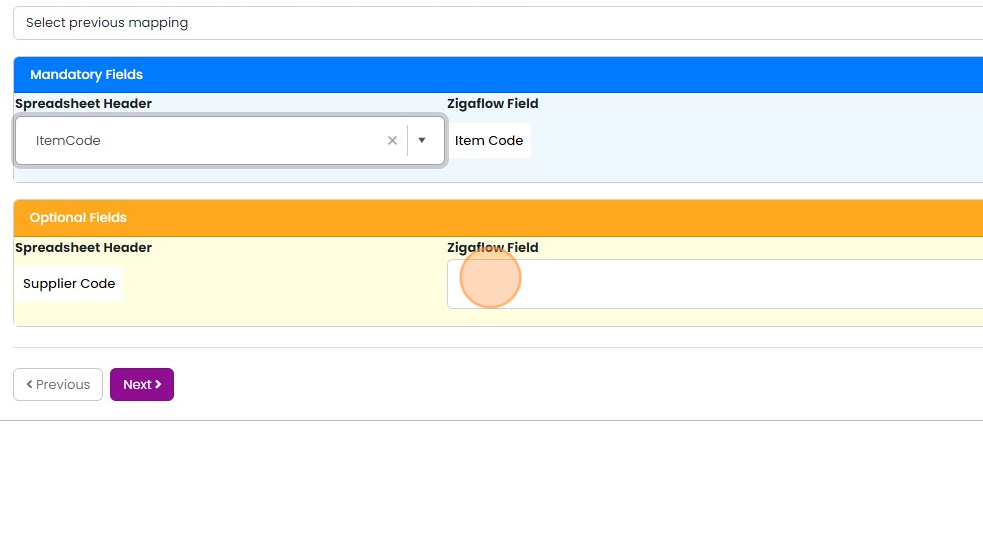
Search for the name and select the field
Click "Next"
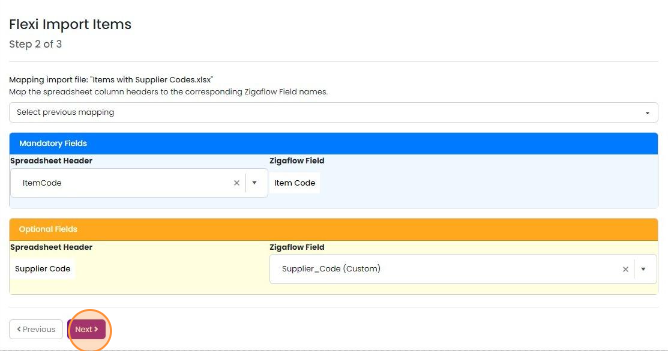
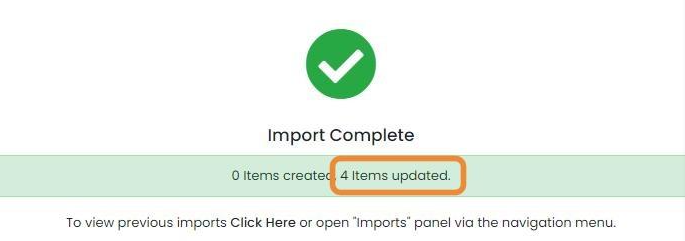
Check the import was successful
Learn more: items and stock in Zigaflow


The quickest way to import the data for custom fields is using a spreadsheet and the Flexi-import. The custom field must exist before importing.
Prepare the import file
Frequently asked questions
Was this helpful?