Deliver work
Edit an eForm document template with fixed fields
The short answer
To edit an eForm document template with fixed fields, open Document Templates, then eForms, and choose the template. Preview it with an eForm, search variables, and copy question variables from the pull-out into the template where you want each answer. Preview the document, then click Save.
Steps
Click here
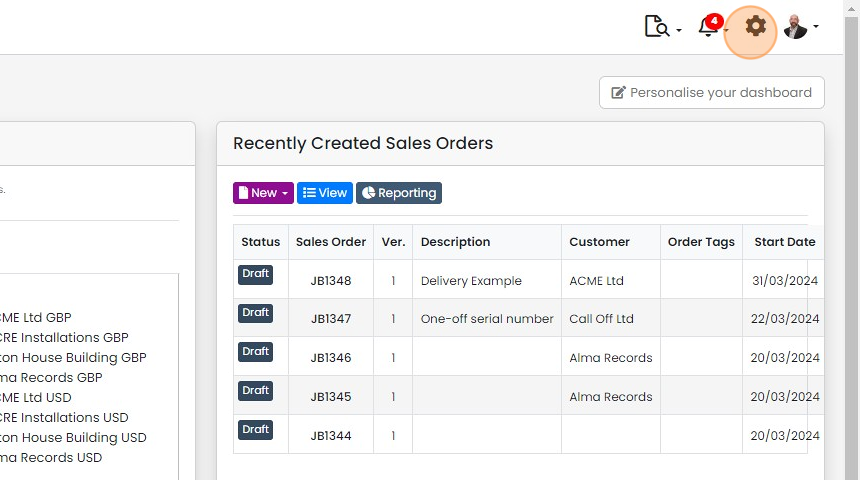
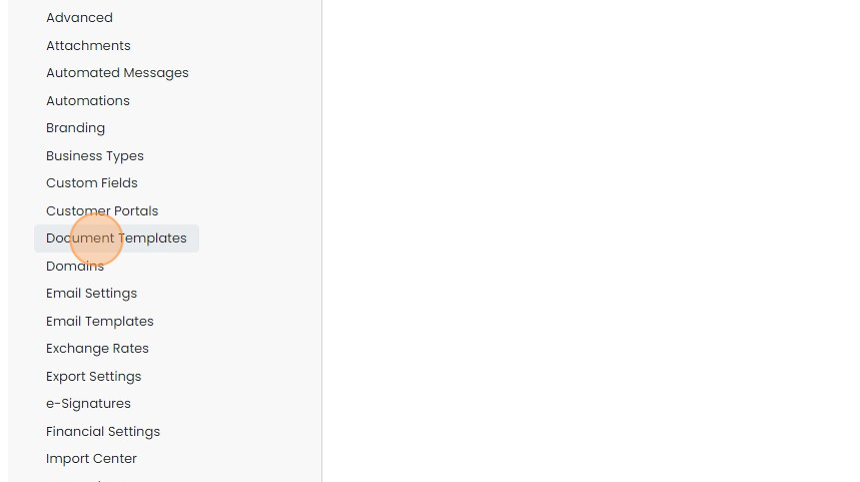
Click "Document Templates"
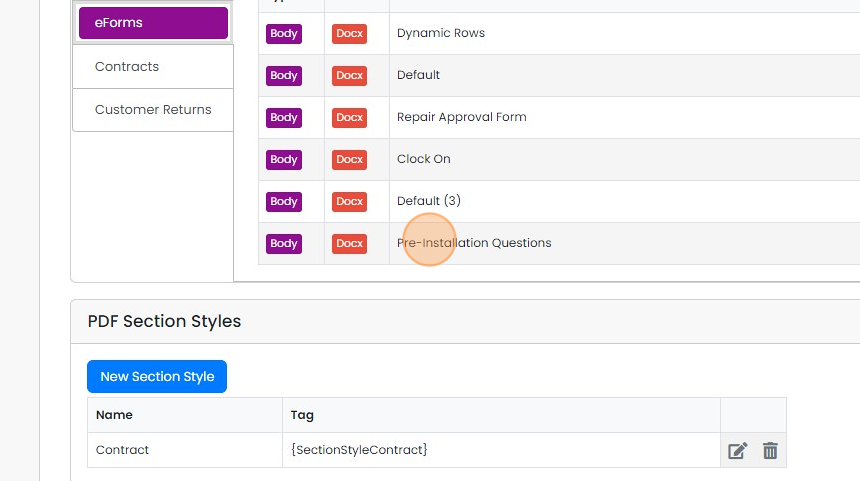
Click "eForms"

Click on the desired template to edit it
Preview with an eForm
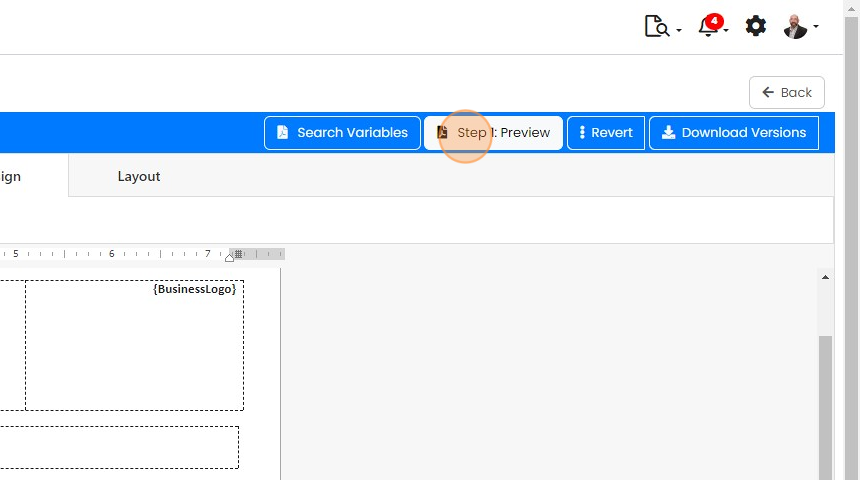
Click "Step 1: Preview"
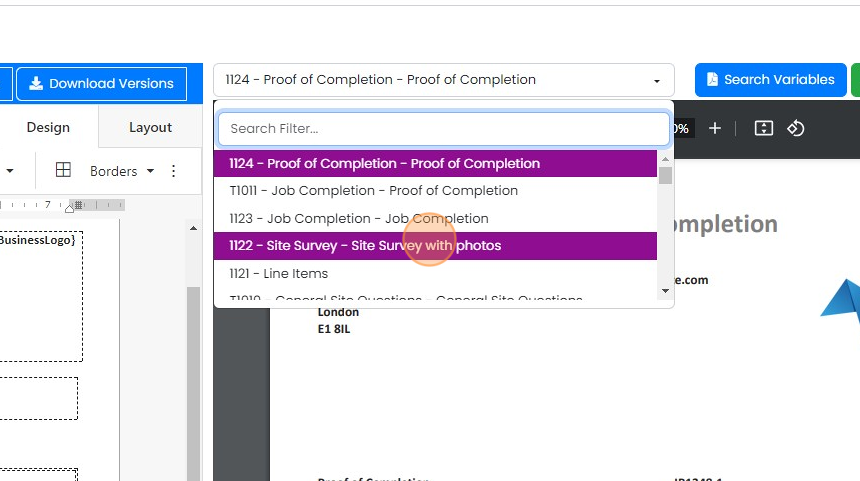
Select an eForm that this template will be used with
Add question variables
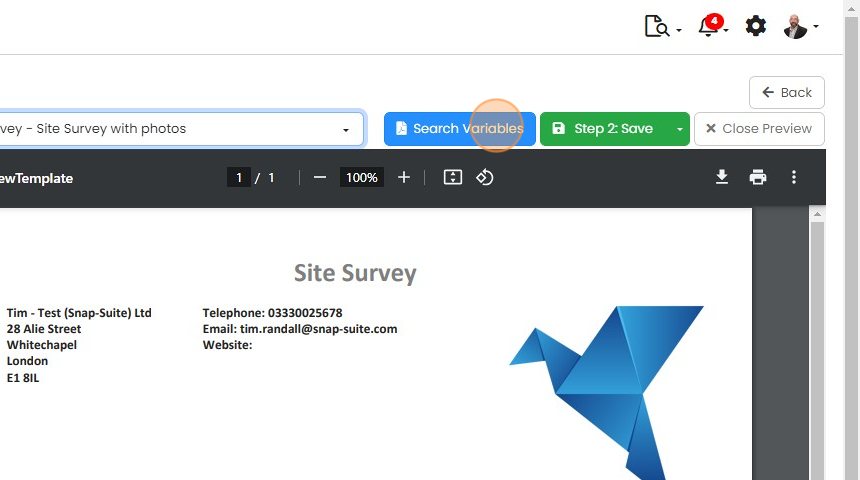
Click "Search Variables"
Zigaflow generates the questions in the variables search
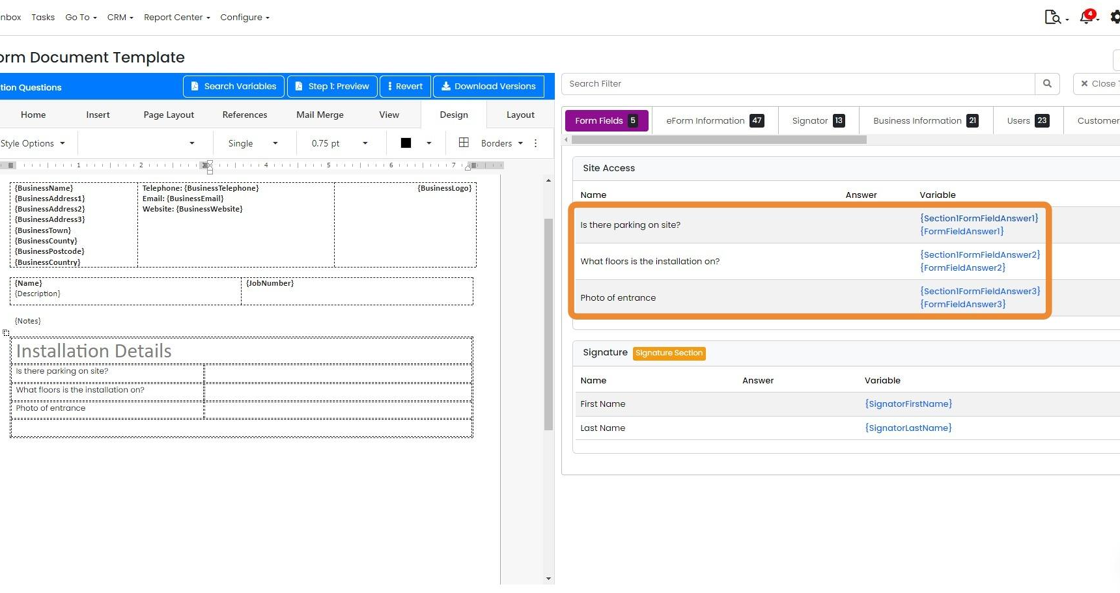
You can copy and paste these from the variables pull-out into the template

For example, paste here
Preview and save
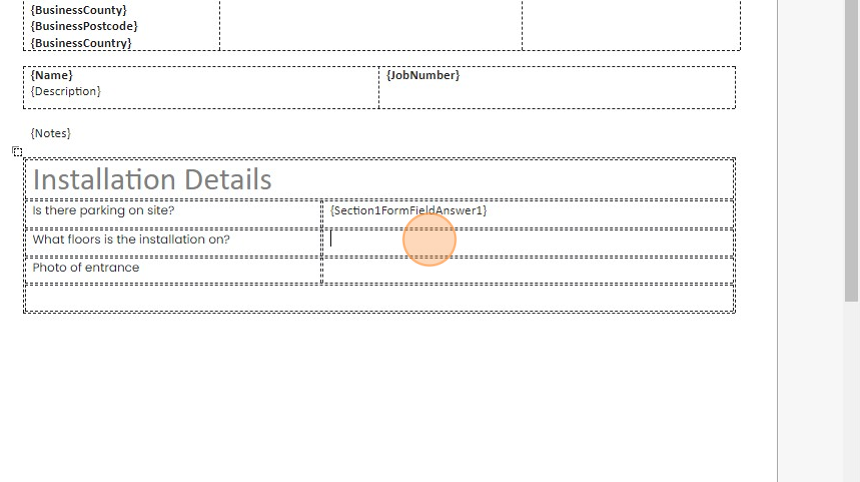
Click "Step 1: Preview"
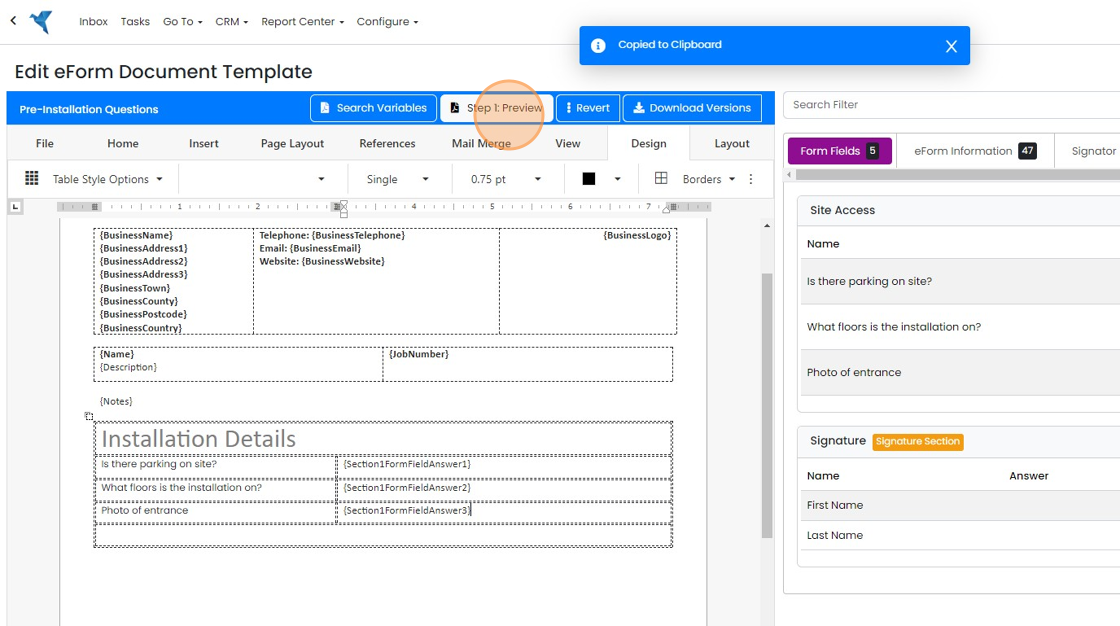
If you are happy with document, click on "Save"
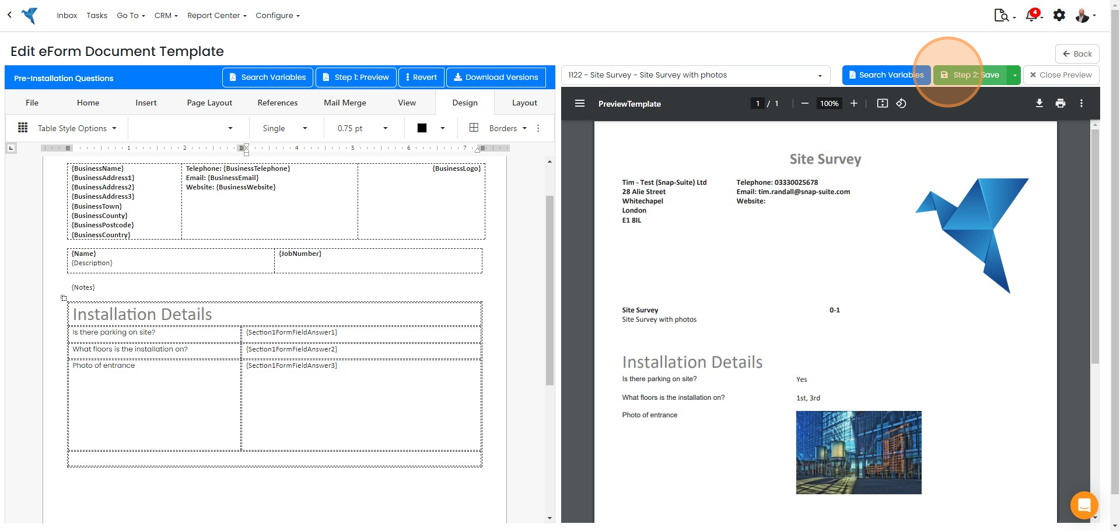
If you add more questions to the eForm, repeat this process to add them to the Document template
Learn more: document templates in Zigaflow


This is for when you need to make sure answers are in the exact place on the document. Use dynamic fields where you can produce a list. This method allows you to create documents quicker and can be used across different eForms.
Open the eForm template
Frequently asked questions
Next step
Momentum planWas this helpful?