Make it yours

How to create a report of your most quoted items

In ZigaflowQuotes, Go and Momentum plans

The short answer

To report on your most quoted items, go to Report Center and open Report Studio. Choose Quotations, pick Item Analysis as the report type, group by Item Code, report on Quantity, set your max results and choose a date range. You can then export and download the report.

Steps

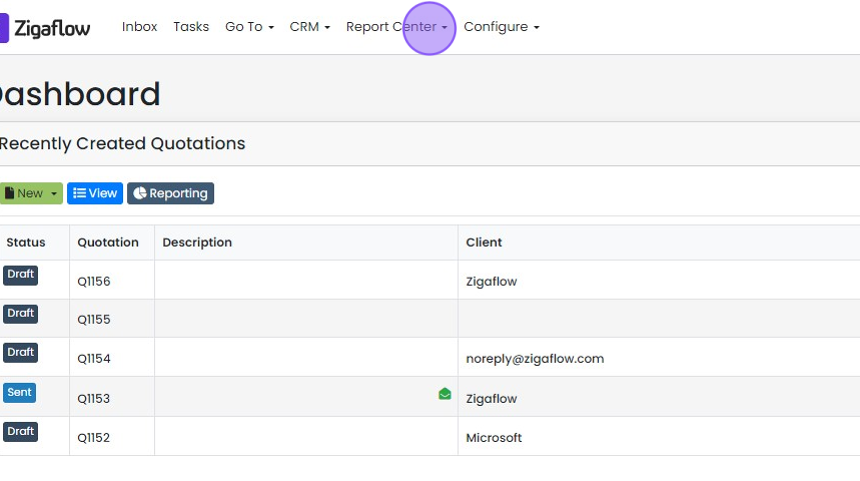
  1. Click "Report Center"

    Zigaflow Dashboard with the Report Center menu highlighted in the top navigation bar, above Recently Created Quotations
  2. Click "Report Studio"

    Set up the item analysis
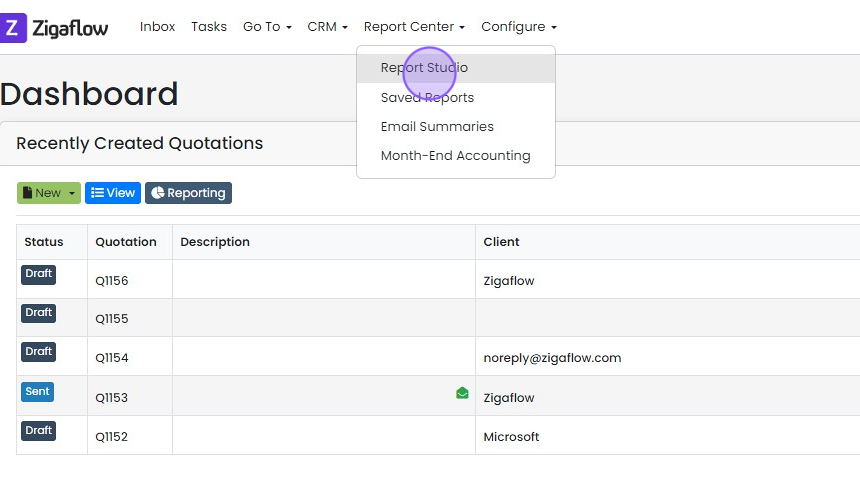
    Report Center menu open on the Dashboard with the Report Studio option highlighted at the top of the dropdown
  3. Click "Quotations" or choose another module
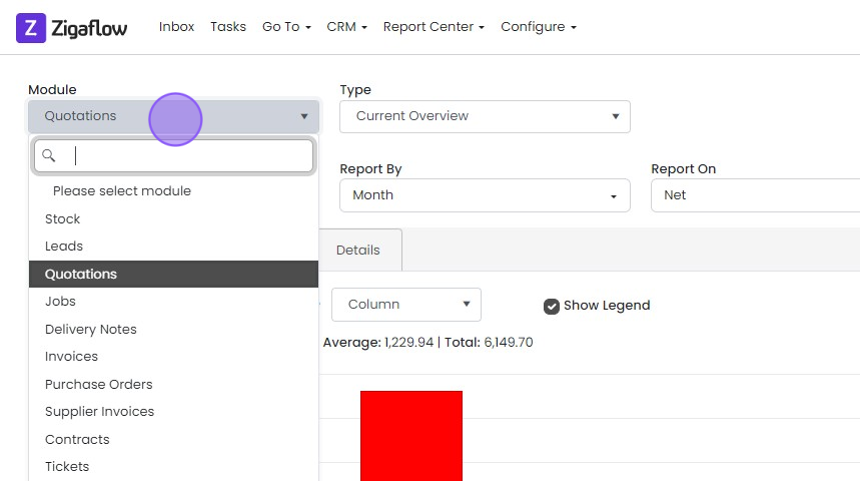
    Report Center Module dropdown open with a search box and module list, Quotations highlighted as the selected option
  4. Choose "Item Analysis" as report type
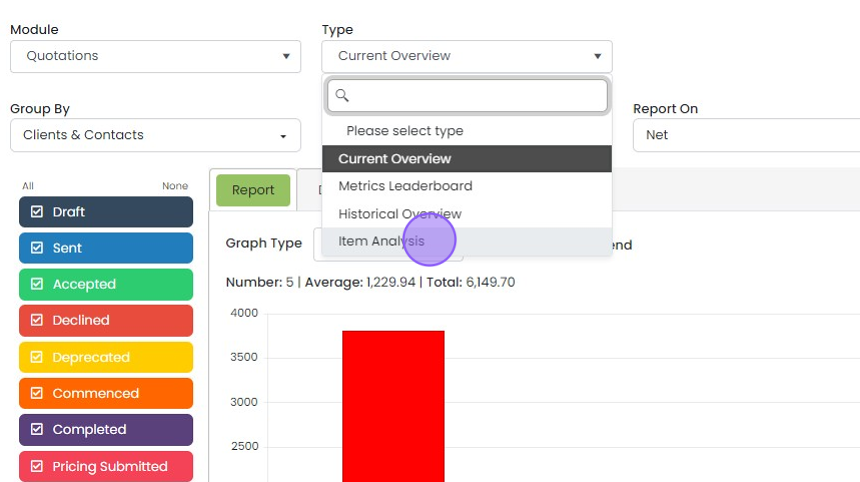
    Quotations report settings with the Type dropdown open and the Item Analysis option highlighted below Historical Overview
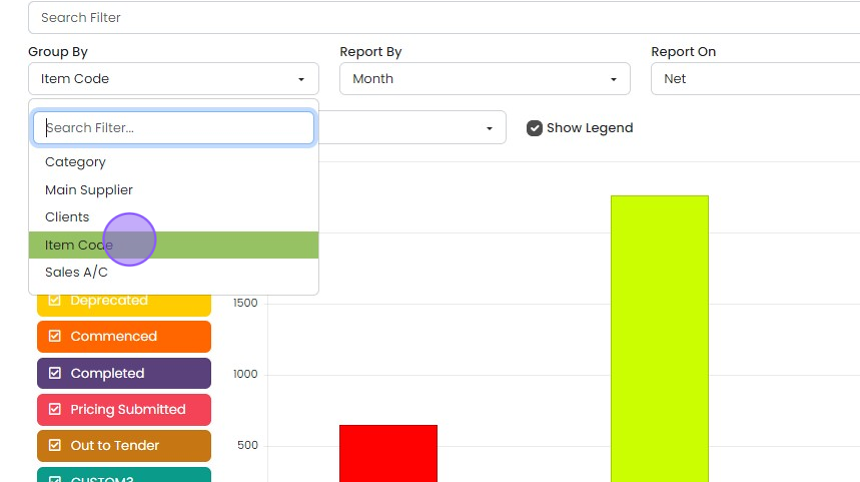
  5. Group by "Item Code"

    Report settings with the Group By dropdown open and Item Code highlighted among Category, Main Supplier, Clients, Sales A/C
  6. Report on "Quantity"

    Report On dropdown open in the report settings, with Quantity highlighted below Net, Weighted Net, Tax, Total Price and Profit
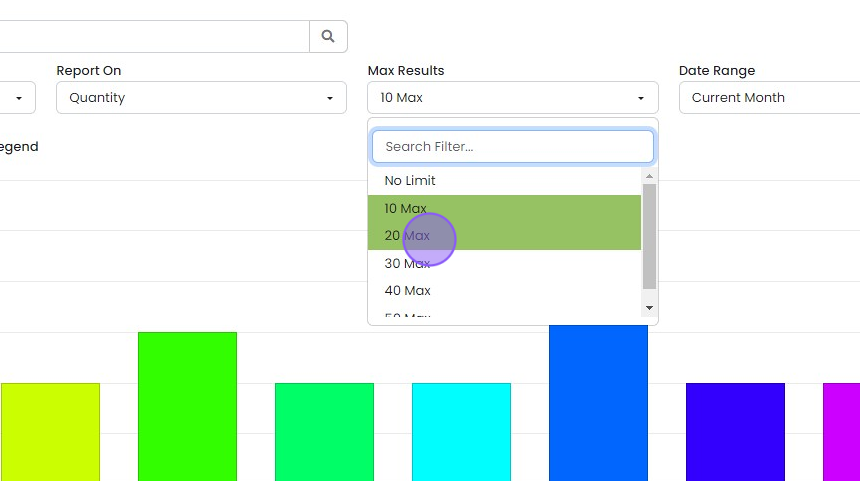
  7. Set your max results

    Max Results dropdown open on the report settings, with the 20 Max option highlighted and being selected
  8. Choose your "date range"

    Export the report
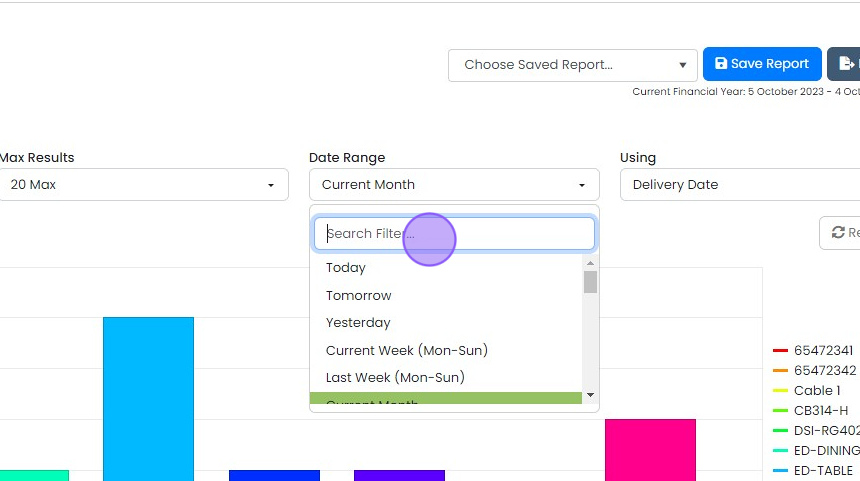
    Report Date Range dropdown opened from Current Month, showing a Search Filter box and options like Today and Current Week
  9. OPTIONAL: Click "Export"

    Report page with Export button highlighted at top right, beside Save Report and the Choose Saved Report dropdown
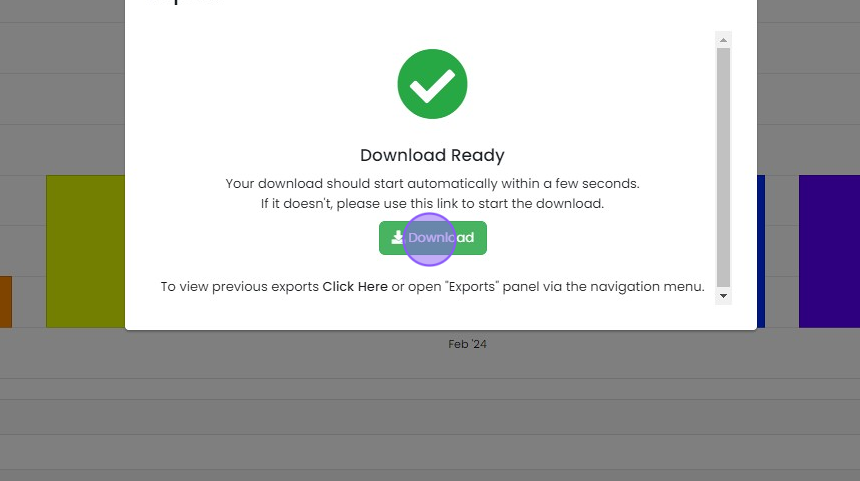
  10. Click "Download"

    Download Ready dialog with a green checkmark, with the green Download button highlighted to manually start the export
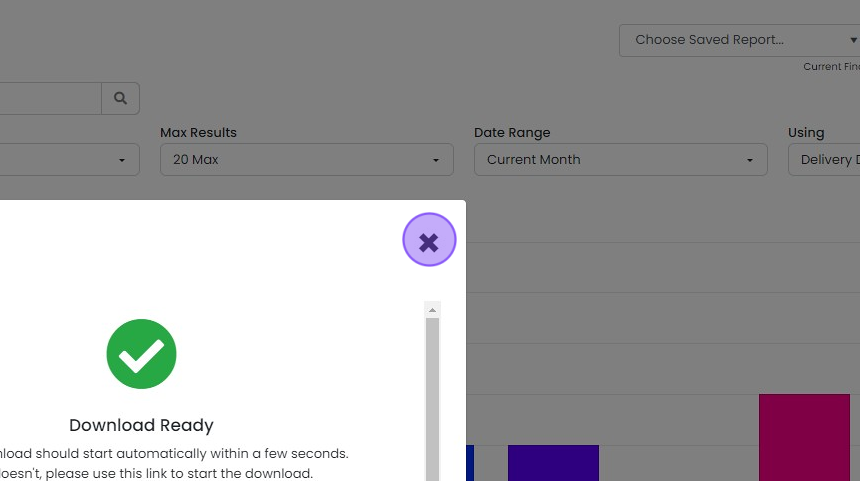
  11. Click "X" to close this panel

    Download Ready panel over the report screen, with the purple X close button highlighted in the top-right corner

Open Report Studio

Frequently asked questions

Next step

Saving a reportQuotes, Go and Momentum plansTo save a report in Zigaflow, open Report Center, click Save Report to keep the current settings, give the report a name, and click Save. You won't need to enter the filters again. Saved reports can also be updated, saved as a new report, or switched between with a dropdown.

Was this helpful?

See Zigaflow on your own workflow

Book a demo and we will walk through quoting, jobs and purchasing the way your team runs them.

Or see how Zigaflow would fit your business, free