Get set up
How to import spreadsheet data with specific columns
The short answer
Use a flexi import. Click the cog icon, then Import Center, Flexi, and Items. Upload your item file, choose the column that represents the item code, map the other columns to the correct fields, and click Next. You can save the mapping to reuse with the same file format.
Steps
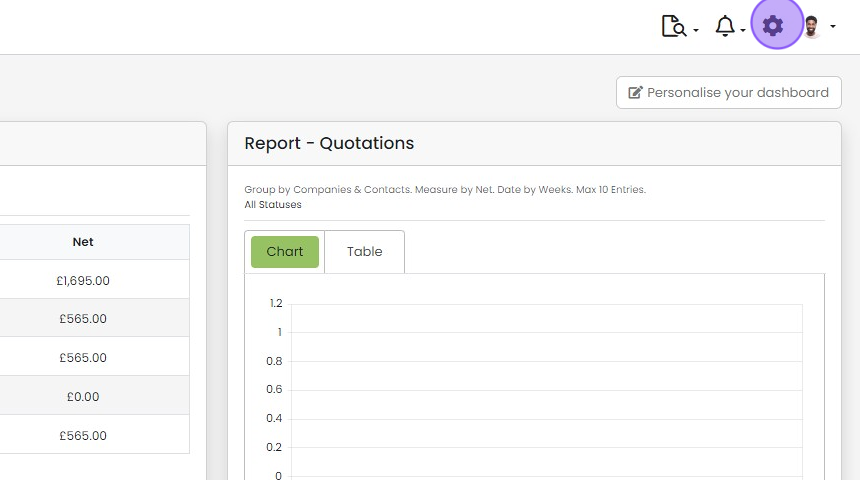
Click the cog icon
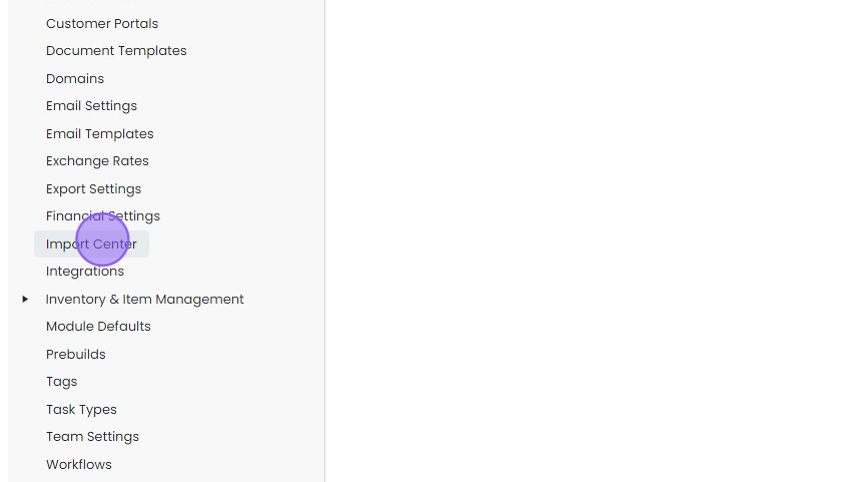
Click "Import Center"
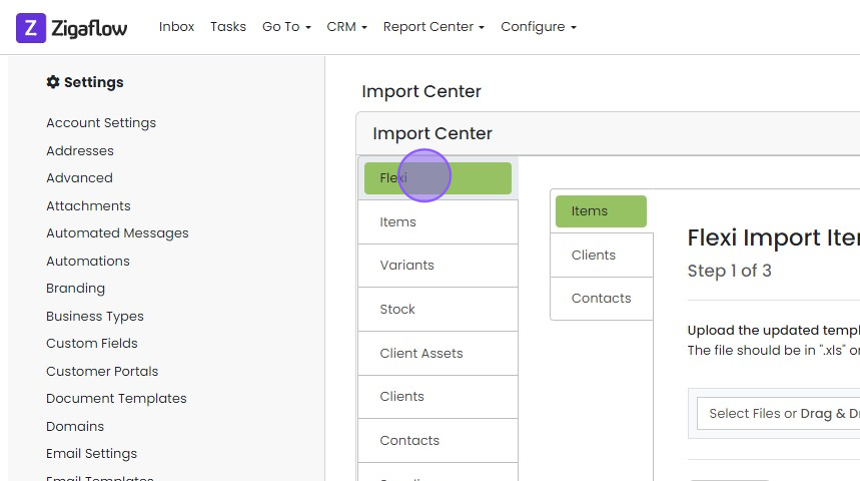
Click "Flexi"
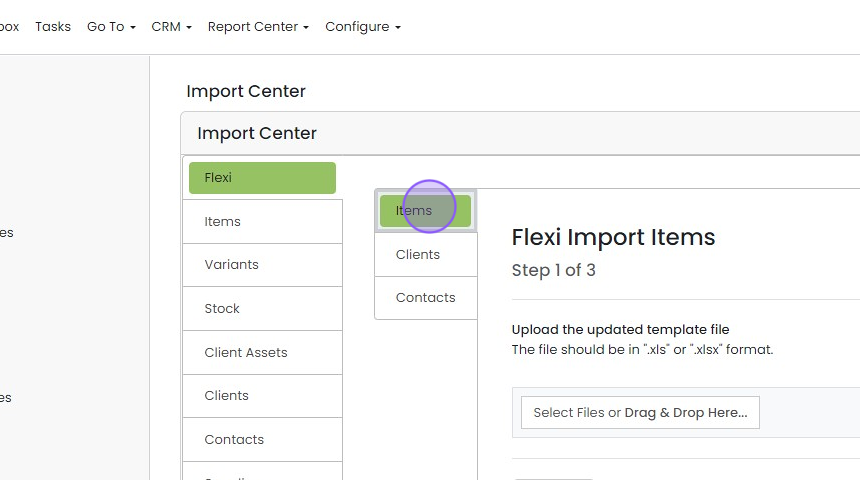
Click "Items"
Upload and map your file
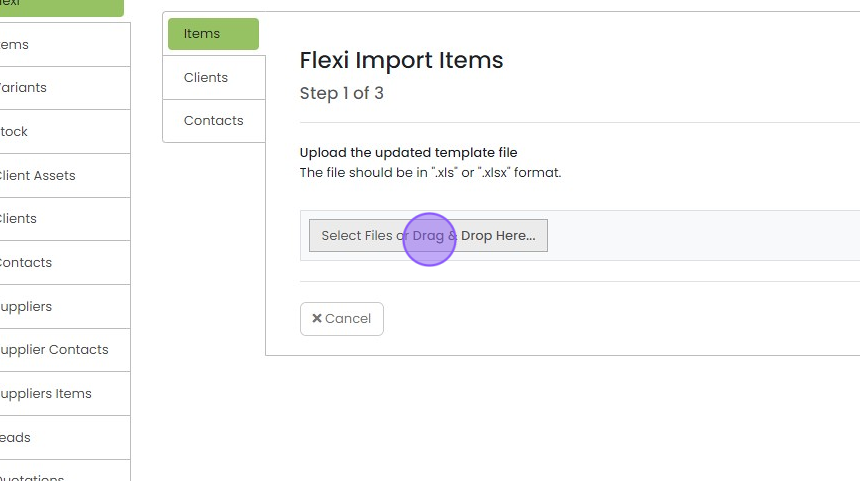
Click here or drag & drop your item file
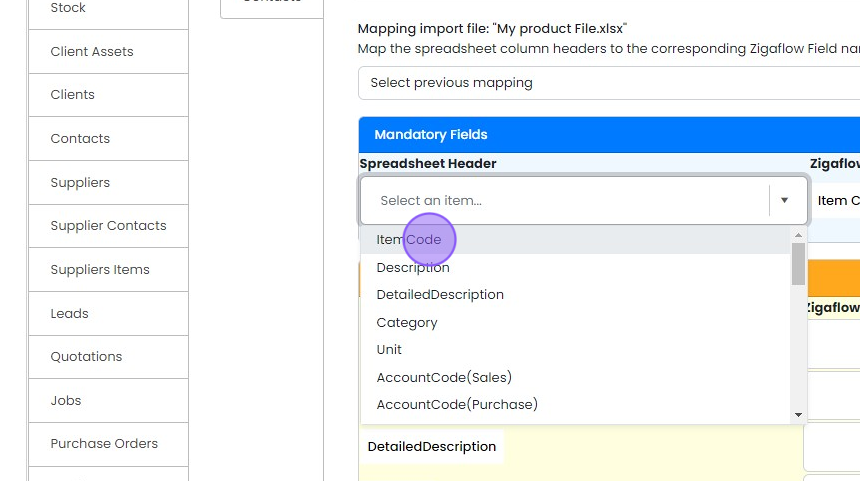
Click here to choose which column represents the item code
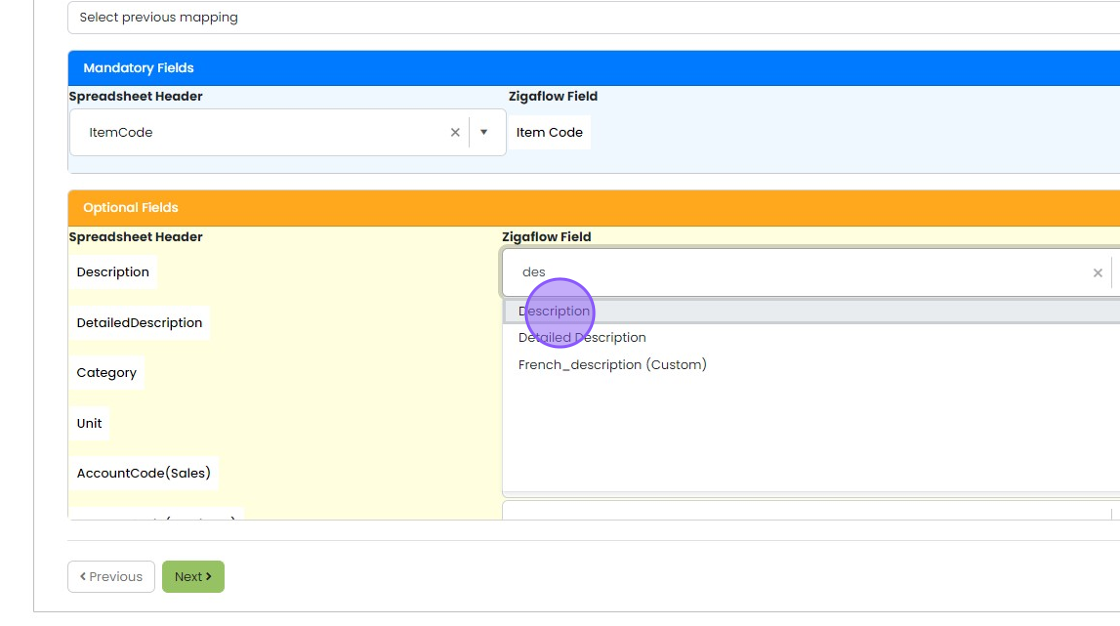
Map the other columns in your spreadsheet to the correct fields
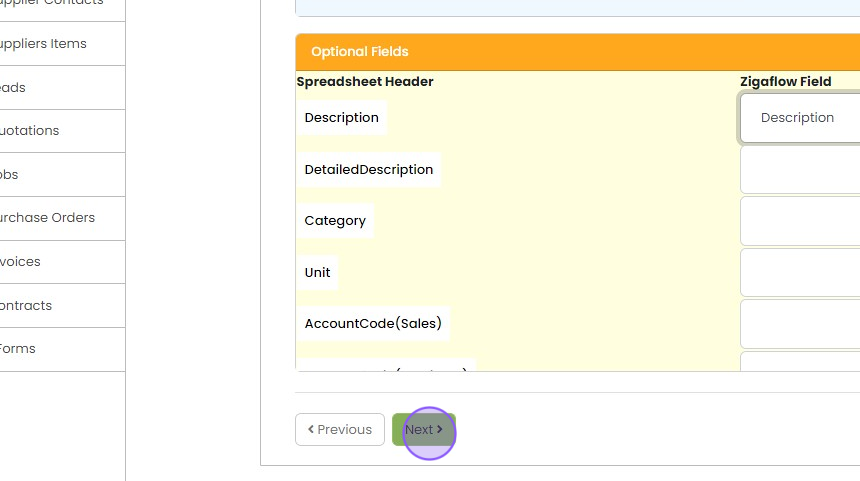
Click "Next"
You will then see this screen
Save the mapping for reuse
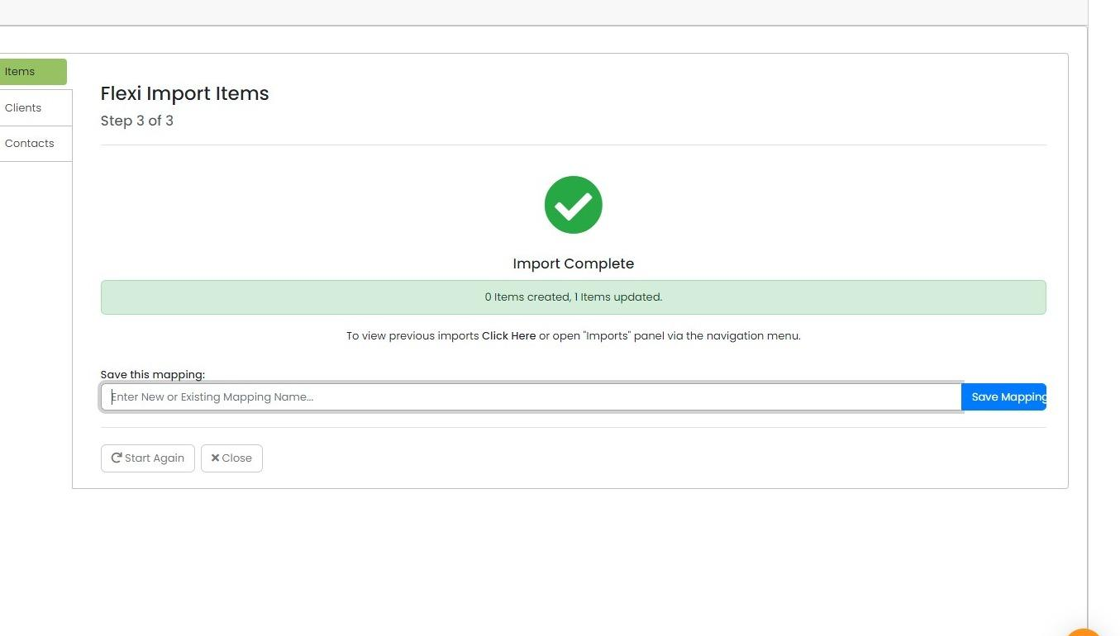
If you are likely to use this import mapping again, simply
- Give the map a name
- Click "Save Mapping"
Use a saved mapping
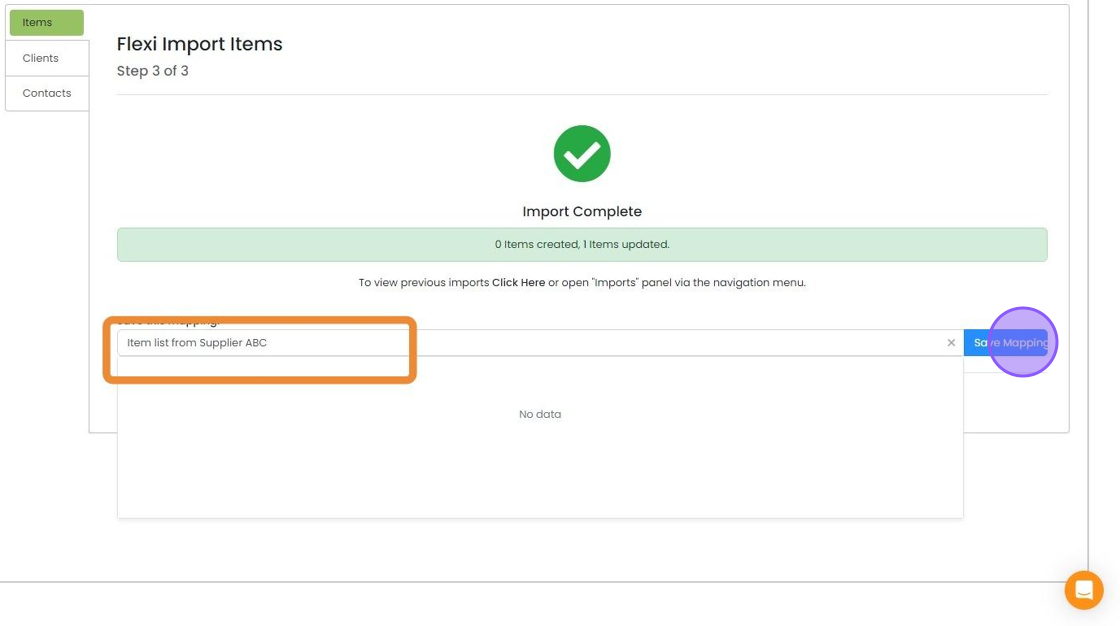
Next time you import this file format, simply choose the relevant mapping
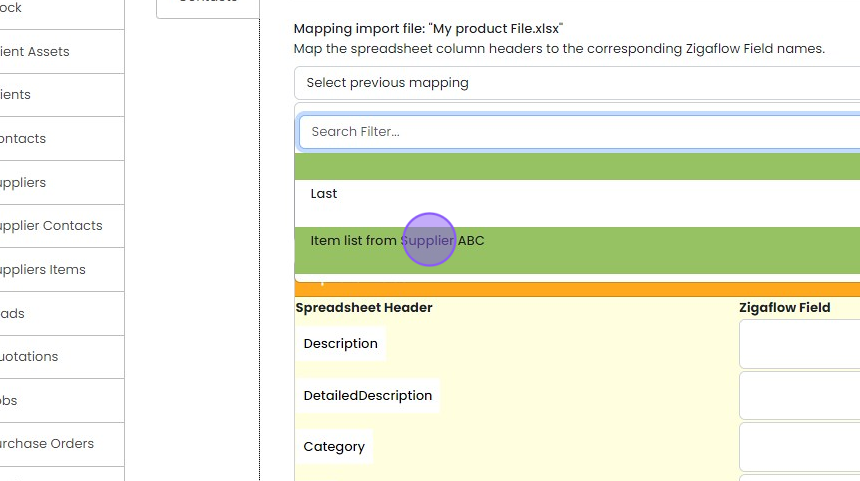
And the fields will be automatically mapped
Learn more: inventory in Zigaflow
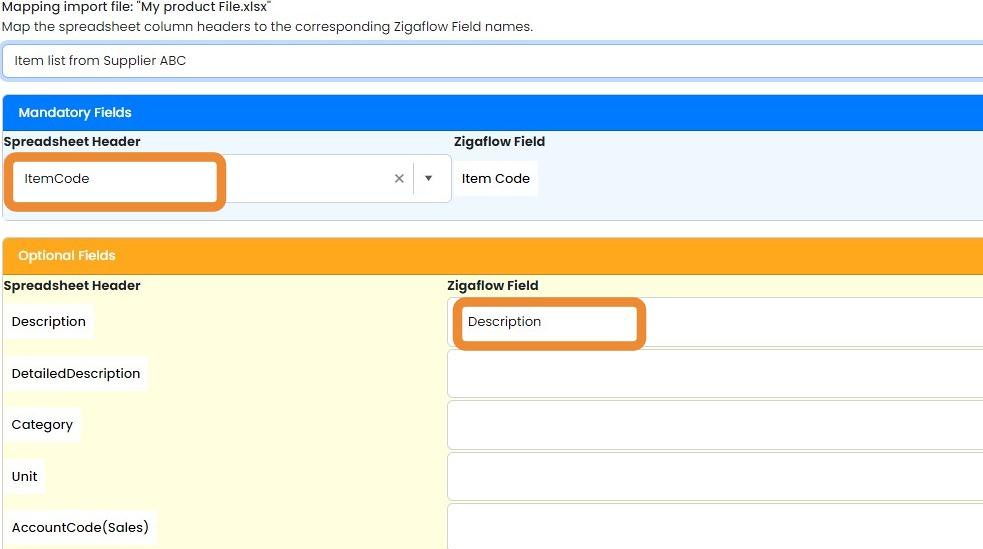


Open the flexi import
Frequently asked questions
Was this helpful?