Make it yours

How to link an email to an existing quotation, job or other record

In Zigaflow

The short answer

Open the email in your Inbox, click the link icon, choose Link To..., pick the record type such as Job, quotation or invoice, search for the record and click link. Then close the panel with X. Further emails on that thread are linked automatically, and you can view them with Show Emails on the record.

Steps

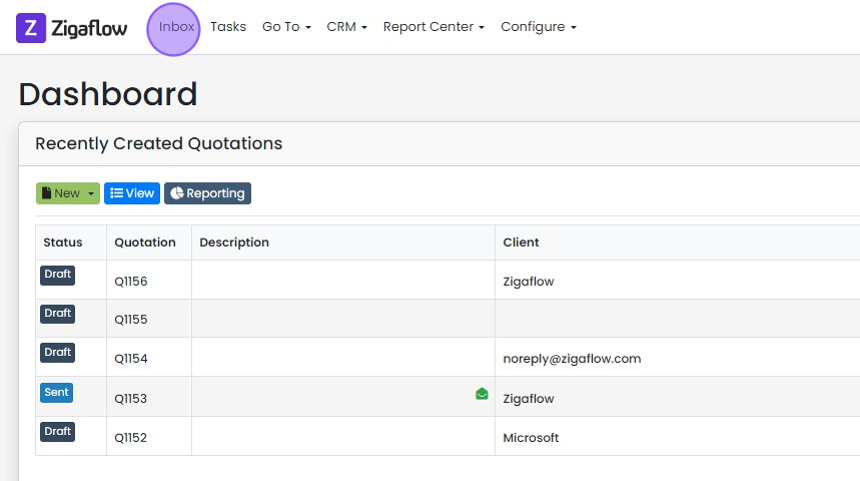
  1. Click "Inbox"

    Zigaflow Dashboard with the Inbox link highlighted in the top navigation bar, above the Recently Created Quotations list
  2. Open the email you want to link to a quotations, job or other record
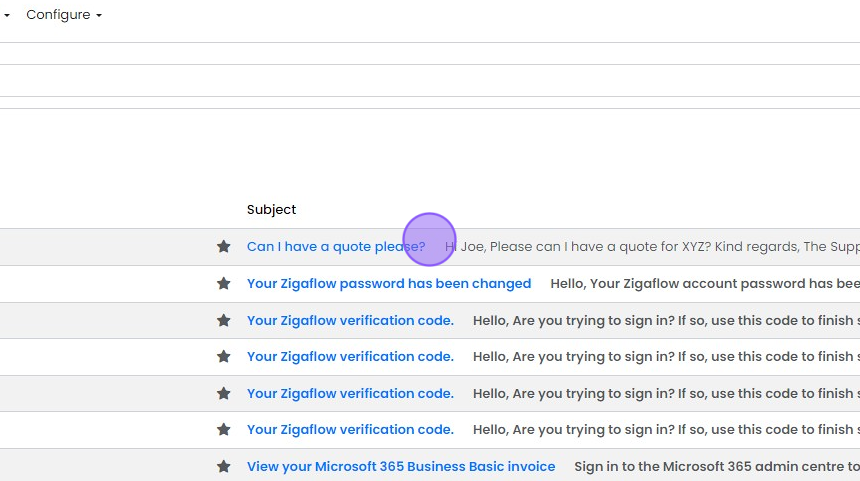
    Zigaflow email inbox list under the Subject column, with the
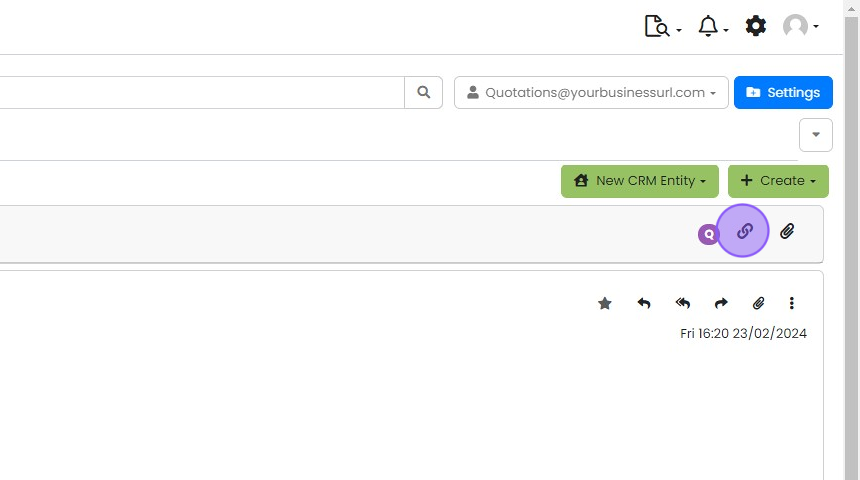
  3. Click the link icon

    Email view in Zigaflow with the link icon highlighted in the toolbar beside the paperclip, below New CRM Entity and Create
  4. Click "Link To..."

    Link to dialog with the Link To... dropdown button highlighted, next to Refresh Links above a linked order table
  5. Click "Job" (or quotation, invoice etc.)
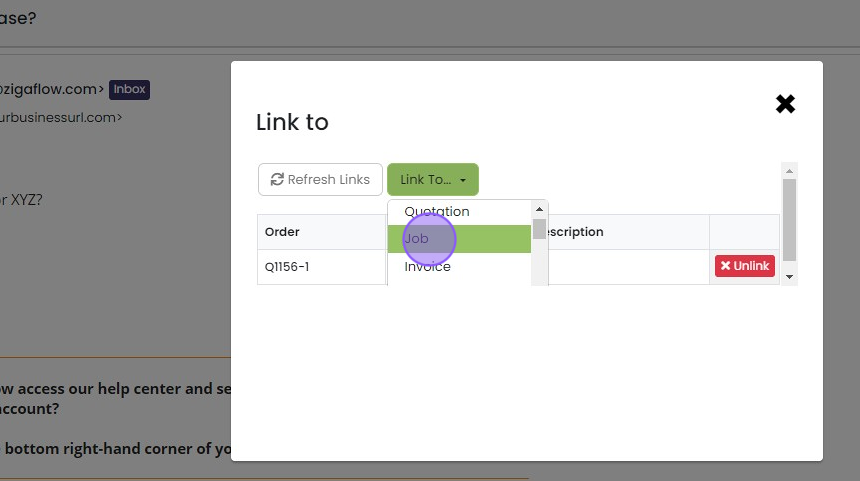
    Link to dialog with the Link To dropdown open, showing Quotation, Job and Invoice options, with Job highlighted
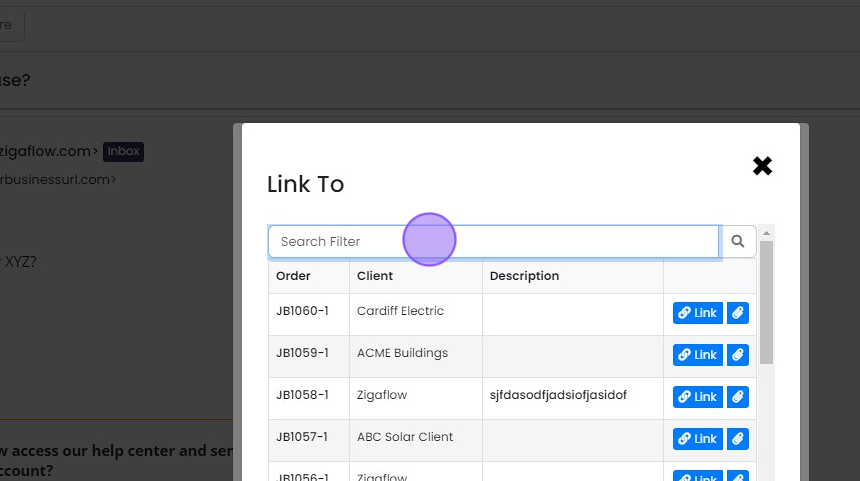
  6. Search for the relevant record

    Link To dialog with the Search Filter field highlighted above a list of job orders, each with a Link button
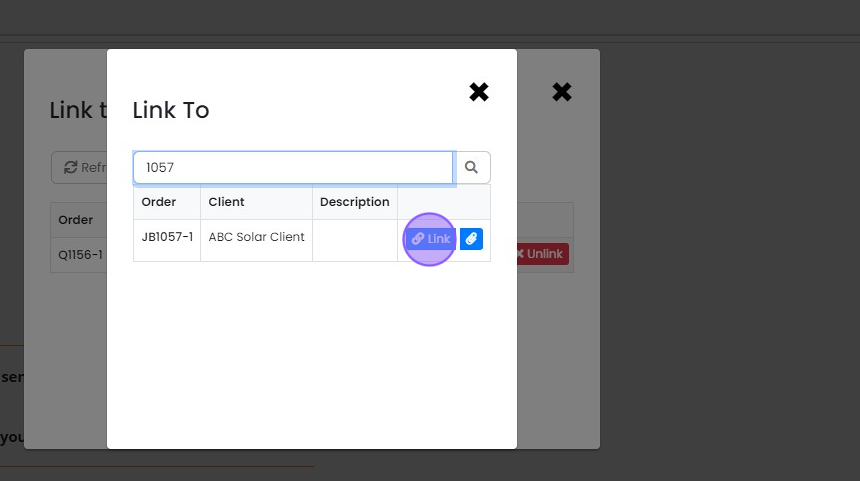
  7. Click "link"

    Link To dialog showing search results for job JB1057-1 with the Link button highlighted next to the matching order
  8. Close this panel by clicking "X"

    View linked emails on the record
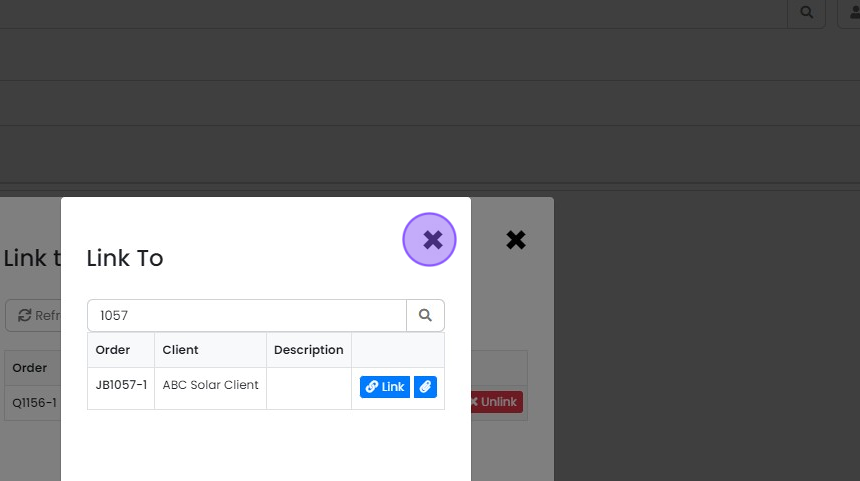
    Link To panel showing search results for job JB1057-1, with the X close button highlighted in the top-right corner
  9. In the relevant record, click "Show Emails"
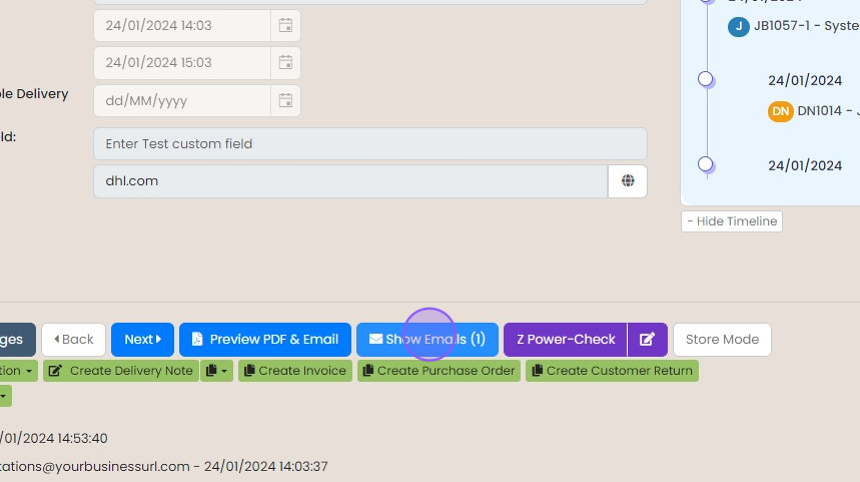
    Record toolbar with the
  10. You will now find this conversation linked and any further conversation on this thread will be linked...

    You will now find this conversation linked and any further conversation on this thread will be linked automatically.

    Learn more: integrated email in Zigaflow
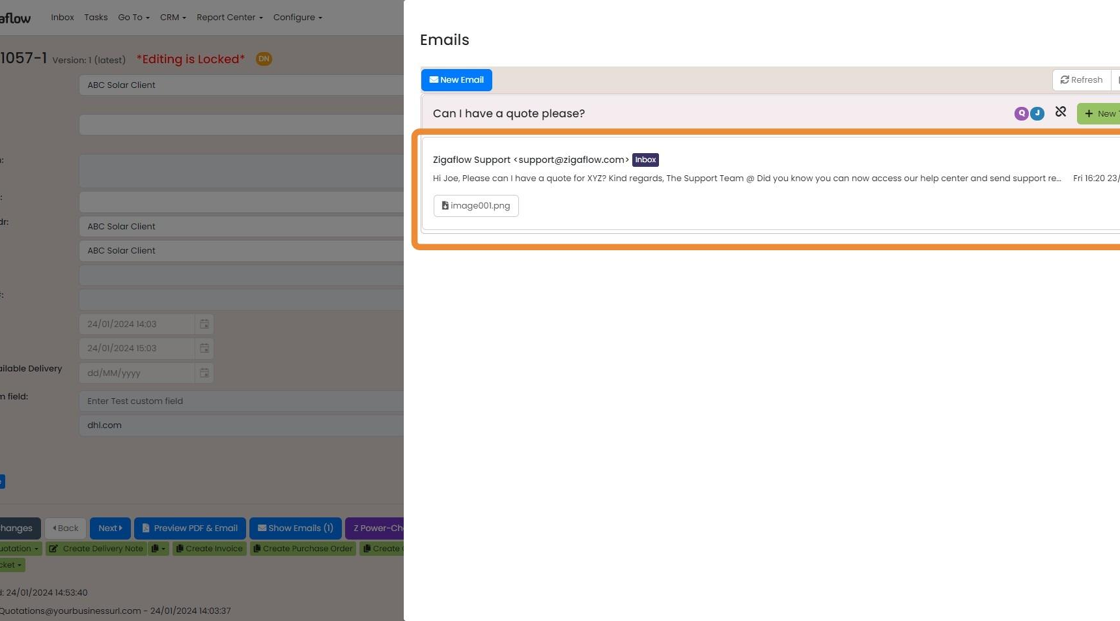
    Emails panel on a quotation showing the linked

Frequently asked questions

Next step

Create a quotation from an email in your inboxTo create a quotation from an email, click Inbox in Zigaflow and open the email. Click +Create, then choose the Quotation Prebuild you want to use. Zigaflow creates a new quotation, and if the contact already exists in your CRM, their details are added automatically.

Was this helpful?

See Zigaflow on your own workflow

Book a demo and we will walk through quoting, jobs and purchasing the way your team runs them.

Or see how Zigaflow would fit your business, free