Get set up
Making an item in a kit hidden
The short answer
To hide an item in a kit, go to Items, open the kit, click Kit Items, tick the Hidden Item checkbox for that item, save with the tick, then click Save Changes. When the kit is added to a quotation or job/sales order, the hidden item will not appear on the PDF.
Steps
Click "Go To"
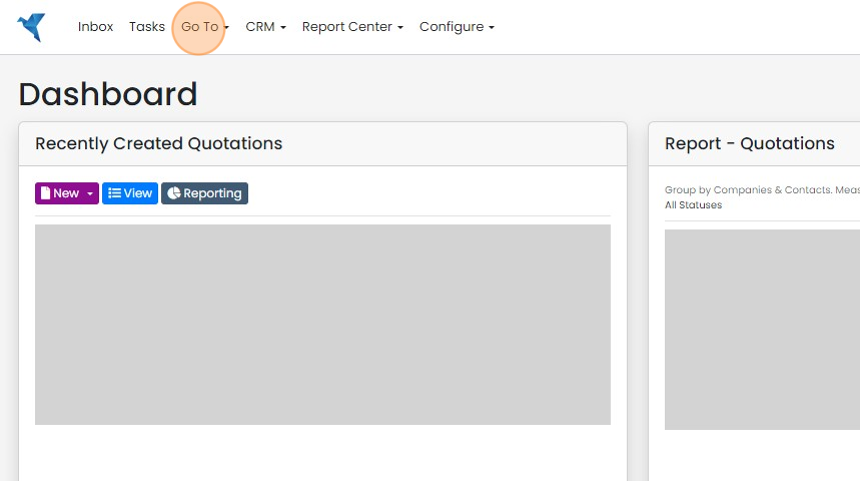
Click "Items"
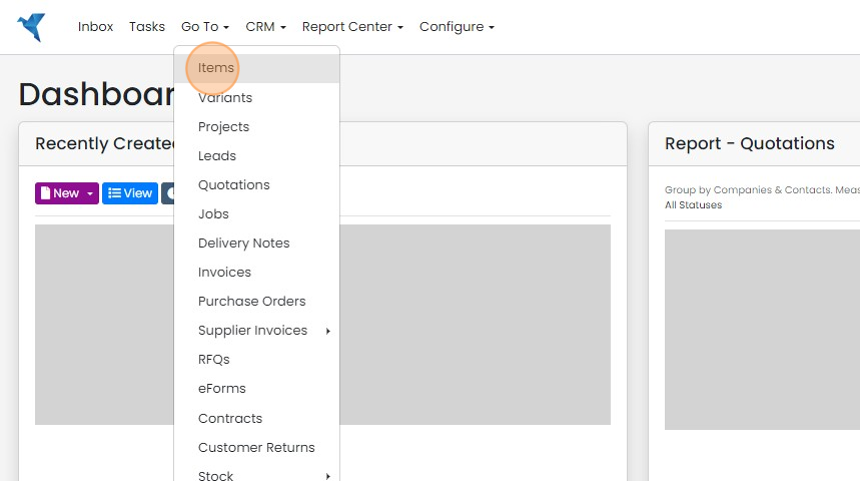
Open a kit
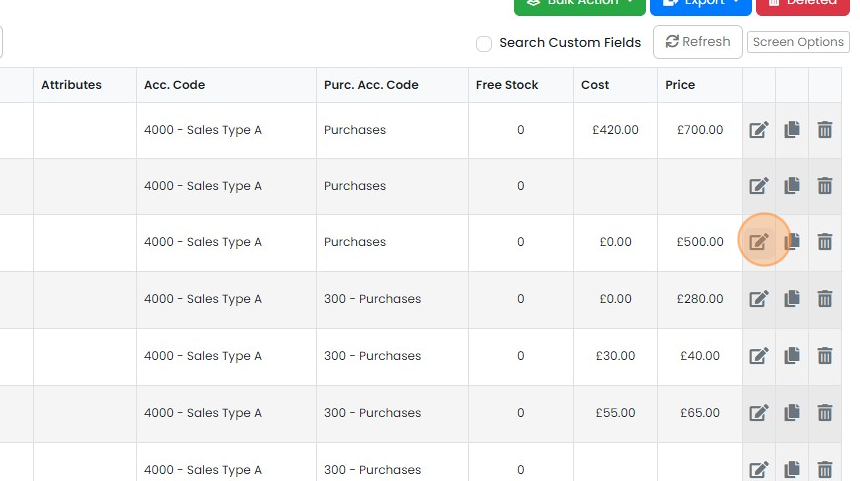
Click "Kit Items"
Hide the kit item
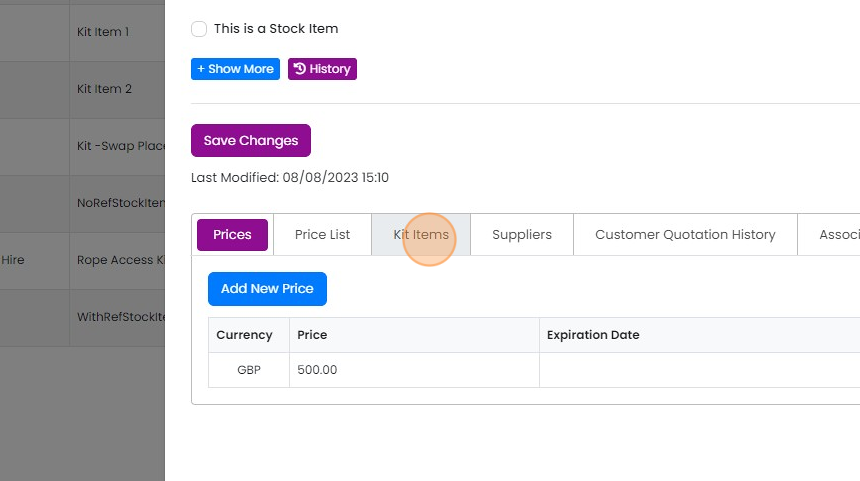
Click here

Click the "Hidden Item" checkbox
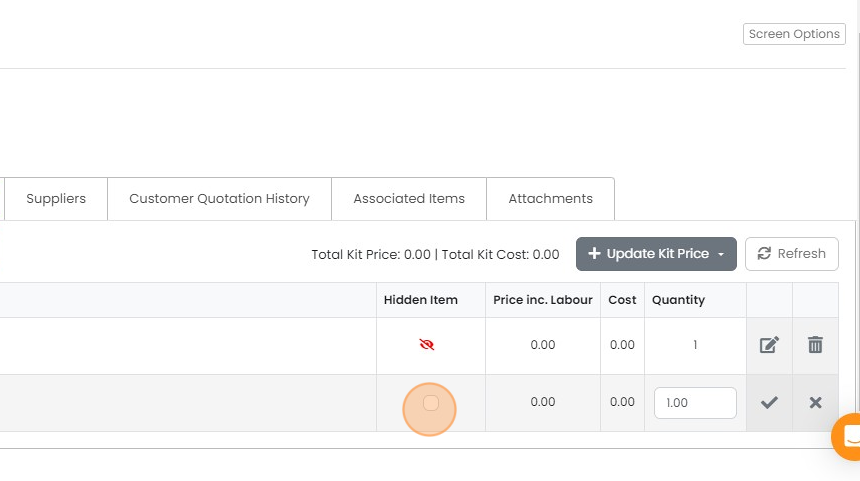
Click the tick to save
Click the tick to save. When this kit is added to a Quotation, Job/Sales Order, etc., this item will be hidden on the PDF
Save your changes

Click "Save Changes"

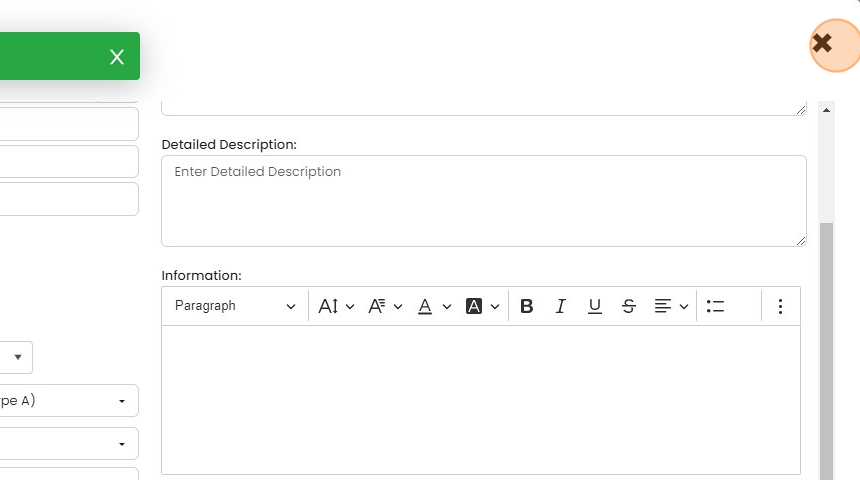
Click "×"
Learn more: kits in Zigaflow


You can also hide an item that is already on a Quotation, Job/Sales Order, etc., using this method
Hiding Items in a Kit | Zigaflow Help Center
Open the kit
Frequently asked questions
Was this helpful?