Get set up
Setting the visible item columns
The short answer
To set the visible item columns, open a quotation or job/order, scroll to the items, click Screen Options, then click the settings/cogs icon. Create a named view set with the plus button, show or hide columns, and click Save. Only admin users can set views and default columns.
Steps
Open any quotation, job/order, etc. and scroll down to the items

Click 'Screen Options'
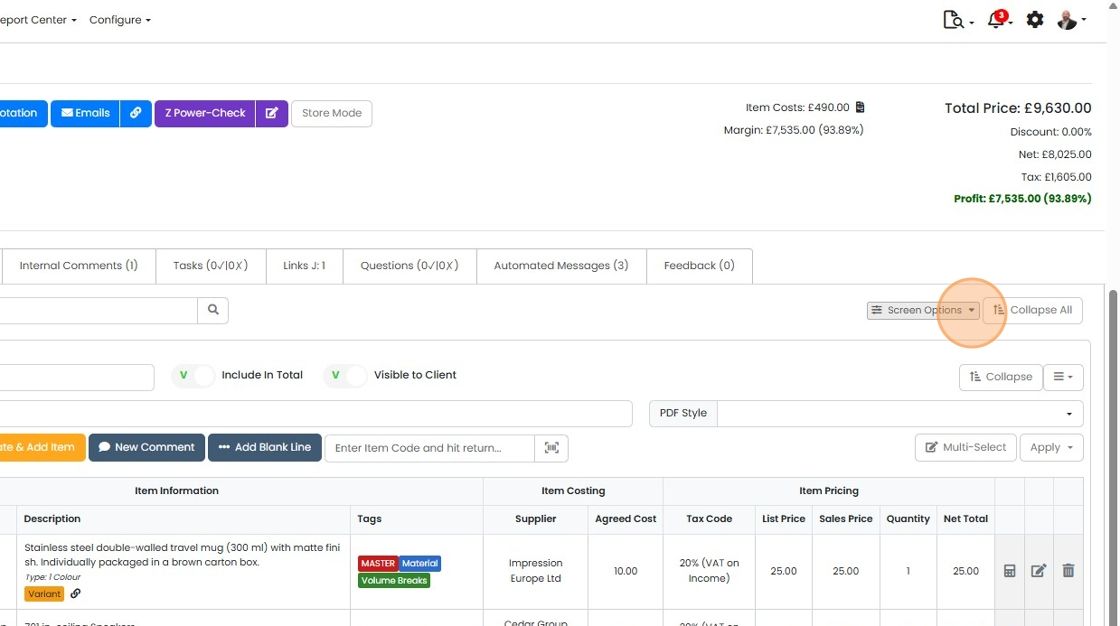
Click on the settings/cogs icon
Create a view set

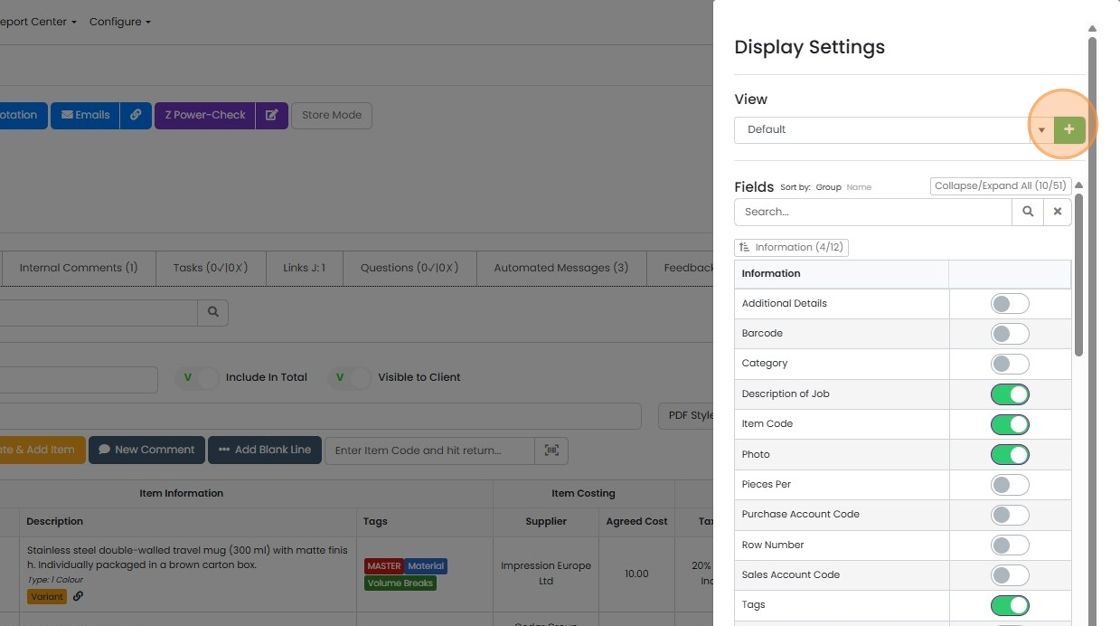
To add a new view set, click on the plus button
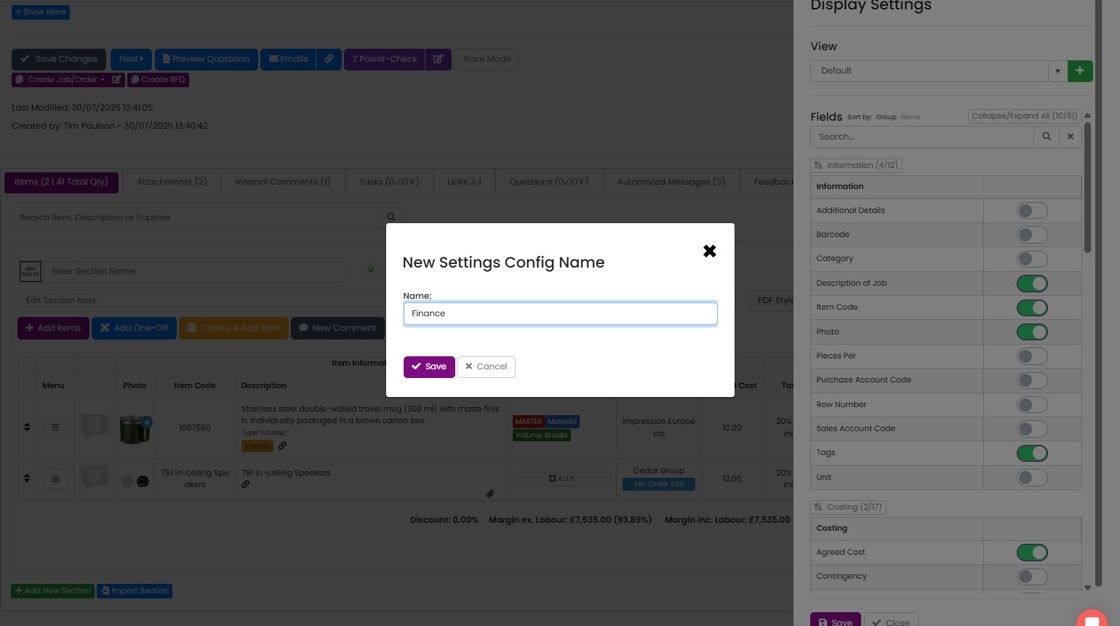
Give the view set a name
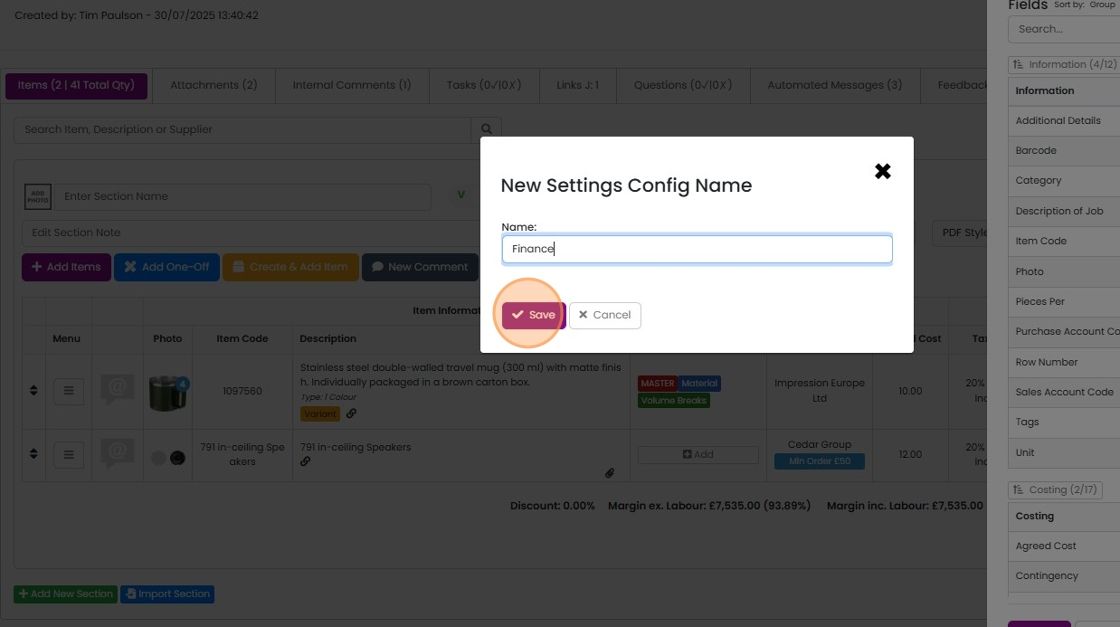
Click "Save"
Choose visible columns
Hide or show columns for this column view set
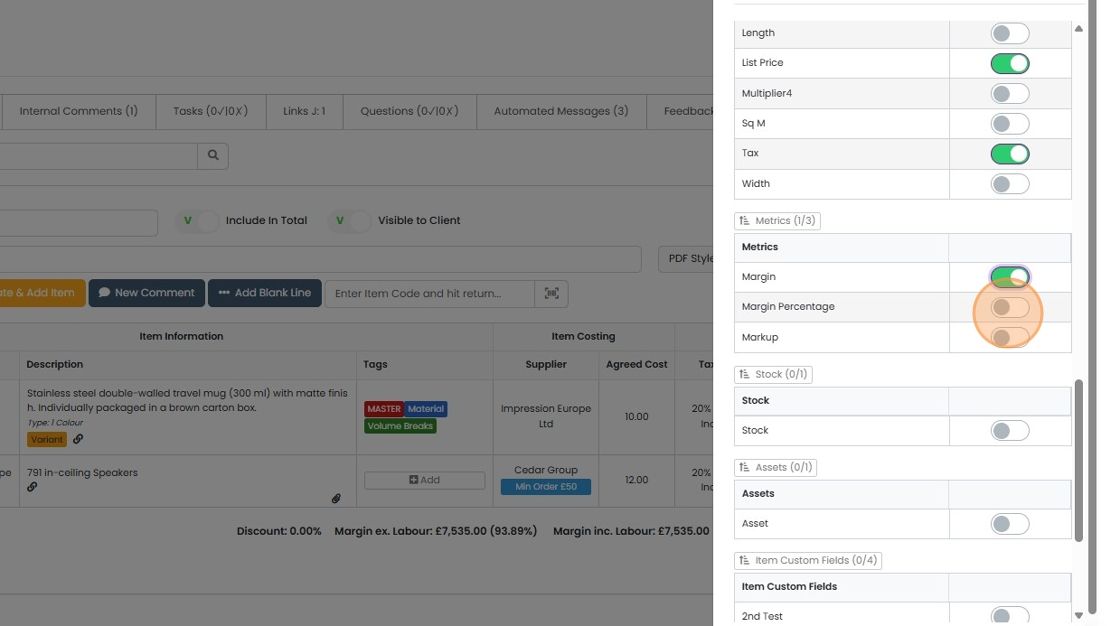
When you have made all your changes, click "Save"
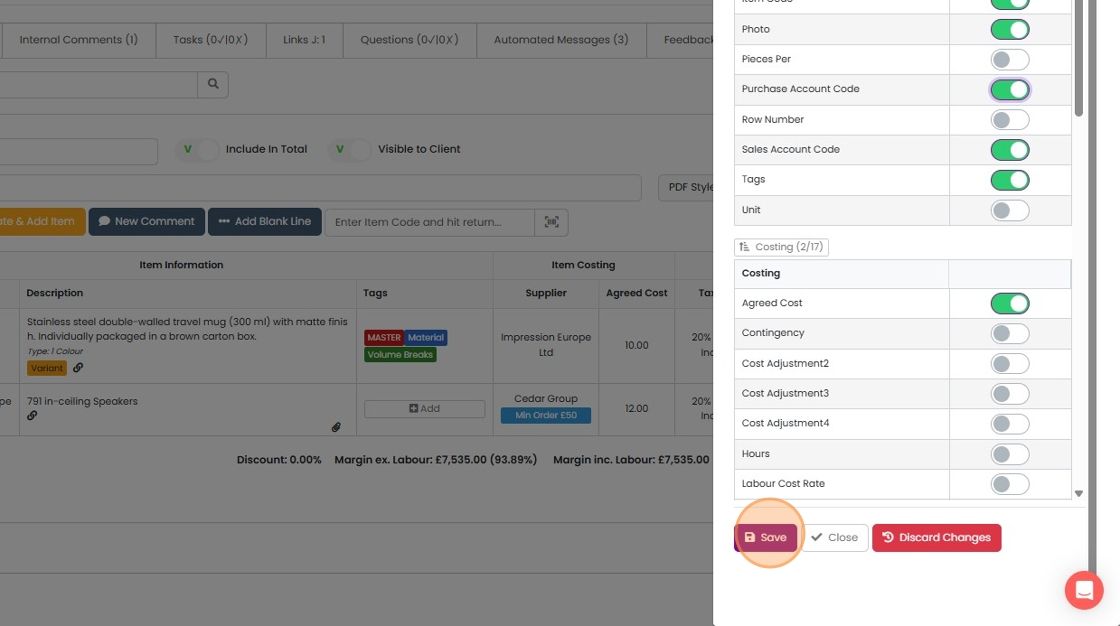
Click "Close"
Switch between views
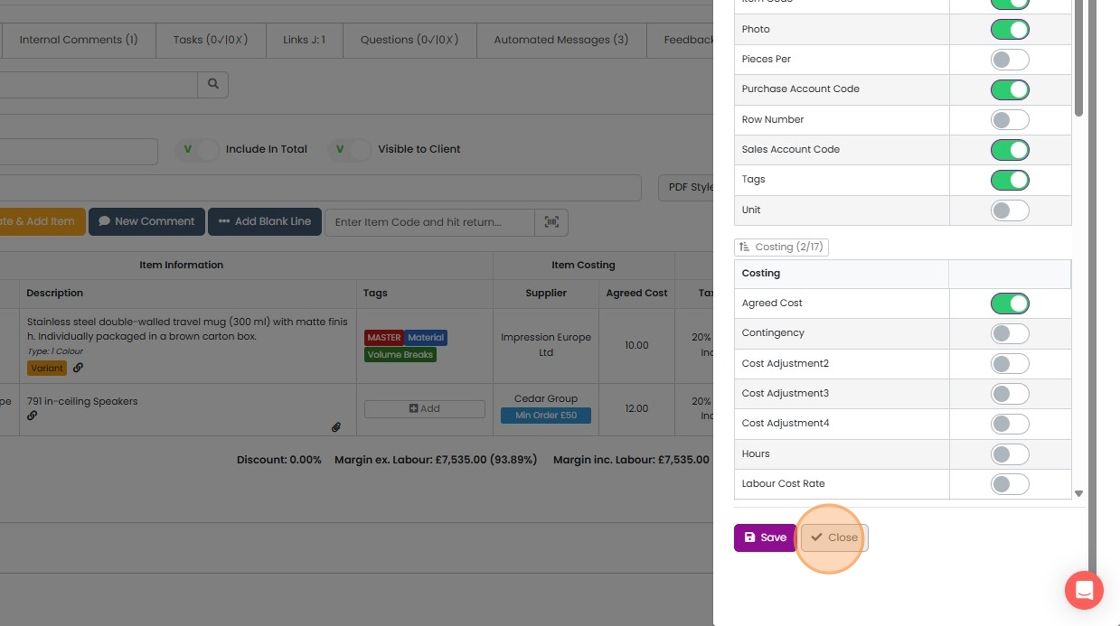
To switch between the view sets, click here
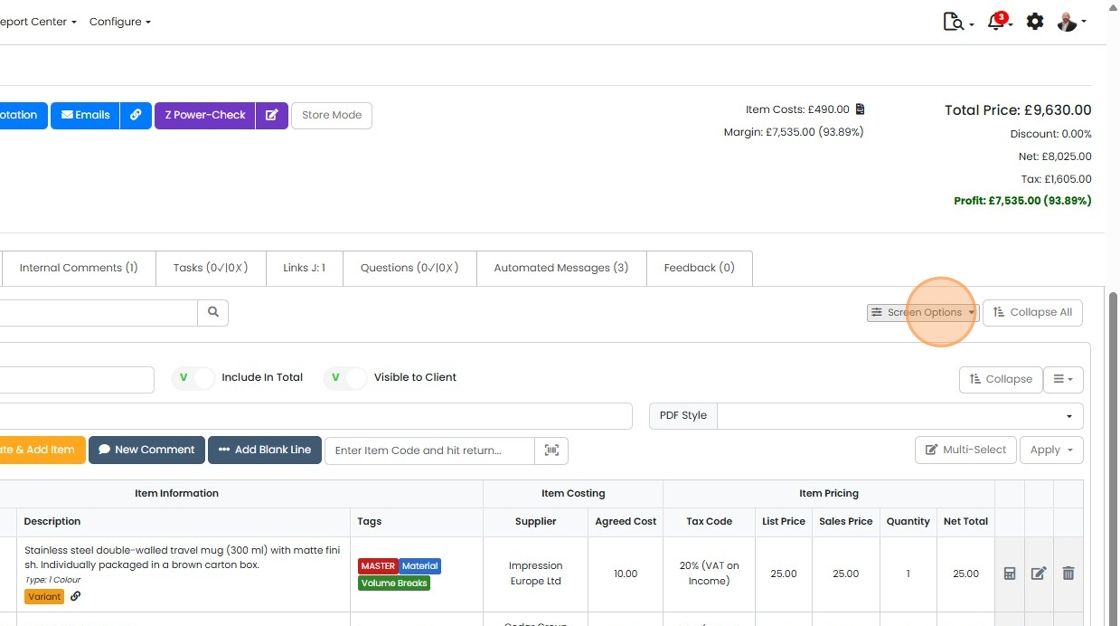
Select the desired view
Learn more: quotes in Zigaflow


The views and default columns can only be set by admin users. However, views already set up can be swapped between by all users.
Open screen options
Frequently asked questions
Was this helpful?