Get set up
Adding your logo for documents and emails
The short answer
To add your logo to Zigaflow documents and emails, click the cog icon, click Branding, then click the upload area or drag and drop your logo file. You only add it once. It then appears in your documents, and you can place it in templates or emails with the {BusinessLogo} variable.
Steps
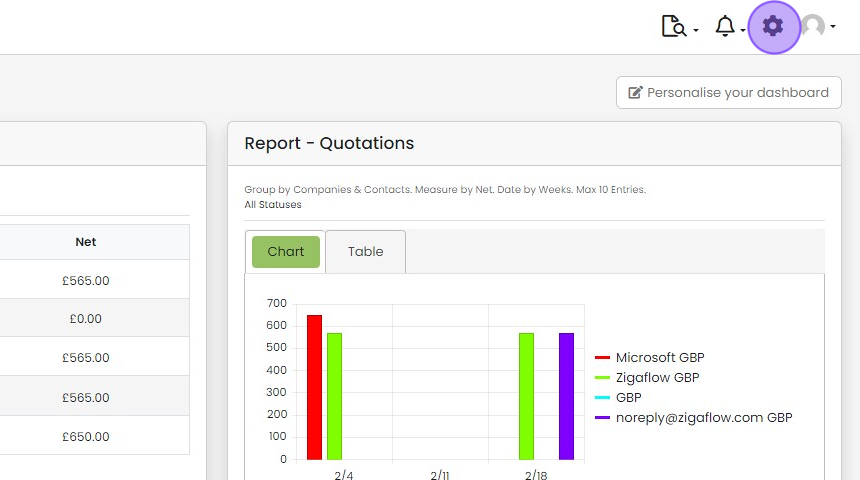
Click on the cog icon
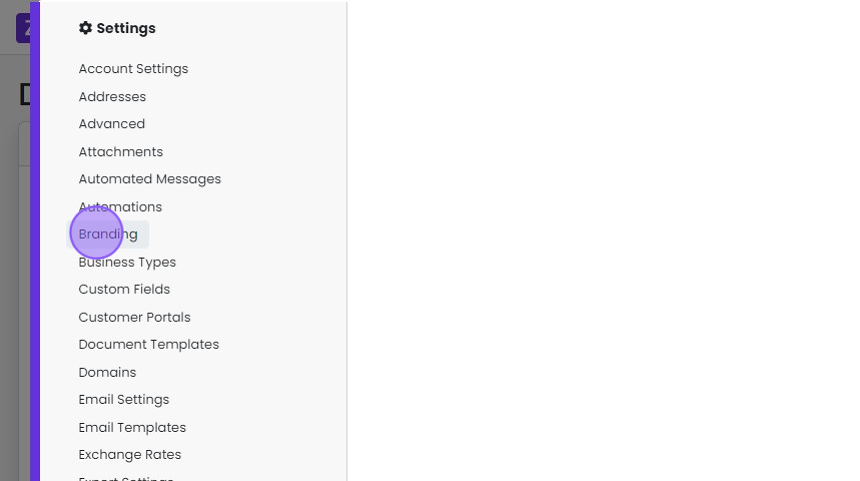
Click "Branding"
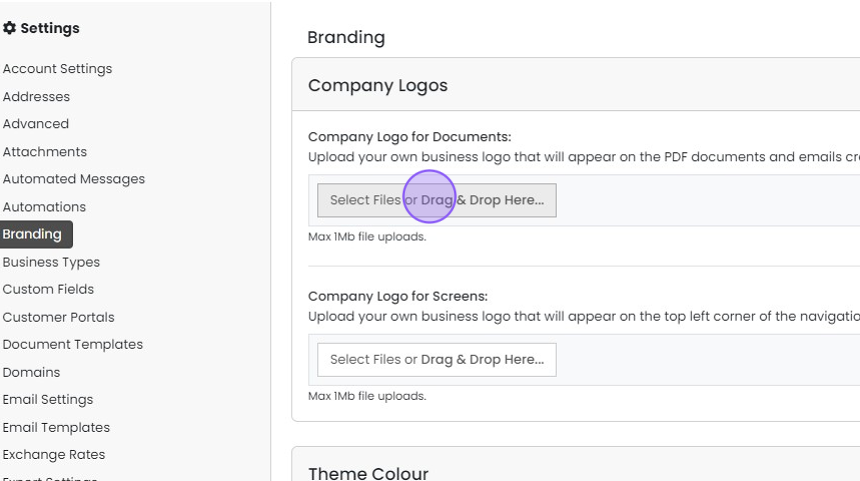
Click here or drag & drop your logo file
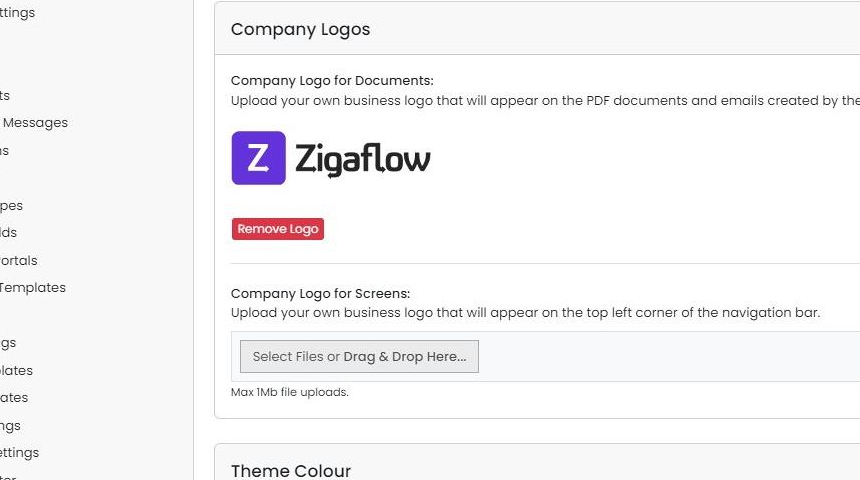
This logo will now appear in your documents
To include this logo in your documents or emails use the following variable: {BusinessLogo}
Learn more: document templates in Zigaflow


Frequently asked questions
Was this helpful?