Win work
Change the columns you see in the quotation list
The short answer
To change the columns in your quotation list, click Go To, then Quotations, then List. Click Screen Options and search for the field you want to add. If you cannot find it, click Create a new field, choose the type of field, name it, and click Create.
Steps
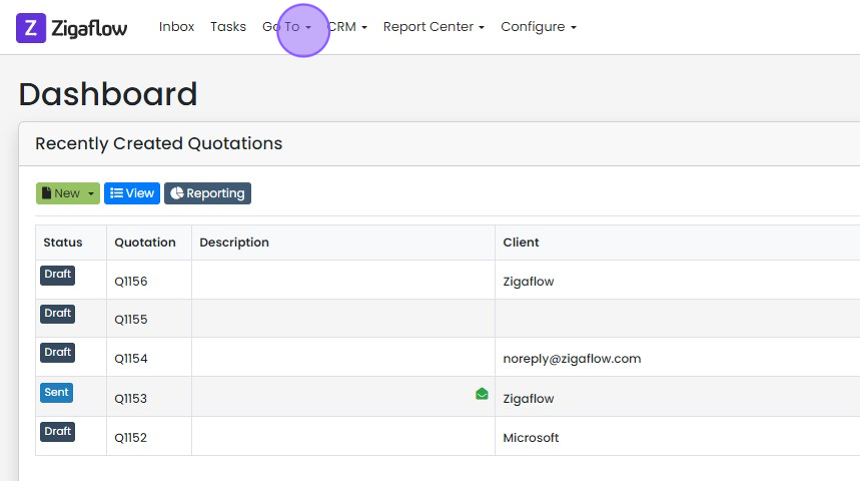
Click "Go To"
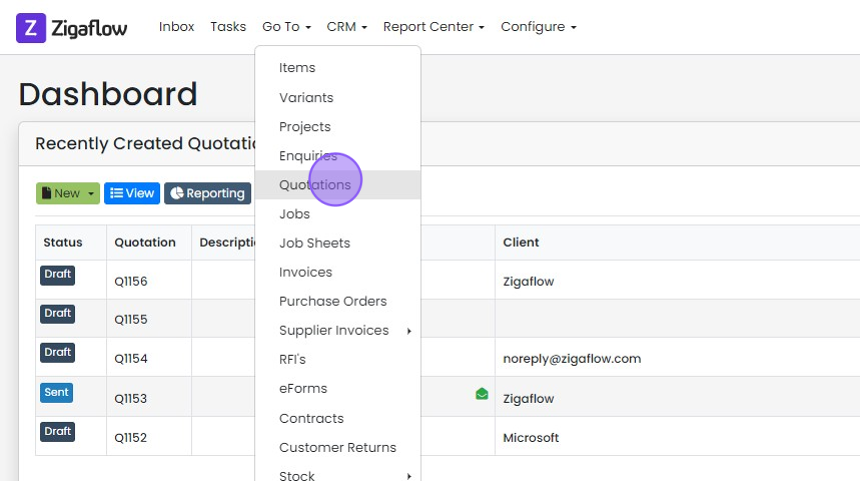
Click "Quotations"
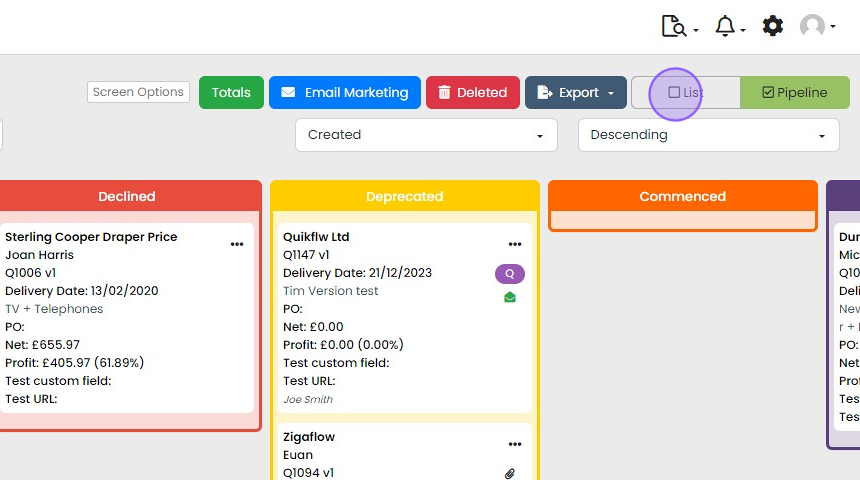
Click "List"
Choose the columns to show
Click "Screen Options"
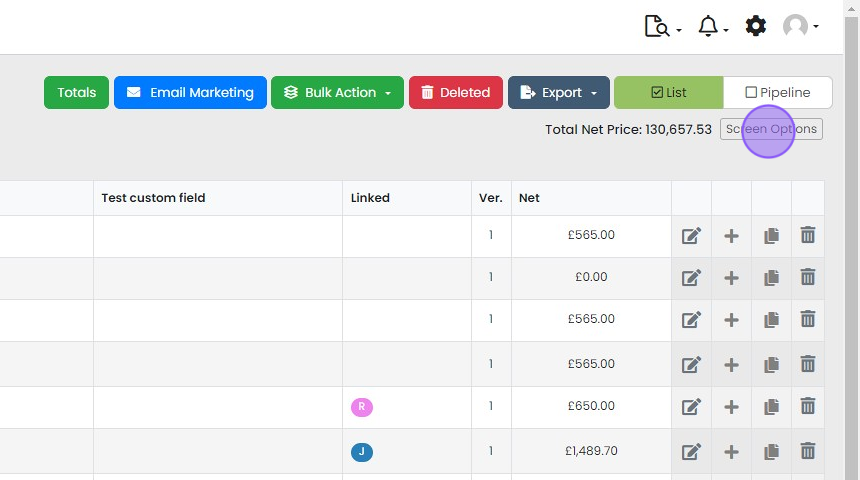
Search for the field you want to add
Create a new field

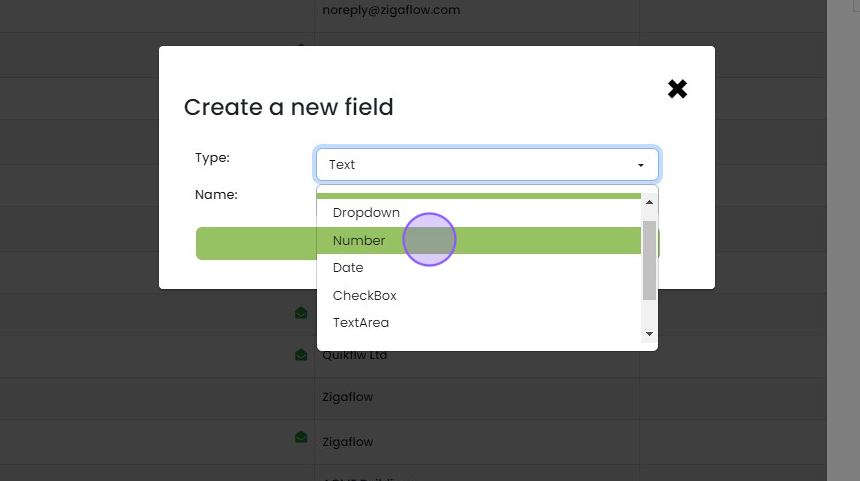
If you cannot find a field you need click "Create a new field"

Choose the "type of field" you want
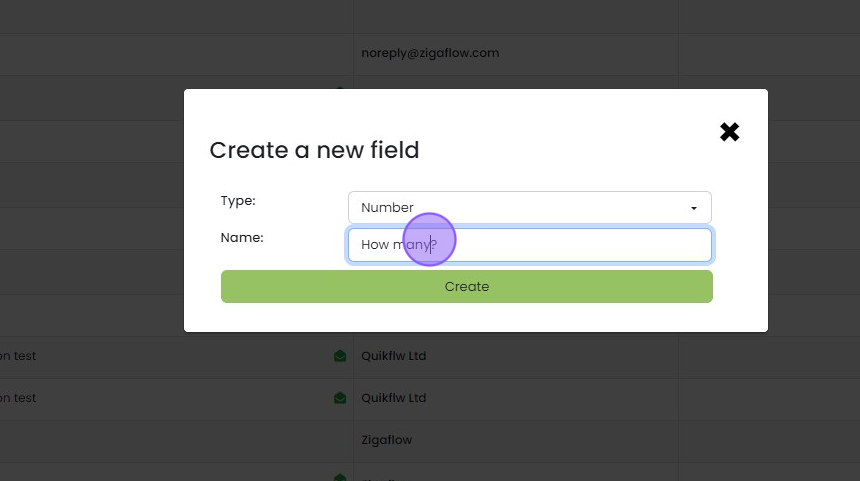
Choose a name
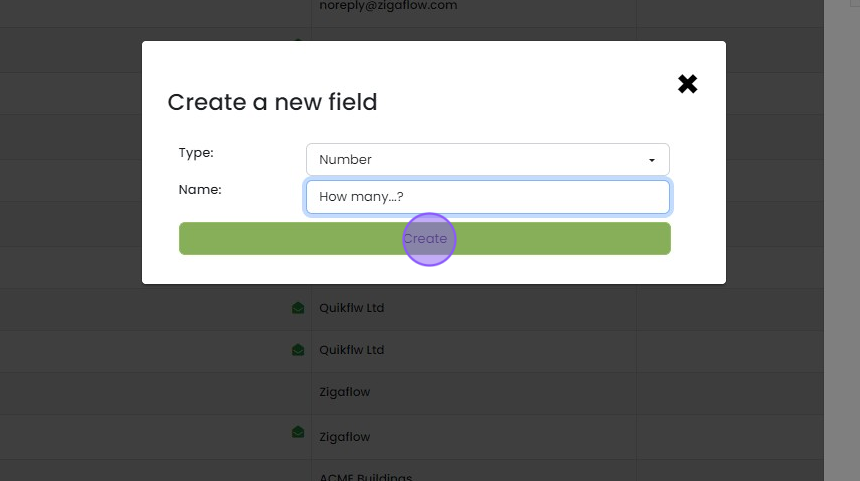
Click "Create"
Click outside the popup
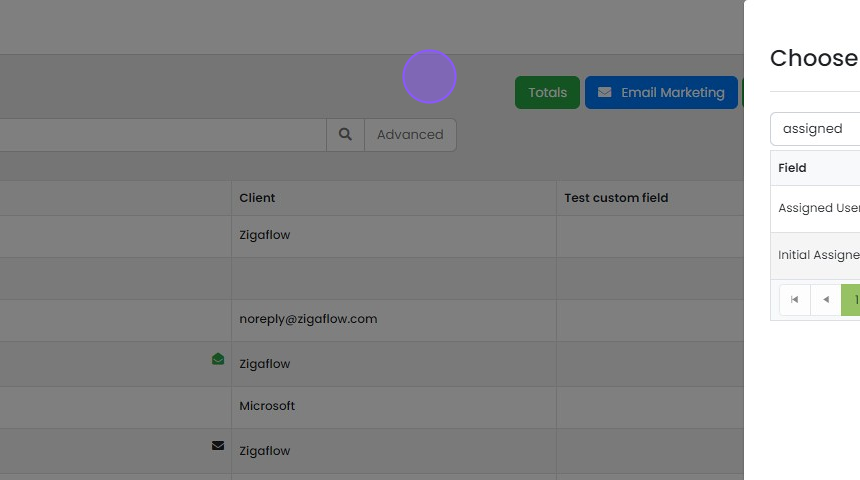
You have now added columns (& a custom field)
Learn more: quotes in Zigaflow


Open the quotation list
Frequently asked questions
Next step
Every planWas this helpful?