Win work
Changing or converting the currency on a quote
The short answer
To change the currency on a quotation in Zigaflow, do two things: change the currency, then update the costs and prices. Changing the currency alone does not change the numbers. Apply the FX rate to the values, so in one example a cost of £100 and price of £200 become EUR120 and EUR240.
Steps
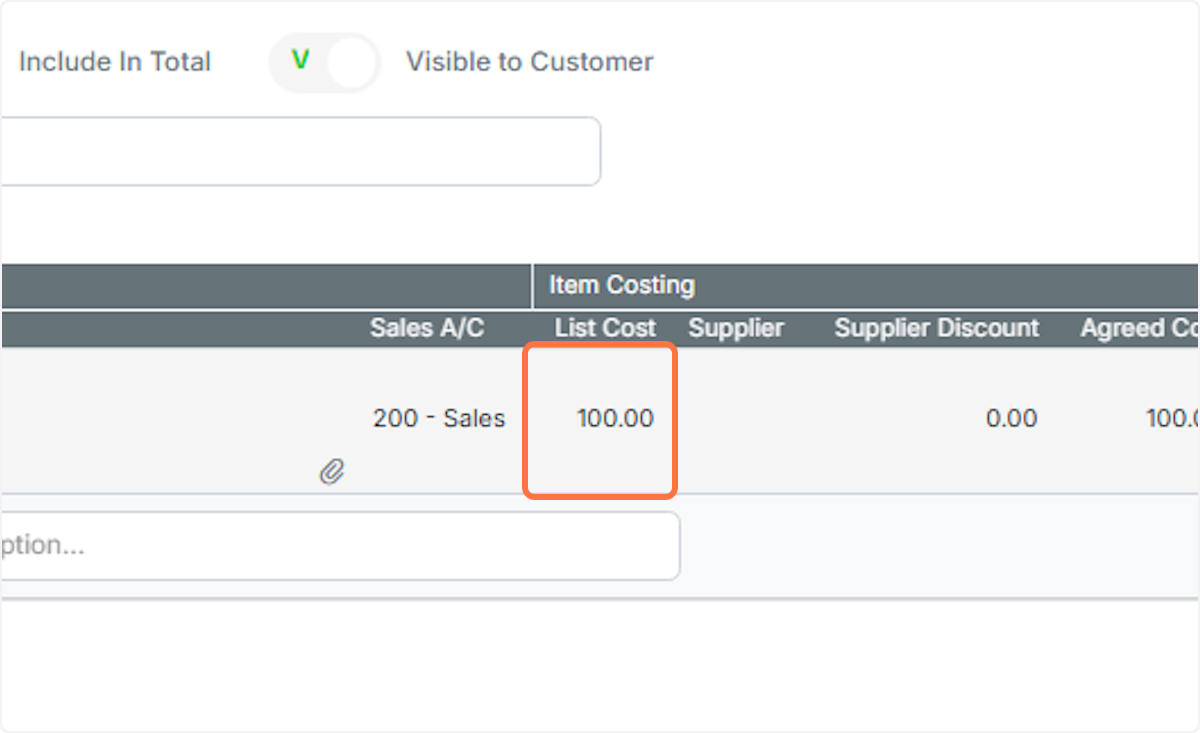
Cost is £100
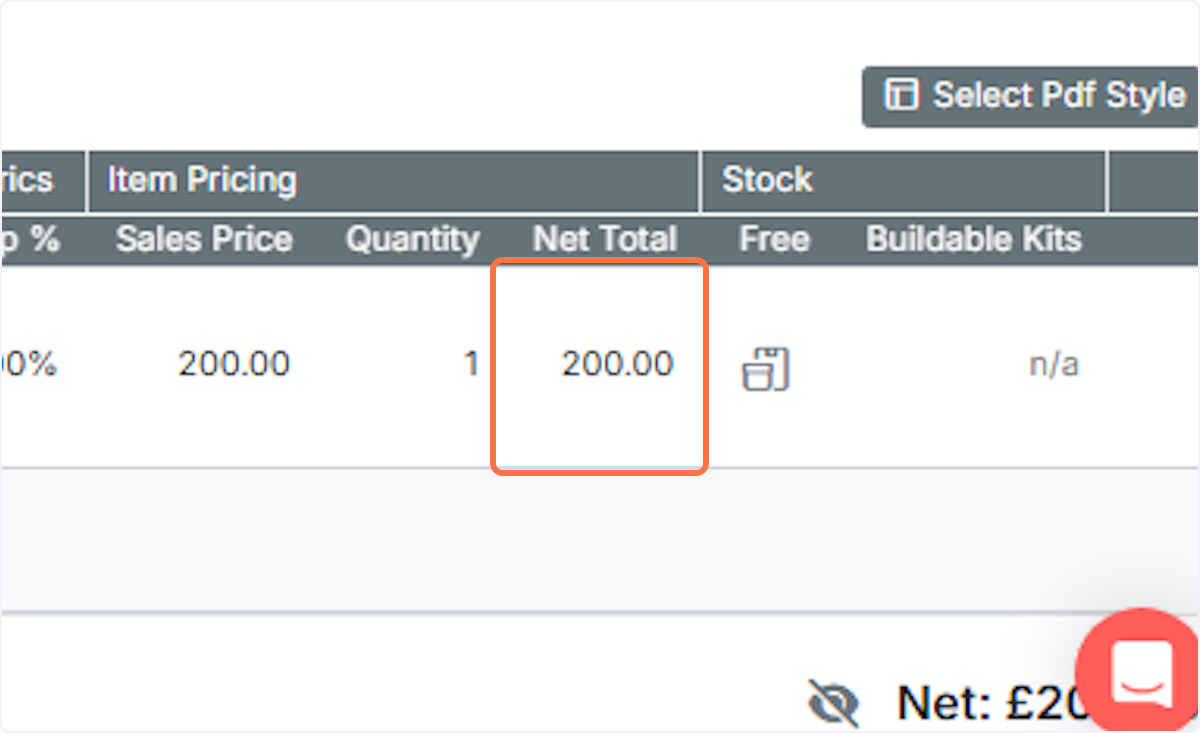
And the price is £200
Change the currency. If this is not visible, you can temporarily make it so (but you need to be an admin...
Change the currency. If this is not visible, you can temporarily make it so (but you need to be an admin user).

Click on Show/Hide hidden fields
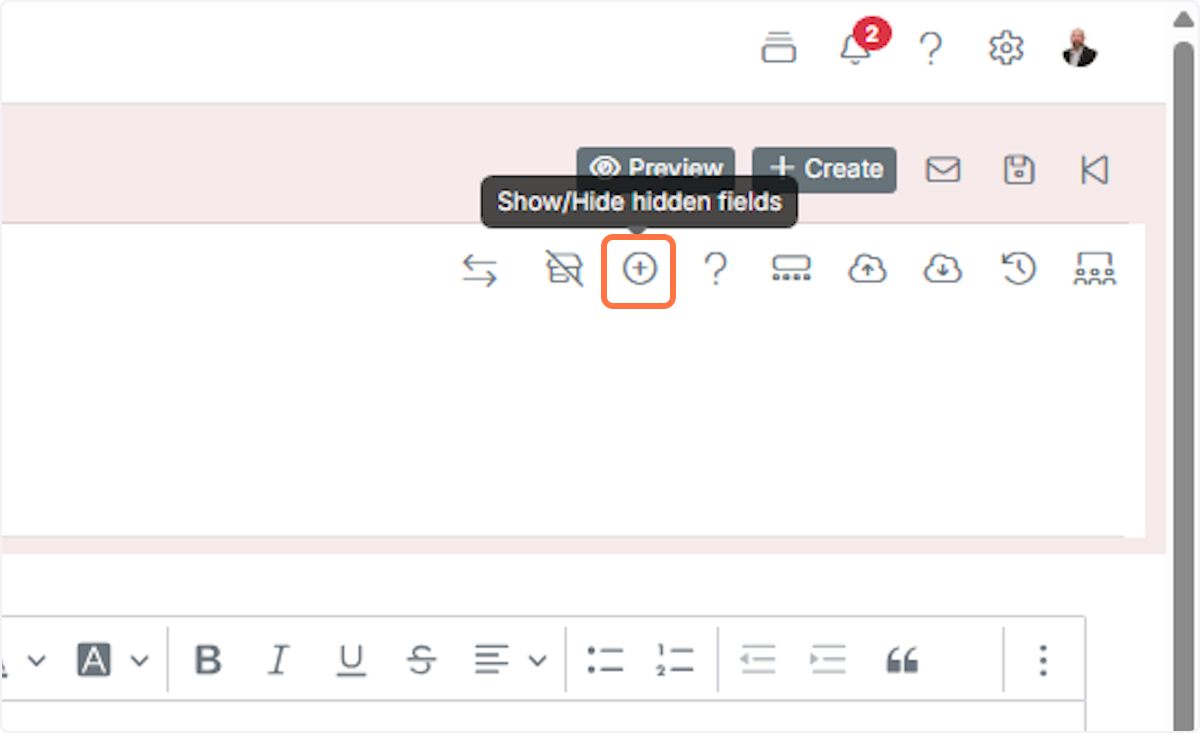
A. Change the currency
B. Click on the desired currency

The cost and price do not change when you change the currency
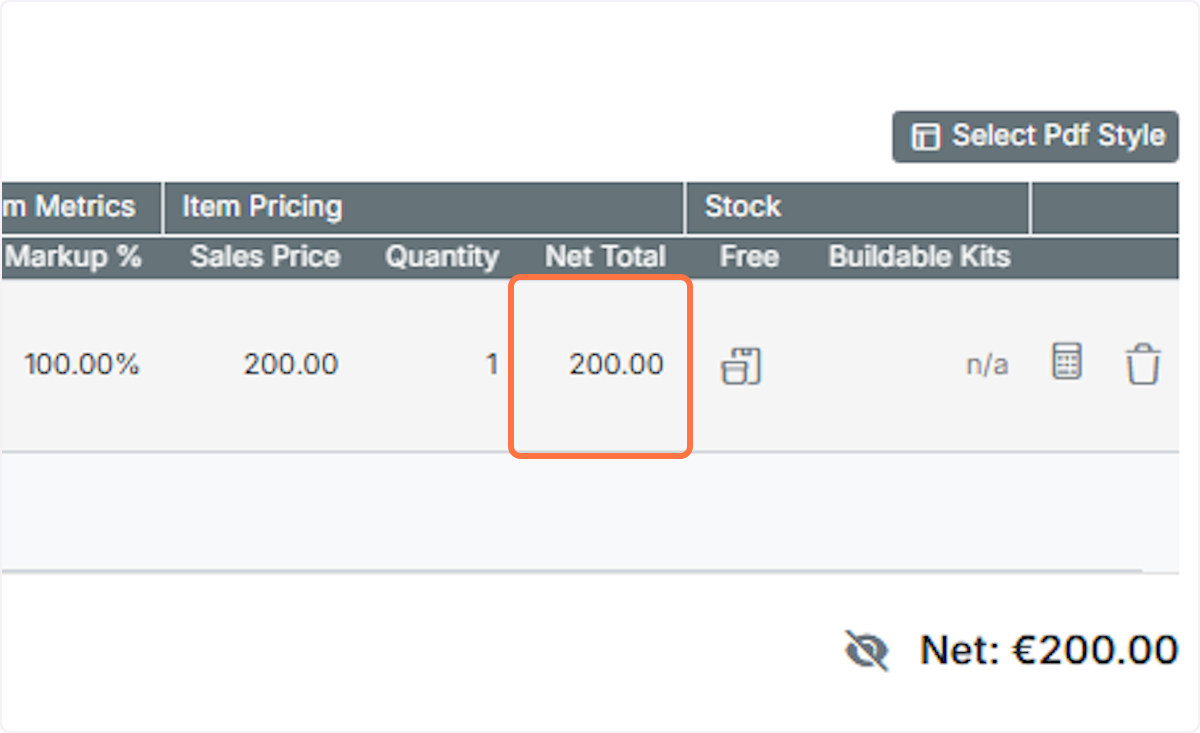
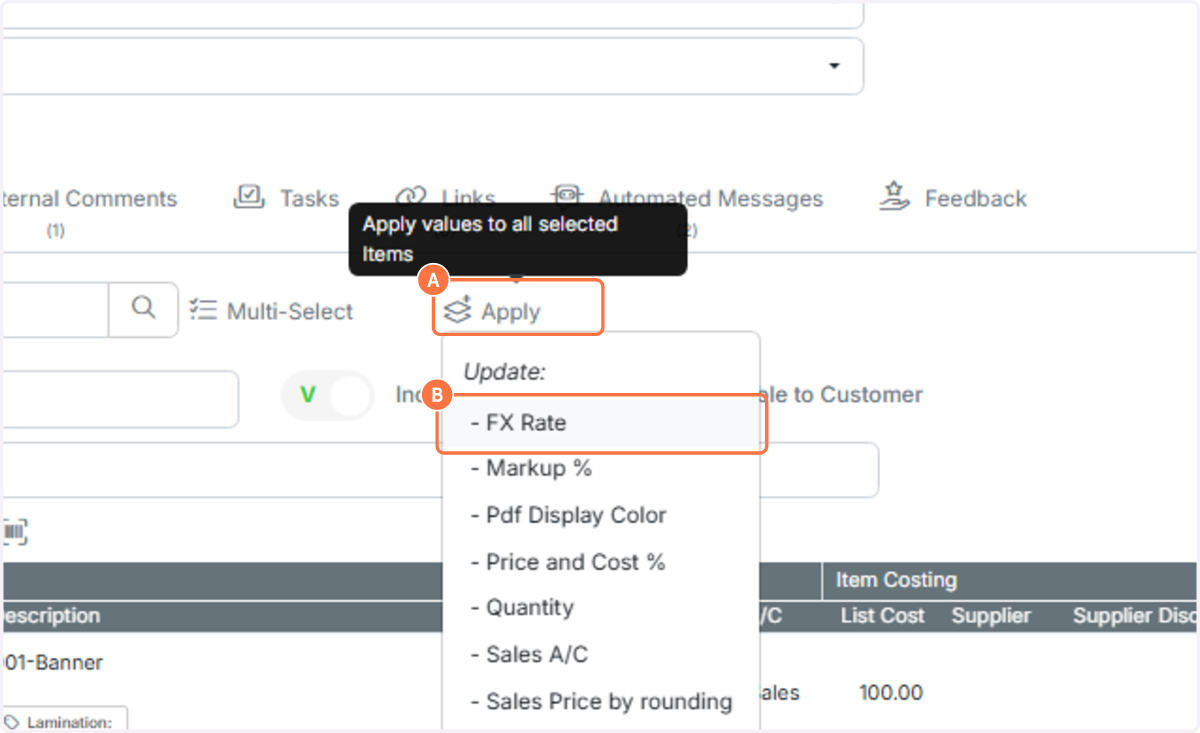
A. We now need to apply the FX rate to the values. Click on the 'Apply' button
B. Click on - FX Rate
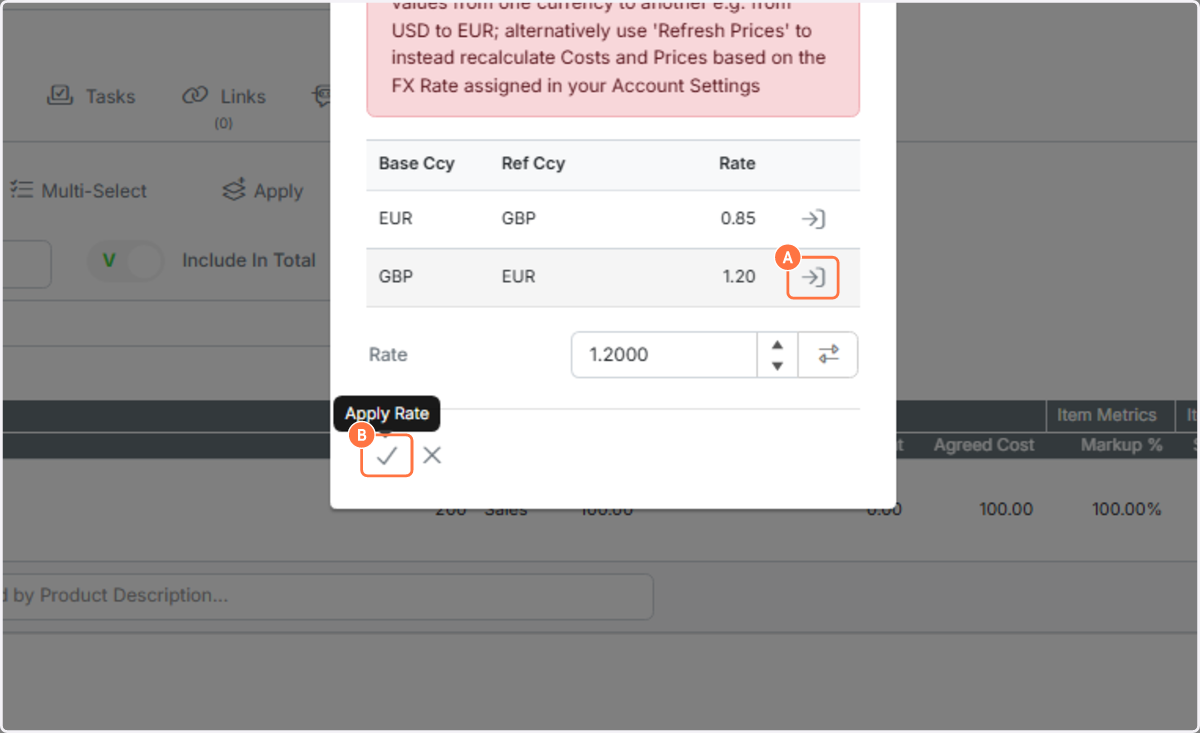
A. Select the rate to use by clicking on the hightlighted button. This copies the rate to the bottom box
B. Click on Apply Rate
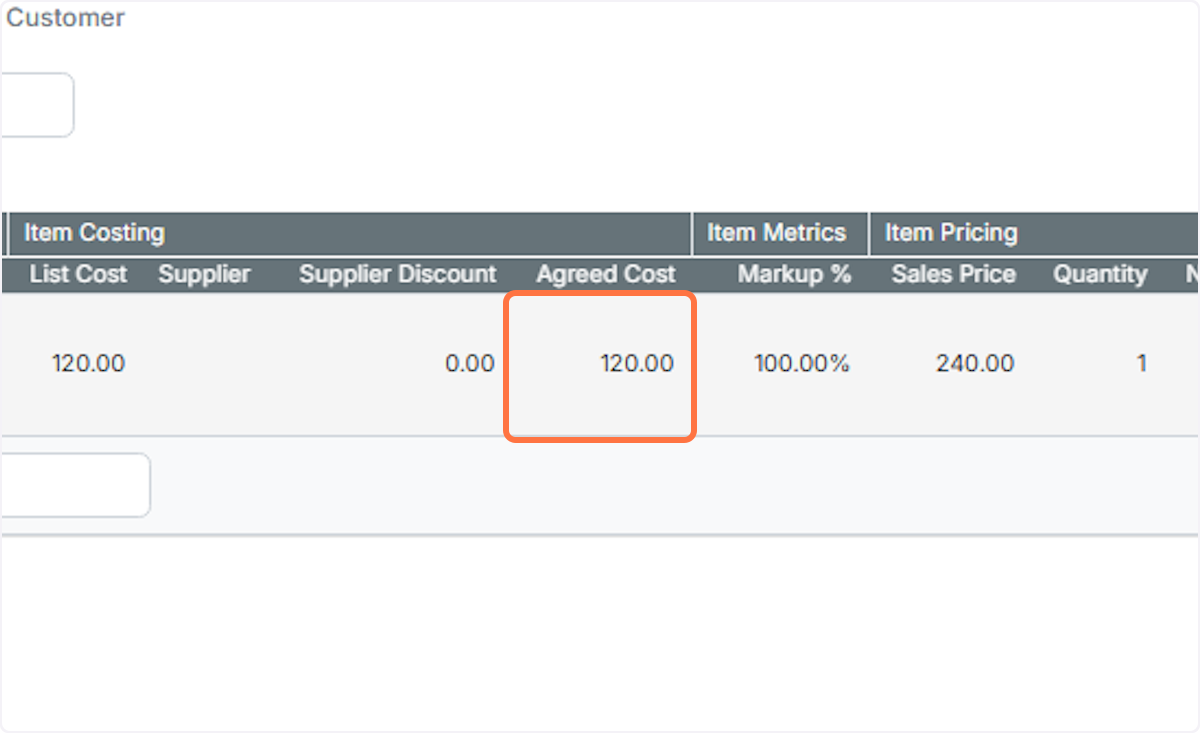
The cost is updated (in this case to EUR120)
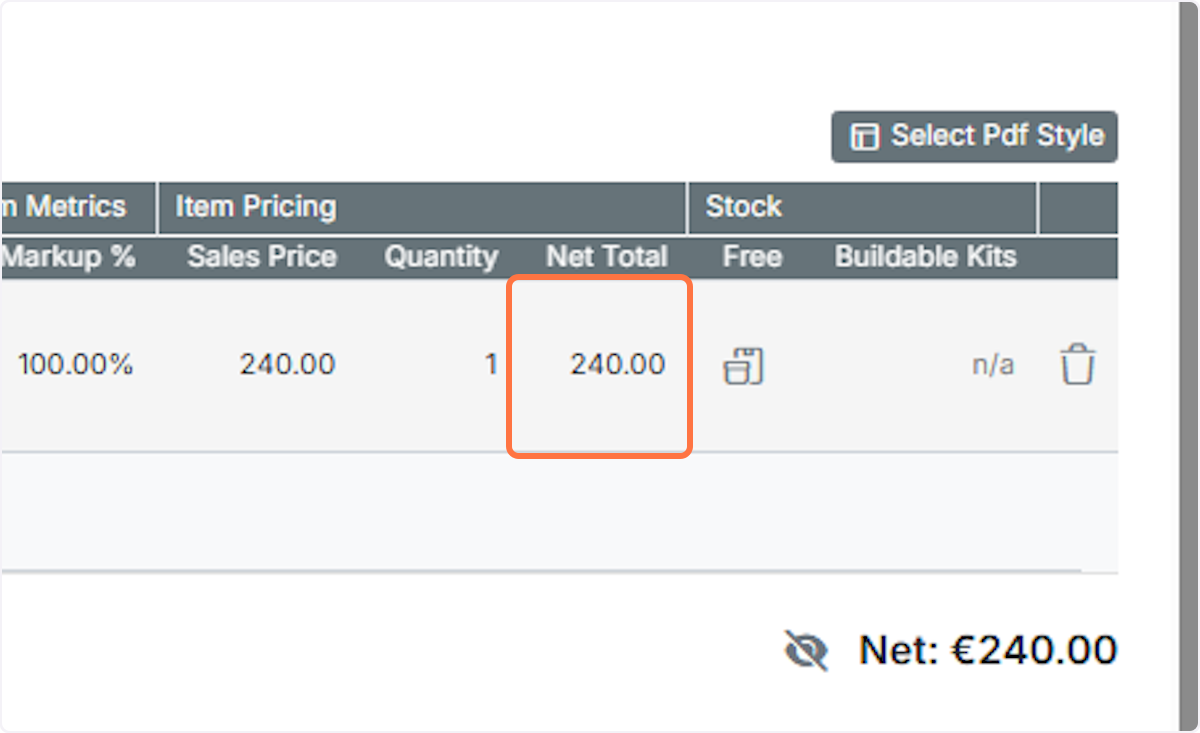
And the price (in this case to EUR240)
Learn more: quotes in Zigaflow


You can easily change the currency of a quotation. There are two steps:
1) Change the currency.
2) Update the costs and prices.
This article explains how.
In this example, both the cost and price are shown in GBP.
Frequently asked questions
Was this helpful?