Get set up
Create a kit on a quotation, job/sales order, etc.
The short answer
To create a kit on a quotation or job/sales order, open the menu on the item you want to convert and click "Convert to Kit". Choose a pricing method, which you can change later, then click "Find" to pick the kit items, add them, and click "Convert".
Steps
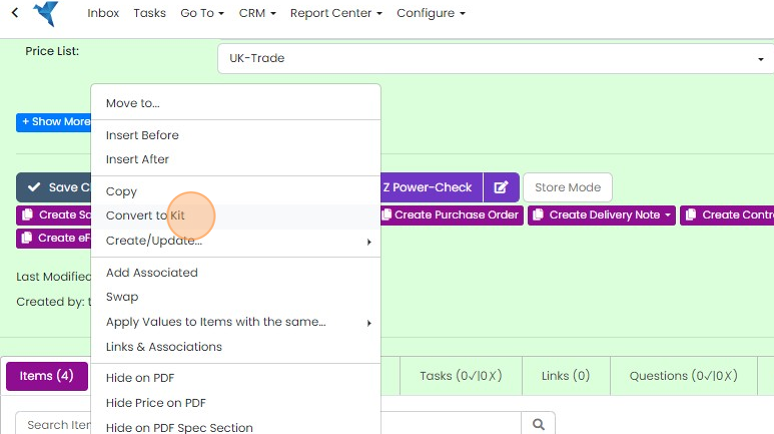
Click on the menu of the item to convert into a Kit

Click "Convert to Kit"
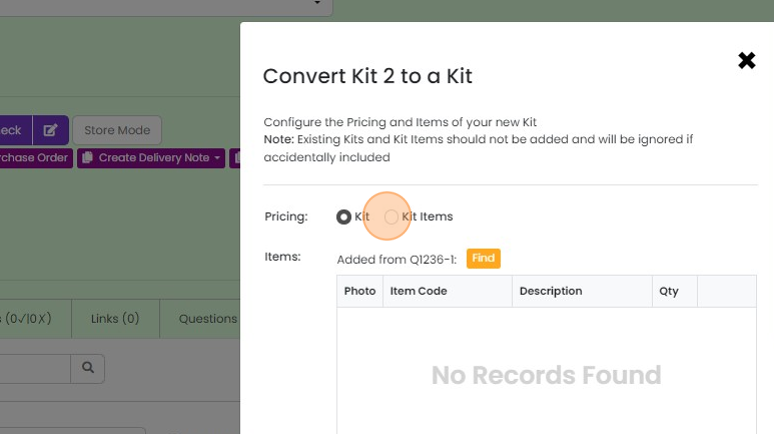
Choose the pricing method. You can change this later
Choose the kit items
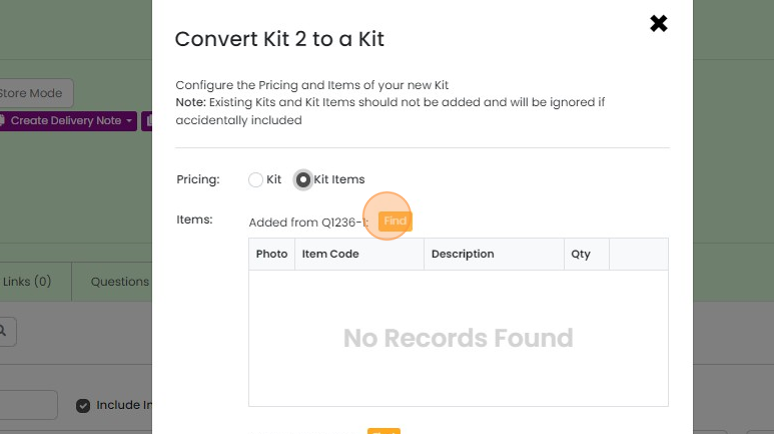
Click "Find"
Open up the section you want to get the kit items from

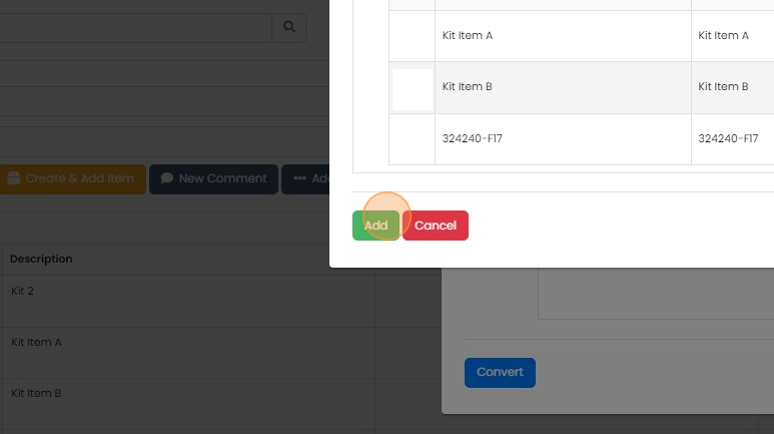
Click "Add" against each desired kit item

Click "Add"
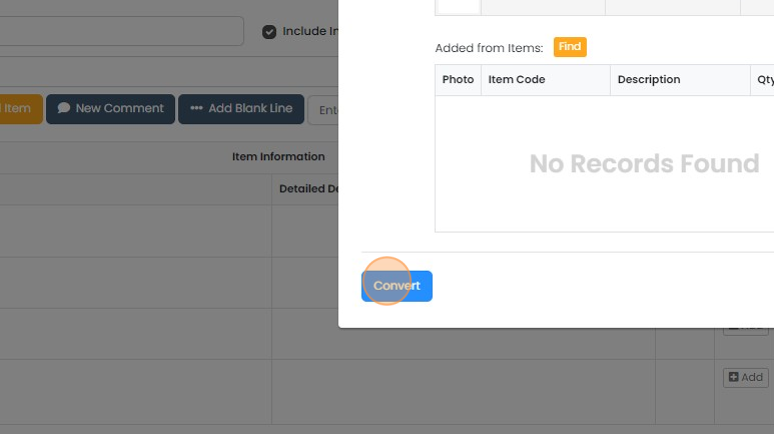
Click "Convert"
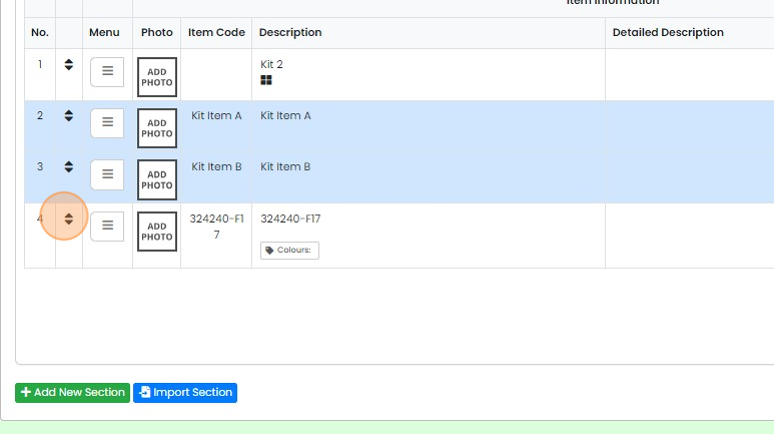
Add more items to the kit
To add another item to the kit, drag-and-drop it on the kit
Learn more: kits and variants in Zigaflow


Convert an item to a kit
Frequently asked questions
Was this helpful?