Creating a variant
The short answer
To create a variant in Zigaflow, click Go To, then Variants, then New Base Variant, and add a code and description. Add option sets such as color or size, then create the shells, select them, and click Create Items to generate the SKUs and items. Save changes when done.
Steps
Click "Go To"
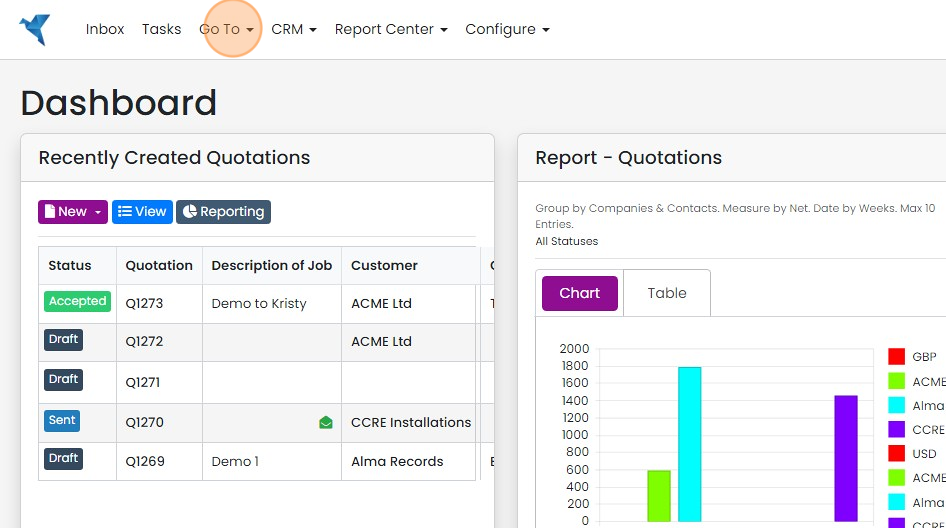
Click "Variants"

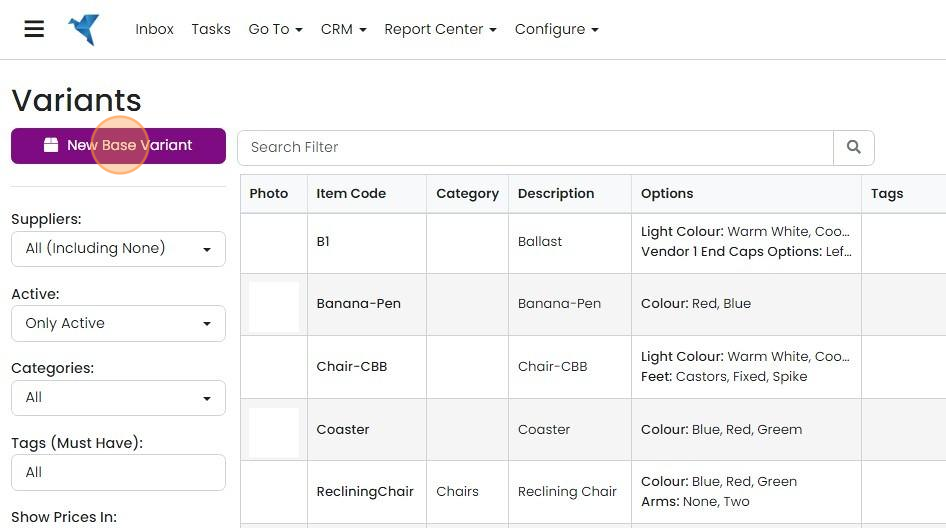
Click "New Base Variant"
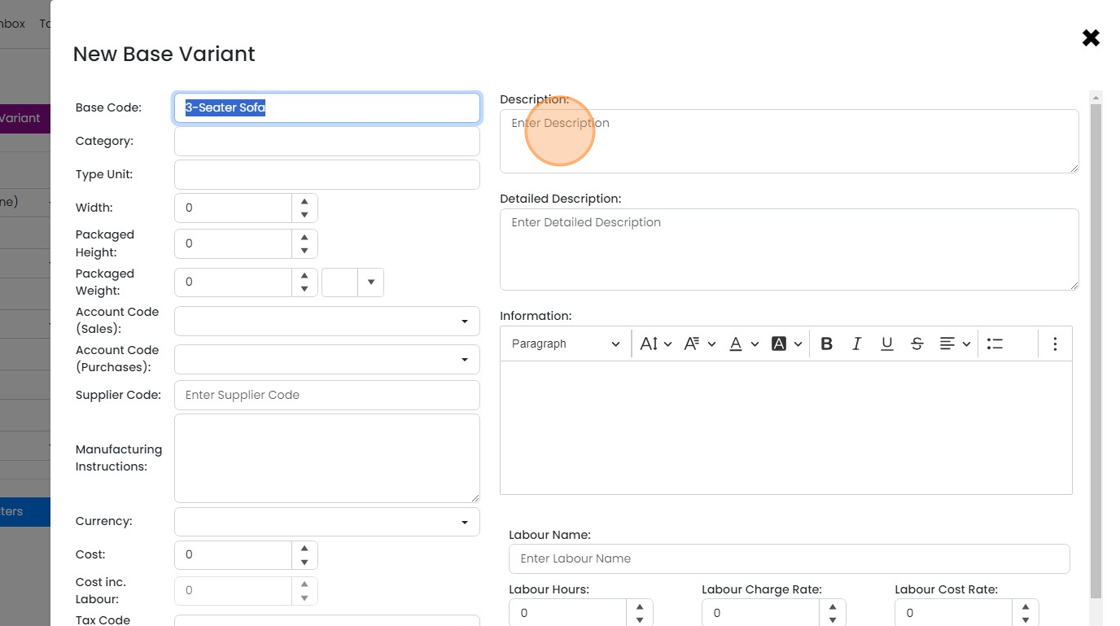
Add the variant's code
Click this field

Add the variant's description
Click "Add Base Variant"
Add details, prices and costs

Enter additional details on the other tabs
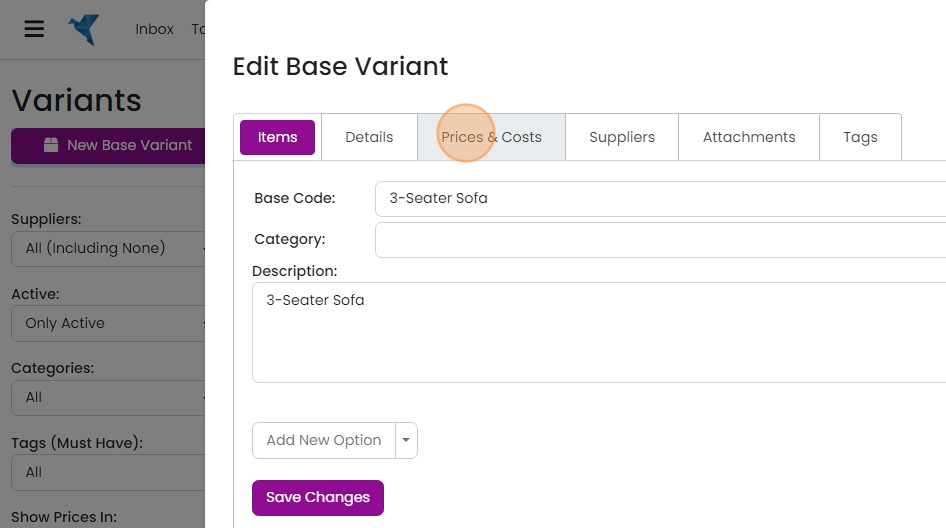
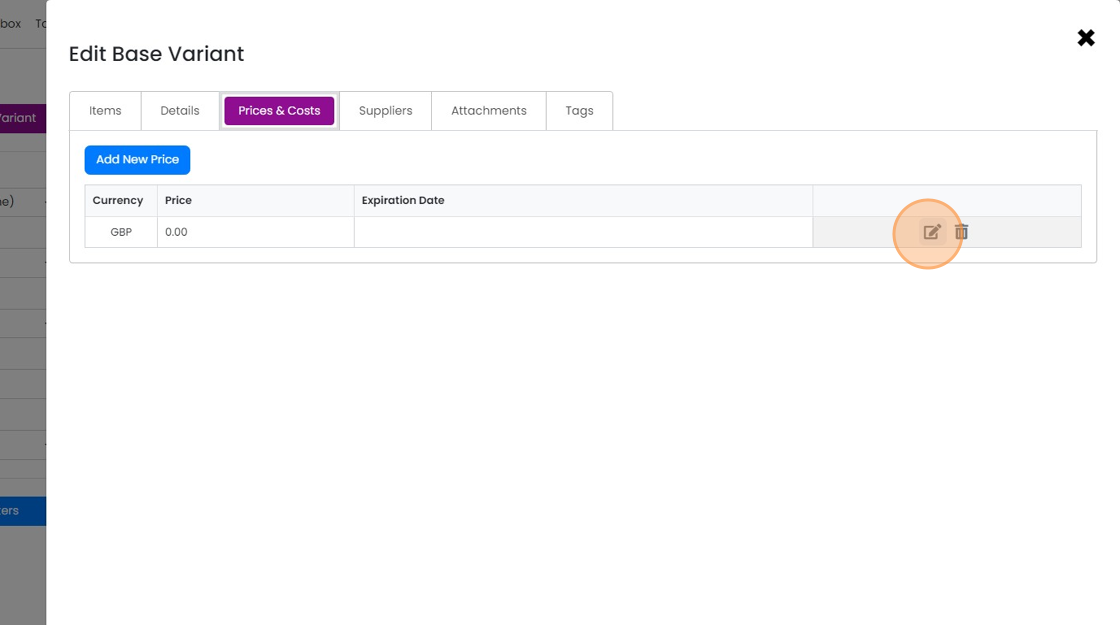
Prices and costs added to the base variant will be used by any SKU/Items created
Prices and costs added to the base variant will be used by any SKU/Items created. They can be over-written on the SKU/Items if required
Set up the variant options
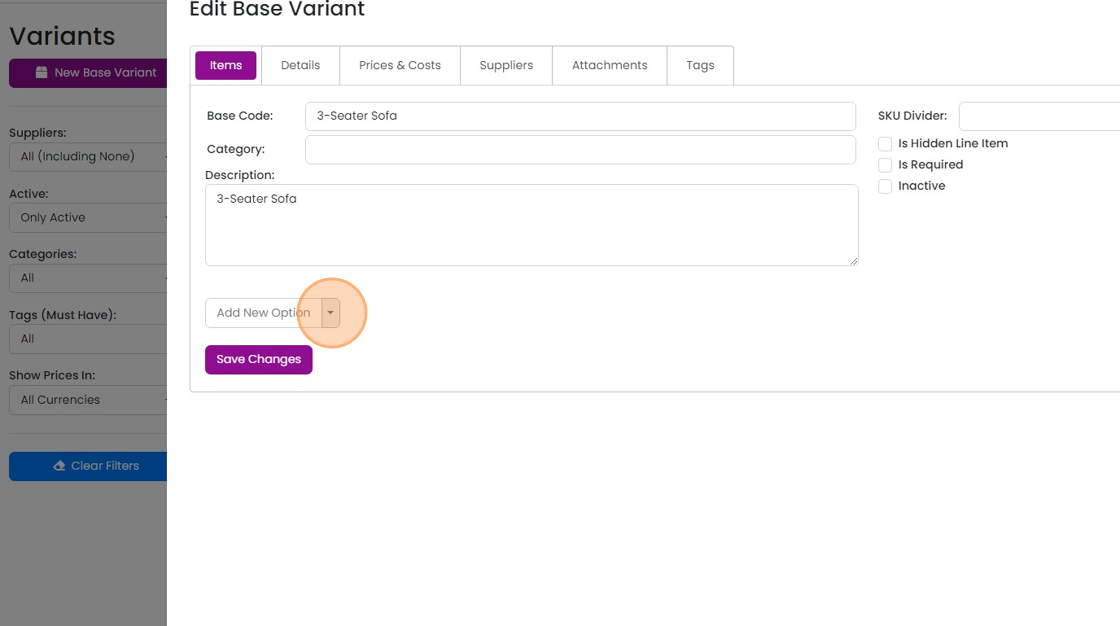
On the Items tab, click on 'Add New Options' to add the variations
Create a set of options for this base variant or select an existing set to associate

Give the option set a name
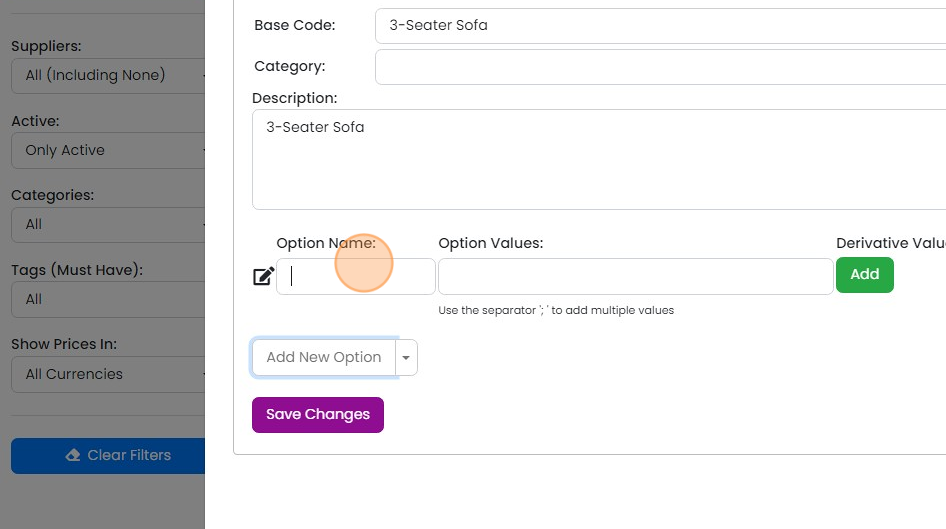
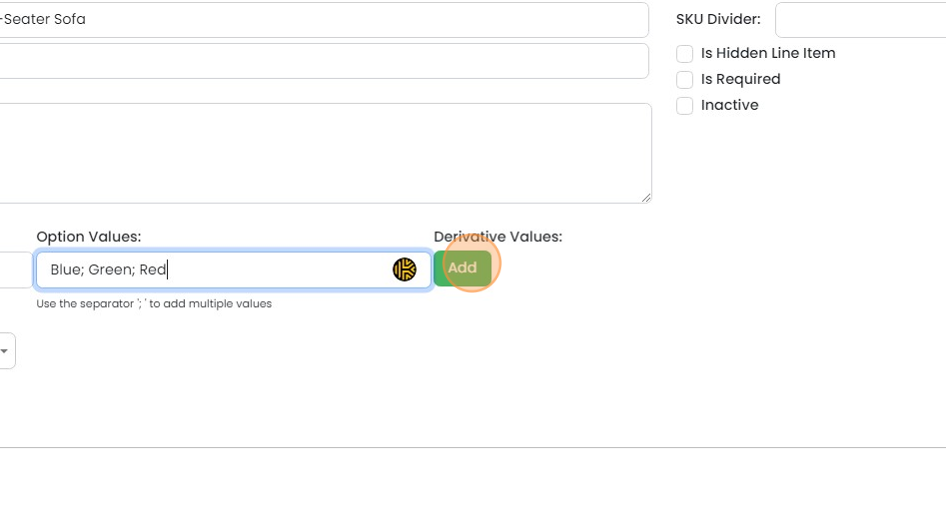
Enter the values separated by semi-colons
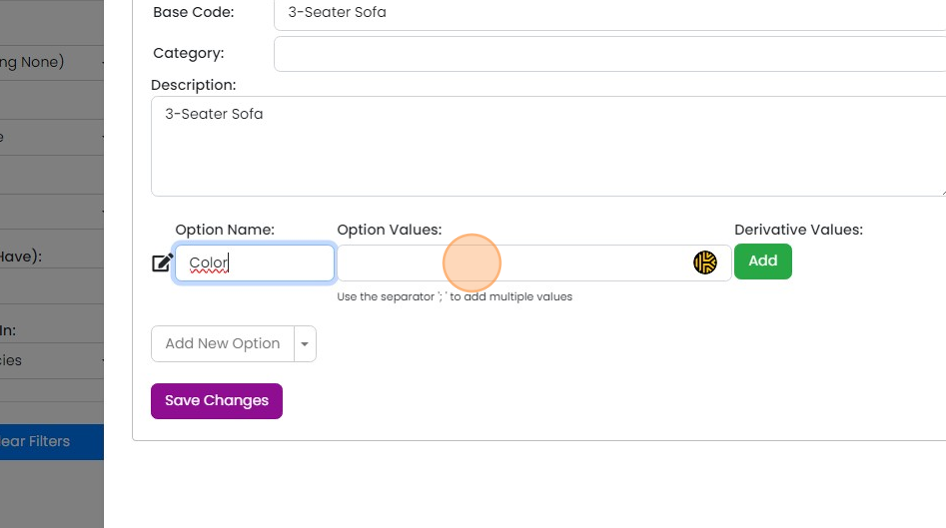
For example, "Blue;Green;Red". Then click "Add"
Enter the preferred short derivations of each option that will be used in the SKU's code, separated by a...
Enter the preferred short derivations of each option that will be used in the SKU's code, separated by a semi-colon
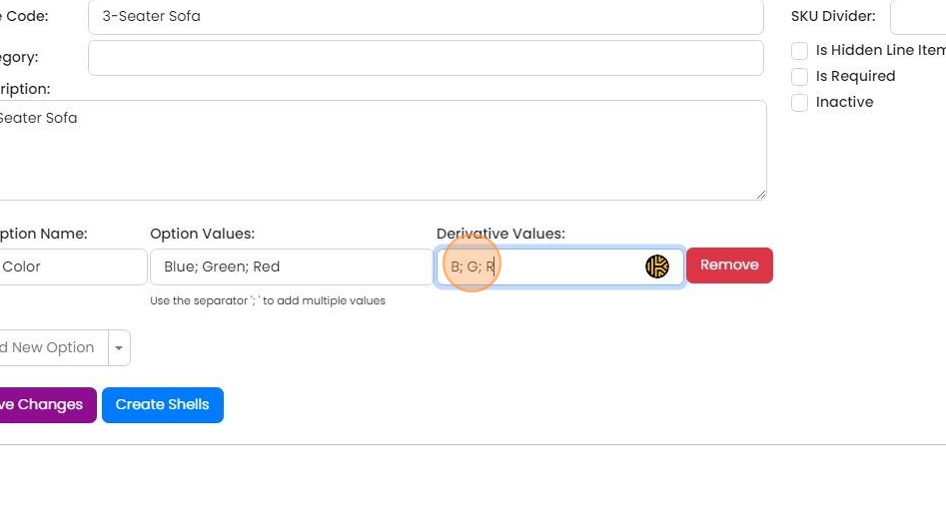
Enter option codes divider, for example '-' or '/'

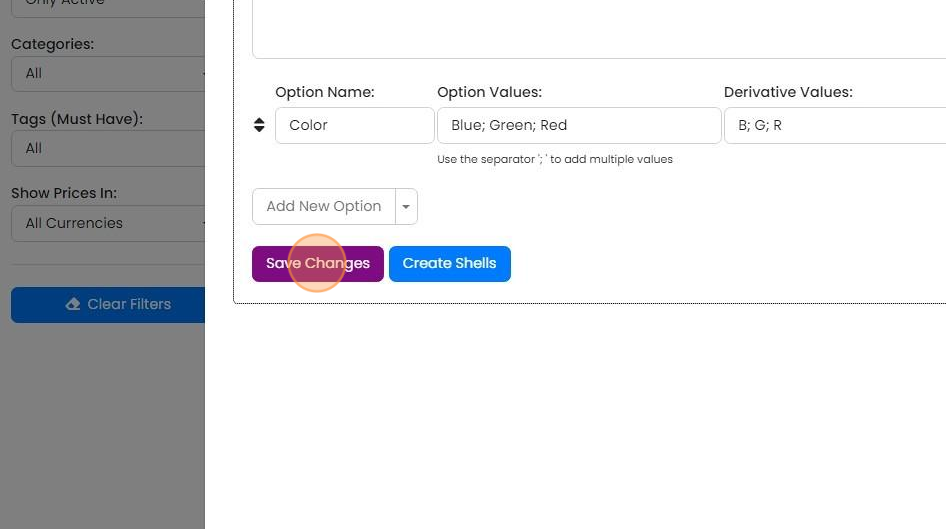
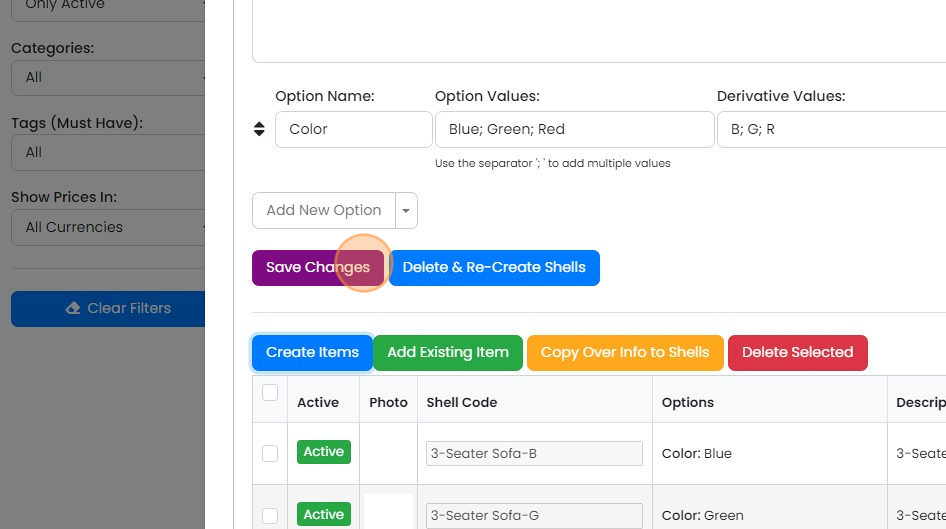
Click "Save Changes"
Create the SKUs and items
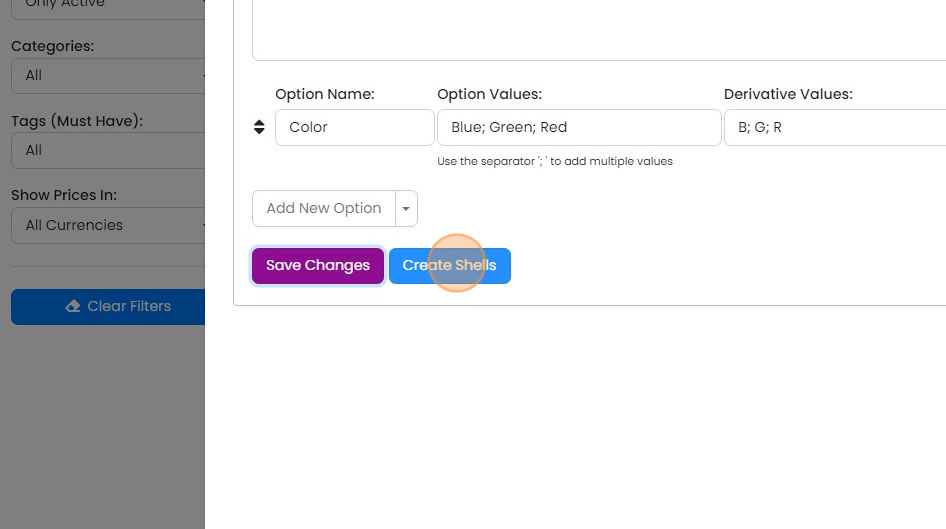
Create the shells - this doesn't create the SKU's but creates the expected codes
If you are happy with the expected codes, select the shells to create the items for
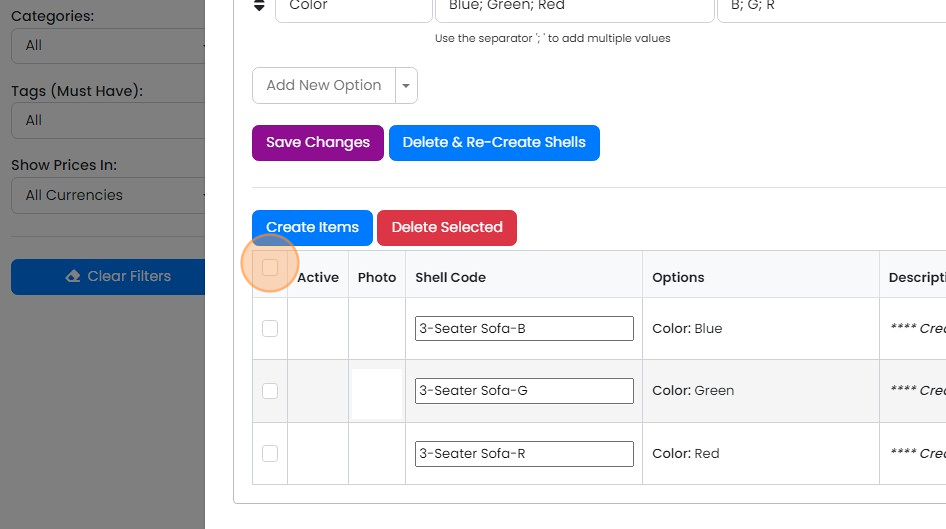
Click "Create Items". The SKU's/Items will be created
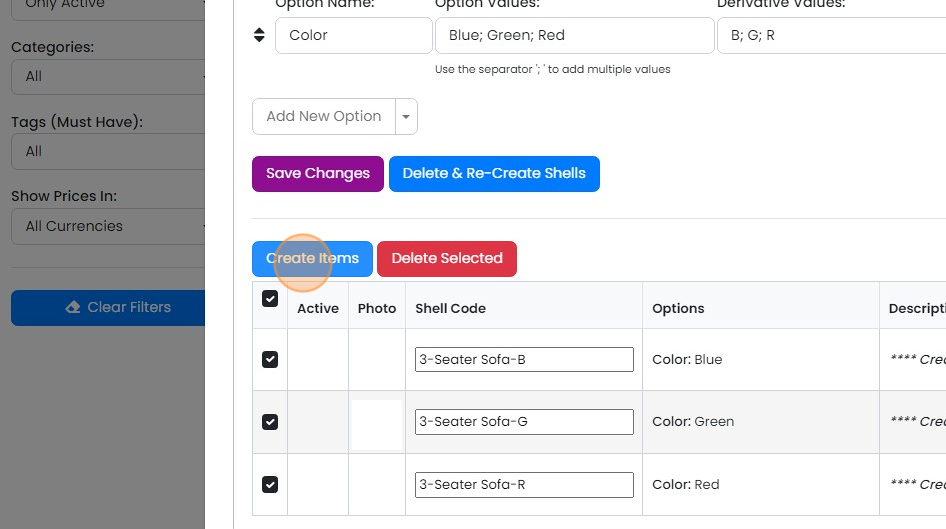
Click "Save Changes"
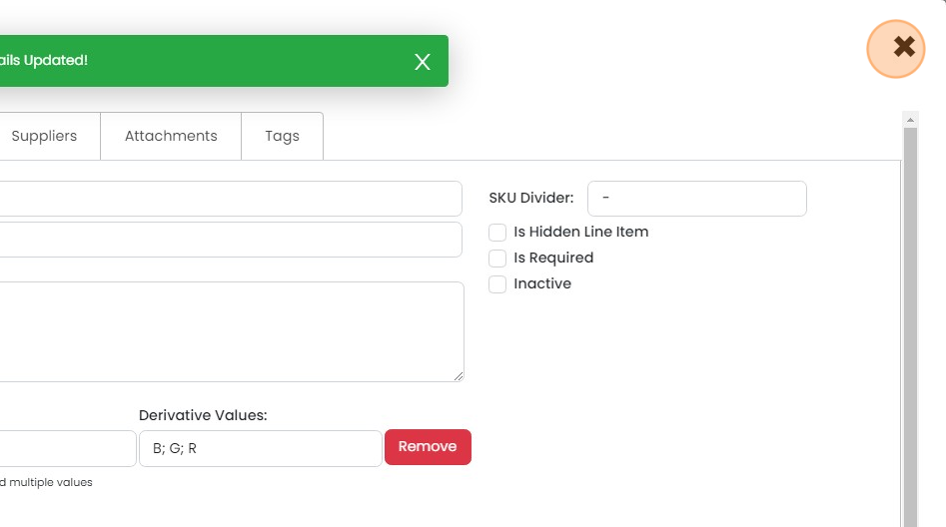
Click "×". The variant and its SKUs are ready to use
Learn more: kits and variants in Zigaflow


Variants allow the user to select an option on an item (such as the color, or size) and this changes the item automatically to a different, related SKU. If you are selling a T-Shirt in three colours, you might have one base variant of the T-Shirt (which the customer can't order without selecting the color) and the related SKU's for each colour.
Create the base variant
Frequently asked questions
Was this helpful?