Get set up
Finding document variables and tags
The short answer
In Zigaflow, open Document Templates, click the module you want, then click Search Variables. Use the search box to narrow the list of tags. The lists are split by function, and Line Items matches the items' grid. Click a variable to copy it into your PDF template.
Steps
Click here

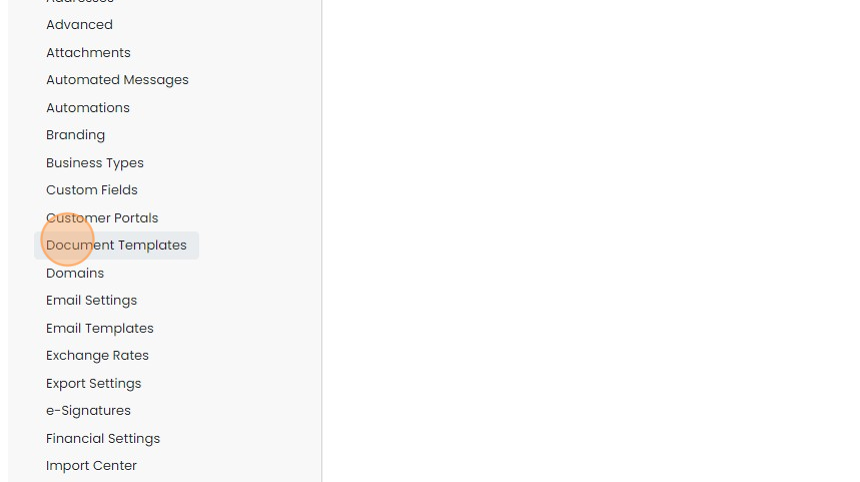
Click "Document Templates"
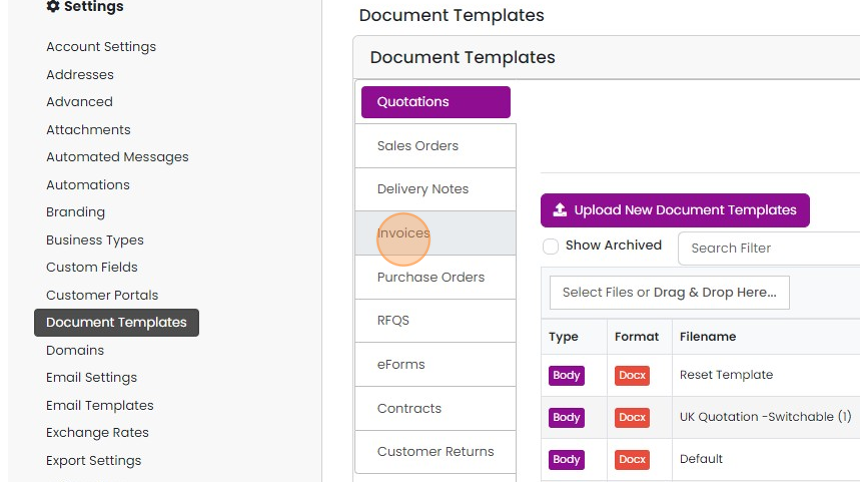
Click on the module you want to search for
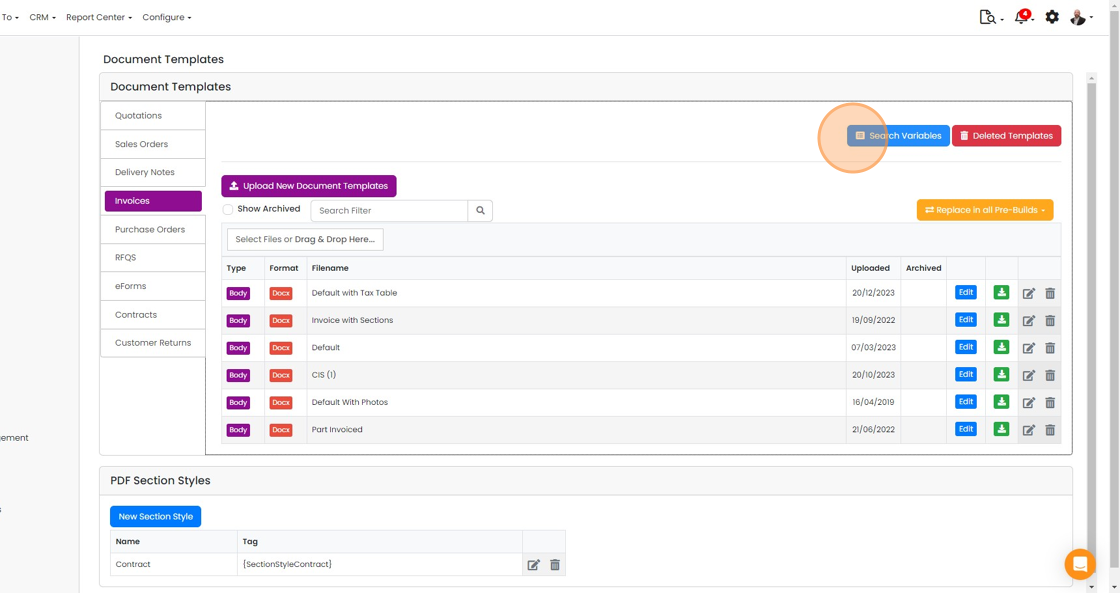
Click "Search Variables"
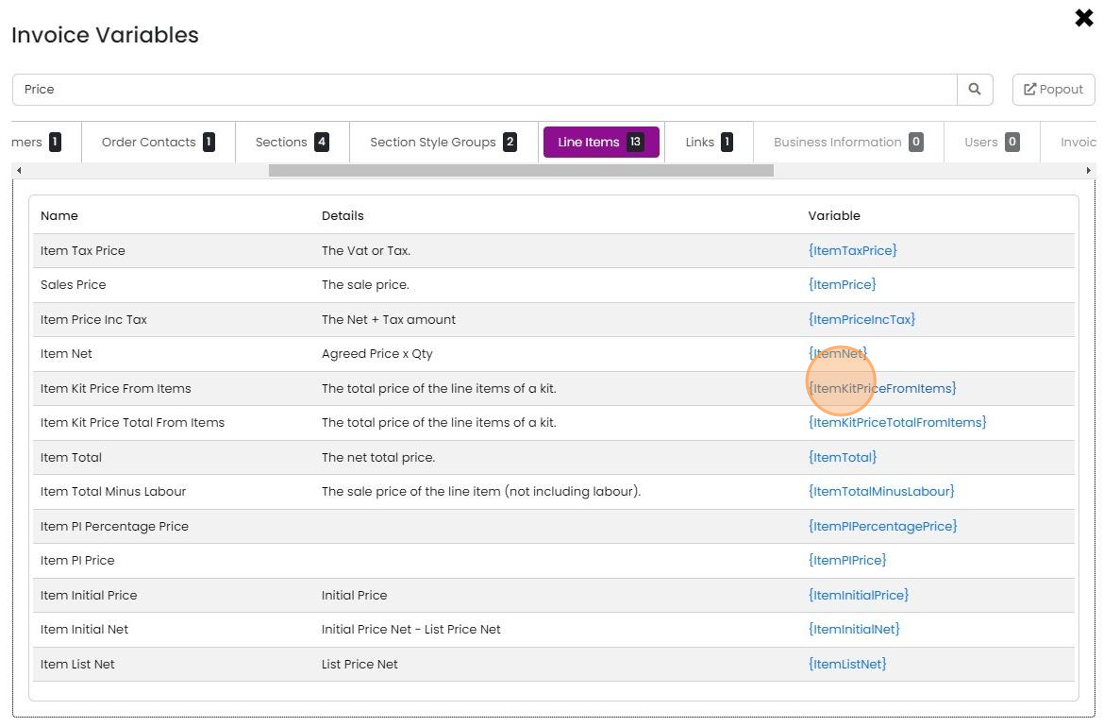
Use the search box to narrow down the list of tags
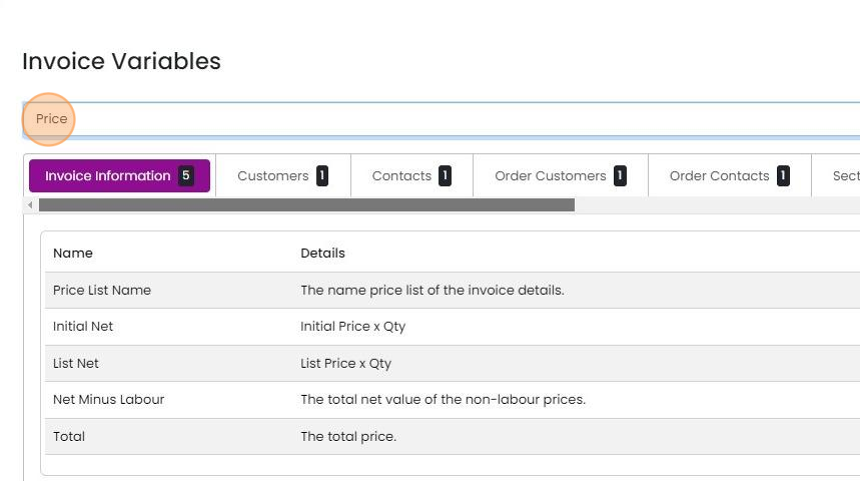
The lists are split by function. "Line Items" corresponds to the items' grid. Click on a variable to copy it
Learn more: document templates in Zigaflow


Frequently asked questions
Was this helpful?