Make it yours
Finding out how many of an item have been sold
The short answer
To find out how many of an item have been sold, go to Report Center, then Report Studio. Pick the module you have named Sales Orders, Orders or Jobs, then open Current Overview and Item Analysis. Choose a time period, filter by item code, and deselect any statuses you don't want included.
Steps
Click on Report Center
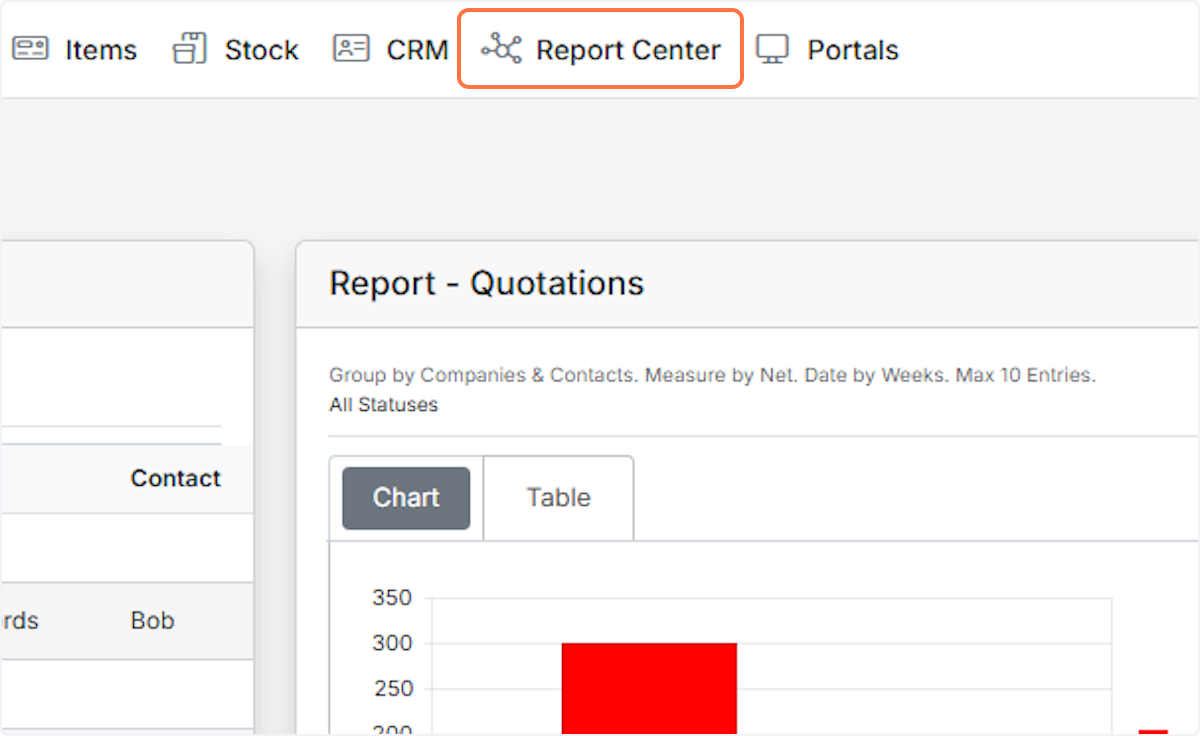
Click on Report Studio

Click on the module selector
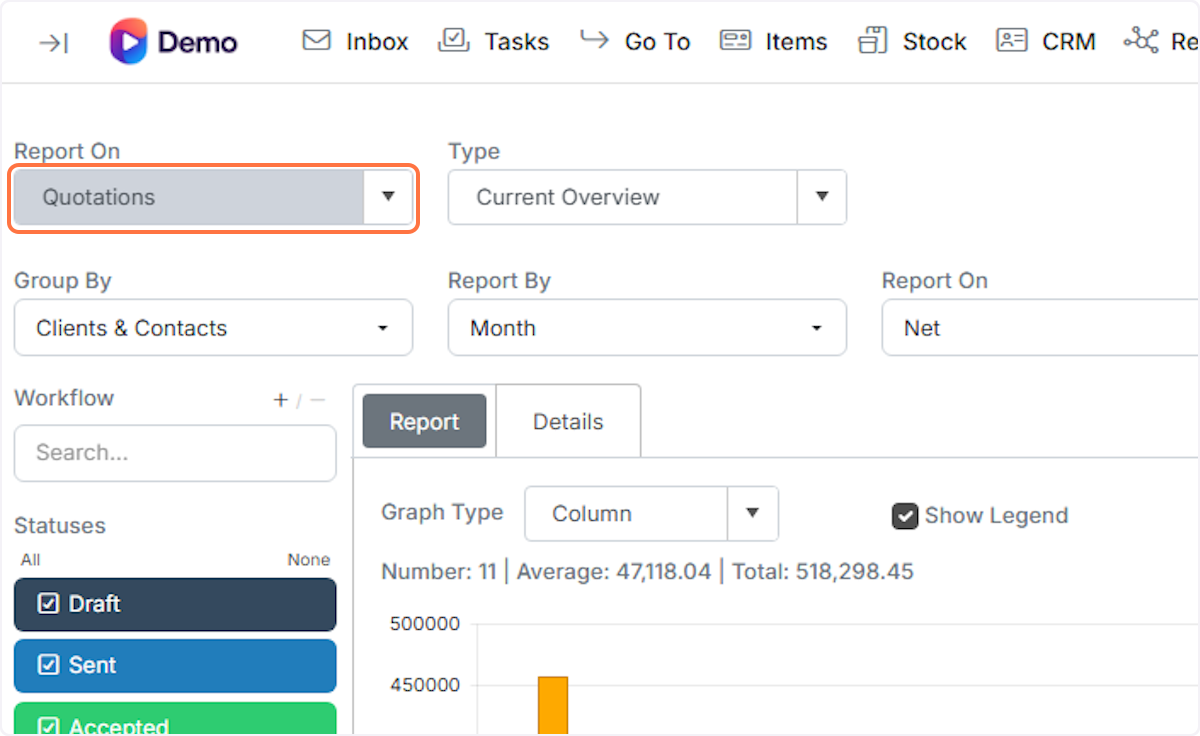
Choose whatever you have named Sales Orders / Orders / Jobs
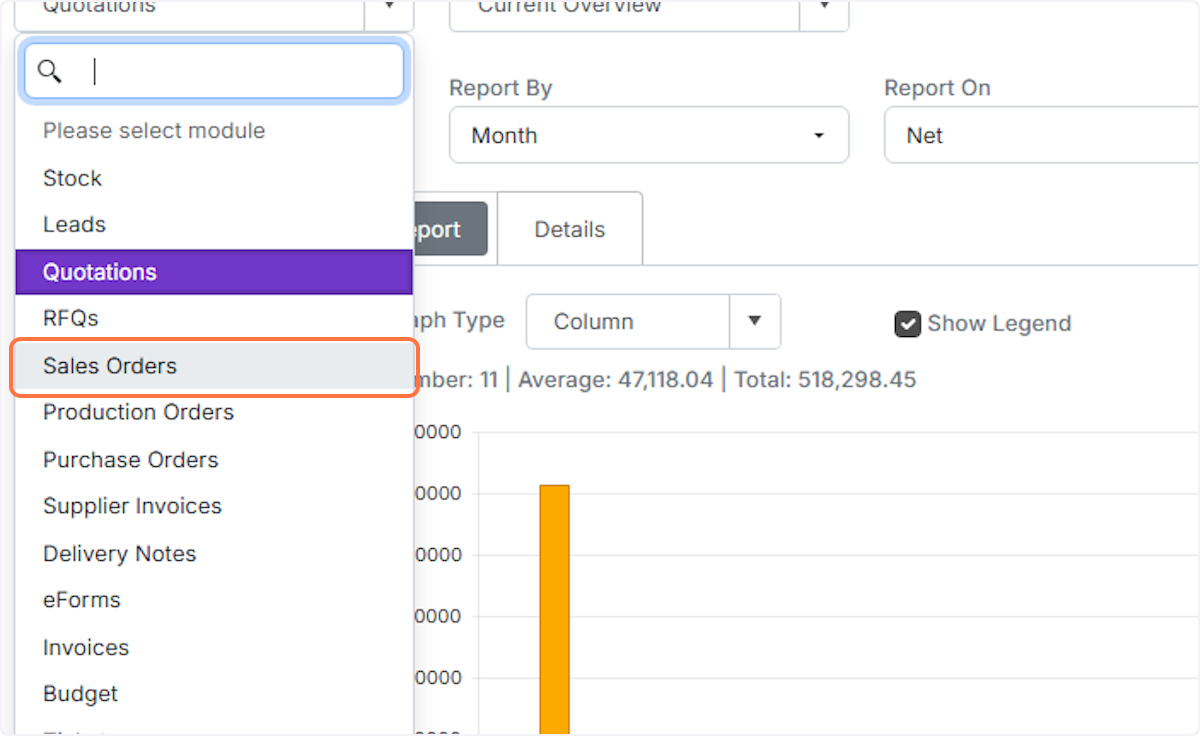
Click on Current Overview
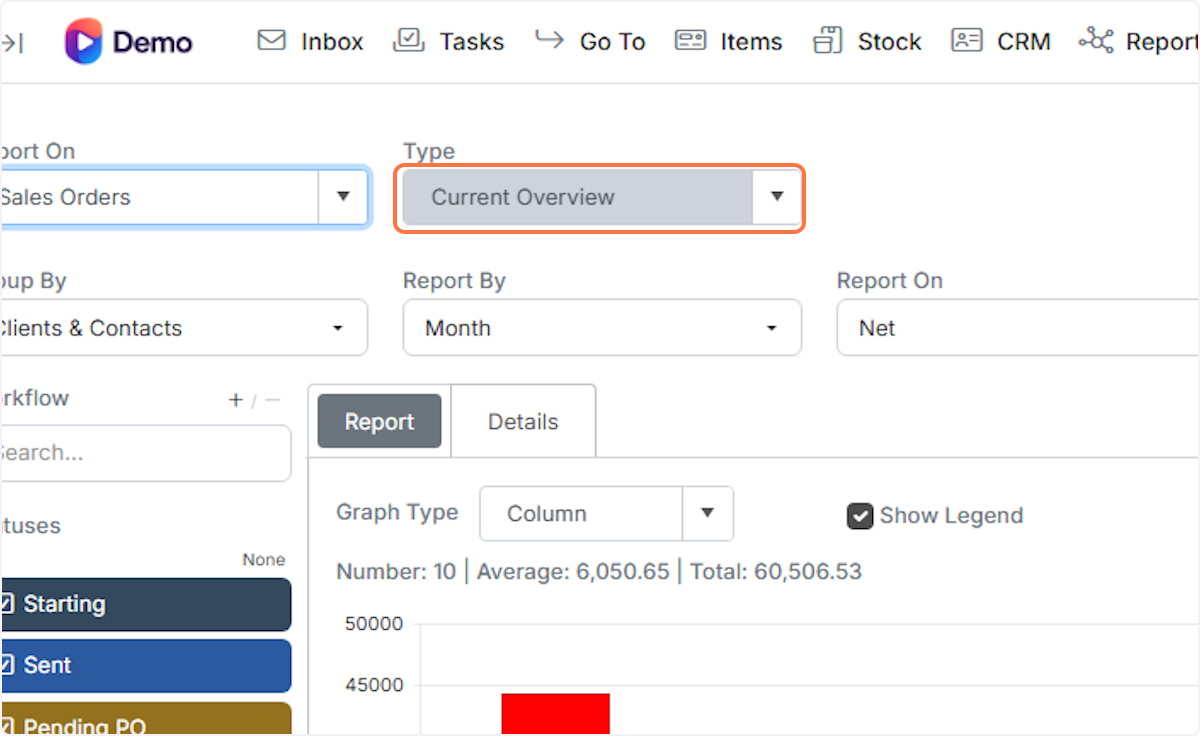
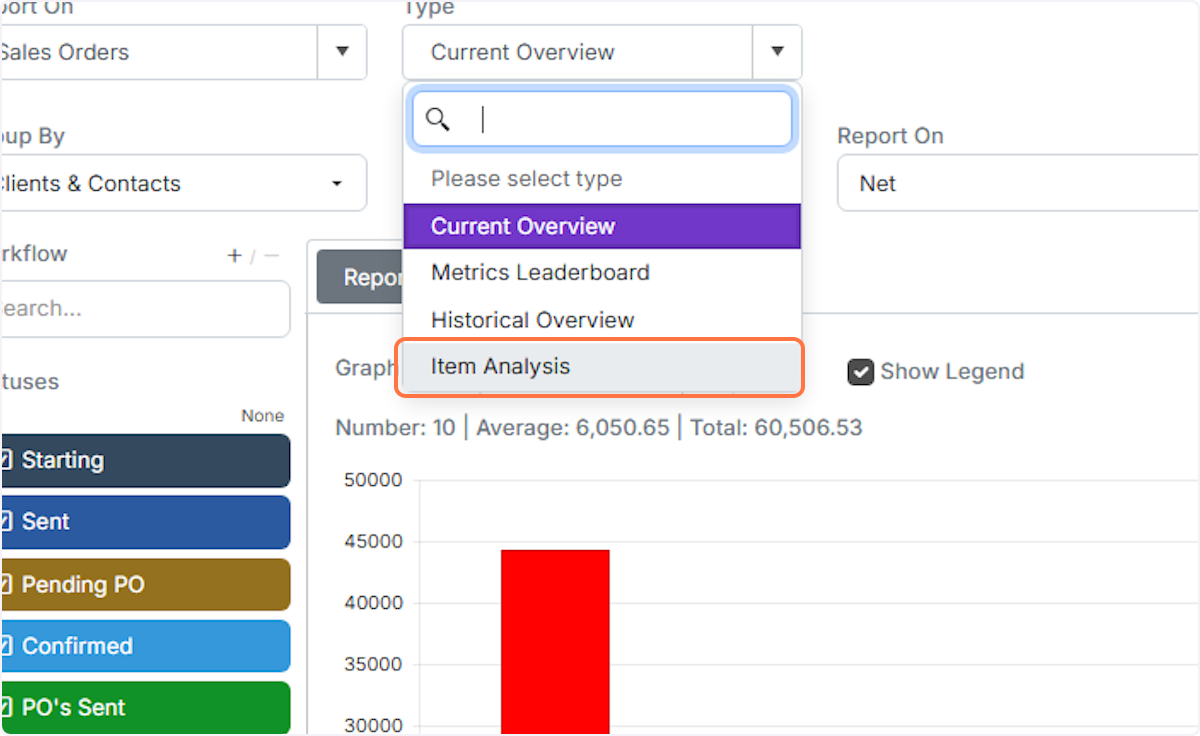
Click on Item Analysis
Select the time period to report on

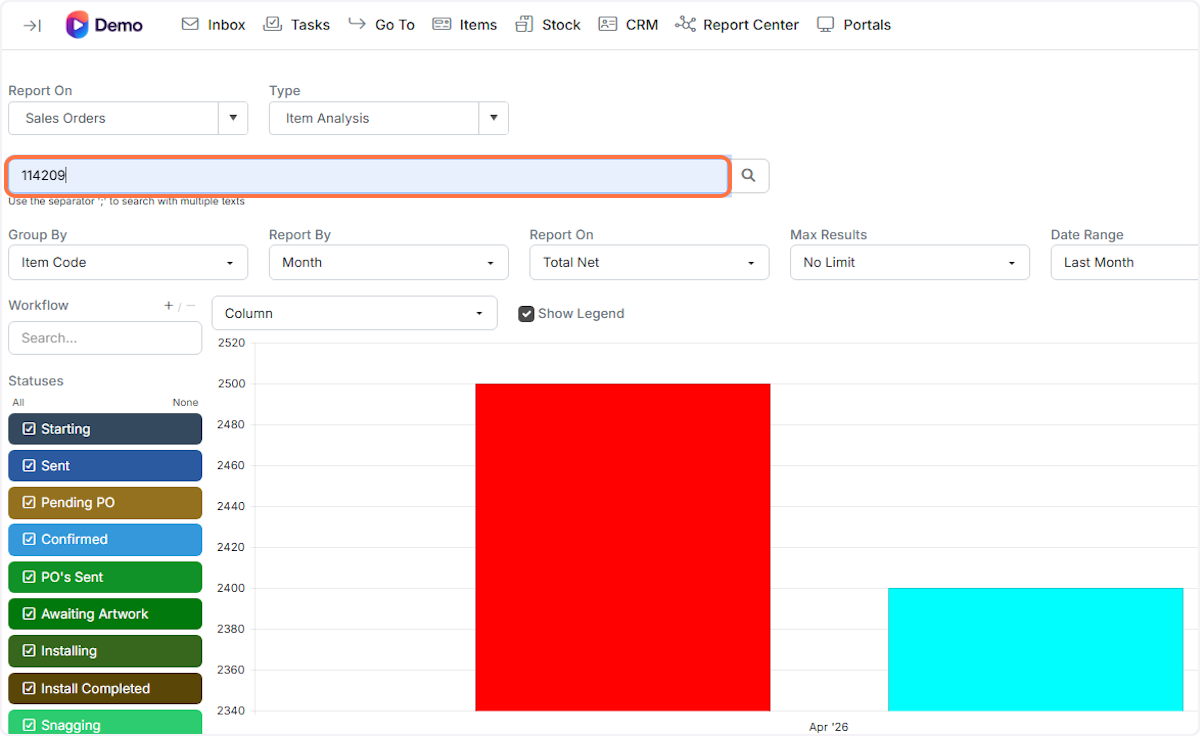
Filter by an item code
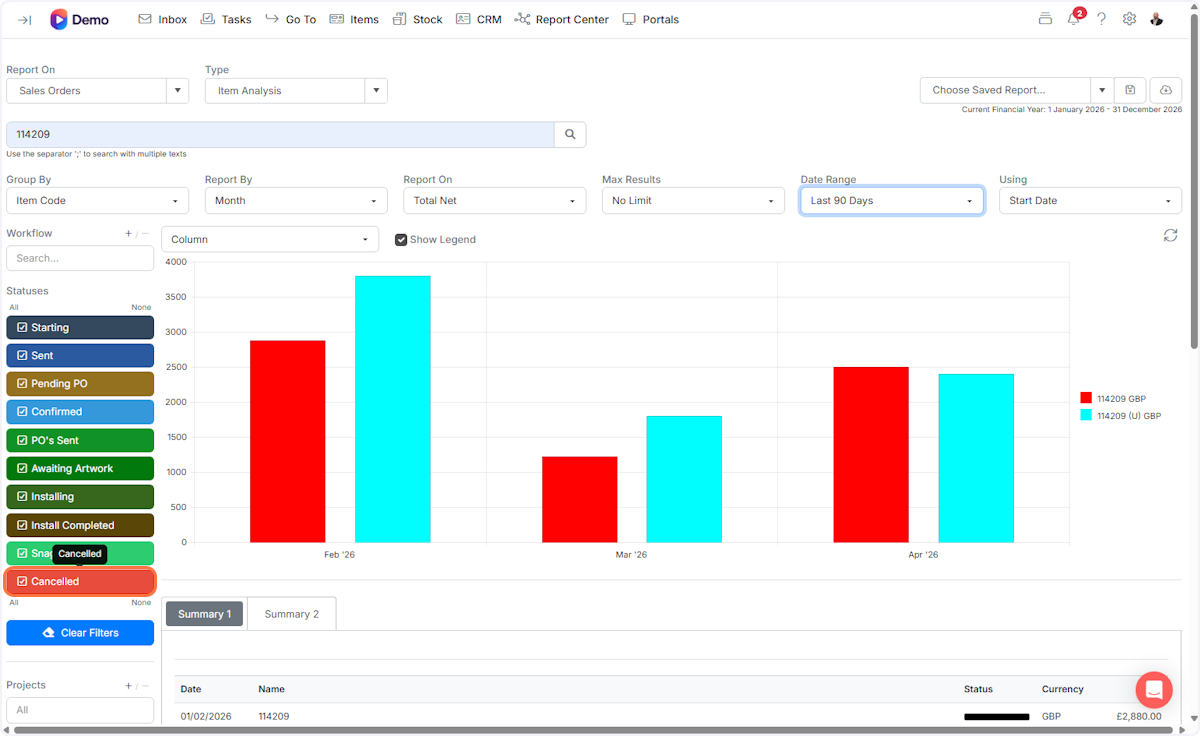
Deselect statuses you don't want to report on
Learn more: reports in Zigaflow


Frequently asked questions
Next step
Quotes, Go and Momentum plansWas this helpful?