Make it yours
How to set up email tracking
The short answer
To set up email tracking in Zigaflow, click the cog icon, click Email Settings, tick the Enable Email Tracking checkbox, and click Save Changes. Once it is on, hover over the Green Envelope icon to see how many times an email has been opened, in list or pipeline views.
Steps
Click the cog icon

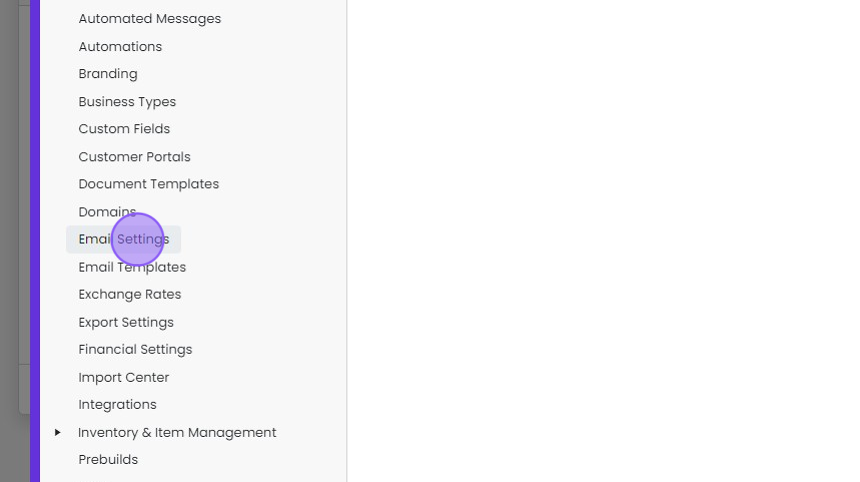
Click "Email Settings"
Click the "Enable Email Tracking" checkbox
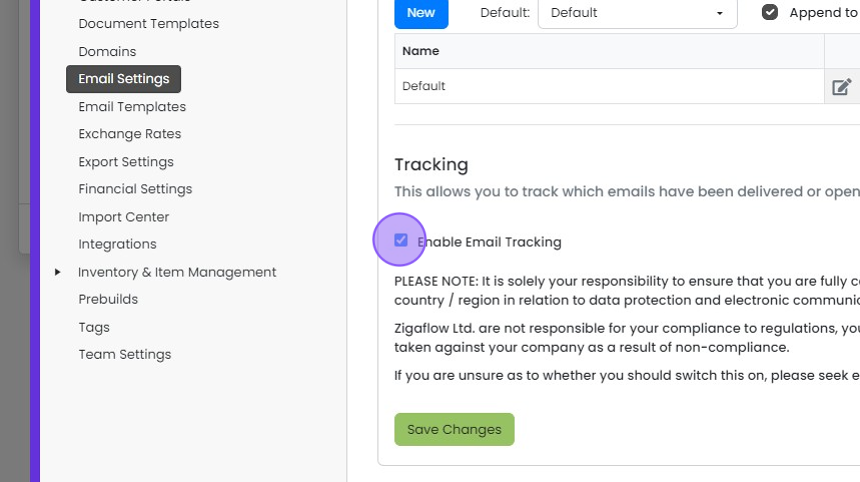
Click "Save Changes"

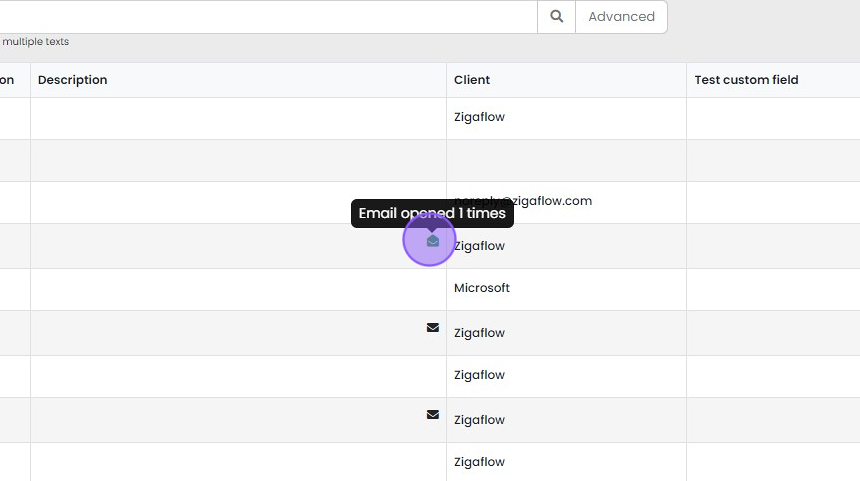
Hover over the "Green Envelope" icon to see how many times your email has been opened in either list or...
Hover over the "Green Envelope" icon to see how many times your email has been opened in either list or pipeline views throughout your system
Learn more: integrated email in Zigaflow


Frequently asked questions
Was this helpful?