Get set up
Importing item kits
The short answer
To import items into kits in bulk, click the cog, open Import Center, click Items, then click Import Items Kits. Download the template and fill in four columns: kit code, kit item code, quantity and Hide Y/N. Upload the file. Each kit must be ticked as Is Kit in its edit screen first.
Steps
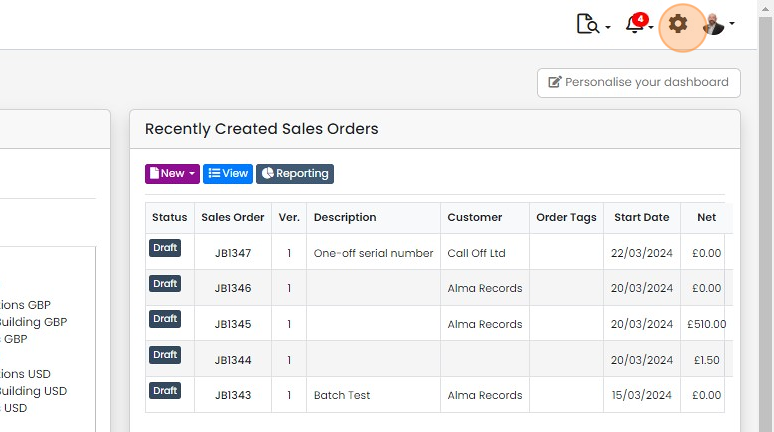
Click on the Cog
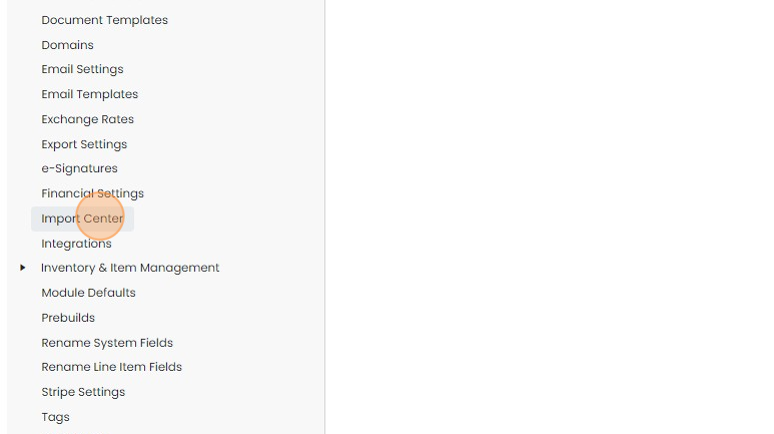
Click "Import Center"
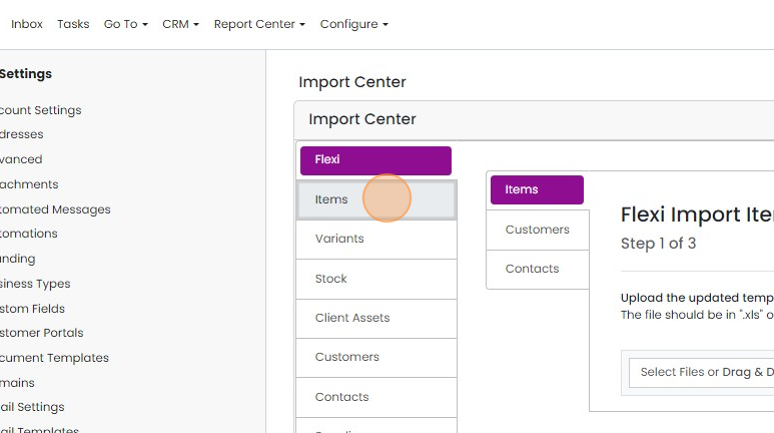
Click "Items"
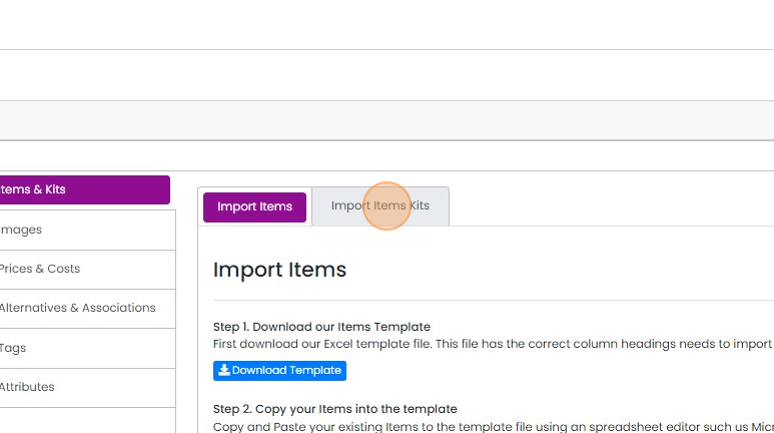
Click "Import Items Kits"
Prepare the import template
Download the template and populate it
Columns are;
A: Kit code
B: Kit item code
C Quantity
D: Hide Y/N
Upload the file
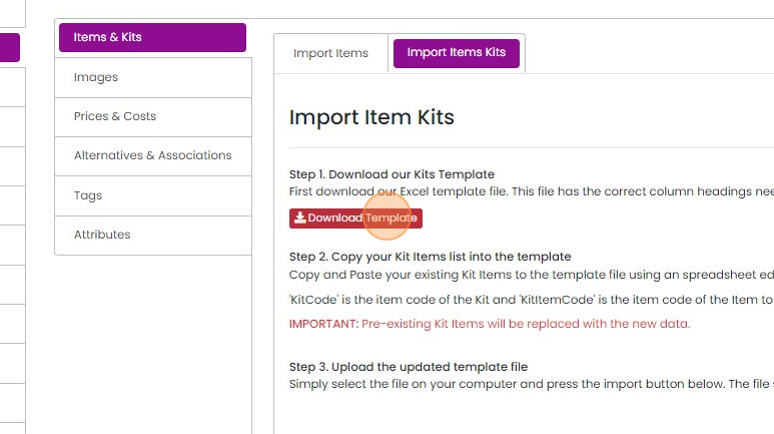
Find the import file
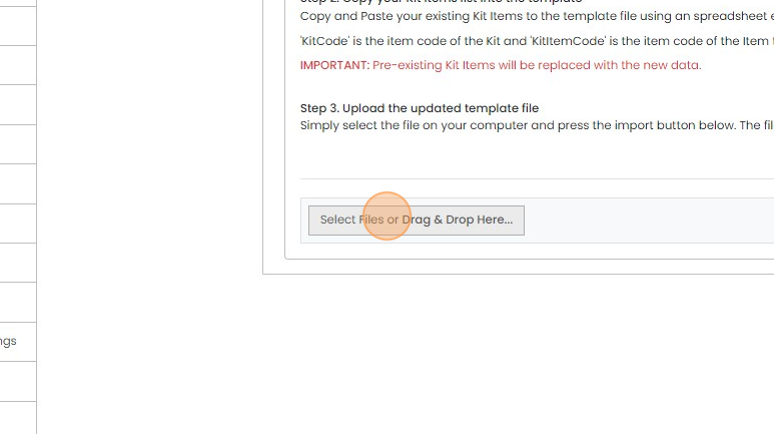
Click "Upload"

Click "×"
Learn more: kits and variants in Zigaflow
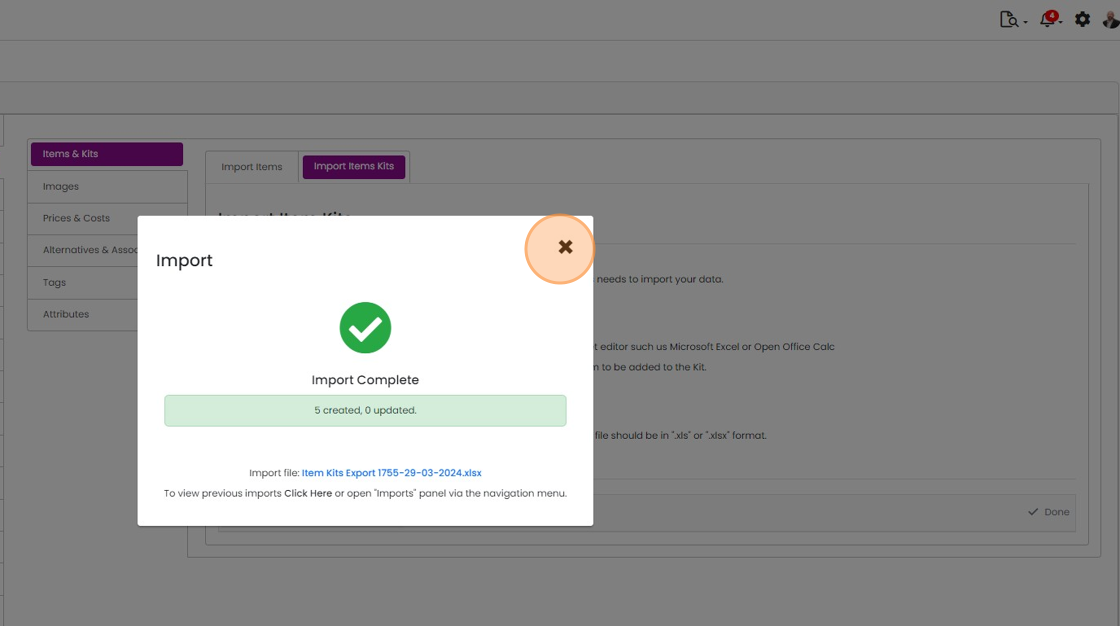


How to import items in kits. All the 'Kits' must be ticked as 'Is Kit' in their edit screen before starting.
Open the kit importer
Frequently asked questions
Was this helpful?