Leavers - how to remove them
The short answer
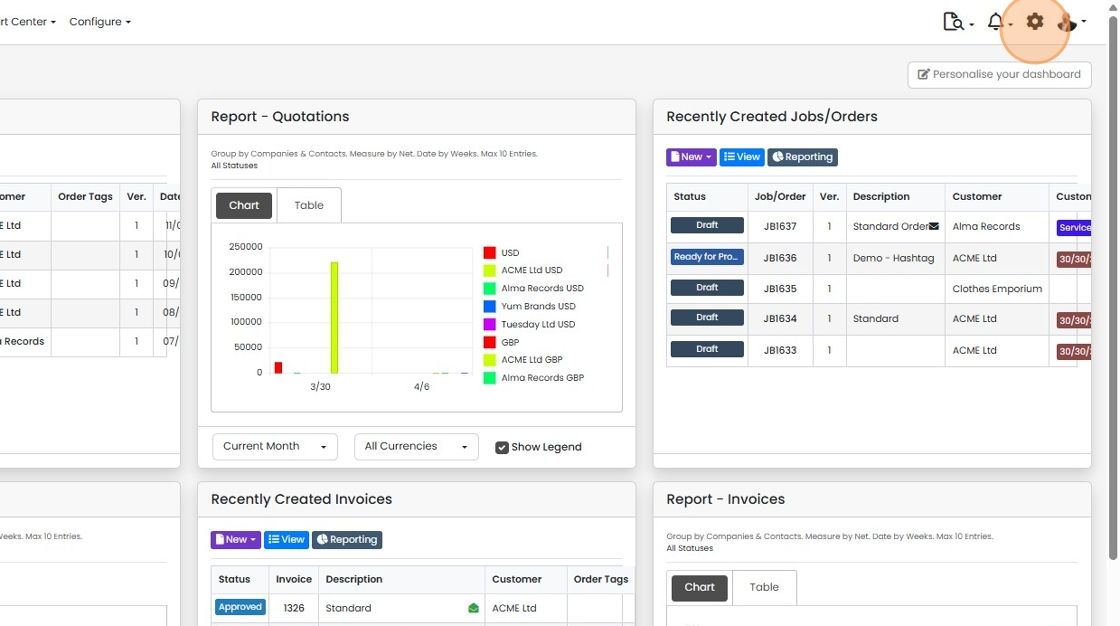
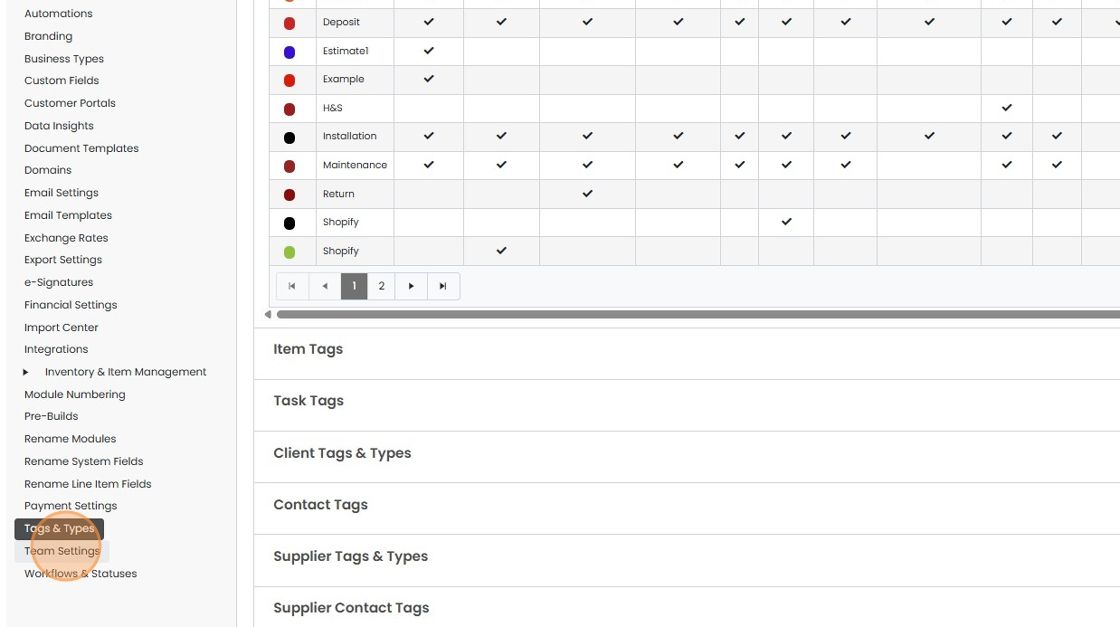
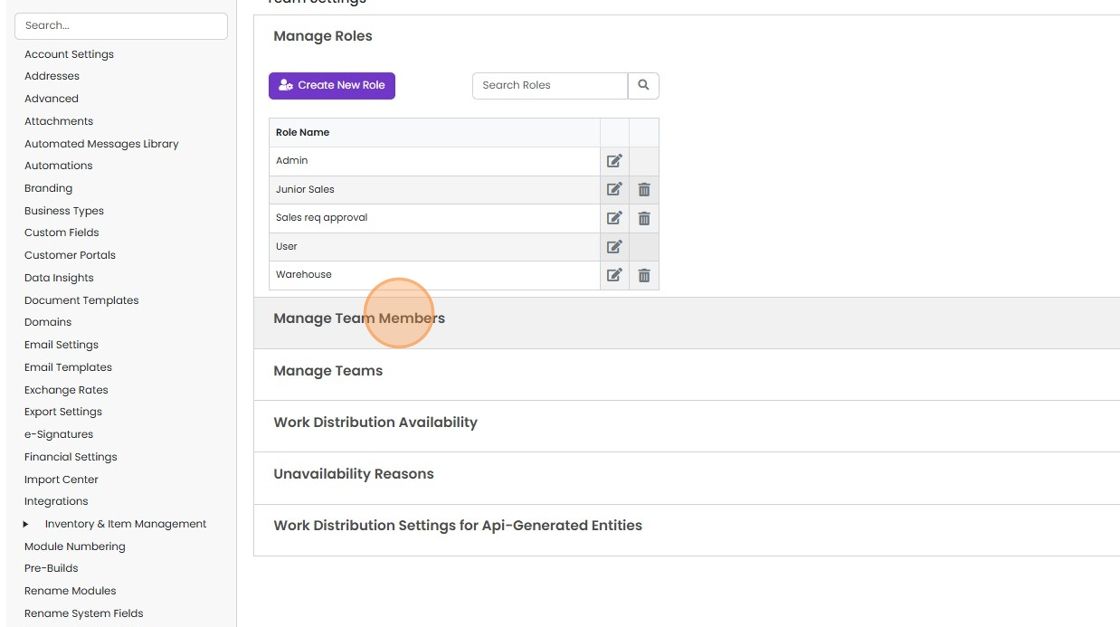
To remove a user who has left, archive them, then revoke their login. Archiving frees up their license for a new user and stops them logging in. Revoking signs them out immediately. To revoke, click the Cog, then Team Settings, then Manage Team Members, then Revoke against their name.
Steps
Click on the Cog
Click "Team Settings"
Click "Manage Team Members"
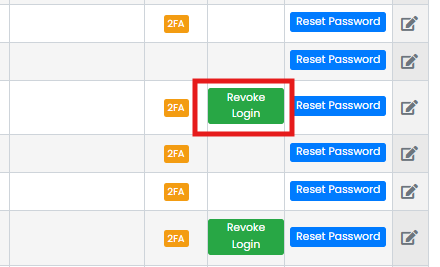
Click the Revoke button against their name and confirm you wish to log the user out
Click the Revoke button against their name and confirm you wish to log the user out. The next time they move to a new page, they will be logged out. If no button is present, they are not logged in using that email.
Learn more: user permissions and security


When someone leaves, there are two steps required:
1- Archive the user
This will free up their license for a new user and prevent them from logging into the system.
2- Revoke their Login
However, if they are still logged in, their credentials will not be checked until they log out and try to log back in. To remove them immediately, their login needs to be revoked.
Frequently asked questions
Was this helpful?