Make it yours
Managing bulk email templates
The short answer
As an admin user, click the Cog, choose Email Templates, then Contacts. Click a bulk email template in the list to edit it. Click Save & Preview to check your changes, or click Save to save without previewing. These templates are used for bulk emailing from Zigaflow, not from MailChimp.
Steps
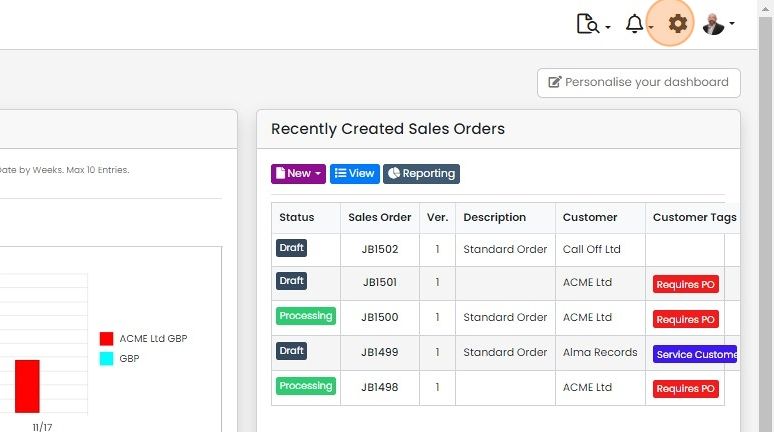
Click on the Cog - this is only available to Admin users
Click "Email Templates"

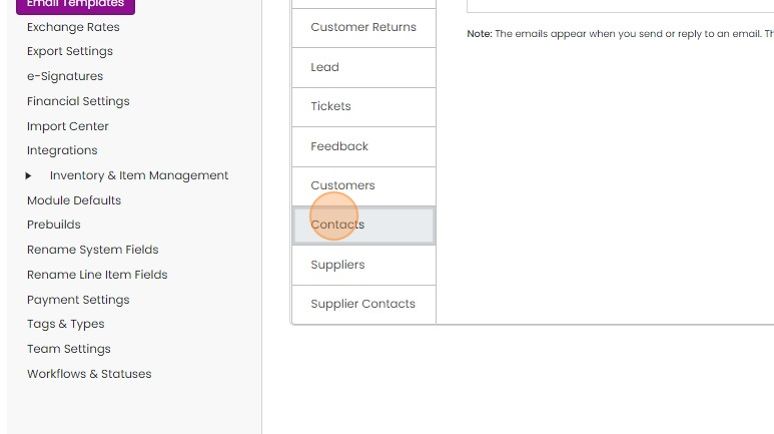
Click "Contacts"
Edit and save a template
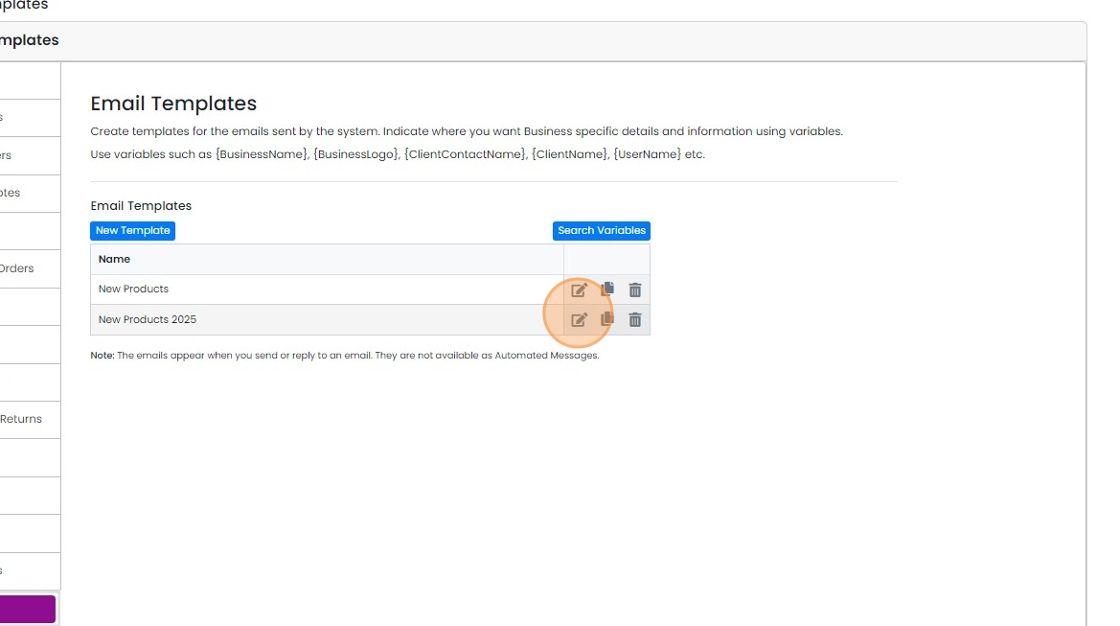
Email templates are listed here. Click on one to edit
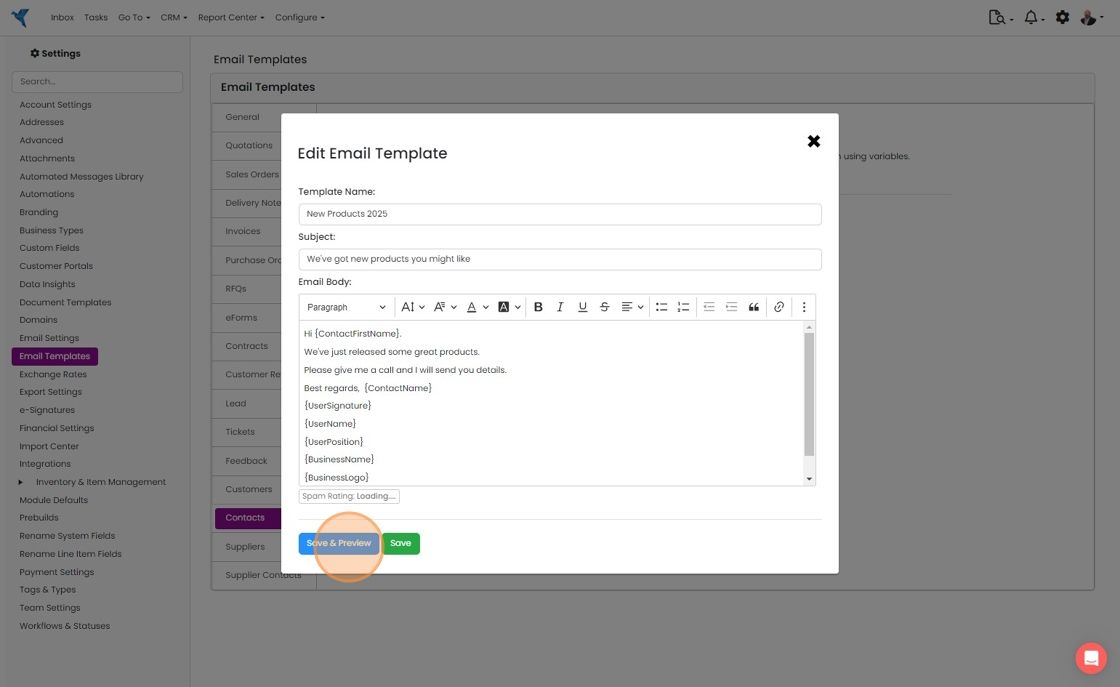
After you have updated it, click "Save & Preview" to preview
Click "×"
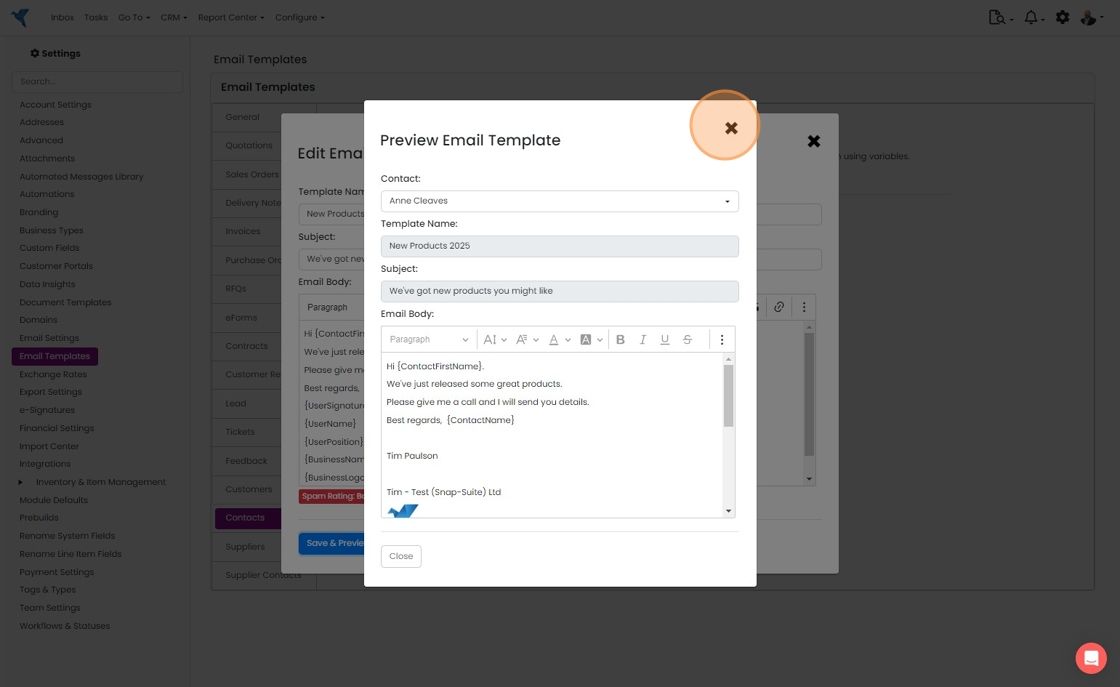
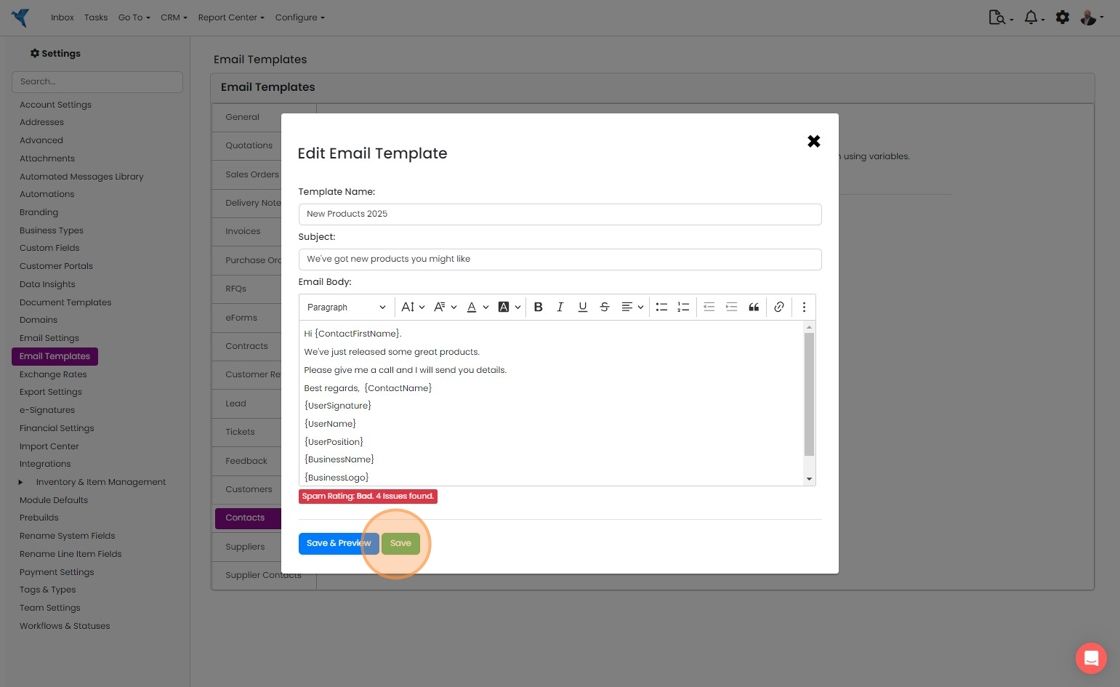
Use the "Save" button to save without previewing
Click "×" to close it
Learn more: email templates in Zigaflow
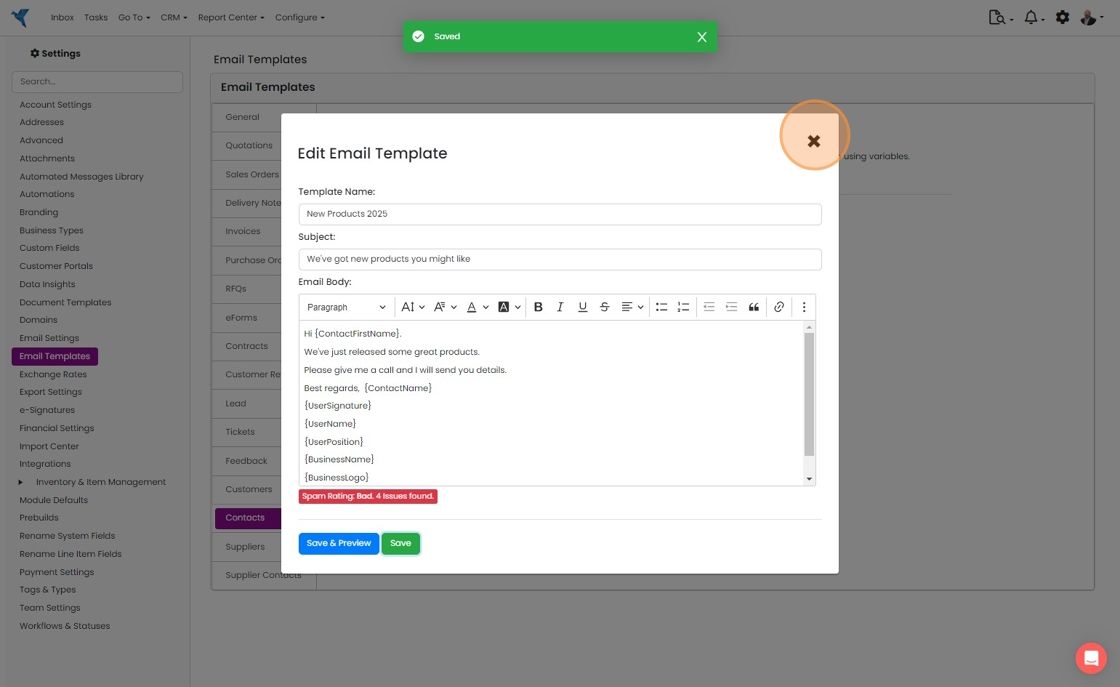


These are used for the bulk emailing from Zigaflow, not from MailChimp.
Open the email templates
Frequently asked questions
Was this helpful?