Win work
Creating a new version of a quotation from the list view
The short answer
To create a new version of a quotation from the list view, click Go To, then Quotations, then the plus (+) icon, and choose New Version or New Version via pre-Build. Zigaflow copies across your sections and items and creates the new version under the same quotation ID.
Steps
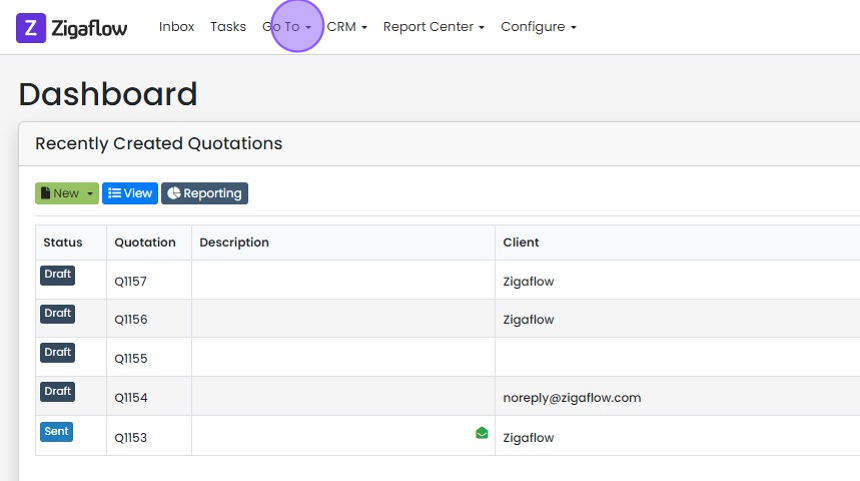
Click "Go To"
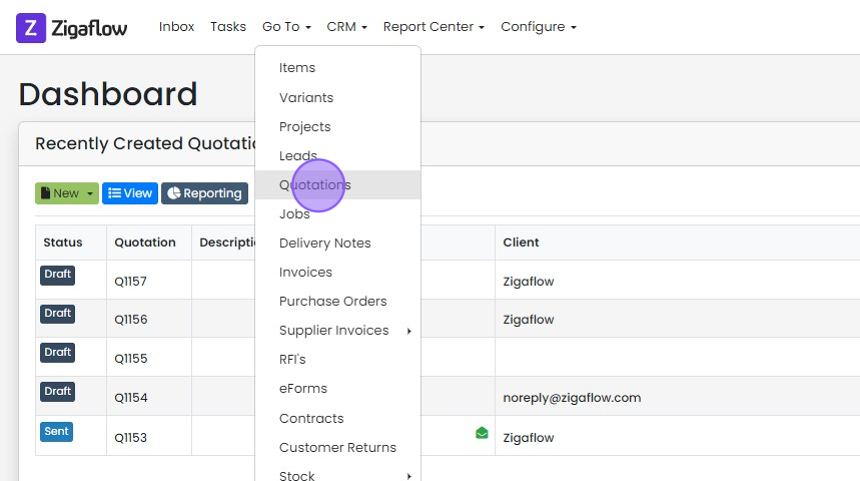
Click "Quotations"
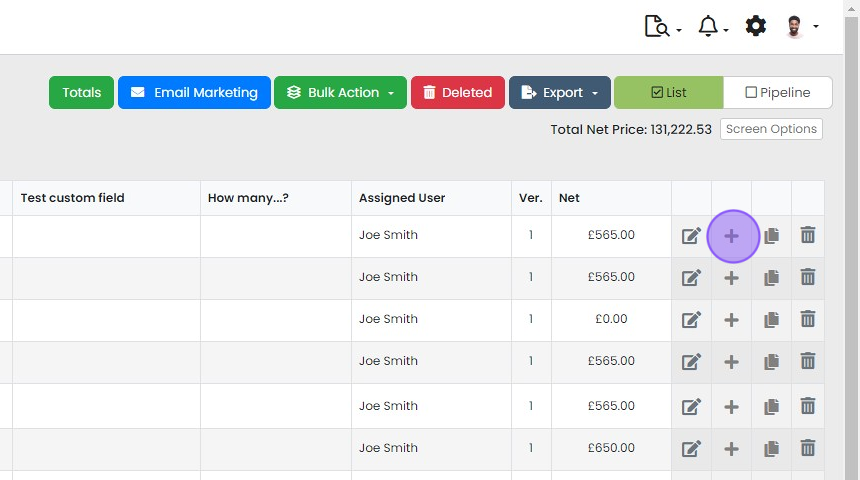
Click the plus (+) icon
Choose "New Version" or "New Version via pre-Build"
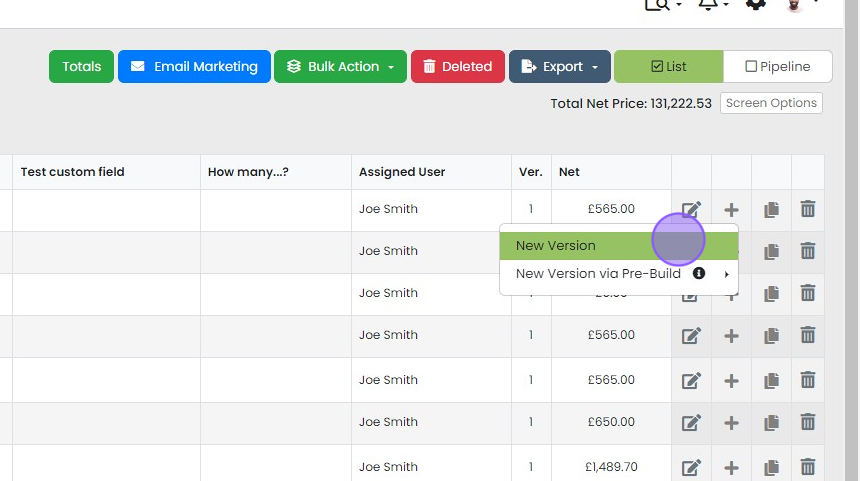
This copies across your sections and items, and creates a new version using the same quotation ID
This copies across your sections and items, and creates a new version using the same quotation ID.
The system retains your previous versions so these can be referred to or even reinstated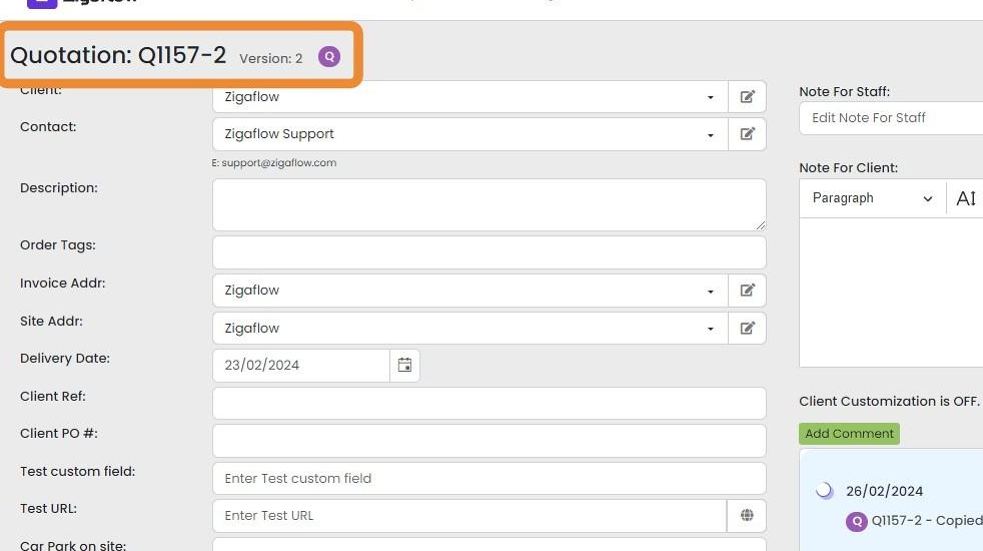


Frequently asked questions
Next step
Every planWas this helpful?