Win work
Getting customer signature/approval
The short answer
To get a customer to sign or approve a quotation, open the quotation in Zigaflow, click Preview PDF & Email, then Email. The email contains a link to the customer signature page. You can also copy the link from the Review Link field and send it yourself. The customer then enters their details and clicks Accept Quotation.
Steps
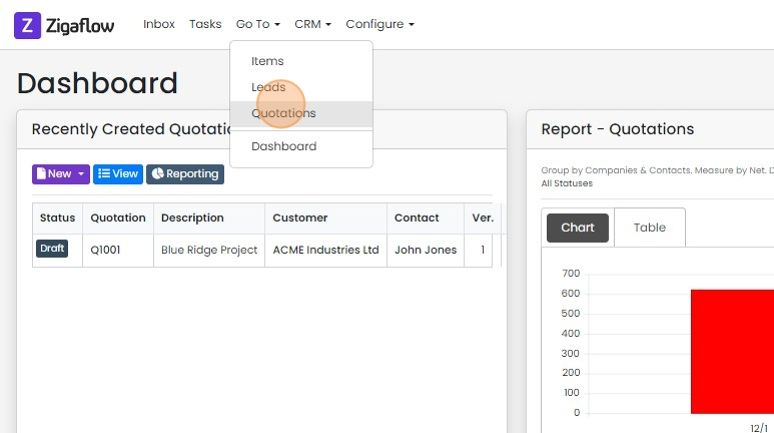
Open the quotation you want to send to your customer. Click "Go To" -> Quotations
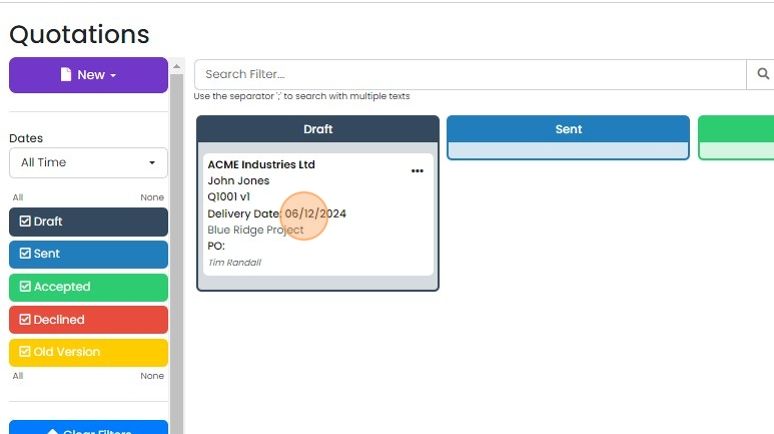
Open the quotation
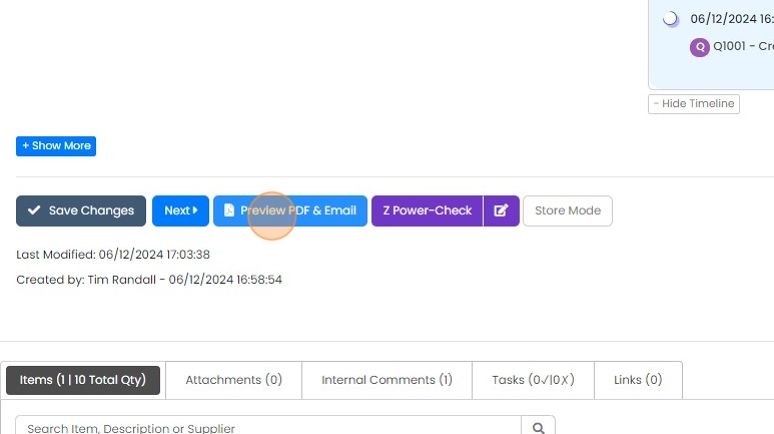
Click "Preview PDF & Email"
Click "Email"

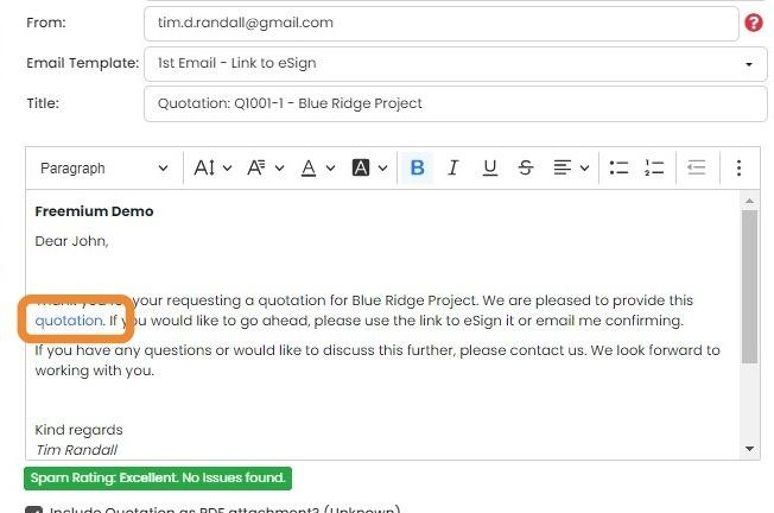
On the email, there is a link to the customer signature page. Send the email to the customer
Or copy the link in the "Review Link" field and send it to the customer in your own email
How the customer accepts
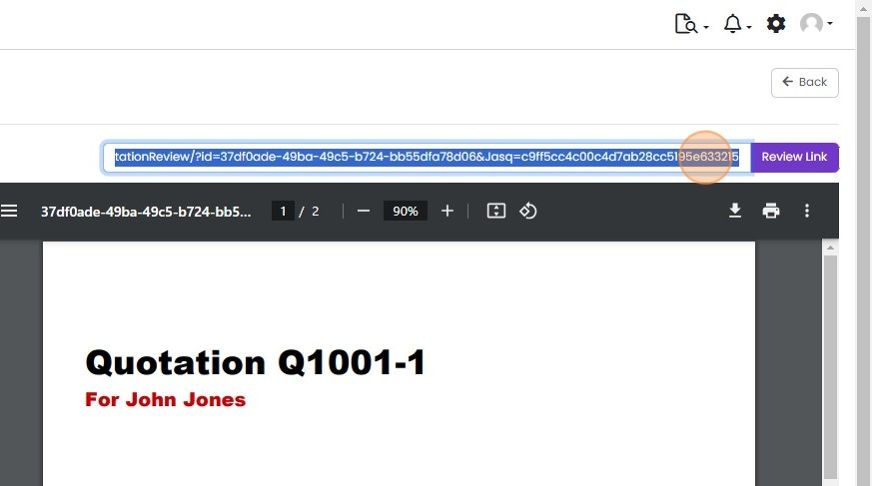
The customer will see a page with the PDF shown on the right and an "Accept" button for them to approve...
The customer will see a page with the PDF shown on the right and an "Accept" button for them to approve the quotation on the left
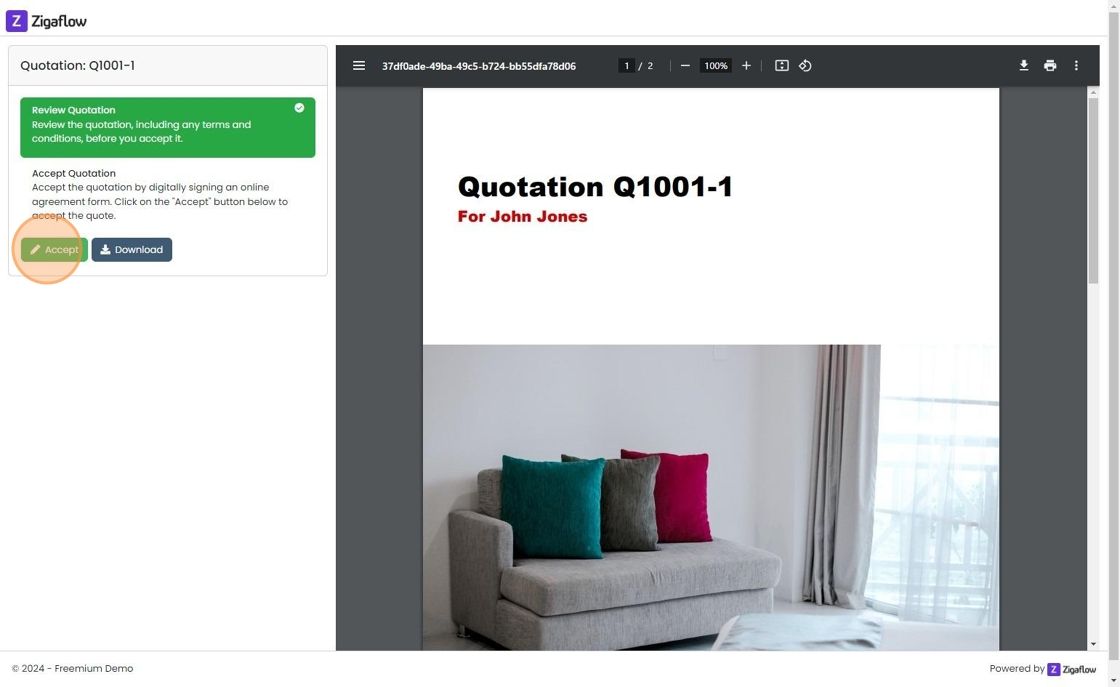
The customer enters their details and clicks on "Accept Quotation"
After the quotation is accepted
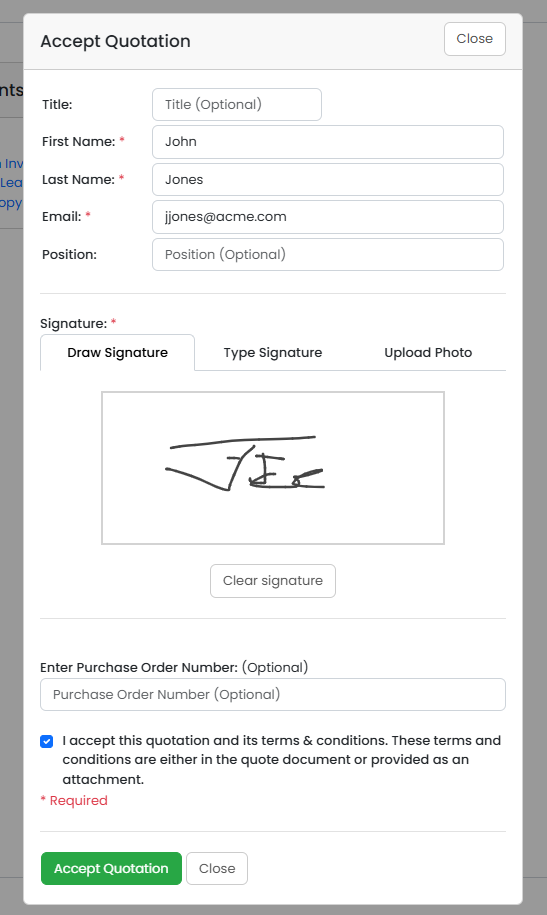
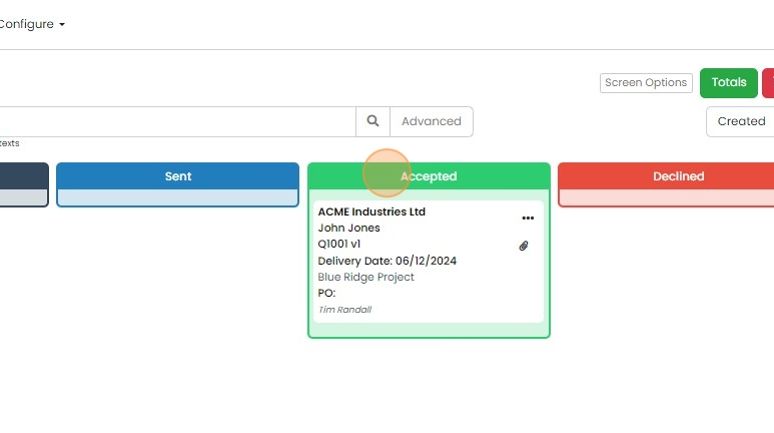
The quotation moves automatically to the "Accepted" status
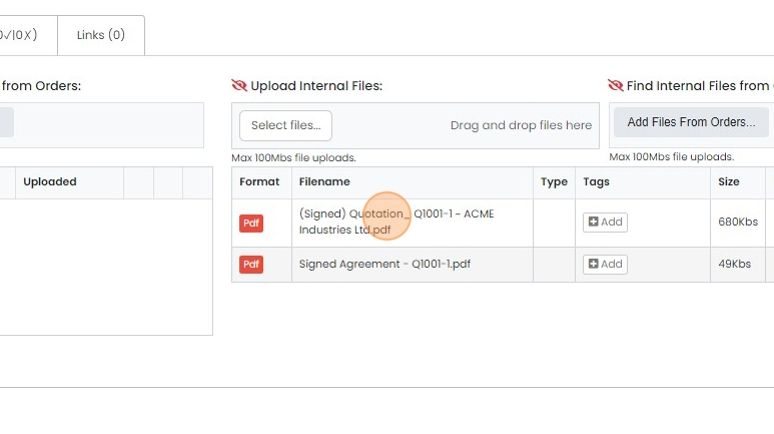
The signed PDF is automatically saved on the quotation in the "Attachments"
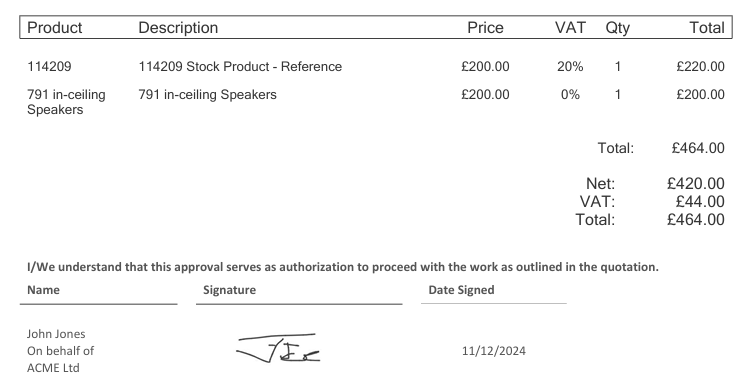
The signature section of the PDF will look similar to this
Learn more: quotes in Zigaflow


Send the quotation to your customer
Frequently asked questions
Next step
Every planWas this helpful?